
Montage PC
DisplayNote Technologies Ltd
ดาวน์โหลด Montage บนพีซีด้วย GameLoop Emulator
Montage บน PC
Montage มาจากผู้พัฒนา DisplayNote Technologies Ltd ที่เคยรันบนระบบปฏิบัติการ Android มาก่อน
ตอนนี้คุณสามารถเล่น Montage บนพีซีด้วย GameLoop ได้อย่างราบรื่น
ดาวน์โหลดในไลบรารี GameLoop หรือผลการค้นหา ไม่ต้องสนใจแบตเตอรี่หรือโทรผิดเวลาอีกต่อไป
เพียงเพลิดเพลินกับ Montage PC บนหน้าจอขนาดใหญ่ฟรี!
Montage บทนำ
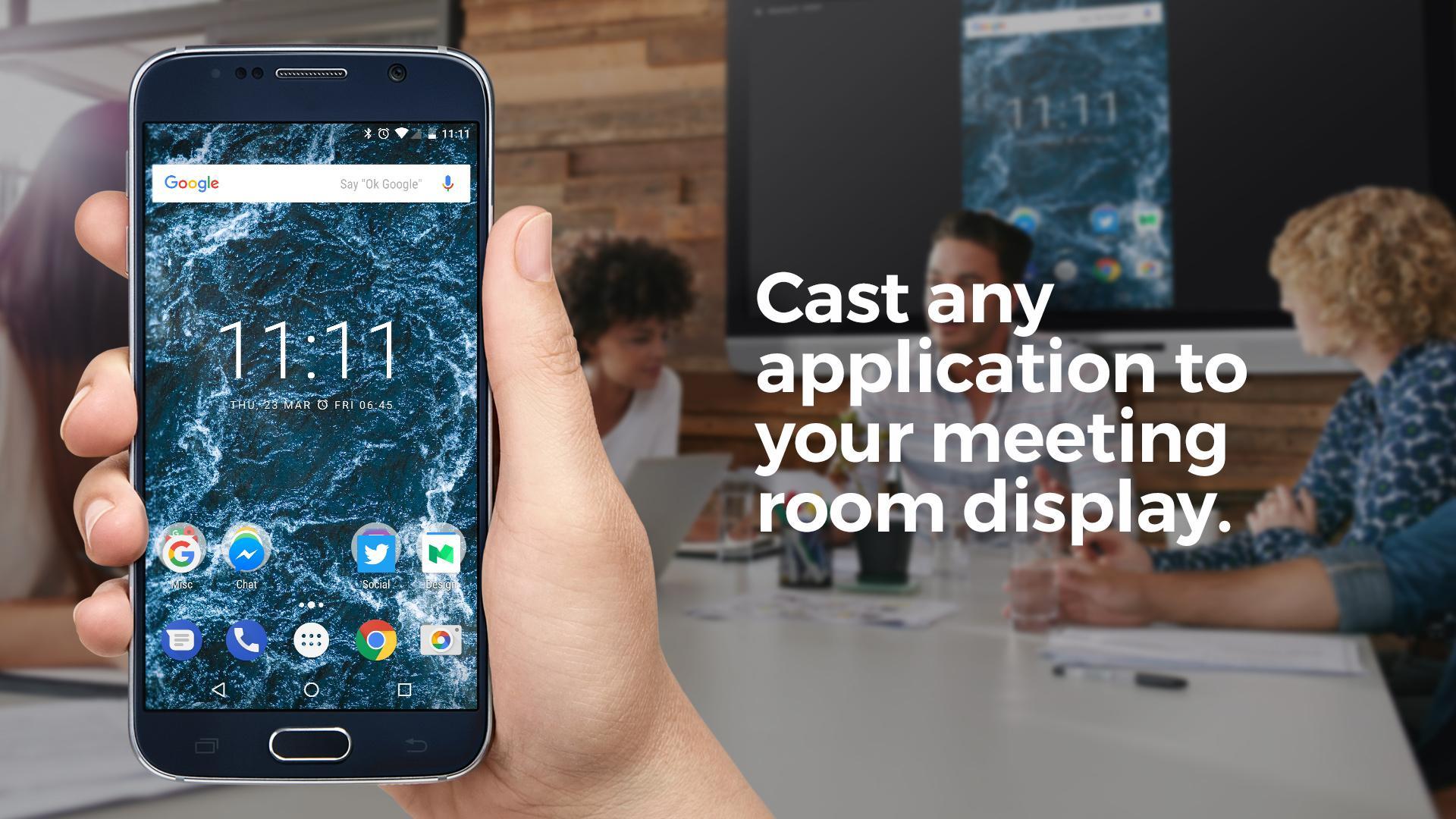
Using the native Android app, meeting attendees can connect to a Montage for Meetings session and cast their Android screen to the main meeting room screen.
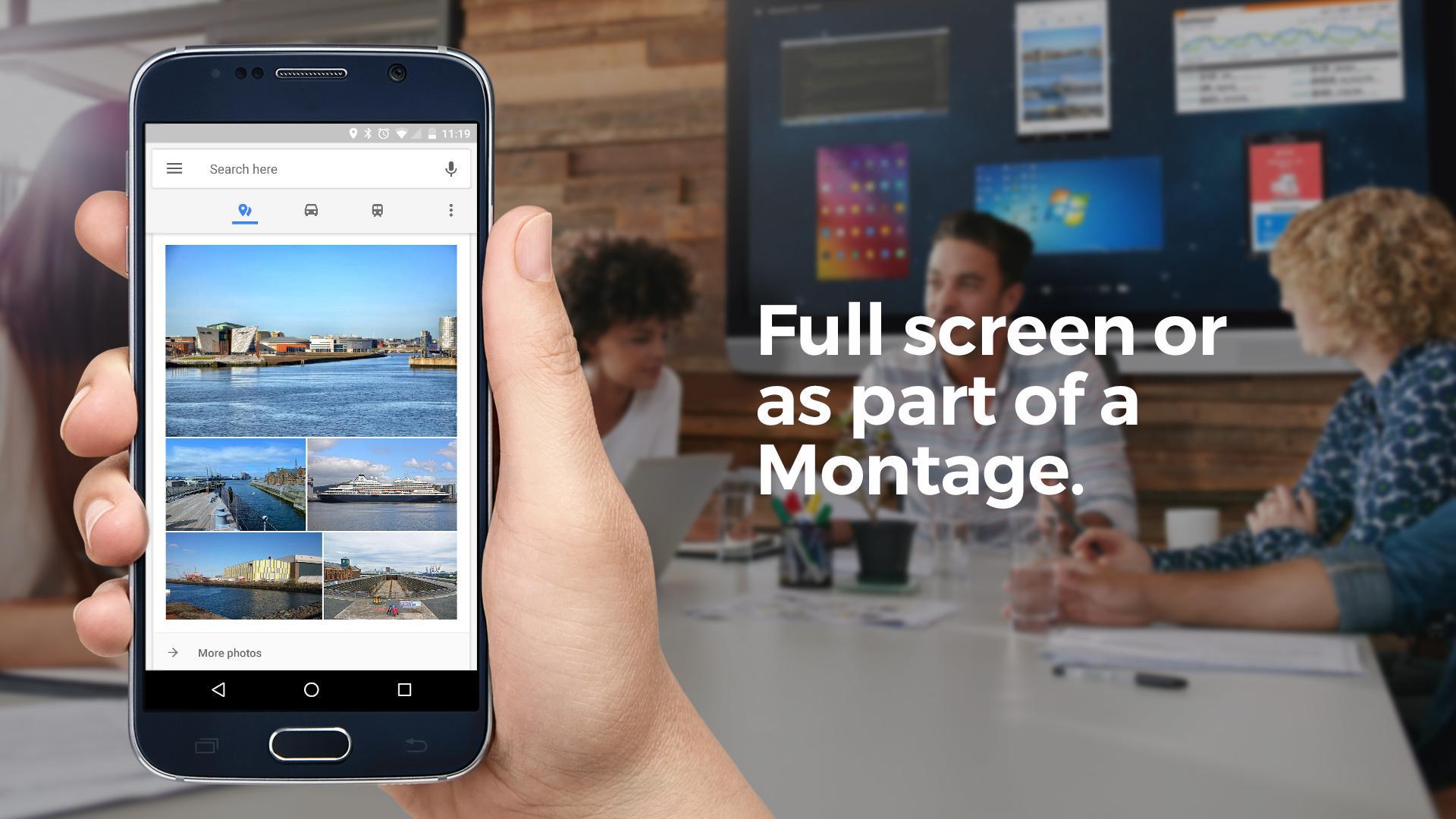
Once connected, they can choose to make their Android device full screen on the meeting room display or view it as part of a Montage alongside other attendee devices.
Users can also draw on the active display, view and draw on a whiteboard and share and receive files.
Montage for Meetings on Android allows users to join a meeting and cast their device both in the meeting room and when remote.
Remote attendees can also use their device camera and microphone to make video and voice calls to others in the meeting room. In addition, remote attendees can view what's happening on the main meeting room screen right from their mobile device.
The Montage for Meetings application works alongside the Montage Wireless Presentation System.
The app also features a menu controller – this means options like ‘make active display, pause session etc can be done via the Android notifications bar.
ดูตัวอย่าง
ข้อมูล
นักพัฒนา
DisplayNote Technologies Ltd
เวอร์ชั่นล่าสุด
2.3.0-6994880
อัพเดทล่าสุด
2017-11-23
หมวดหมู่
ประสิทธิภาพการทำงาน
มีจำหน่ายที่
Google Play
แสดงมากขึ้น
วิธีเล่น Montage ด้วย GameLoop บน PC
1. ดาวน์โหลด GameLoop จากเว็บไซต์ทางการ จากนั้นเรียกใช้ไฟล์ exe เพื่อติดตั้ง GameLoop
2. เปิด GameLoop และค้นหา "Montage" ค้นหา Montage ในผลการค้นหาแล้วคลิก "ติดตั้ง"
3. สนุกกับการเล่น Montage บน GameLoop
Minimum requirements
OS
Windows 8.1 64-bit or Windows 10 64-bit
GPU
GTX 1050
CPU
i3-8300
Memory
8GB RAM
Storage
1GB available space
Recommended requirements
OS
Windows 8.1 64-bit or Windows 10 64-bit
GPU
GTX 1050
CPU
i3-9320
Memory
16GB RAM
Storage
1GB available space