
MindBoard Free ( for S Pen ) PC
MindBoard Apps
ดาวน์โหลด MindBoard Free ( for S Pen ) บนพีซีด้วย GameLoop Emulator
MindBoard Free ( for S Pen ) บน PC
MindBoard Free ( for S Pen ) มาจากผู้พัฒนา MindBoard Apps ที่เคยรันบนระบบปฏิบัติการ Android มาก่อน
ตอนนี้คุณสามารถเล่น MindBoard Free ( for S Pen ) บนพีซีด้วย GameLoop ได้อย่างราบรื่น
ดาวน์โหลดในไลบรารี GameLoop หรือผลการค้นหา ไม่ต้องสนใจแบตเตอรี่หรือโทรผิดเวลาอีกต่อไป
เพียงเพลิดเพลินกับ MindBoard Free ( for S Pen ) PC บนหน้าจอขนาดใหญ่ฟรี!
MindBoard Free ( for S Pen ) บทนำ
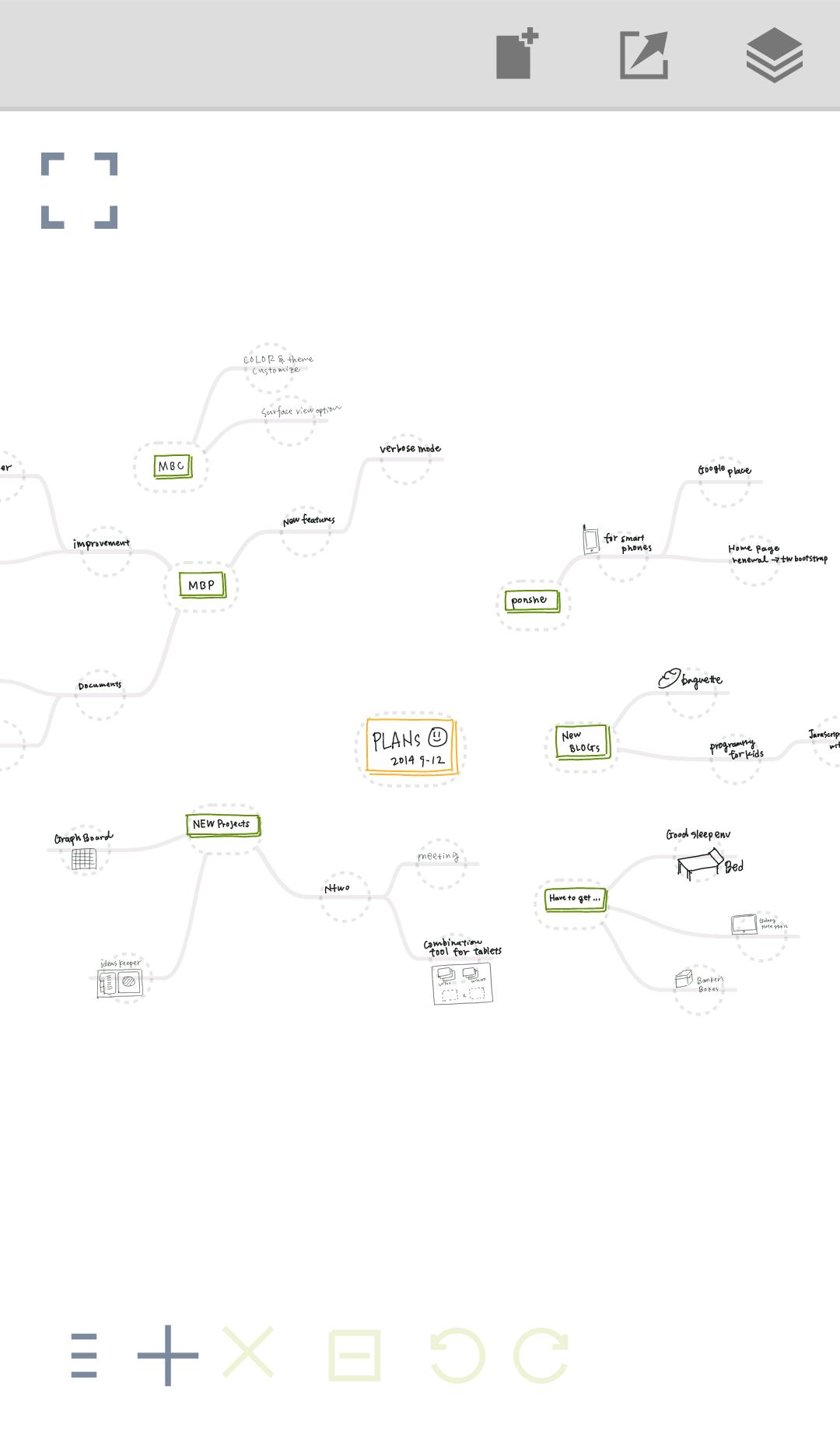
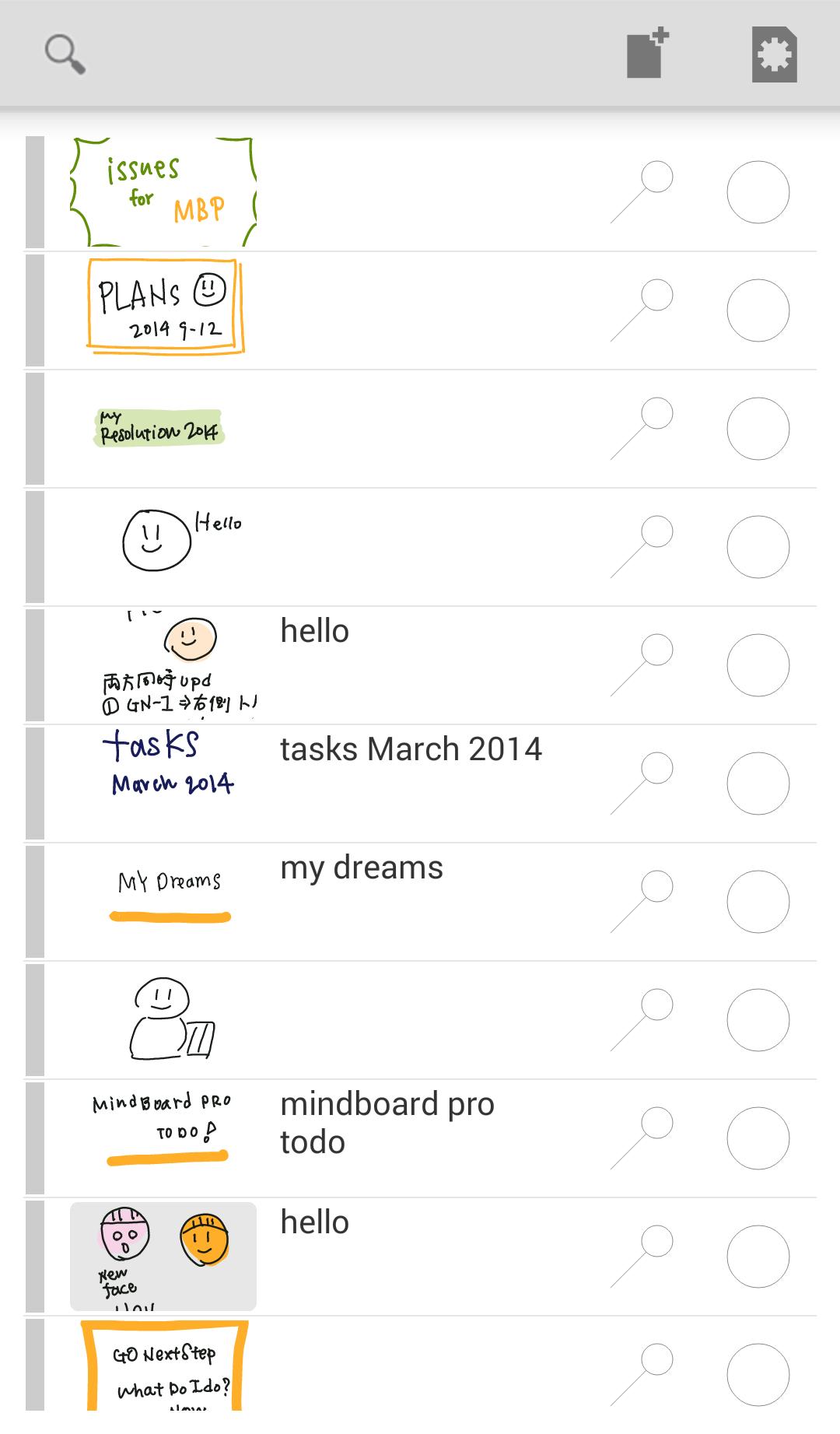
This is a simple handwriting mind mapping app for tablets.
# User Guide
* https://mindboard.github.io/mindboard-user-guide/
# Key Features
* Freehand / handwriting mind mapping
* Map : zoom and scroll , node collapsing and expanding
* Pen : multiple colours and multiple weight
* Branch : multiple colours
* Multipule undo / redo
* PNG / PDF export
* It's tested with Galaxy Tab A with S Pen.
# Free Edition Limitation
* PDF export
* Theme Editor
Your question or comment will be much appreciated.
* Contact Information : https://www.mindboardapps.com/contact.html
ดูตัวอย่าง
ข้อมูล
นักพัฒนา
MindBoard Apps
เวอร์ชั่นล่าสุด
1.3.2
อัพเดทล่าสุด
2019-10-12
หมวดหมู่
ประสิทธิภาพการทำงาน
มีจำหน่ายที่
Google Play
แสดงมากขึ้น
วิธีเล่น MindBoard Free ( for S Pen ) ด้วย GameLoop บน PC
1. ดาวน์โหลด GameLoop จากเว็บไซต์ทางการ จากนั้นเรียกใช้ไฟล์ exe เพื่อติดตั้ง GameLoop
2. เปิด GameLoop และค้นหา "MindBoard Free ( for S Pen )" ค้นหา MindBoard Free ( for S Pen ) ในผลการค้นหาแล้วคลิก "ติดตั้ง"
3. สนุกกับการเล่น MindBoard Free ( for S Pen ) บน GameLoop
Minimum requirements
OS
Windows 8.1 64-bit or Windows 10 64-bit
GPU
GTX 1050
CPU
i3-8300
Memory
8GB RAM
Storage
1GB available space
Recommended requirements
OS
Windows 8.1 64-bit or Windows 10 64-bit
GPU
GTX 1050
CPU
i3-9320
Memory
16GB RAM
Storage
1GB available space