LinkBox PC
Ridgecrest
ดาวน์โหลด LinkBox บนพีซีด้วย GameLoop Emulator
LinkBox บน PC
LinkBox มาจากผู้พัฒนา Ridgecrest ที่เคยรันบนระบบปฏิบัติการ Android มาก่อน
ตอนนี้คุณสามารถเล่น LinkBox บนพีซีด้วย GameLoop ได้อย่างราบรื่น
ดาวน์โหลดในไลบรารี GameLoop หรือผลการค้นหา ไม่ต้องสนใจแบตเตอรี่หรือโทรผิดเวลาอีกต่อไป
เพียงเพลิดเพลินกับ LinkBox PC บนหน้าจอขนาดใหญ่ฟรี!
LinkBox บทนำ
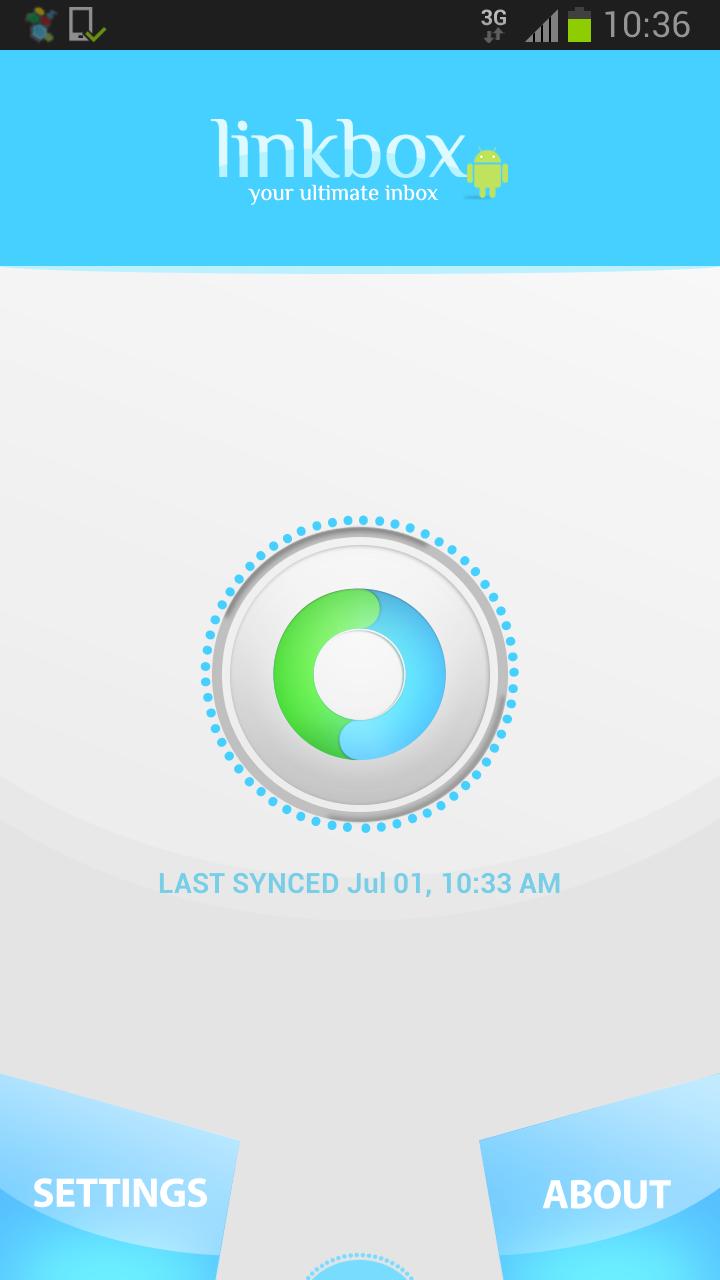
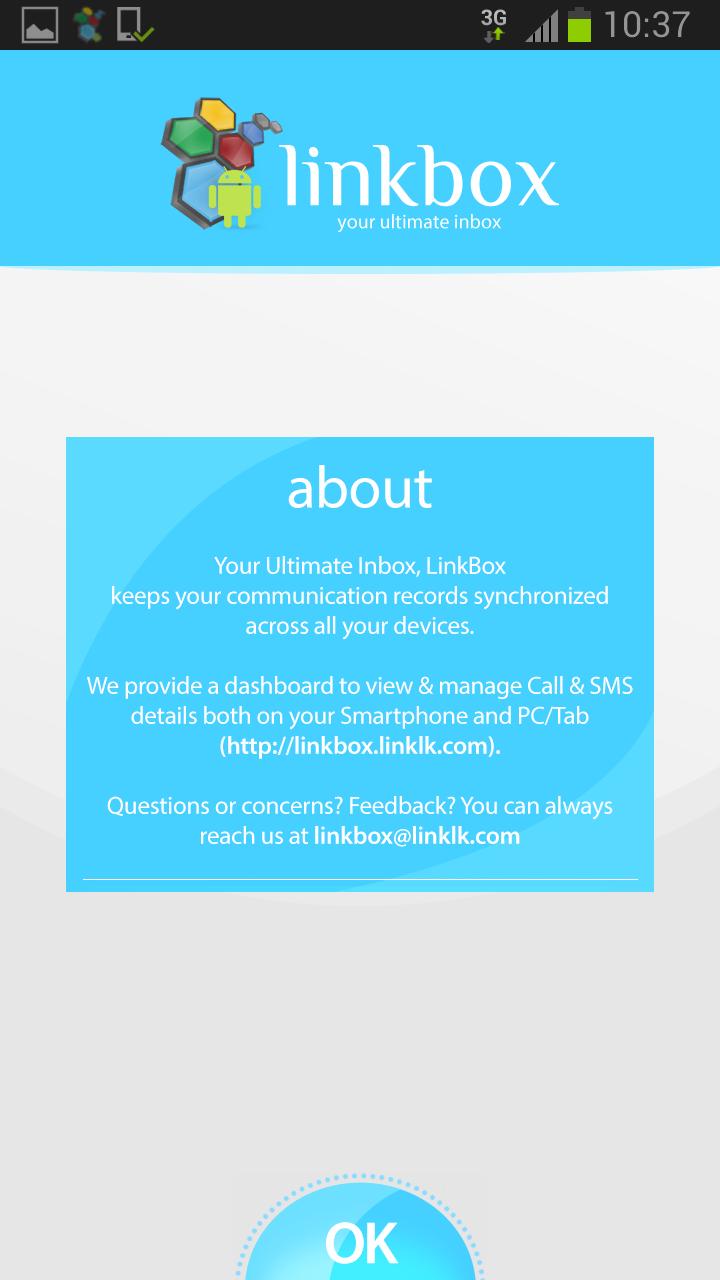
With the “LinkBox” Android® app, you can track your Call History, SMS Messages and GPRS usage at any time, at your convenience. It acts as an Inbox for your mobile phone operations. Apart from that the application lets you search through contents of SMS messages, call history and several other features.
HOW IT HAPPENS
You need to access the application online through http://linkbox.linklk.com/ to view who called or messaged, your data usage, how long the call lasted, when the last time you spoke or messaged and so on.
FEATURES
* Real-time, scheduled or manual syncs with a highly secured server.
* Set log tracking according to your preference.
* Utmost confidentiality for your synced data.
* Manage your calls online.
* Search your call history.
* Search through your SMS message archives (encrypted with your pin)
* Monitor your GPRS/WIFI usage.
* Control the app functions directly from LinkBox web console.
NOTES:
* The application needs to be authorized at the installation by one-time SMS.
* Carrier data chargers may apply while sync
We are always excited to hear from you! If you have any feedback, questions, or concerns, please email us at: linkbox@linklk.com
ดูตัวอย่าง
ข้อมูล
นักพัฒนา
Ridgecrest
เวอร์ชั่นล่าสุด
2.11.10
อัพเดทล่าสุด
2013-10-10
หมวดหมู่
ประสิทธิภาพการทำงาน
มีจำหน่ายที่
Google Play
แสดงมากขึ้น
วิธีเล่น LinkBox ด้วย GameLoop บน PC
1. ดาวน์โหลด GameLoop จากเว็บไซต์ทางการ จากนั้นเรียกใช้ไฟล์ exe เพื่อติดตั้ง GameLoop
2. เปิด GameLoop และค้นหา "LinkBox" ค้นหา LinkBox ในผลการค้นหาแล้วคลิก "ติดตั้ง"
3. สนุกกับการเล่น LinkBox บน GameLoop
Minimum requirements
OS
Windows 8.1 64-bit or Windows 10 64-bit
GPU
GTX 1050
CPU
i3-8300
Memory
8GB RAM
Storage
1GB available space
Recommended requirements
OS
Windows 8.1 64-bit or Windows 10 64-bit
GPU
GTX 1050
CPU
i3-9320
Memory
16GB RAM
Storage
1GB available space