iVault-Hide Pictures & Videos PC
Ledego Mobile
ดาวน์โหลด iVault-Hide Pictures & Videos บนพีซีด้วย GameLoop Emulator
iVault-Hide Pictures & Videos บน PC
iVault-Hide Pictures & Videos มาจากผู้พัฒนา Ledego Mobile ที่เคยรันบนระบบปฏิบัติการ Android มาก่อน
ตอนนี้คุณสามารถเล่น iVault-Hide Pictures & Videos บนพีซีด้วย GameLoop ได้อย่างราบรื่น
ดาวน์โหลดในไลบรารี GameLoop หรือผลการค้นหา ไม่ต้องสนใจแบตเตอรี่หรือโทรผิดเวลาอีกต่อไป
เพียงเพลิดเพลินกับ iVault-Hide Pictures & Videos PC บนหน้าจอขนาดใหญ่ฟรี!
iVault-Hide Pictures & Videos บทนำ
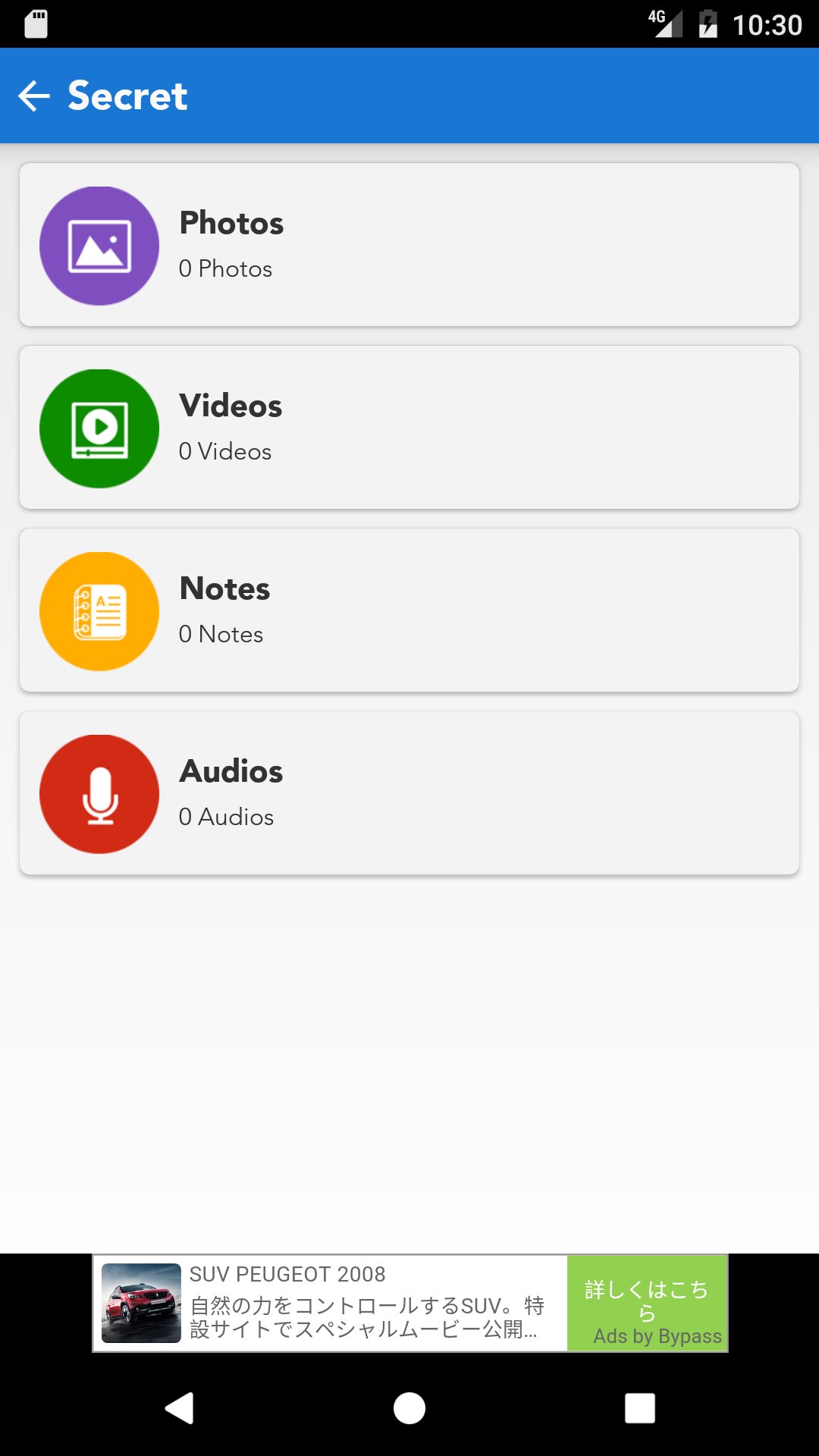
iVault is designed to hide private pictures, videos, audios, notes on your phone.
Currently there are many users worldwide using iVault to protect their mobile privacy while enjoying App Lock, Private Bookmark, Incognito Browser, Cloud Backup and many other helpful features for completely free! Join them now!
Highlight features:
• Incredible lock system graphics
• Secret Question-Answer style password retrieval system
• Folder contents are categorized as photos, videos,notes and audios
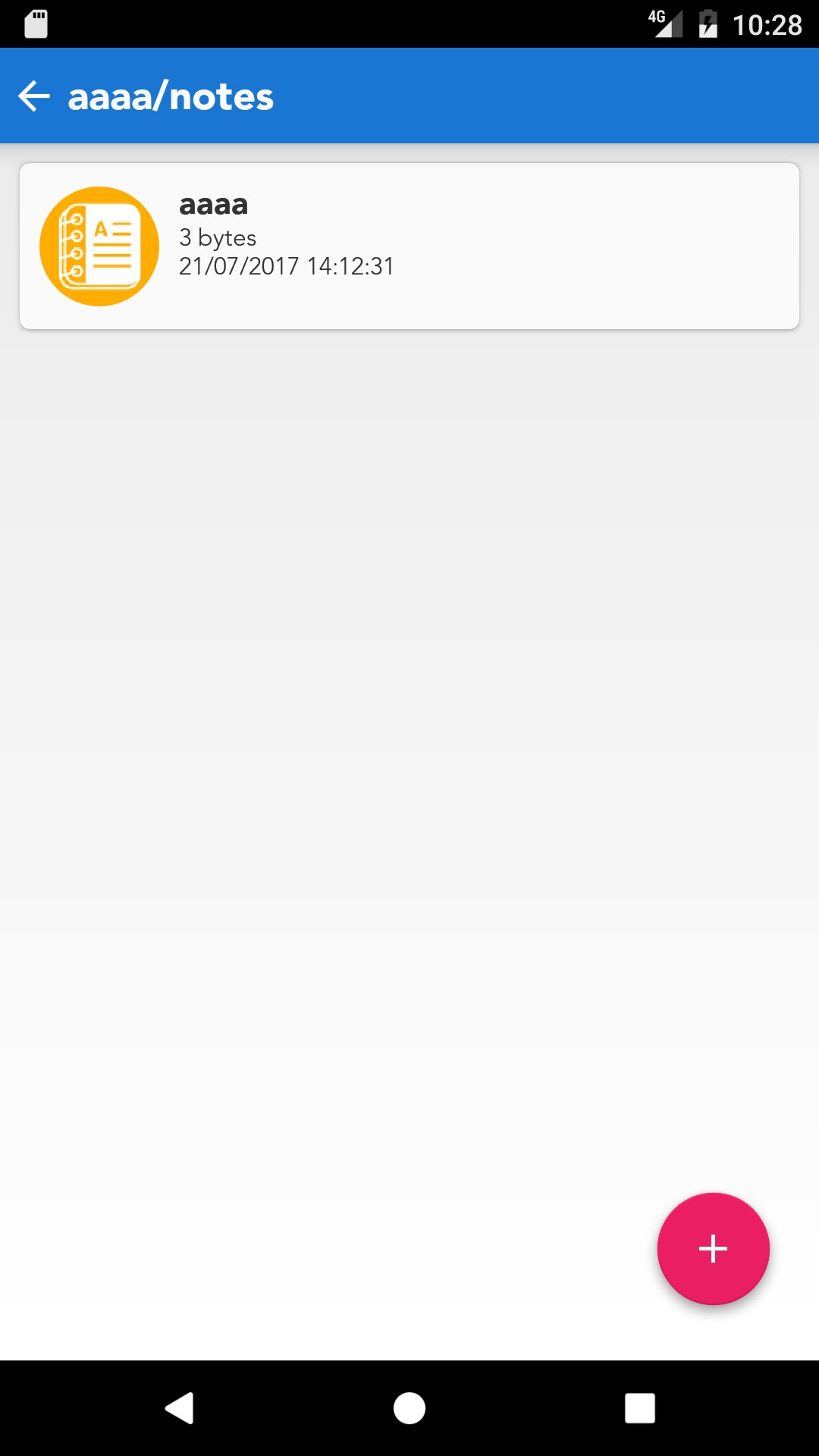
• Image dimension, data size, creation date-time display
• Email pictures, videos or notes from Password Lock
• Share files to your Dropbox account if you like to transfer those from Password Lock to your PC
• Dynamic folder thumbnail view display
• Open In functionality added to open photos, videos and notes via other apps installed in users' devices
• Photo quick look and print option
• User manual
• User Feedback option so that iVault development team can communicate with its users to improve the product quality
• Sync with Dropbox
• Wifi transfer
ดูตัวอย่าง
ข้อมูล
นักพัฒนา
Ledego Mobile
เวอร์ชั่นล่าสุด
1.0
อัพเดทล่าสุด
2017-07-26
หมวดหมู่
ประสิทธิภาพการทำงาน
มีจำหน่ายที่
Google Play
แสดงมากขึ้น
วิธีเล่น iVault-Hide Pictures & Videos ด้วย GameLoop บน PC
1. ดาวน์โหลด GameLoop จากเว็บไซต์ทางการ จากนั้นเรียกใช้ไฟล์ exe เพื่อติดตั้ง GameLoop
2. เปิด GameLoop และค้นหา "iVault-Hide Pictures & Videos" ค้นหา iVault-Hide Pictures & Videos ในผลการค้นหาแล้วคลิก "ติดตั้ง"
3. สนุกกับการเล่น iVault-Hide Pictures & Videos บน GameLoop
Minimum requirements
OS
Windows 8.1 64-bit or Windows 10 64-bit
GPU
GTX 1050
CPU
i3-8300
Memory
8GB RAM
Storage
1GB available space
Recommended requirements
OS
Windows 8.1 64-bit or Windows 10 64-bit
GPU
GTX 1050
CPU
i3-9320
Memory
16GB RAM
Storage
1GB available space