Flowchart Studio PC
Bianca's House
ดาวน์โหลด Flowchart Studio บนพีซีด้วย GameLoop Emulator
Flowchart Studio บน PC
Flowchart Studio มาจากผู้พัฒนา Bianca's House ที่เคยรันบนระบบปฏิบัติการ Android มาก่อน
ตอนนี้คุณสามารถเล่น Flowchart Studio บนพีซีด้วย GameLoop ได้อย่างราบรื่น
ดาวน์โหลดในไลบรารี GameLoop หรือผลการค้นหา ไม่ต้องสนใจแบตเตอรี่หรือโทรผิดเวลาอีกต่อไป
เพียงเพลิดเพลินกับ Flowchart Studio PC บนหน้าจอขนาดใหญ่ฟรี!
Flowchart Studio บทนำ
Designed for anyone wanting to design a process, or a complex algorithm, such as planning the "edge cases" of a UI.
The Flowchart is reborn with the new simple Standard Notation.
Add and Move steps with drag n drop. For those users who prefer not to drag their fingers across their tablet's screen, the user-interface also works equally well with Point-n-Tap.
You tell the app which steps, and their order: it draws the perfect flowchart.
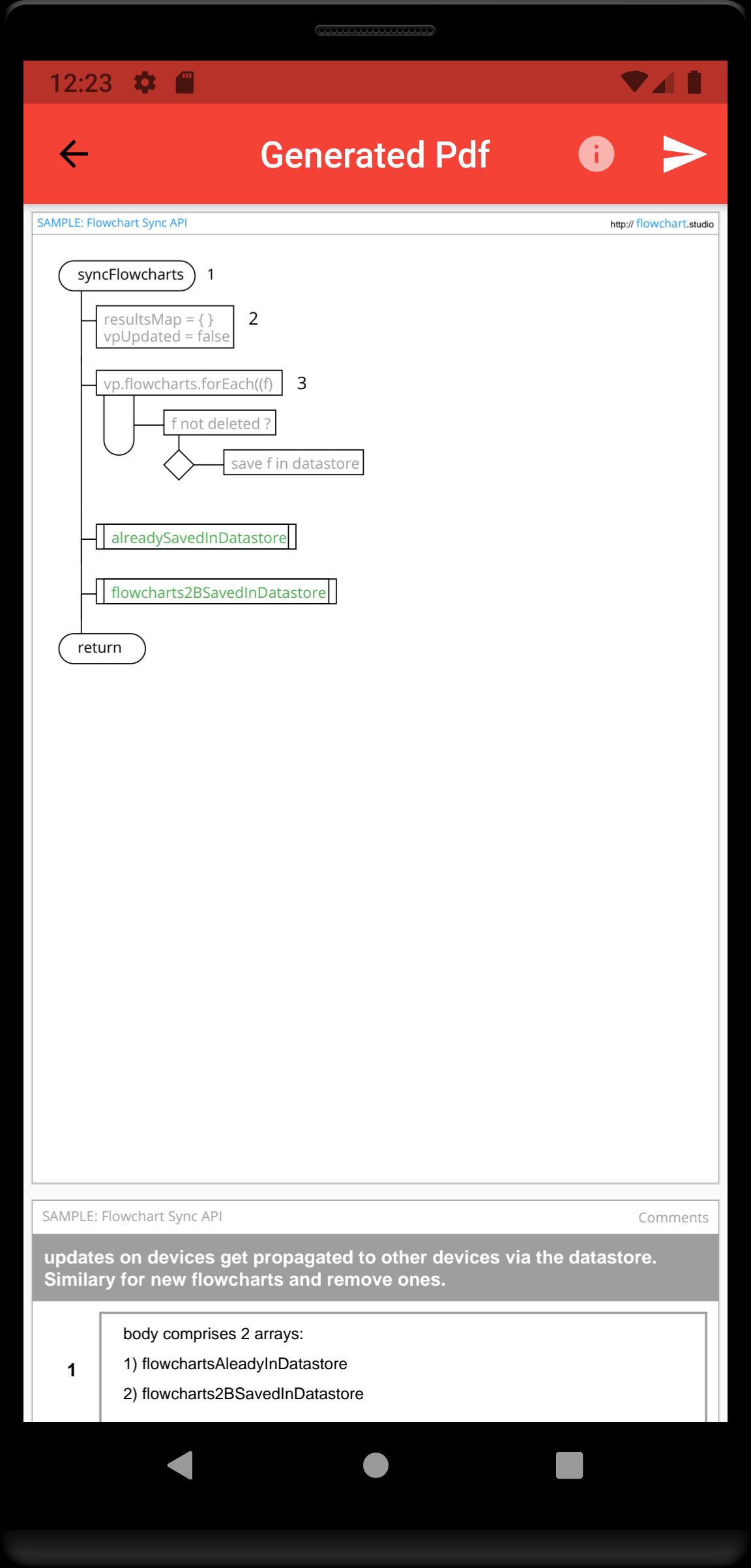
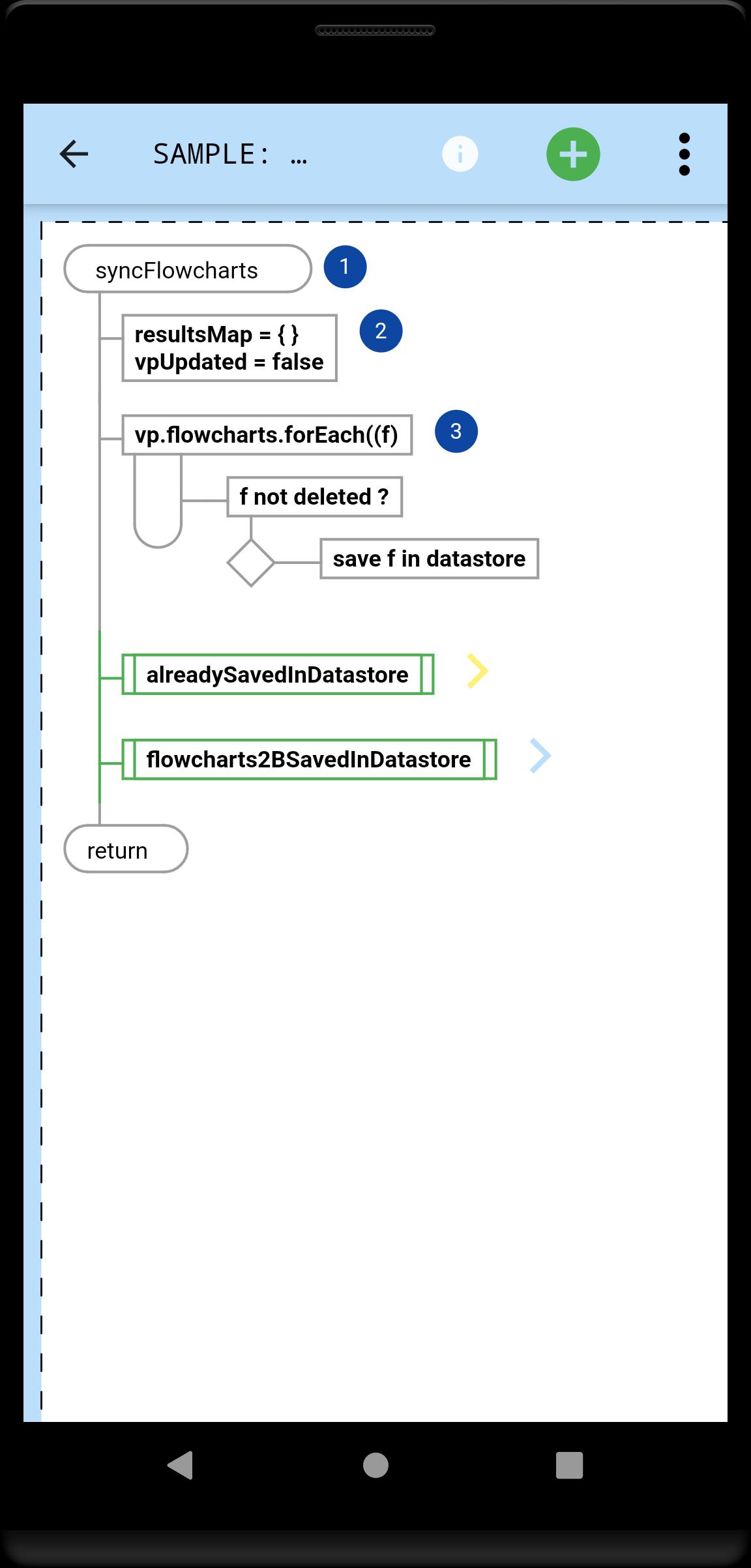
A Flowchart is a tree of Steps. Coders will instantly be familiar with any flowchart, because they now flow just like their code.
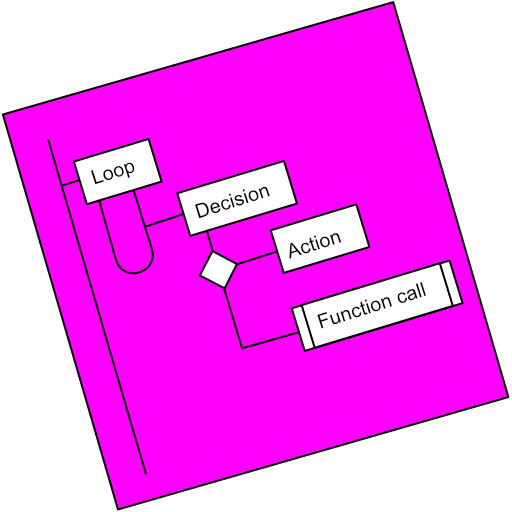
A Step is either a Loop, a Decision or an Action (or Async Action for coders).
Flowcharts can be linked (Function Call steps).
Every step can be annotated with Text and an Image.
Your step annotations get collated and added to your generated Pdfs.
Your flowcharts are saved on your device, and can be sync'd to our Cloud, allowing you to access them from all your devices.
ดูตัวอย่าง
แท็ก
ประสิทธิภาพการทำงานข้อมูล
นักพัฒนา
Bianca's House
เวอร์ชั่นล่าสุด
1.0.0
อัพเดทล่าสุด
2022-01-23
หมวดหมู่
ประสิทธิภาพการทำงาน
มีจำหน่ายที่
Google Play
แสดงมากขึ้น
วิธีเล่น Flowchart Studio ด้วย GameLoop บน PC
1. ดาวน์โหลด GameLoop จากเว็บไซต์ทางการ จากนั้นเรียกใช้ไฟล์ exe เพื่อติดตั้ง GameLoop
2. เปิด GameLoop และค้นหา "Flowchart Studio" ค้นหา Flowchart Studio ในผลการค้นหาแล้วคลิก "ติดตั้ง"
3. สนุกกับการเล่น Flowchart Studio บน GameLoop
Minimum requirements
OS
Windows 8.1 64-bit or Windows 10 64-bit
GPU
GTX 1050
CPU
i3-8300
Memory
8GB RAM
Storage
1GB available space
Recommended requirements
OS
Windows 8.1 64-bit or Windows 10 64-bit
GPU
GTX 1050
CPU
i3-9320
Memory
16GB RAM
Storage
1GB available space