
smartWake - Auto screen On/Off PC
Jawomo
ดาวน์โหลด smartWake - Auto screen On/Off บนพีซีด้วย GameLoop Emulator
smartWake - Auto screen On/Off บน PC
smartWake - Auto screen On/Off มาจากผู้พัฒนา Jawomo ที่เคยรันบนระบบปฏิบัติการ Android มาก่อน
ตอนนี้คุณสามารถเล่น smartWake - Auto screen On/Off บนพีซีด้วย GameLoop ได้อย่างราบรื่น
ดาวน์โหลดในไลบรารี GameLoop หรือผลการค้นหา ไม่ต้องสนใจแบตเตอรี่หรือโทรผิดเวลาอีกต่อไป
เพียงเพลิดเพลินกับ smartWake - Auto screen On/Off PC บนหน้าจอขนาดใหญ่ฟรี!
smartWake - Auto screen On/Off บทนำ
With smartWake you can easily wake the screen of your phone without pressing any buttons!
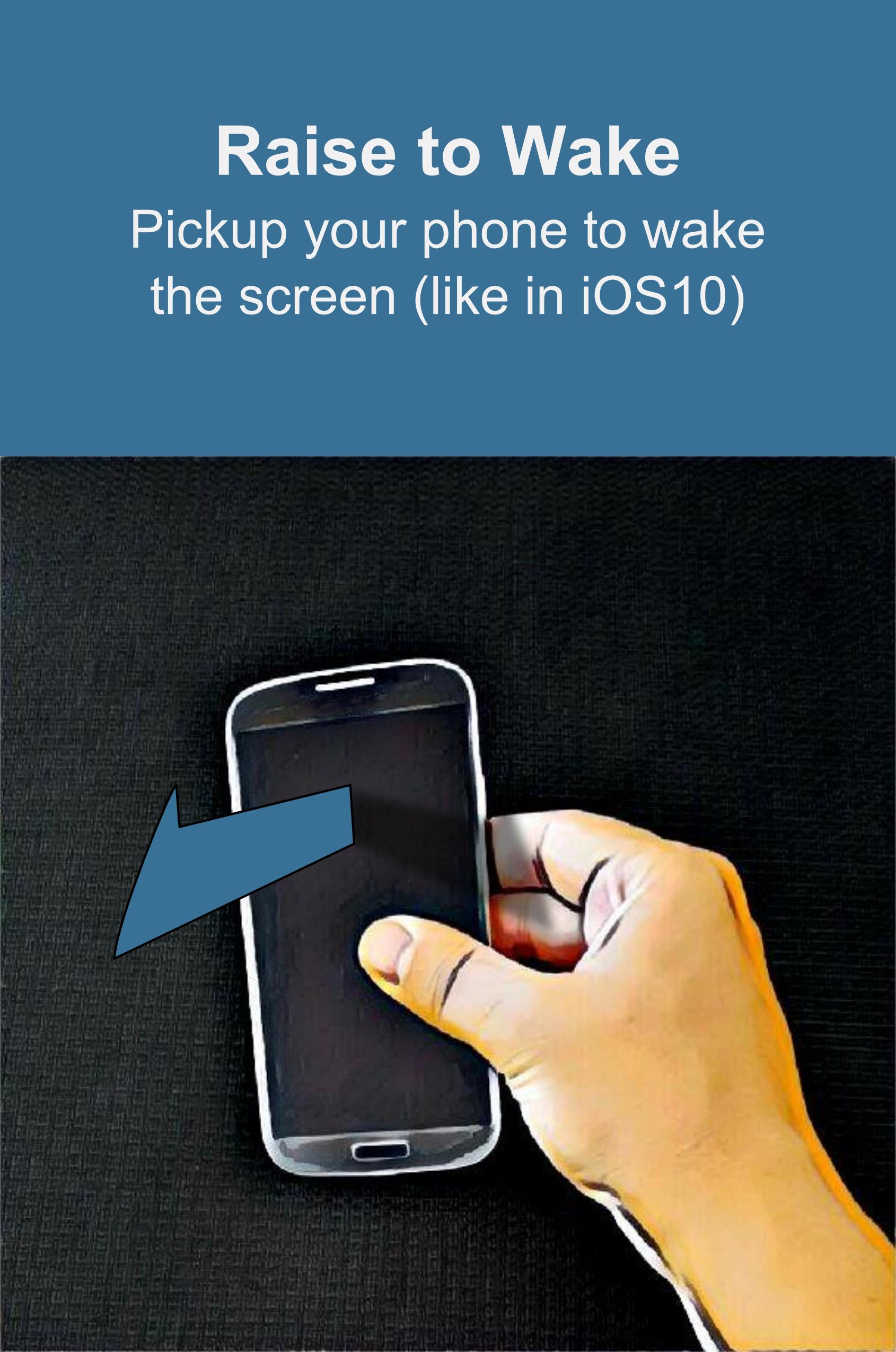
No need for tap to wake or similar. With Raise to Wake(like in iOS 10) you just have to pick op your phone to turn the screen on!
Use the innovative face wake technology to wake the phone when you look at it!
FEATURES:
• Raise to Wake the screen (like in iOS 10)
• Face wake, turn the screen on when you look at the phone!
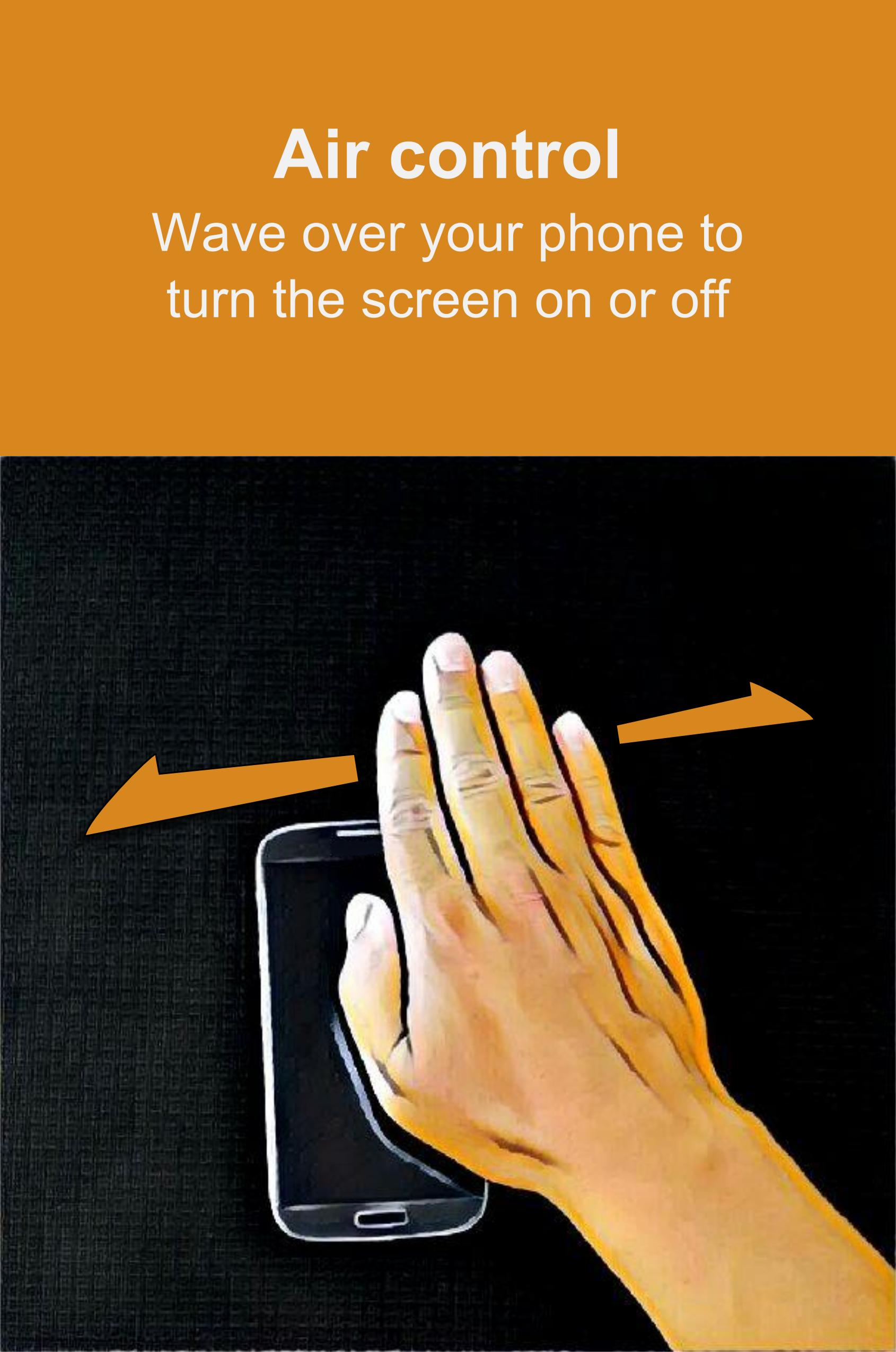
• Air control, turn the screen on or off by waving your hand over the phone
• Tilt control, rotate your phone to turn the screen on
• Sleep in pocket, turn the screen off when the phone is in a pocket
• Sleep on table, turn the screen off when you put the phone on a table
• Wake the screen on notifications
• No need for tap to wake the screen anymore!
Permission usages:
BIND_DEVICE_ADMIN : Used to turn off the screen only
INFO - SUPPORT - BETA RELEASES - TRANSLATIONS
• Link: https://plus.google.com/communities/100241188820321255499
• Please note that not all e-mails can be replied instantly. But I will try to fix every bug asap.
This app uses the Device Administrator permission.
ดูตัวอย่าง
ข้อมูล
นักพัฒนา
Jawomo
เวอร์ชั่นล่าสุด
1.30
อัพเดทล่าสุด
2016-11-05
หมวดหมู่
ประสิทธิภาพการทำงาน
มีจำหน่ายที่
Google Play
แสดงมากขึ้น
วิธีเล่น smartWake - Auto screen On/Off ด้วย GameLoop บน PC
1. ดาวน์โหลด GameLoop จากเว็บไซต์ทางการ จากนั้นเรียกใช้ไฟล์ exe เพื่อติดตั้ง GameLoop
2. เปิด GameLoop และค้นหา "smartWake - Auto screen On/Off" ค้นหา smartWake - Auto screen On/Off ในผลการค้นหาแล้วคลิก "ติดตั้ง"
3. สนุกกับการเล่น smartWake - Auto screen On/Off บน GameLoop
Minimum requirements
OS
Windows 8.1 64-bit or Windows 10 64-bit
GPU
GTX 1050
CPU
i3-8300
Memory
8GB RAM
Storage
1GB available space
Recommended requirements
OS
Windows 8.1 64-bit or Windows 10 64-bit
GPU
GTX 1050
CPU
i3-9320
Memory
16GB RAM
Storage
1GB available space