ADR Tool 2019 Lite PC
ANOPS Arkadiusz Neubauer
ดาวน์โหลด ADR Tool 2019 Lite บนพีซีด้วย GameLoop Emulator
ADR Tool 2019 Lite บน PC
ADR Tool 2019 Lite มาจากผู้พัฒนา ANOPS Arkadiusz Neubauer ที่เคยรันบนระบบปฏิบัติการ Android มาก่อน
ตอนนี้คุณสามารถเล่น ADR Tool 2019 Lite บนพีซีด้วย GameLoop ได้อย่างราบรื่น
ดาวน์โหลดในไลบรารี GameLoop หรือผลการค้นหา ไม่ต้องสนใจแบตเตอรี่หรือโทรผิดเวลาอีกต่อไป
เพียงเพลิดเพลินกับ ADR Tool 2019 Lite PC บนหน้าจอขนาดใหญ่ฟรี!
ADR Tool 2019 Lite บทนำ
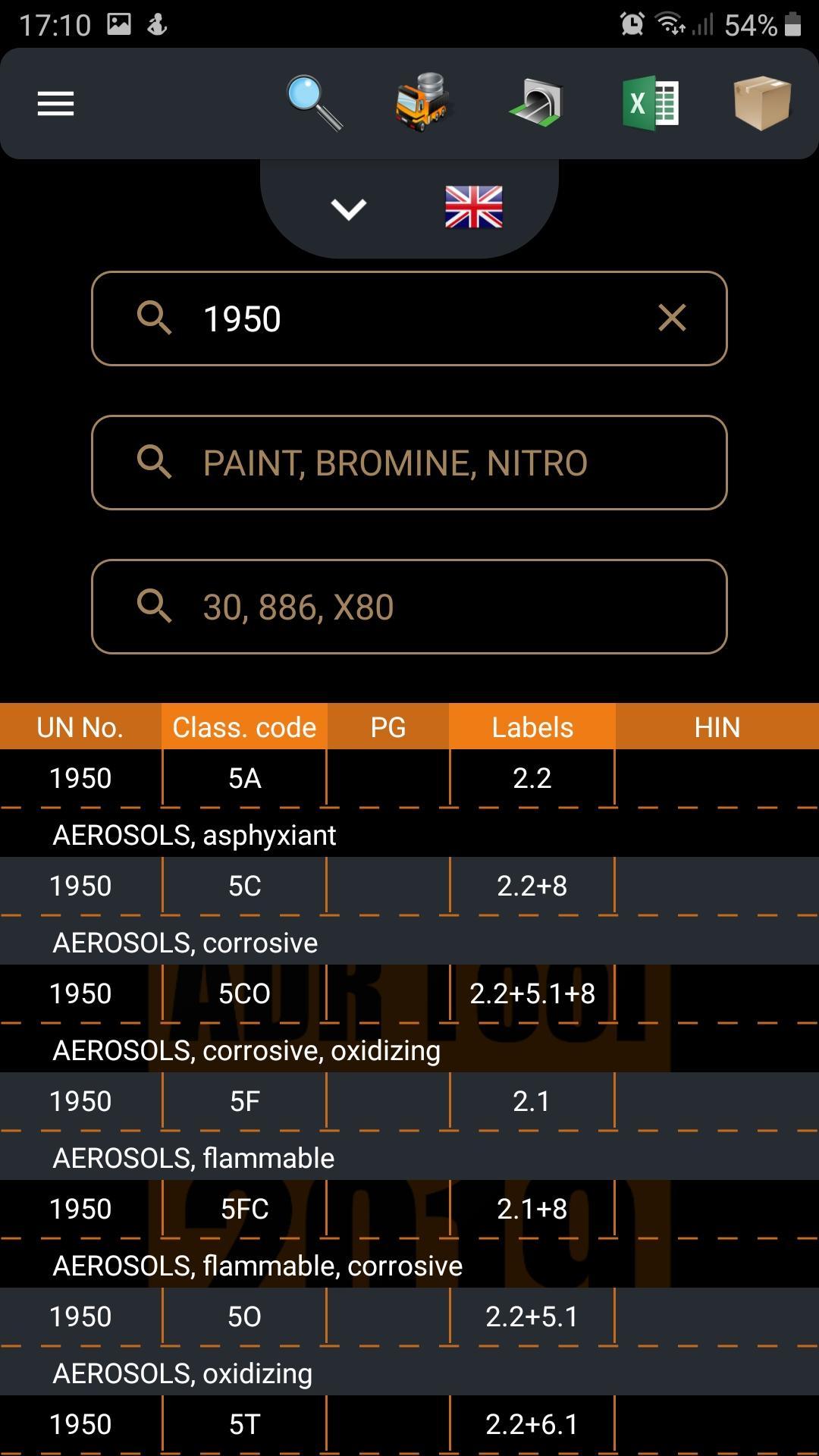
The ADR Tool 2019 Dangerous Goods free app is the most developed software in the Google Play world to solve your uncertainty and everyday issues with dangerous goods. It is now the third edition of the powerful dangerous goods app (2015, 2017, 2019).
The ADR Tool 2019 app will help you in complicated situations with ADR goods:
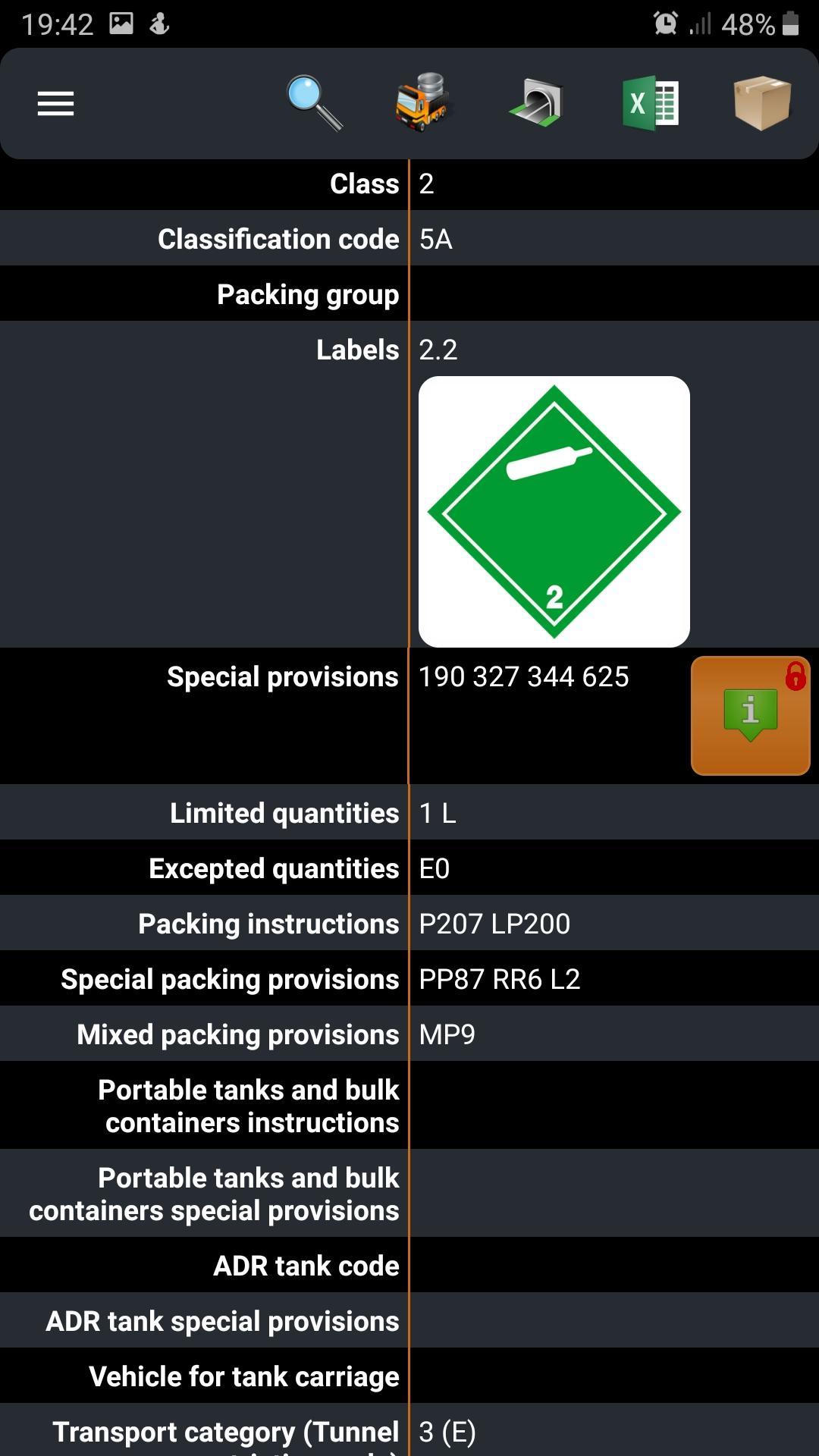
◈ in accepting the transport order – will identify the dangerous goods being transported (e.g. labels, hazards, exemptions, high-risk goods)
◈ during deciding when to open orange plates - will calculate exemption points (limits) for 1 dangerous good
◈ during issuing or completing transport documents - will indicate the dangerous goods and packaging names in 11 European languages
◈ as a translator during a roadside inspection (especially abroad) - the application menu is available in 26 languages
◈ in archiving your shipments - will export your loading list to the excel file, word file or even send files by email
◈ in downloading the required written instructions for the driver onto your device
◈ during planning the carriage through road tunnels, pointing out compulsory equipment & fire extinguishers
◈ convenient and simple preparation for your ADR exam.
Feel like the expert, feel confident and try to solve your basic and painful problems with ADR Tool 2019 apps... and all is clear now!
ADR Tool team
adr@adr-tool.com
https://adr-tool.com/
https://www.facebook.com/ADR.Tool.IMDG.Tool/
ดูตัวอย่าง
แท็ก
ประสิทธิภาพการทำงานข้อมูล
นักพัฒนา
ANOPS Arkadiusz Neubauer
เวอร์ชั่นล่าสุด
1.6.14
อัพเดทล่าสุด
2021-03-11
หมวดหมู่
ประสิทธิภาพการทำงาน
มีจำหน่ายที่
Google Play
แสดงมากขึ้น
วิธีเล่น ADR Tool 2019 Lite ด้วย GameLoop บน PC
1. ดาวน์โหลด GameLoop จากเว็บไซต์ทางการ จากนั้นเรียกใช้ไฟล์ exe เพื่อติดตั้ง GameLoop
2. เปิด GameLoop และค้นหา "ADR Tool 2019 Lite" ค้นหา ADR Tool 2019 Lite ในผลการค้นหาแล้วคลิก "ติดตั้ง"
3. สนุกกับการเล่น ADR Tool 2019 Lite บน GameLoop
Minimum requirements
OS
Windows 8.1 64-bit or Windows 10 64-bit
GPU
GTX 1050
CPU
i3-8300
Memory
8GB RAM
Storage
1GB available space
Recommended requirements
OS
Windows 8.1 64-bit or Windows 10 64-bit
GPU
GTX 1050
CPU
i3-9320
Memory
16GB RAM
Storage
1GB available space