Time Warp Scan Effect PC
Drive Quel Store
ดาวน์โหลด Time Warp Scan Effect บนพีซีด้วย GameLoop Emulator
Time Warp Scan Effect บน PC
Time Warp Scan Effect มาจากผู้พัฒนา Drive Quel Store ที่เคยรันบนระบบปฏิบัติการ Android มาก่อน
ตอนนี้คุณสามารถเล่น Time Warp Scan Effect บนพีซีด้วย GameLoop ได้อย่างราบรื่น
ดาวน์โหลดในไลบรารี GameLoop หรือผลการค้นหา ไม่ต้องสนใจแบตเตอรี่หรือโทรผิดเวลาอีกต่อไป
เพียงเพลิดเพลินกับ Time Warp Scan Effect PC บนหน้าจอขนาดใหญ่ฟรี!
Time Warp Scan Effect บทนำ
Time Warp Scan Effect :
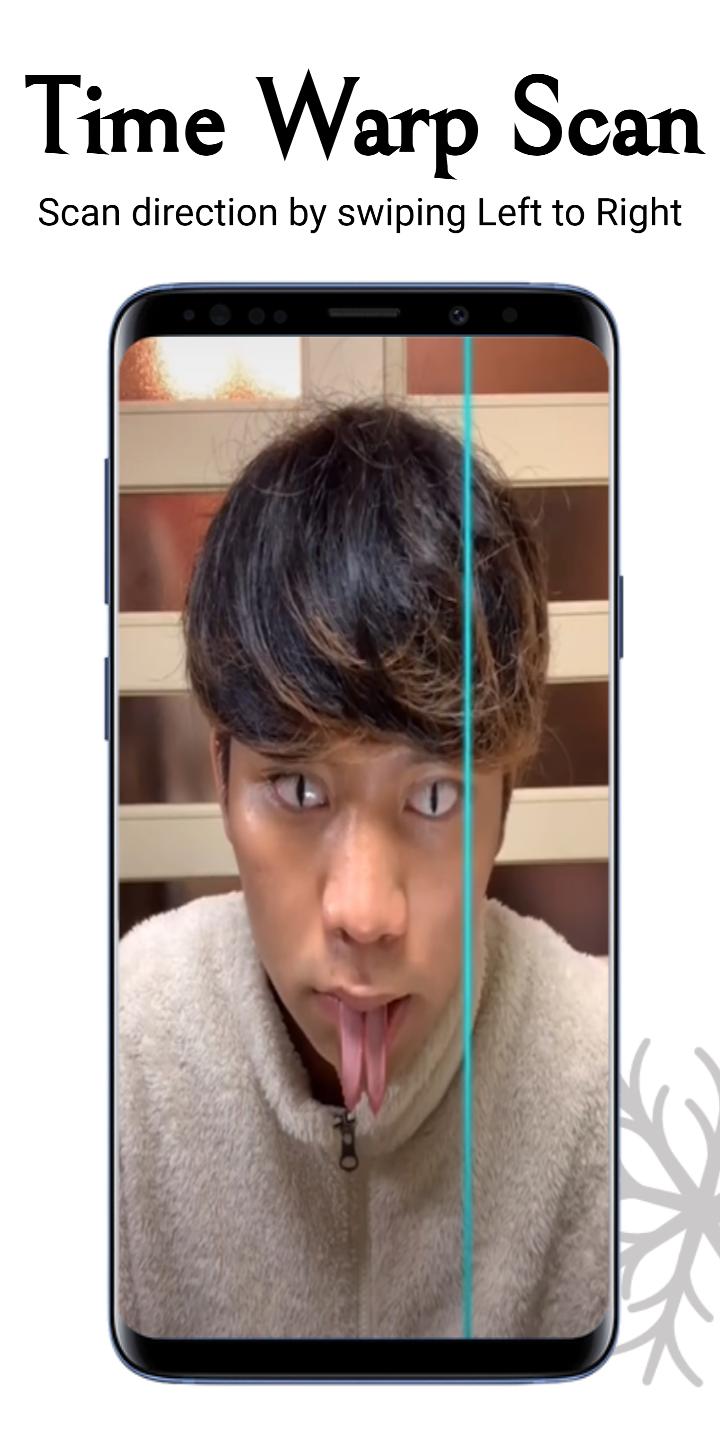
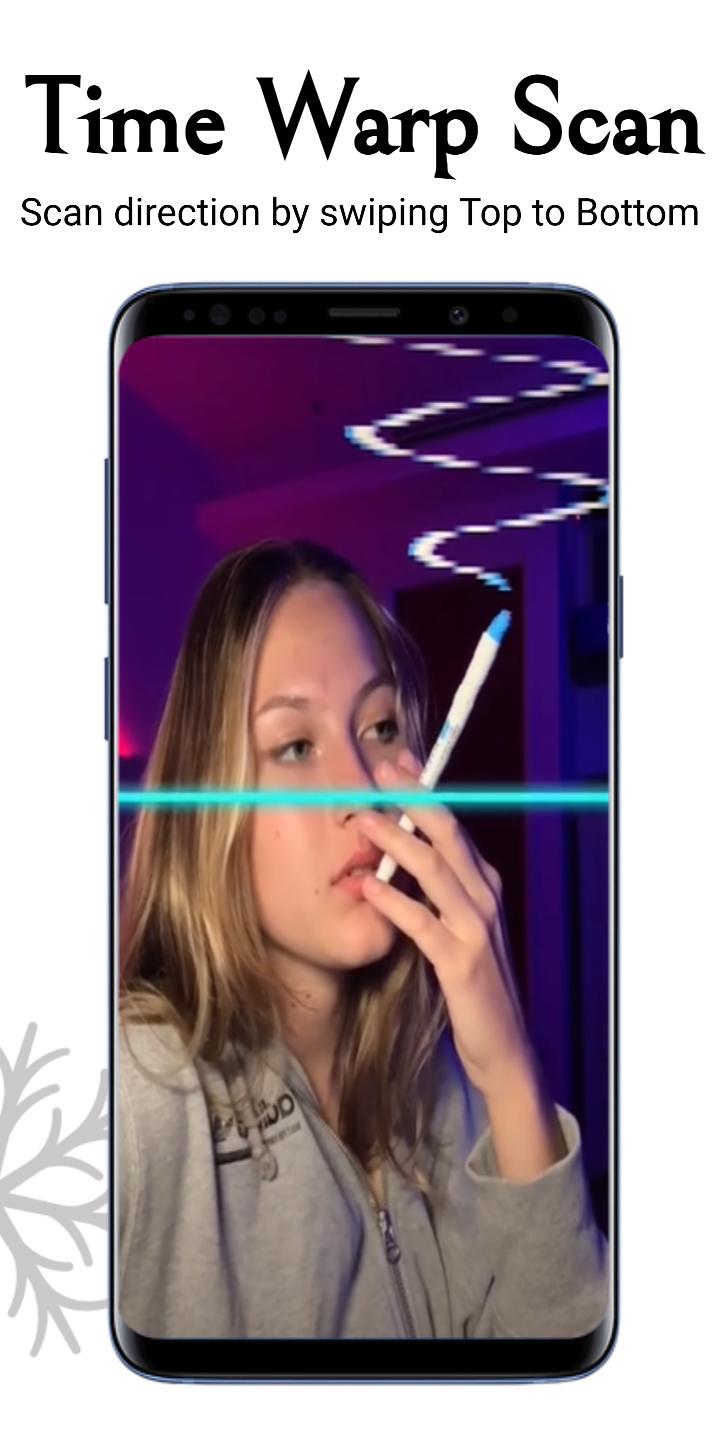
Let's do the time warp again! swipe to the left to right or top to bottom perfect! You got it! In Time Warp Scan, it's time to turn a picture into warp perfection. Are you ready for the latest challenge? Let's go make some amazing pics!
How to get the Time Warp Scan Filter from Tik Tok without having Tik Tok? so, Download The Time Warp Scan Effect app. And Take funny videos and pictures with the Tik Tok like TIME WARP SCAN effect and share them with your friends via Tik Tok, Instagram, Facebook, WhatsApp, Telegram, Likee and many other apps.
Advance Features :
- Select to photos or videos option.
- choose scan direction by swiping right(Left to Right) or down(Top to Bottom).
- save pictures and videos without watermark.
- Share your Time Warp Scan Effect with your friends & family.
The Time Warp Scan effect is the most popular and viral challenge in internet and you can finally use it without limits and totally free. So, Download The Time Warp Scan Effect app and create fun visual illusions to share with your friends!
Need Help :
Feel free to mail us at: drivequelstore2710@gmail.com
ดูตัวอย่าง
แท็ก
การถ่ายภาพข้อมูล
นักพัฒนา
Drive Quel Store
เวอร์ชั่นล่าสุด
1.0.5
อัพเดทล่าสุด
2022-02-03
หมวดหมู่
การถ่ายภาพ
มีจำหน่ายที่
Google Play
แสดงมากขึ้น
วิธีเล่น Time Warp Scan Effect ด้วย GameLoop บน PC
1. ดาวน์โหลด GameLoop จากเว็บไซต์ทางการ จากนั้นเรียกใช้ไฟล์ exe เพื่อติดตั้ง GameLoop
2. เปิด GameLoop และค้นหา "Time Warp Scan Effect" ค้นหา Time Warp Scan Effect ในผลการค้นหาแล้วคลิก "ติดตั้ง"
3. สนุกกับการเล่น Time Warp Scan Effect บน GameLoop
Minimum requirements
OS
Windows 8.1 64-bit or Windows 10 64-bit
GPU
GTX 1050
CPU
i3-8300
Memory
8GB RAM
Storage
1GB available space
Recommended requirements
OS
Windows 8.1 64-bit or Windows 10 64-bit
GPU
GTX 1050
CPU
i3-9320
Memory
16GB RAM
Storage
1GB available space