
Shadow Snap Studio - View And Share Photo Album PC
Photomall
ดาวน์โหลด Shadow Snap Studio - View And Share Photo Album บนพีซีด้วย GameLoop Emulator
Shadow Snap Studio - View And Share Photo Album บน PC
Shadow Snap Studio - View And Share Photo Album มาจากผู้พัฒนา Photomall ที่เคยรันบนระบบปฏิบัติการ Android มาก่อน
ตอนนี้คุณสามารถเล่น Shadow Snap Studio - View And Share Photo Album บนพีซีด้วย GameLoop ได้อย่างราบรื่น
ดาวน์โหลดในไลบรารี GameLoop หรือผลการค้นหา ไม่ต้องสนใจแบตเตอรี่หรือโทรผิดเวลาอีกต่อไป
เพียงเพลิดเพลินกับ Shadow Snap Studio - View And Share Photo Album PC บนหน้าจอขนาดใหญ่ฟรี!
Shadow Snap Studio - View And Share Photo Album บทนำ
Event:
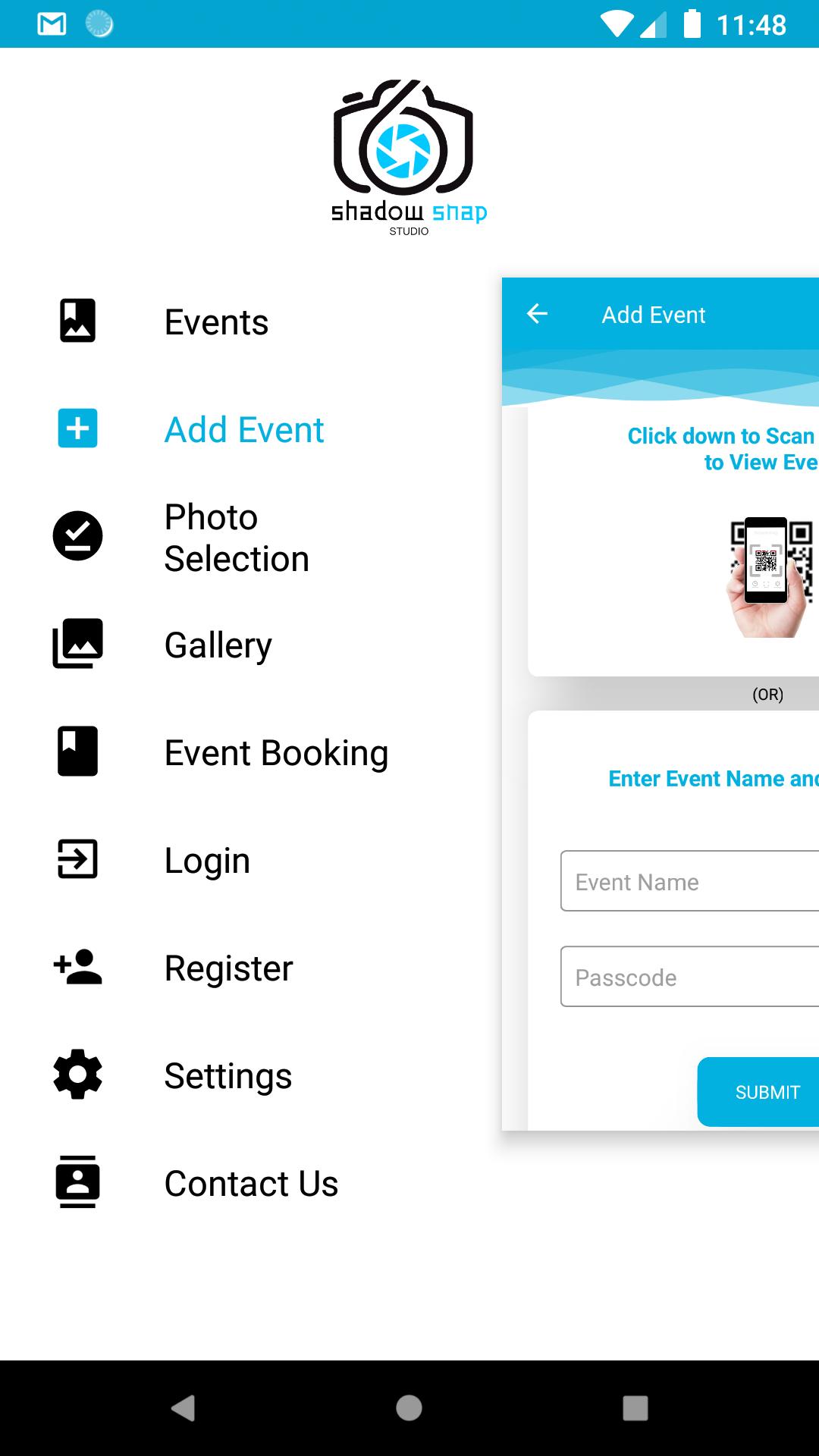
To view an event you need an Event key or Qr code. Event will have all essential information about that Event's Date (Remainder can be set with the help of Google Calendar), Venue (Driving direction info with help of Google Map), Invitation, Albums and Videos.
Photo Selection:
Photo Selection is a process by which a customer selects images for album designing. This process is absolutely made easy here.
No need to come to our Studio to select images for the Photo Selection Process.
No computer needed to select images; just a phone is enough.
The image will be “Selected” when it is swiped “Right” and will be “Rejected” when it is swiped “Left”.
Selected / Rejected / Waitlisted Images could be reviewed.
Once the Photo Selection process is completed, customers can intimate the studio by just clicking a “Move to Album Design” button.
e-Photobook:
e-Photobook is a digital album, which can be easily viewed and shared with anyone, anywhere and anytime.
This e-Photobook is very secure that it can be viewed by a person only if the customer allows the person to view the album. So your memories are treasured in a safe and secure manner.
Live Streaming:
Live Streaming through Shadow Snap Studio will allow all your friends and relatives to view the happenings in a secure manner staying anywhere in the world.
e-Gallery:
Shadow Snap Studio's best made Albums and Videos are showcased in this App.
Event Booking:
Shadow Snap Studio can be booked for any event or occasion in just a click.
Address:
Shadow Snap Studio,
125/5 Ramanoor Main Road, Near By Vetri Theatre,
Karur,
Karur - 639004,
Tamil Nadu,
India
ดูตัวอย่าง
แท็ก
การถ่ายภาพข้อมูล
นักพัฒนา
Photomall
เวอร์ชั่นล่าสุด
3.4
อัพเดทล่าสุด
2021-08-19
หมวดหมู่
การถ่ายภาพ
มีจำหน่ายที่
Google Play
แสดงมากขึ้น
วิธีเล่น Shadow Snap Studio - View And Share Photo Album ด้วย GameLoop บน PC
1. ดาวน์โหลด GameLoop จากเว็บไซต์ทางการ จากนั้นเรียกใช้ไฟล์ exe เพื่อติดตั้ง GameLoop
2. เปิด GameLoop และค้นหา "Shadow Snap Studio - View And Share Photo Album" ค้นหา Shadow Snap Studio - View And Share Photo Album ในผลการค้นหาแล้วคลิก "ติดตั้ง"
3. สนุกกับการเล่น Shadow Snap Studio - View And Share Photo Album บน GameLoop
Minimum requirements
OS
Windows 8.1 64-bit or Windows 10 64-bit
GPU
GTX 1050
CPU
i3-8300
Memory
8GB RAM
Storage
1GB available space
Recommended requirements
OS
Windows 8.1 64-bit or Windows 10 64-bit
GPU
GTX 1050
CPU
i3-9320
Memory
16GB RAM
Storage
1GB available space