Remote thermal cam f. FLIR ONE PC
Sven Killig
ดาวน์โหลด Remote thermal cam f. FLIR ONE บนพีซีด้วย GameLoop Emulator
Remote thermal cam f. FLIR ONE บน PC
Remote thermal cam f. FLIR ONE มาจากผู้พัฒนา Sven Killig ที่เคยรันบนระบบปฏิบัติการ Android มาก่อน
ตอนนี้คุณสามารถเล่น Remote thermal cam f. FLIR ONE บนพีซีด้วย GameLoop ได้อย่างราบรื่น
ดาวน์โหลดในไลบรารี GameLoop หรือผลการค้นหา ไม่ต้องสนใจแบตเตอรี่หรือโทรผิดเวลาอีกต่อไป
เพียงเพลิดเพลินกับ Remote thermal cam f. FLIR ONE PC บนหน้าจอขนาดใหญ่ฟรี!
Remote thermal cam f. FLIR ONE บทนำ
### ต้องใช้กล้องถ่ายภาพความร้อน FLIR ONE รุ่นที่ 2! -
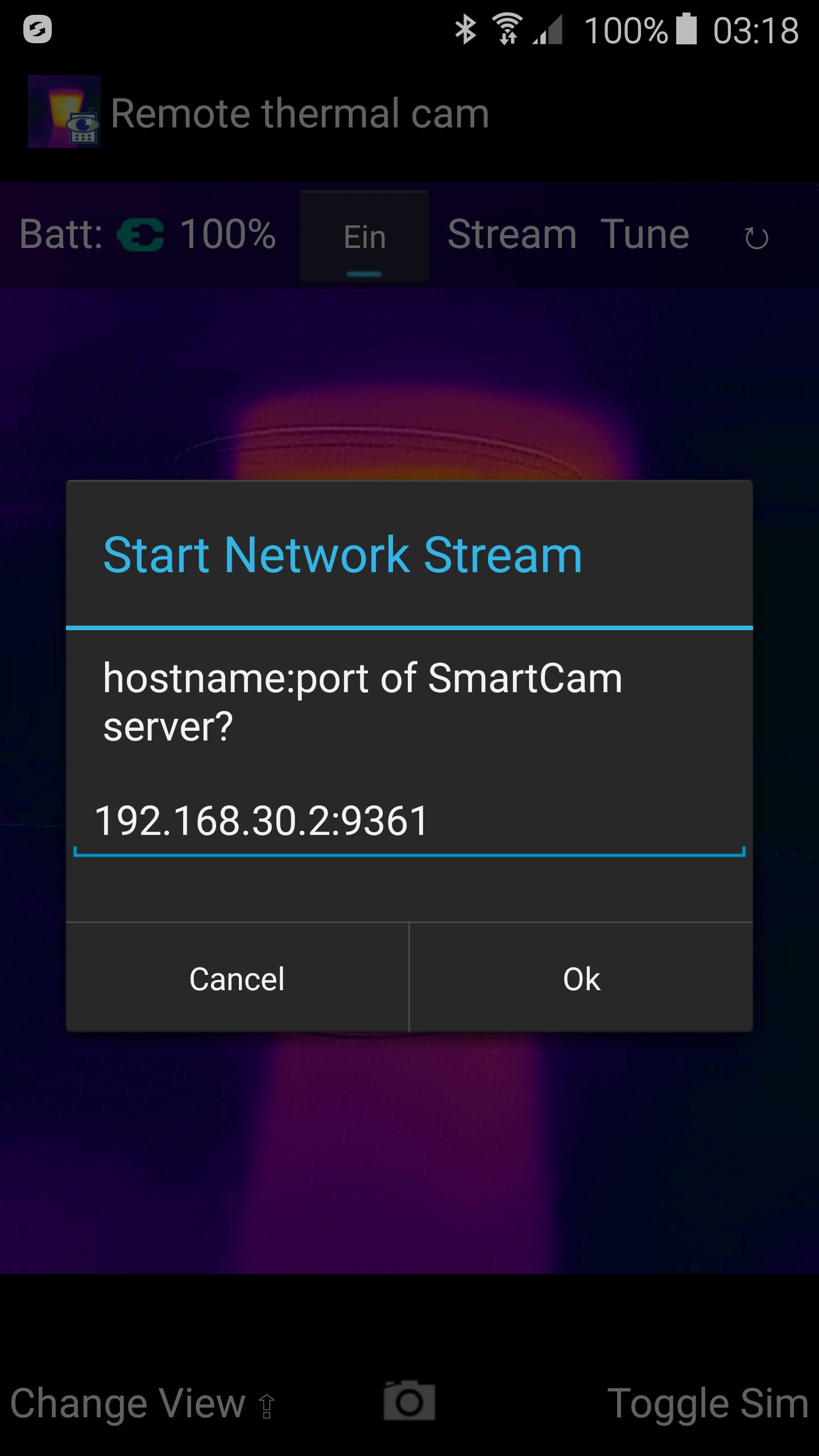
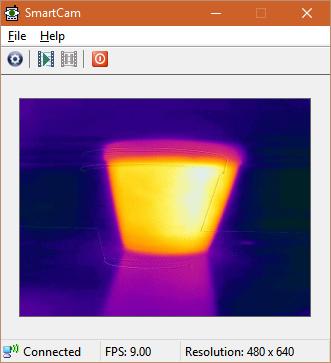
ส่งสตรีม MJPEG จากกล้องระบายความร้อน FLIR ONE รุ่นที่ 2 ไปยังพีซีของคุณผ่าน WiFi
พร้อมทั้งแสดงค่าอุณหภูมิต่ำสุด-สูงสุด/เฉลี่ย
อ้างอิงจากตัวอย่าง FLIR ONE SDK และ SmartCam
ต้องใช้เซิร์ฟเวอร์ SmartCam สำหรับ Windows จาก https://sourceforge.net/projects/smartcam/files/smartcam_windows/ หรือสำหรับ Linux (ยังไม่ได้ทดสอบ) จาก https://sourceforge.net/projects/smartcam/files/smartcam_linux/
รายละเอียดและซอร์สโค้ดมีอยู่บนเว็บไซต์ของฉัน
คำสำคัญ: FLIROne, FLIR1, ความร้อน
ดูตัวอย่าง
แท็ก
การถ่ายภาพข้อมูล
นักพัฒนา
Sven Killig
เวอร์ชั่นล่าสุด
1.3
อัพเดทล่าสุด
2019-04-29
หมวดหมู่
การถ่ายภาพ
มีจำหน่ายที่
Google Play
แสดงมากขึ้น
วิธีเล่น Remote thermal cam f. FLIR ONE ด้วย GameLoop บน PC
1. ดาวน์โหลด GameLoop จากเว็บไซต์ทางการ จากนั้นเรียกใช้ไฟล์ exe เพื่อติดตั้ง GameLoop
2. เปิด GameLoop และค้นหา "Remote thermal cam f. FLIR ONE" ค้นหา Remote thermal cam f. FLIR ONE ในผลการค้นหาแล้วคลิก "ติดตั้ง"
3. สนุกกับการเล่น Remote thermal cam f. FLIR ONE บน GameLoop
Minimum requirements
OS
Windows 8.1 64-bit or Windows 10 64-bit
GPU
GTX 1050
CPU
i3-8300
Memory
8GB RAM
Storage
1GB available space
Recommended requirements
OS
Windows 8.1 64-bit or Windows 10 64-bit
GPU
GTX 1050
CPU
i3-9320
Memory
16GB RAM
Storage
1GB available space