PIP Color Splash PC
Opex
ดาวน์โหลด PIP Color Splash บนพีซีด้วย GameLoop Emulator
PIP Color Splash บน PC
PIP Color Splash มาจากผู้พัฒนา Opex ที่เคยรันบนระบบปฏิบัติการ Android มาก่อน
ตอนนี้คุณสามารถเล่น PIP Color Splash บนพีซีด้วย GameLoop ได้อย่างราบรื่น
ดาวน์โหลดในไลบรารี GameLoop หรือผลการค้นหา ไม่ต้องสนใจแบตเตอรี่หรือโทรผิดเวลาอีกต่อไป
เพียงเพลิดเพลินกับ PIP Color Splash PC บนหน้าจอขนาดใหญ่ฟรี!
PIP Color Splash บทนำ
Enhance your photo to make it more creative and attractive.
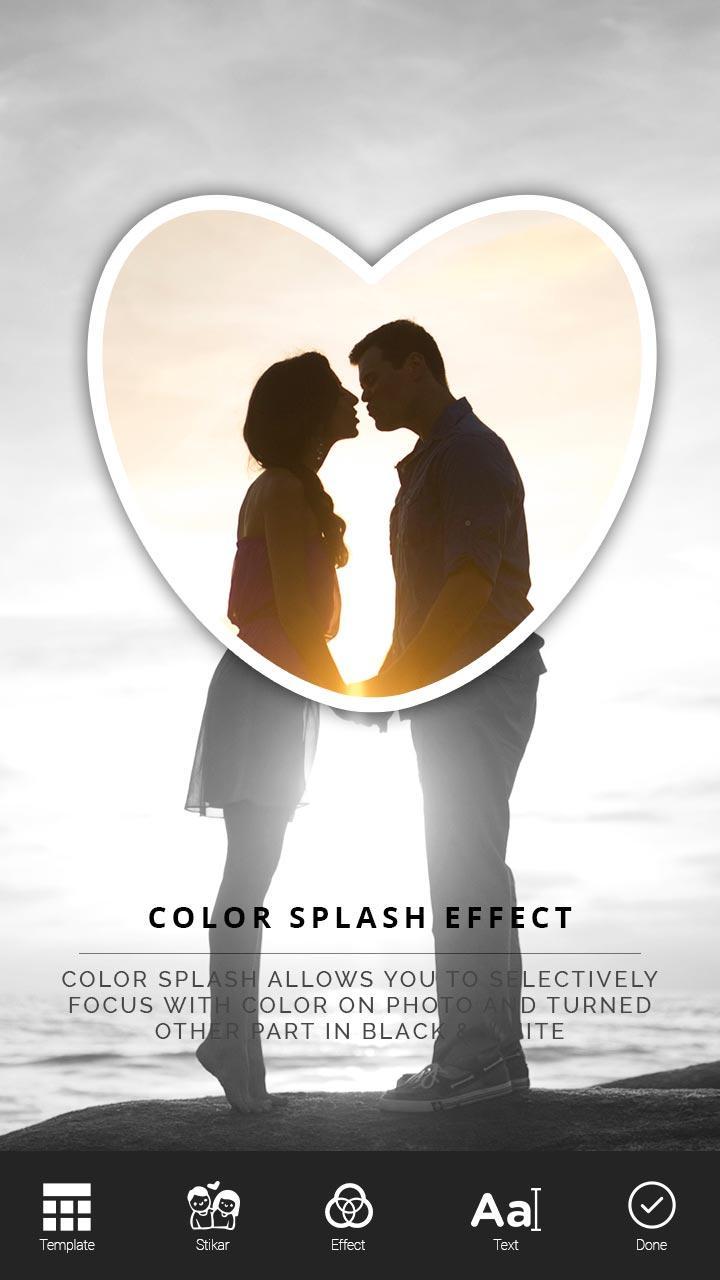
Color Splash allows you to selectively focus with color on photo and turned other part in Black & White.
We design shapes, bubbles, etc. to move ,scale, zoom over photo to give beautiful color splash effect.
You can choose black and white filter inside or outside of shape, other part will automatically turn into colored one.
Features :
# Color Splash with PIP effect.
# 25+ Shapes.
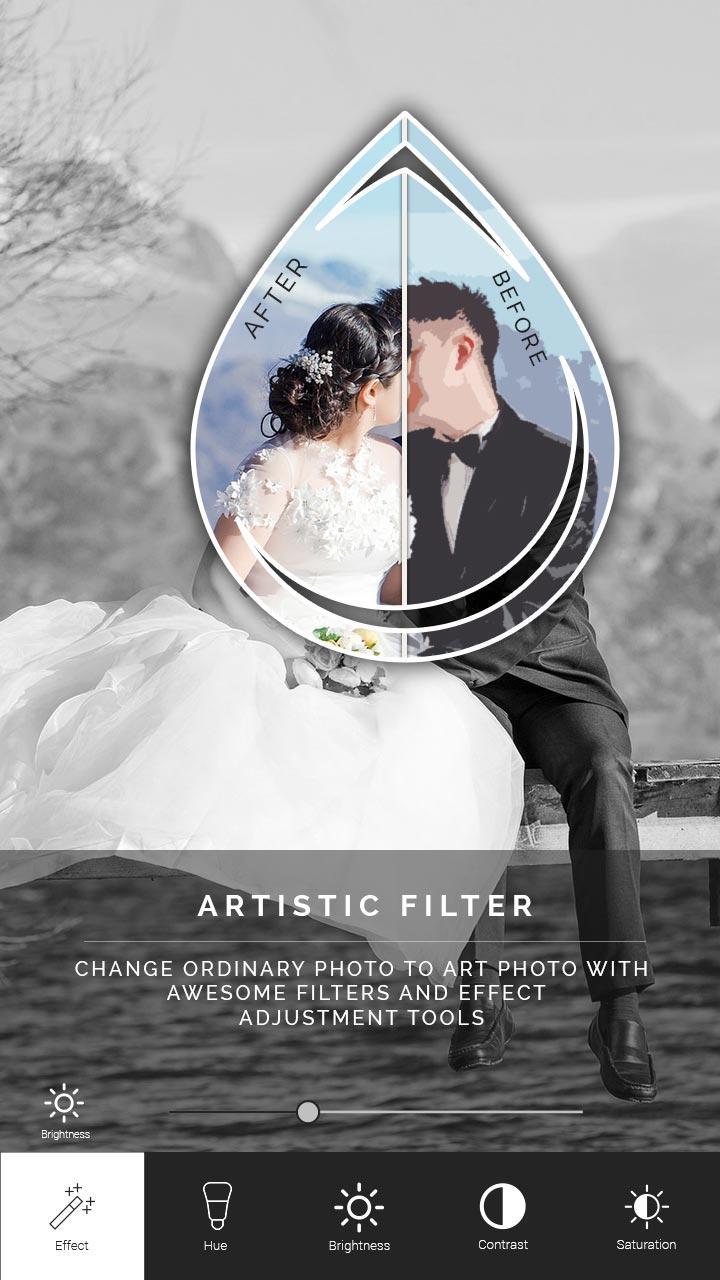
# 30+ Artistic filters
# 100+ Stickers
# Powerful text tool
# Easy to use
# Save and share on single click
How to use?
1. Select your favourite photo from gallery.
2. Crop the photo before editing.
3. Add Emojis, Cliparts ,Stickers to give emotions to your photo. We have all types of stickers.
4. Add custom and creative texts to photo. To give titles or captions in photo.
5. Apply filters to your photo from our artistic effects.
6. Smooth gesture support like scale, zoom, rotate on shape. Set Shape in best place over your photo ,and make other part in grayscale.
7. We have 25+ awesome shape. Get your best shape from our app.
8. Save your PIP color splash photo to your SD Card.
9. Share your photo easily on social media.
Enjoy the editing!!
Thanking you!!
Appreciate us by rating!
ดูตัวอย่าง
ข้อมูล
นักพัฒนา
Opex
เวอร์ชั่นล่าสุด
1.0
อัพเดทล่าสุด
2017-04-19
หมวดหมู่
การถ่ายภาพ
มีจำหน่ายที่
Google Play
แสดงมากขึ้น
วิธีเล่น PIP Color Splash ด้วย GameLoop บน PC
1. ดาวน์โหลด GameLoop จากเว็บไซต์ทางการ จากนั้นเรียกใช้ไฟล์ exe เพื่อติดตั้ง GameLoop
2. เปิด GameLoop และค้นหา "PIP Color Splash" ค้นหา PIP Color Splash ในผลการค้นหาแล้วคลิก "ติดตั้ง"
3. สนุกกับการเล่น PIP Color Splash บน GameLoop
Minimum requirements
OS
Windows 8.1 64-bit or Windows 10 64-bit
GPU
GTX 1050
CPU
i3-8300
Memory
8GB RAM
Storage
1GB available space
Recommended requirements
OS
Windows 8.1 64-bit or Windows 10 64-bit
GPU
GTX 1050
CPU
i3-9320
Memory
16GB RAM
Storage
1GB available space