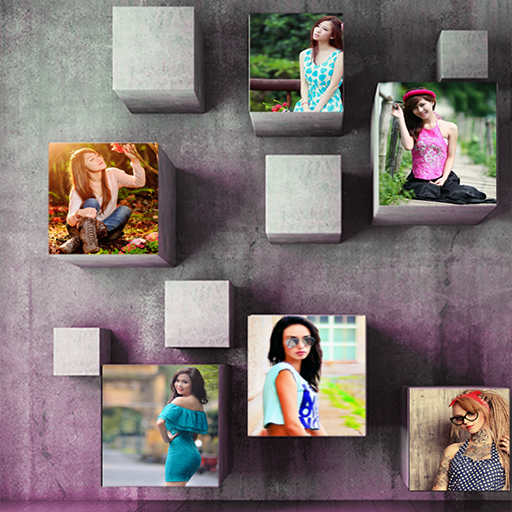
photo mixer and editor 3d PC
Reverse Gear
ดาวน์โหลด photo mixer and editor 3d บนพีซีด้วย GameLoop Emulator
photo mixer and editor 3d บน PC
photo mixer and editor 3d มาจากผู้พัฒนา Reverse Gear ที่เคยรันบนระบบปฏิบัติการ Android มาก่อน
ตอนนี้คุณสามารถเล่น photo mixer and editor 3d บนพีซีด้วย GameLoop ได้อย่างราบรื่น
ดาวน์โหลดในไลบรารี GameLoop หรือผลการค้นหา ไม่ต้องสนใจแบตเตอรี่หรือโทรผิดเวลาอีกต่อไป
เพียงเพลิดเพลินกับ photo mixer and editor 3d PC บนหน้าจอขนาดใหญ่ฟรี!
photo mixer and editor 3d บทนำ
Make collage photo you have to just Select a few photos and instantly get an awesome photo mixer and editor.
photo mixer and editor Combine photos into one special Collage Maker- Photo Grid Editor grid.
photo mixer and editor has a simple user interface with a powerful photo editor that gives you everything to create amazing collage of your photos.
Features of photo mixer and editor:
Grid:
Now you can combine many photos in single memorable collage photo.
Photo editor tool:
Edit your picture with amazing photo editing tool and make your picture more beautiful.
3D Collage :
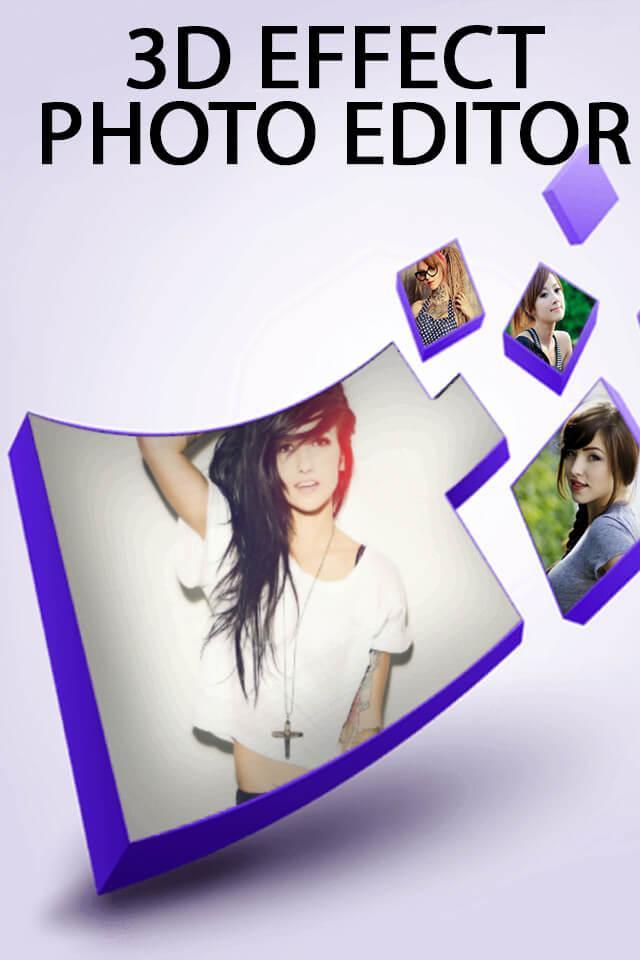
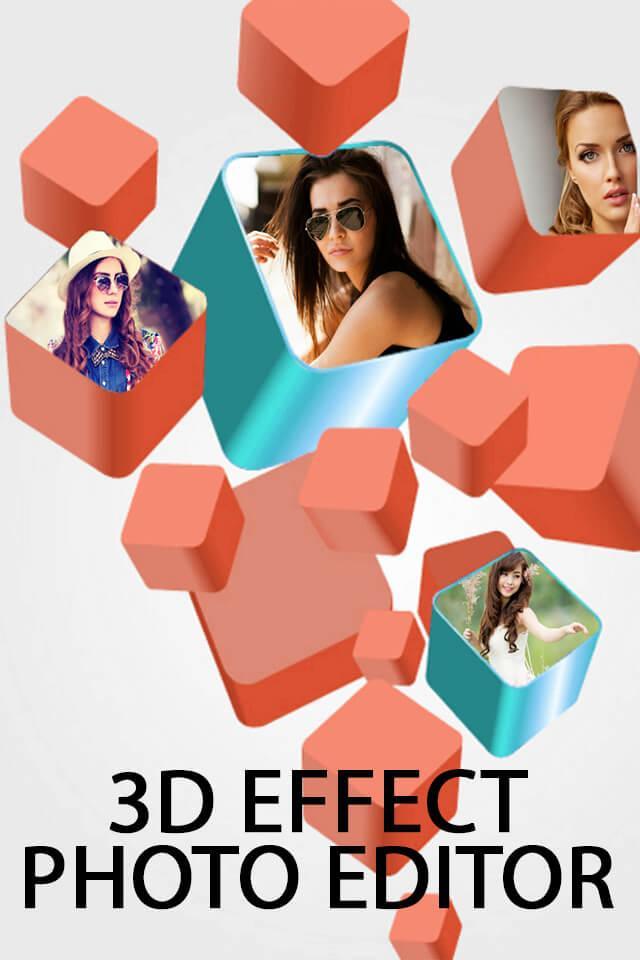
You can make your 3d photo mixer and editor from this collage maker app.
Scrapbook:
You can combine many photos in one book and decorate them with text , emoji , frames and hd background.
Love text photo mixer and editor:
You can make your photo in word with this function.
Unique layouts:
Many unique and stunning photo layout available in this.So you have to just select as per your need and make your collage photo.
More than 300+ layout available in this application and all kind of photo grid are available like 2d layout , 3d layout etc.
Latest Stickers:
500+ stickers available in this photo collage.So you can decorate your photo with funny and stylish emoji.
Hd photo frames and text:
40+ frame are available and also you can write text on that editing photo.
So, Make your first incredible collage photo with this photo mixer and editor and share with your friends and family on social media.
ดูตัวอย่าง
ข้อมูล
นักพัฒนา
Reverse Gear
เวอร์ชั่นล่าสุด
1.8
อัพเดทล่าสุด
2019-12-25
หมวดหมู่
การถ่ายภาพ
มีจำหน่ายที่
Google Play
แสดงมากขึ้น
วิธีเล่น photo mixer and editor 3d ด้วย GameLoop บน PC
1. ดาวน์โหลด GameLoop จากเว็บไซต์ทางการ จากนั้นเรียกใช้ไฟล์ exe เพื่อติดตั้ง GameLoop
2. เปิด GameLoop และค้นหา "photo mixer and editor 3d" ค้นหา photo mixer and editor 3d ในผลการค้นหาแล้วคลิก "ติดตั้ง"
3. สนุกกับการเล่น photo mixer and editor 3d บน GameLoop
Minimum requirements
OS
Windows 8.1 64-bit or Windows 10 64-bit
GPU
GTX 1050
CPU
i3-8300
Memory
8GB RAM
Storage
1GB available space
Recommended requirements
OS
Windows 8.1 64-bit or Windows 10 64-bit
GPU
GTX 1050
CPU
i3-9320
Memory
16GB RAM
Storage
1GB available space