motion on photo animation : Li PC
photo:momo lab
ดาวน์โหลด motion on photo animation : Li บนพีซีด้วย GameLoop Emulator
motion on photo animation : Li บน PC
motion on photo animation : Li มาจากผู้พัฒนา photo:momo lab ที่เคยรันบนระบบปฏิบัติการ Android มาก่อน
ตอนนี้คุณสามารถเล่น motion on photo animation : Li บนพีซีด้วย GameLoop ได้อย่างราบรื่น
ดาวน์โหลดในไลบรารี GameLoop หรือผลการค้นหา ไม่ต้องสนใจแบตเตอรี่หรือโทรผิดเวลาอีกต่อไป
เพียงเพลิดเพลินกับ motion on photo animation : Li PC บนหน้าจอขนาดใหญ่ฟรี!
motion on photo animation : Li บทนำ
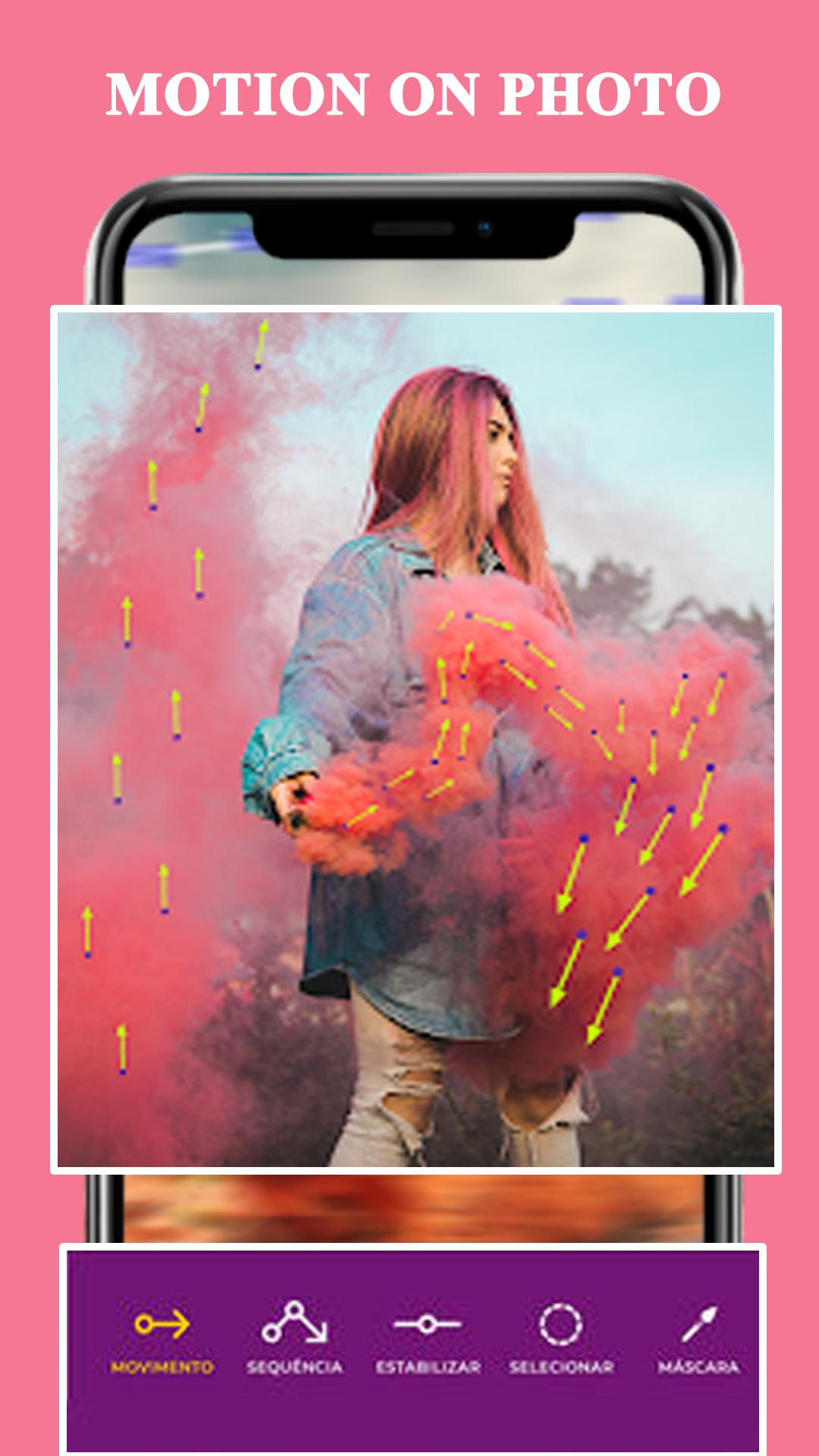
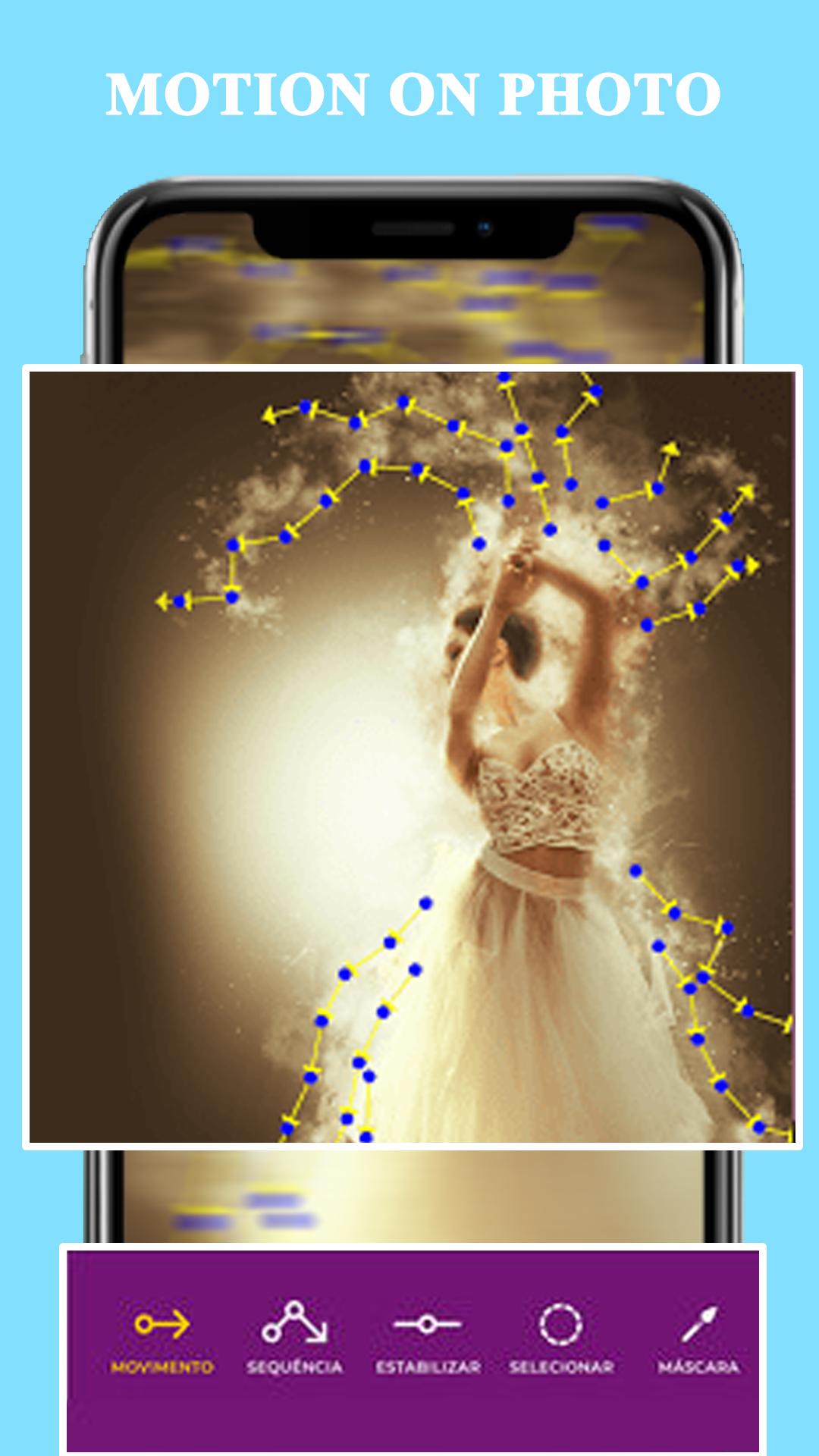
With motion on photo animation you give life to your photos, applying a fantastic motion picture effect, also known as the Cinemagraph effect.
Live Motion Picture - motion Photo Video Animation is one of the smart way to change your simple image into amazing motion picture
with editing many more motion tools and you can also save this creation into application personal gallery "My Creation"
and share on social side with simple click on your mobile screen.
Select image and transform them into beautiful motion animation effect.
Motion on photos the movement tool at each point you want to give movement and direct the effect.Cinemagraph effect lets you apply
motion on animation effect on particular object, just select the area and give direction for motion blur immersive video.
The Cinemagraph effect editing is straight simple. Everyone can create beautiful videos.
Follow us on social networks to receive daily tips, the links are on the App.
1 Easy way to launch this application in your mobile phone
2 Choose IMAGE FROM GALLERY
3 Apply MASK in your image with free finger touch
4 Have choice to reset your image with ERASER option.
5 Apply MOTION effect with your finger touch on your mobile screen
6 Add SEQUANCE in your image
7 Apply STABILITY into your image
8 Select PORTION which you want to apply live effect in it.
9 ZOOM image with your wish
10 Apply on image to see PREVIEW
11 Save image with set resolution on your image
12 SAVE with your right click and SHARE on social sides
Have fun and share your work.
ดูตัวอย่าง
แท็ก
การถ่ายภาพข้อมูล
นักพัฒนา
photo:momo lab
เวอร์ชั่นล่าสุด
2.0
อัพเดทล่าสุด
2019-12-18
หมวดหมู่
การถ่ายภาพ
มีจำหน่ายที่
Google Play
แสดงมากขึ้น
วิธีเล่น motion on photo animation : Li ด้วย GameLoop บน PC
1. ดาวน์โหลด GameLoop จากเว็บไซต์ทางการ จากนั้นเรียกใช้ไฟล์ exe เพื่อติดตั้ง GameLoop
2. เปิด GameLoop และค้นหา "motion on photo animation : Li" ค้นหา motion on photo animation : Li ในผลการค้นหาแล้วคลิก "ติดตั้ง"
3. สนุกกับการเล่น motion on photo animation : Li บน GameLoop
Minimum requirements
OS
Windows 8.1 64-bit or Windows 10 64-bit
GPU
GTX 1050
CPU
i3-8300
Memory
8GB RAM
Storage
1GB available space
Recommended requirements
OS
Windows 8.1 64-bit or Windows 10 64-bit
GPU
GTX 1050
CPU
i3-9320
Memory
16GB RAM
Storage
1GB available space