
Me Frame - Digital photo frame PC
Android_media
ดาวน์โหลด Me Frame - Digital photo frame บนพีซีด้วย GameLoop Emulator
Me Frame - Digital photo frame บน PC
Me Frame - Digital photo frame มาจากผู้พัฒนา Android_media ที่เคยรันบนระบบปฏิบัติการ Android มาก่อน
ตอนนี้คุณสามารถเล่น Me Frame - Digital photo frame บนพีซีด้วย GameLoop ได้อย่างราบรื่น
ดาวน์โหลดในไลบรารี GameLoop หรือผลการค้นหา ไม่ต้องสนใจแบตเตอรี่หรือโทรผิดเวลาอีกต่อไป
เพียงเพลิดเพลินกับ Me Frame - Digital photo frame PC บนหน้าจอขนาดใหญ่ฟรี!
Me Frame - Digital photo frame บทนำ
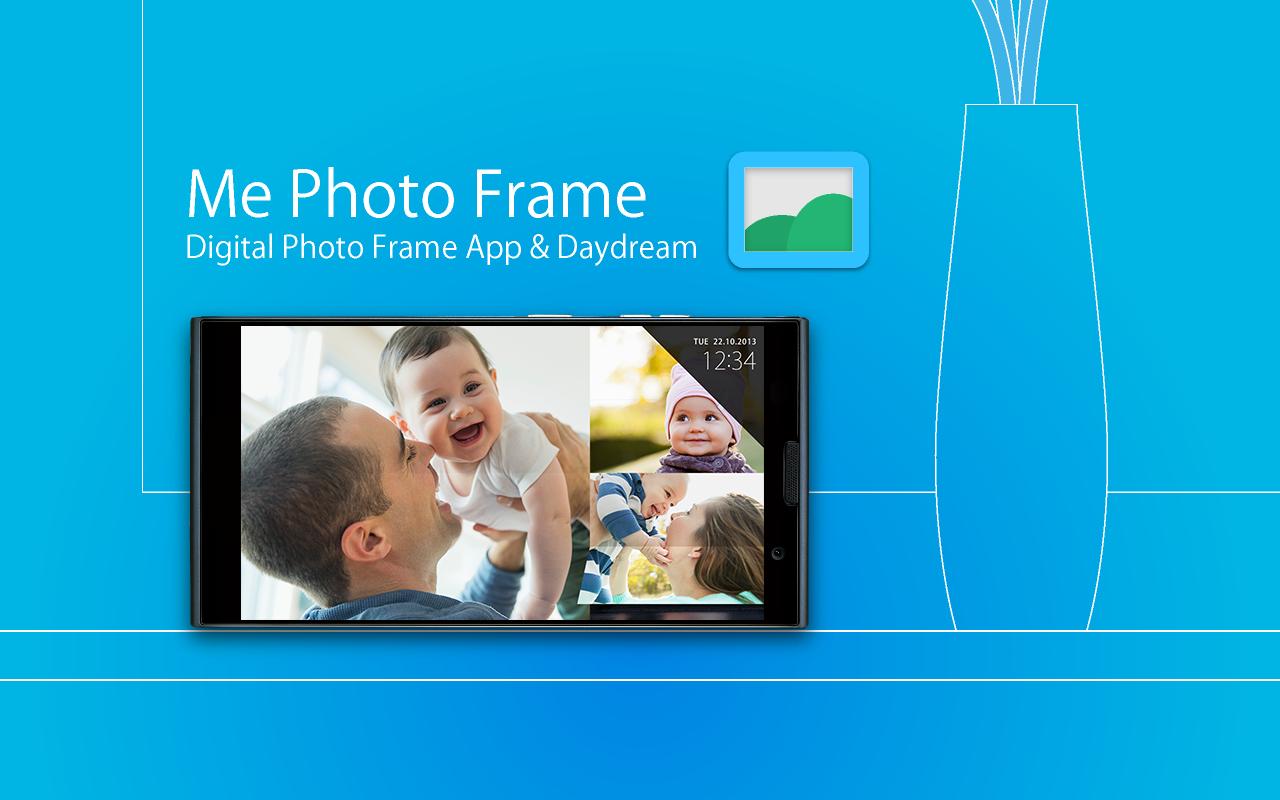
Smartphone and tablet makeover to digital photo frame.
"Me Photo Frame" is a digital photo frame app.
Beautiful design and rich functionality.
- Free and no ads.
- Beautiful slide show themes.(Simple / Flip /Colorful)
- Picasa (Google+ Photo) / External SD card / Internal storage folder.
- Automatic start and end can be at the set time.
- Launch by docked , charge.
- Brightness settings for slide show.
- Supported screen saver function. (Android4.2+ Daydream)
- Analog clock / digital clock display.
How to use: by Application
< Set the folders slide show image >
1. Tap the " Me Photo Frame " from the Apps list.
2. " File location " , select the storage.
3. " Image folder " , select the folder of images.
4. Can see the images at slide show.
How to use: by saver (Android4.2+ Daydream)
< Set the folders slide show image >
1. Android settings.
2. "Display"
3. "Screensaver"
4. Tap the " Me Photo Frame " by the list.
5. Tap the setting icon of " Me Photo Frame ".
6. " File location " , select the storage.
7. " Image folder " , select the folder of images.
8. Can see the images at slide show.
Q / A:
Q: The slide show does not start at the set time.
A: Auto start works when sleep.
Q: There are no settings to automatic start and automatic end of the setting time.
A: The screen saver (Android4.2+ Daydream), there is no auto-start time setting . Please use the application.
Q: Brightness of the screen does not change when i flick up and down during a slideshow
A: The screen saver (Android4.2 Daydream), there is no brightness setting . Please use the application.
Q: Takes a long time to start slide show.
A: If you set the image of Picasa (Google+ ), you may have a slow display depending on the communication state.
Test Devices:
Nexus4 , Nexus7 , Nexus10 , GalaxyNoteII , GalaxyNote3 , Fujitsu F-01F
From the team:
Thank you for using, Please rate it , and send me feedback.
ดูตัวอย่าง

ข้อมูล
นักพัฒนา
Android_media
เวอร์ชั่นล่าสุด
1.0.2
อัพเดทล่าสุด
2014-07-17
หมวดหมู่
การถ่ายภาพ
มีจำหน่ายที่
Google Play
แสดงมากขึ้น
วิธีเล่น Me Frame - Digital photo frame ด้วย GameLoop บน PC
1. ดาวน์โหลด GameLoop จากเว็บไซต์ทางการ จากนั้นเรียกใช้ไฟล์ exe เพื่อติดตั้ง GameLoop
2. เปิด GameLoop และค้นหา "Me Frame - Digital photo frame" ค้นหา Me Frame - Digital photo frame ในผลการค้นหาแล้วคลิก "ติดตั้ง"
3. สนุกกับการเล่น Me Frame - Digital photo frame บน GameLoop
Minimum requirements
OS
Windows 8.1 64-bit or Windows 10 64-bit
GPU
GTX 1050
CPU
i3-8300
Memory
8GB RAM
Storage
1GB available space
Recommended requirements
OS
Windows 8.1 64-bit or Windows 10 64-bit
GPU
GTX 1050
CPU
i3-9320
Memory
16GB RAM
Storage
1GB available space