
iPixel - Modern Image Editor PC
oneAppz
ดาวน์โหลด iPixel - Modern Image Editor บนพีซีด้วย GameLoop Emulator
iPixel - Modern Image Editor บน PC
iPixel - Modern Image Editor มาจากผู้พัฒนา oneAppz ที่เคยรันบนระบบปฏิบัติการ Android มาก่อน
ตอนนี้คุณสามารถเล่น iPixel - Modern Image Editor บนพีซีด้วย GameLoop ได้อย่างราบรื่น
ดาวน์โหลดในไลบรารี GameLoop หรือผลการค้นหา ไม่ต้องสนใจแบตเตอรี่หรือโทรผิดเวลาอีกต่อไป
เพียงเพลิดเพลินกับ iPixel - Modern Image Editor PC บนหน้าจอขนาดใหญ่ฟรี!
iPixel - Modern Image Editor บทนำ
ipixel is a best free powerful photo editing application.
If you have some knowledge of photography, you can do a lot with ipixel,
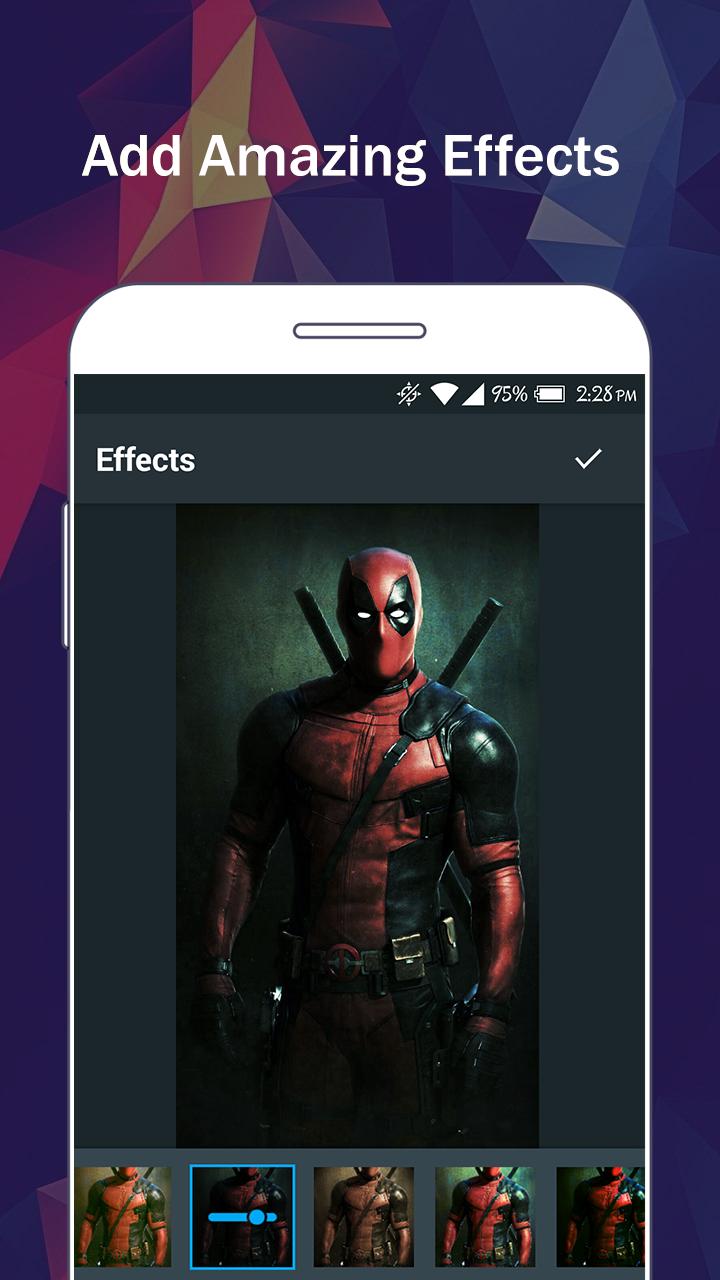
There are so many effects, stickers and features to apply to your photos!
Main Features:
- Photo filters
- Magic photo effects and frames
- Awesome stickers
- One-tap auto enhance
- Color balance
- Crop, rotate, and straighten your photo
- Adjust brightness, contrast, color temperature, and saturation
- Sharpen and blur
- Color : exposure, brightness, contrast, saturation, tint and hue
- Color temperature ("Warmth")
- Color Splash
- Easily edit with the touch and pinch-to-zoom interface
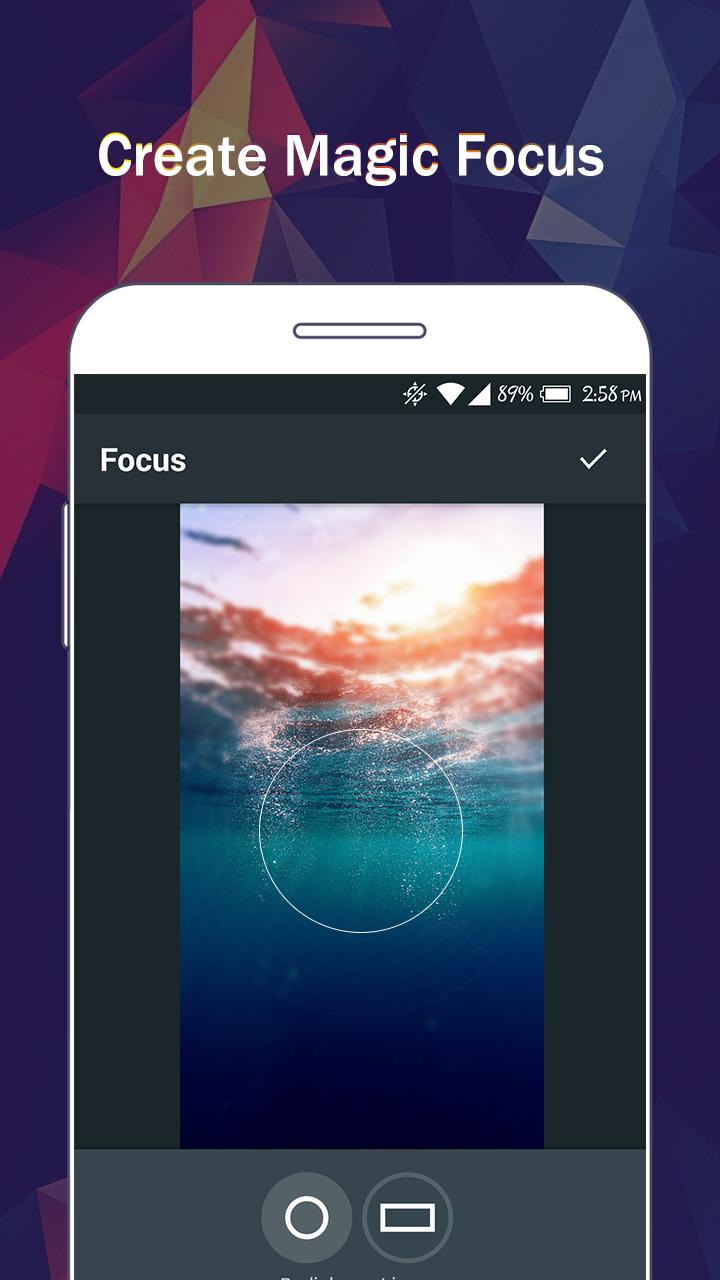
- Focus (Tilt Shift)
- Draw and add text
- Create your own memes
- Share photos with e-mail, SNS and more
ดูตัวอย่าง
แท็ก
การถ่ายภาพข้อมูล
นักพัฒนา
oneAppz
เวอร์ชั่นล่าสุด
1.2.2000
อัพเดทล่าสุด
2019-12-23
หมวดหมู่
การถ่ายภาพ
มีจำหน่ายที่
Google Play
แสดงมากขึ้น
วิธีเล่น iPixel - Modern Image Editor ด้วย GameLoop บน PC
1. ดาวน์โหลด GameLoop จากเว็บไซต์ทางการ จากนั้นเรียกใช้ไฟล์ exe เพื่อติดตั้ง GameLoop
2. เปิด GameLoop และค้นหา "iPixel - Modern Image Editor" ค้นหา iPixel - Modern Image Editor ในผลการค้นหาแล้วคลิก "ติดตั้ง"
3. สนุกกับการเล่น iPixel - Modern Image Editor บน GameLoop
Minimum requirements
OS
Windows 8.1 64-bit or Windows 10 64-bit
GPU
GTX 1050
CPU
i3-8300
Memory
8GB RAM
Storage
1GB available space
Recommended requirements
OS
Windows 8.1 64-bit or Windows 10 64-bit
GPU
GTX 1050
CPU
i3-9320
Memory
16GB RAM
Storage
1GB available space