
HD Photo Editor: Image editor PC
G3 Studio
ดาวน์โหลด HD Photo Editor: Image editor บนพีซีด้วย GameLoop Emulator
HD Photo Editor: Image editor บน PC
HD Photo Editor: Image editor มาจากผู้พัฒนา G3 Studio ที่เคยรันบนระบบปฏิบัติการ Android มาก่อน
ตอนนี้คุณสามารถเล่น HD Photo Editor: Image editor บนพีซีด้วย GameLoop ได้อย่างราบรื่น
ดาวน์โหลดในไลบรารี GameLoop หรือผลการค้นหา ไม่ต้องสนใจแบตเตอรี่หรือโทรผิดเวลาอีกต่อไป
เพียงเพลิดเพลินกับ HD Photo Editor: Image editor PC บนหน้าจอขนาดใหญ่ฟรี!
HD Photo Editor: Image editor บทนำ
HD Photo Editor: Image editor & Photo effects is a photo editing app, a cloud, a sky correction app, a beautiful color correction app, a free photo editor with powerful photo editing tools. HD Photo Editor: Image editor & Photo effects helps you: beautiful pictures editor, crop pictures, join photos, delete the background, insert text, insert stickers, add effects, add frames, add wallpapers, ...
HD Photo Editor: Image editor & Photo effects with superior photo filters easily adjust the contrast, brightness, saturation of the image, in addition to the mode of blurring the image, blurring the background as desired. More HD Photo Editor: Image editor & Photo effects also supports stitching up to 9 pictures in 1 with an extremely unique and stylish layout collection.
HD Photo Editor: Image editor & Photo effects support saving HD photos on your phone, sharing photos on social networks with many different formats and sizes. Especially it is completely free with the most powerful and optimized toolset.
FEATURES
HD photo editor
A powerful set of photo editing tools
- Photo filters
- Photo effects
- Background effects
- Cut photos
- Collage
- Rotate, flip photos, change sides of photos
- Zoom in and out photos
- Blur
- Borders
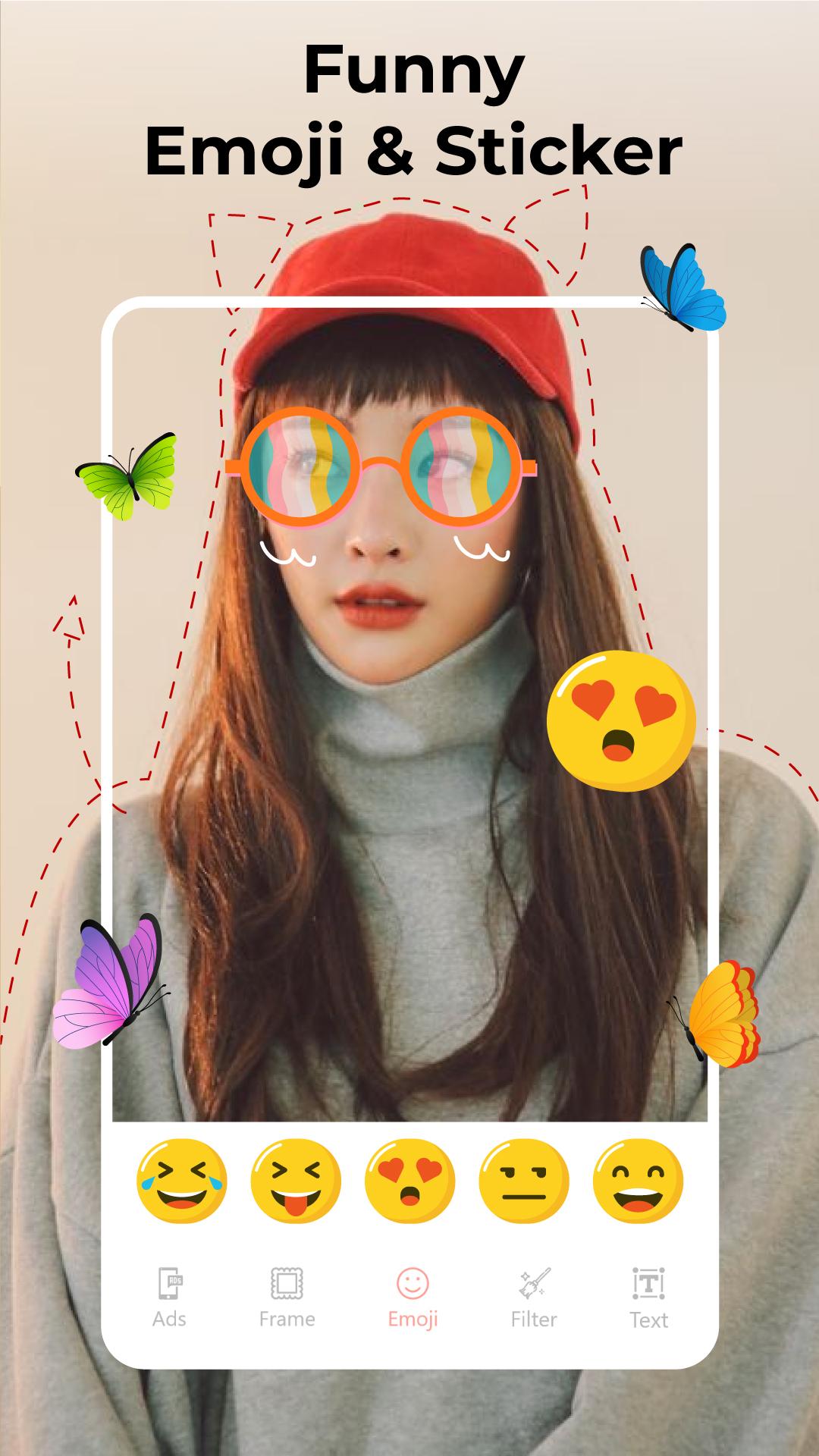
- Add sticker
- Insert the word
- Share HD photos on social networks
Photo fix does not reduce image quality
Collage artwork
Join up to 9 photos in 1
Collage photos with beautiful layouts
Borders for collages
- Insert pattern for the compound border
- Insert size adjustment for the edge
- Bo corner for contour
- Adjust image size accordingly
Photo Cropping with no loss of quality
Crop photos according to custom sizes
Crop photo to size: 1: 1, 2: 3, 3: 2, 3: 4, 3: 5, 4: 3, 4: 5, 5: 3, 5: 4, 9:16, 10:16, 16: 9, 16:10
Crop the photo in a circle
Inserts effect
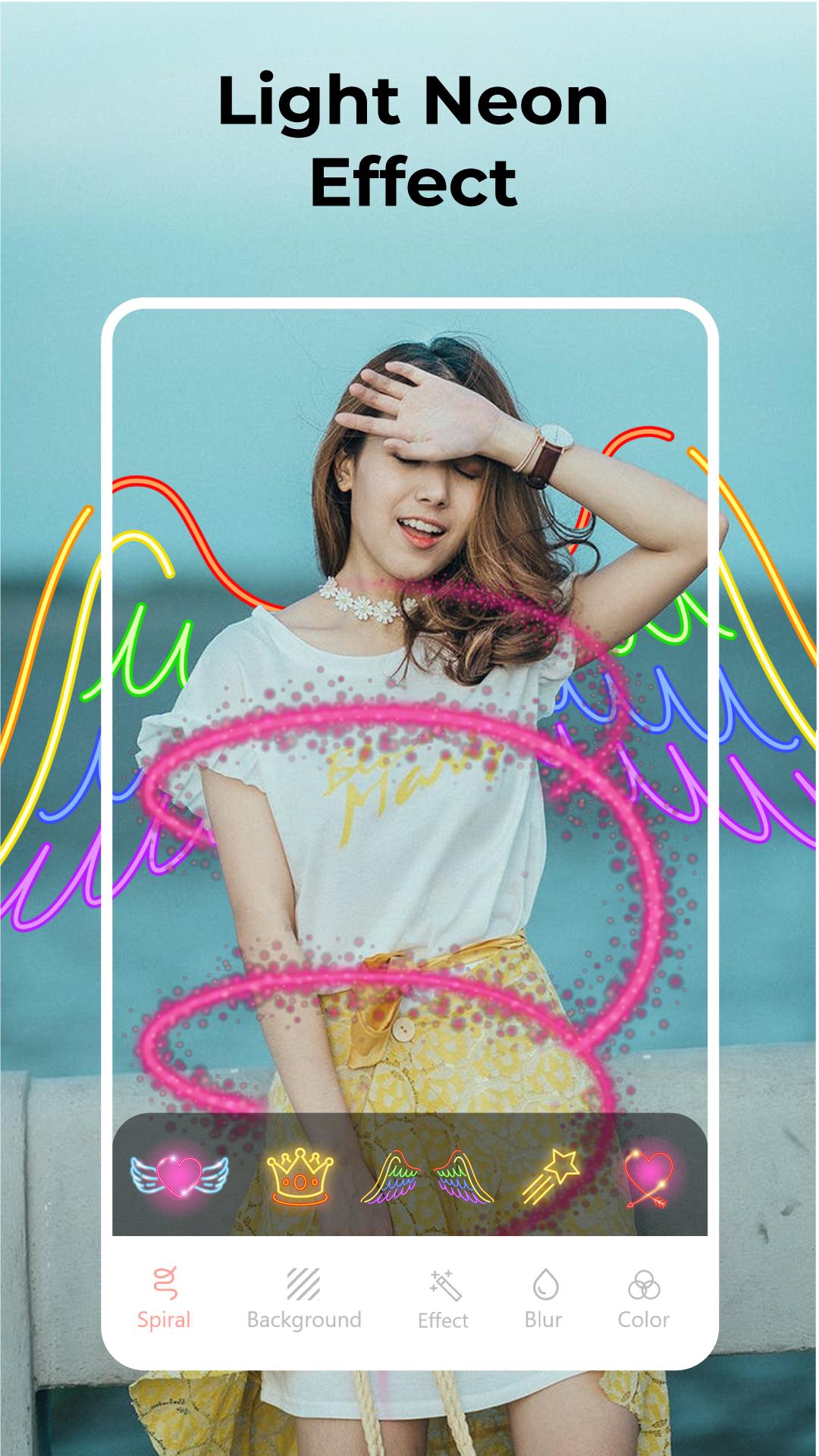
Spiral effect
Effects with different shapes
Angel wings effect
3D frame effect
Background editor
Insert a beautiful 3D background
Insert emoji background
- Adjust the size of the emojis
- Adjust net sharpness, blurring of emojis
- Rotate emojis as you like
Insert a colored background
Blur the background
HD Photo Editor: Image editor & Photo effects are not only an ordinary photo editing software, but it is also a set of effective photo editing tools for you. Download now because it's free!
ดูตัวอย่าง
ข้อมูล
นักพัฒนา
G3 Studio
เวอร์ชั่นล่าสุด
3.1
อัพเดทล่าสุด
2021-02-18
หมวดหมู่
การถ่ายภาพ
มีจำหน่ายที่
Google Play
แสดงมากขึ้น
วิธีเล่น HD Photo Editor: Image editor ด้วย GameLoop บน PC
1. ดาวน์โหลด GameLoop จากเว็บไซต์ทางการ จากนั้นเรียกใช้ไฟล์ exe เพื่อติดตั้ง GameLoop
2. เปิด GameLoop และค้นหา "HD Photo Editor: Image editor " ค้นหา HD Photo Editor: Image editor ในผลการค้นหาแล้วคลิก "ติดตั้ง"
3. สนุกกับการเล่น HD Photo Editor: Image editor บน GameLoop
Minimum requirements
OS
Windows 8.1 64-bit or Windows 10 64-bit
GPU
GTX 1050
CPU
i3-8300
Memory
8GB RAM
Storage
1GB available space
Recommended requirements
OS
Windows 8.1 64-bit or Windows 10 64-bit
GPU
GTX 1050
CPU
i3-9320
Memory
16GB RAM
Storage
1GB available space