Easy GIF - Video to GIF, Images to GIF, Edit GIF PC
Navneet Krishna
ดาวน์โหลด Easy GIF - Video to GIF, Images to GIF, Edit GIF บนพีซีด้วย GameLoop Emulator
Easy GIF - Video to GIF, Images to GIF, Edit GIF บน PC
Easy GIF - Video to GIF, Images to GIF, Edit GIF มาจากผู้พัฒนา Navneet Krishna ที่เคยรันบนระบบปฏิบัติการ Android มาก่อน
ตอนนี้คุณสามารถเล่น Easy GIF - Video to GIF, Images to GIF, Edit GIF บนพีซีด้วย GameLoop ได้อย่างราบรื่น
ดาวน์โหลดในไลบรารี GameLoop หรือผลการค้นหา ไม่ต้องสนใจแบตเตอรี่หรือโทรผิดเวลาอีกต่อไป
เพียงเพลิดเพลินกับ Easy GIF - Video to GIF, Images to GIF, Edit GIF PC บนหน้าจอขนาดใหญ่ฟรี!
Easy GIF - Video to GIF, Images to GIF, Edit GIF บทนำ
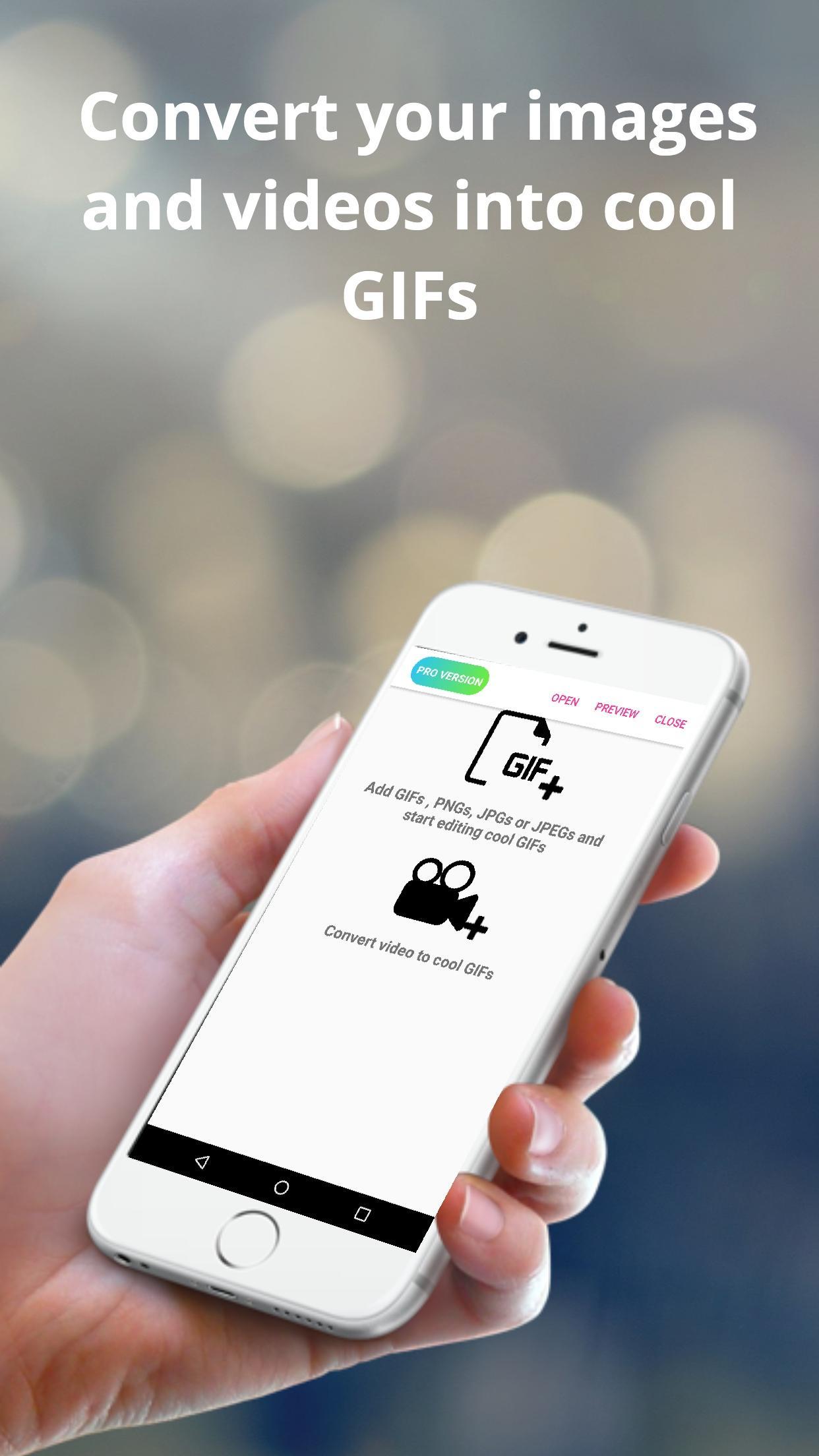
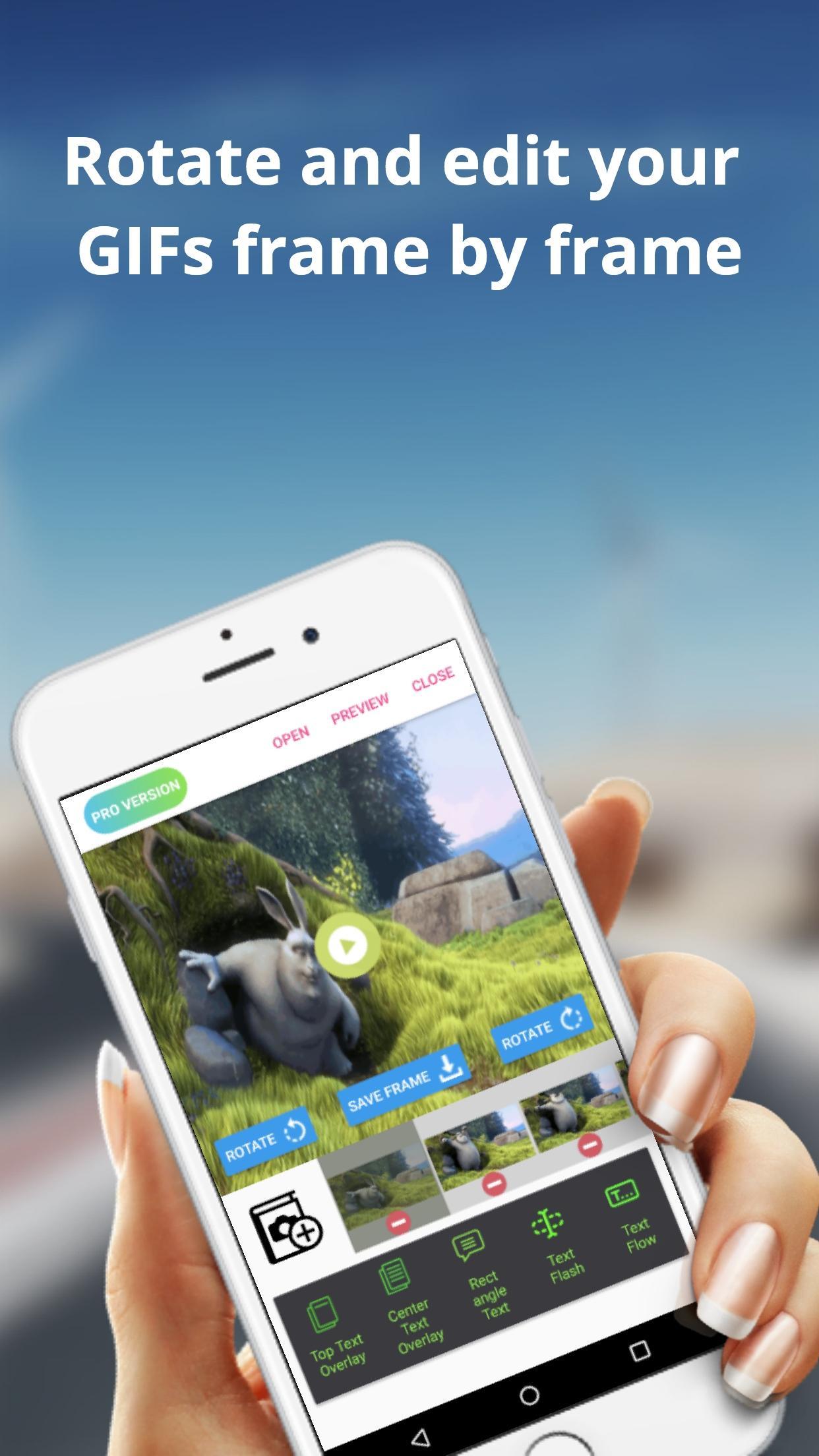
The Easy GIF app can assist you in building cool gifs by providing options like gif edit(add or remove gif frames),add animated text on gifs etc. With Easy GIF, you can package your favourite moments into a gif format and share with your friends family. You can also add text overlays on your GIFs.
The app also helps you to convert videos to GIF. For larger videos, the app helps to trim the videos to 10 sec clips and then convert to gif. You can also save images from the video to your gallery.
You can also batch import images to the app and then convert them to gif. You can finally save the created GIF to gallery or even share with friends and family using whatsapp, gmail etc.
Some features provided by the app includes :
> Convert images to GIF
> Browse multiple images at once from gallery and then convert images
> Edit already built GIFs
> Save rotated gif to gallery
> trim large videos to short videos automatically
> Convert GIF to images and save to gallery
> Convert Video to images and save to gallery
> Add text overlays in already built GIFs
> Add or Delete frames from GIFs
ดูตัวอย่าง
แท็ก
การถ่ายภาพข้อมูล
นักพัฒนา
Navneet Krishna
เวอร์ชั่นล่าสุด
1.0.9
อัพเดทล่าสุด
2019-07-05
หมวดหมู่
การถ่ายภาพ
มีจำหน่ายที่
Google Play
แสดงมากขึ้น
วิธีเล่น Easy GIF - Video to GIF, Images to GIF, Edit GIF ด้วย GameLoop บน PC
1. ดาวน์โหลด GameLoop จากเว็บไซต์ทางการ จากนั้นเรียกใช้ไฟล์ exe เพื่อติดตั้ง GameLoop
2. เปิด GameLoop และค้นหา "Easy GIF - Video to GIF, Images to GIF, Edit GIF" ค้นหา Easy GIF - Video to GIF, Images to GIF, Edit GIF ในผลการค้นหาแล้วคลิก "ติดตั้ง"
3. สนุกกับการเล่น Easy GIF - Video to GIF, Images to GIF, Edit GIF บน GameLoop
Minimum requirements
OS
Windows 8.1 64-bit or Windows 10 64-bit
GPU
GTX 1050
CPU
i3-8300
Memory
8GB RAM
Storage
1GB available space
Recommended requirements
OS
Windows 8.1 64-bit or Windows 10 64-bit
GPU
GTX 1050
CPU
i3-9320
Memory
16GB RAM
Storage
1GB available space