Whats Clone - 64bit Support Library PC
Fun Touch Lab
ดาวน์โหลด Whats Clone - 64bit Support Library บนพีซีด้วย GameLoop Emulator
Whats Clone - 64bit Support Library บน PC
Whats Clone - 64bit Support Library มาจากผู้พัฒนา Fun Touch Lab ที่เคยรันบนระบบปฏิบัติการ Android มาก่อน
ตอนนี้คุณสามารถเล่น Whats Clone - 64bit Support Library บนพีซีด้วย GameLoop ได้อย่างราบรื่น
ดาวน์โหลดในไลบรารี GameLoop หรือผลการค้นหา ไม่ต้องสนใจแบตเตอรี่หรือโทรผิดเวลาอีกต่อไป
เพียงเพลิดเพลินกับ Whats Clone - 64bit Support Library PC บนหน้าจอขนาดใหญ่ฟรี!
Whats Clone - 64bit Support Library บทนำ
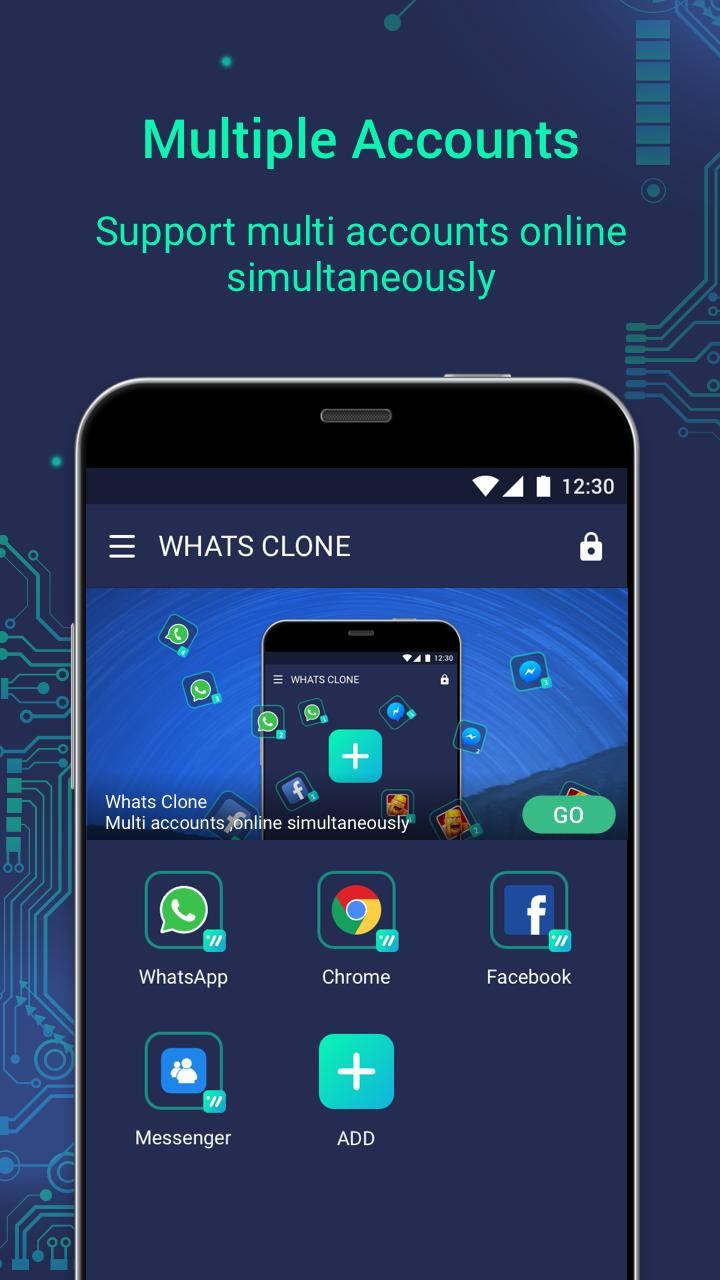
This is the support library of Whats Clone! Please install the main package of Whats Clone (mochat.multiple.parallel.whatsclone) before installing this package.
Now there're more and more devices with ARM64 processors, and some app released without the compatibility to run on ARM32 processors, especially with the latest App Bundle feature of Google Play, e.g. the latest version of Whats App that released to ARM64 devices.
This support package requires the same permission as the primary Whats Clone package. Suggest you install the package if error happen during the usage of Whats Clone.
Thanks for all your support!
ดูตัวอย่าง
ข้อมูล
นักพัฒนา
Fun Touch Lab
เวอร์ชั่นล่าสุด
1.3.31.0404
อัพเดทล่าสุด
2019-04-04
หมวดหมู่
การปรับเปลี่ยนในแบบของคุณ
มีจำหน่ายที่
Google Play
แสดงมากขึ้น
วิธีเล่น Whats Clone - 64bit Support Library ด้วย GameLoop บน PC
1. ดาวน์โหลด GameLoop จากเว็บไซต์ทางการ จากนั้นเรียกใช้ไฟล์ exe เพื่อติดตั้ง GameLoop
2. เปิด GameLoop และค้นหา "Whats Clone - 64bit Support Library" ค้นหา Whats Clone - 64bit Support Library ในผลการค้นหาแล้วคลิก "ติดตั้ง"
3. สนุกกับการเล่น Whats Clone - 64bit Support Library บน GameLoop
Minimum requirements
OS
Windows 8.1 64-bit or Windows 10 64-bit
GPU
GTX 1050
CPU
i3-8300
Memory
8GB RAM
Storage
1GB available space
Recommended requirements
OS
Windows 8.1 64-bit or Windows 10 64-bit
GPU
GTX 1050
CPU
i3-9320
Memory
16GB RAM
Storage
1GB available space