Neon Led Keyboard - blue LED light 1 PC
BTech Mobile Team
ดาวน์โหลด Neon Led Keyboard - blue LED light 1 บนพีซีด้วย GameLoop Emulator
Neon Led Keyboard - blue LED light 1 บน PC
Neon Led Keyboard - blue LED light 1 มาจากผู้พัฒนา BTech Mobile Team ที่เคยรันบนระบบปฏิบัติการ Android มาก่อน
ตอนนี้คุณสามารถเล่น Neon Led Keyboard - blue LED light 1 บนพีซีด้วย GameLoop ได้อย่างราบรื่น
ดาวน์โหลดในไลบรารี GameLoop หรือผลการค้นหา ไม่ต้องสนใจแบตเตอรี่หรือโทรผิดเวลาอีกต่อไป
เพียงเพลิดเพลินกับ Neon Led Keyboard - blue LED light 1 PC บนหน้าจอขนาดใหญ่ฟรี!
Neon Led Keyboard - blue LED light 1 บทนำ
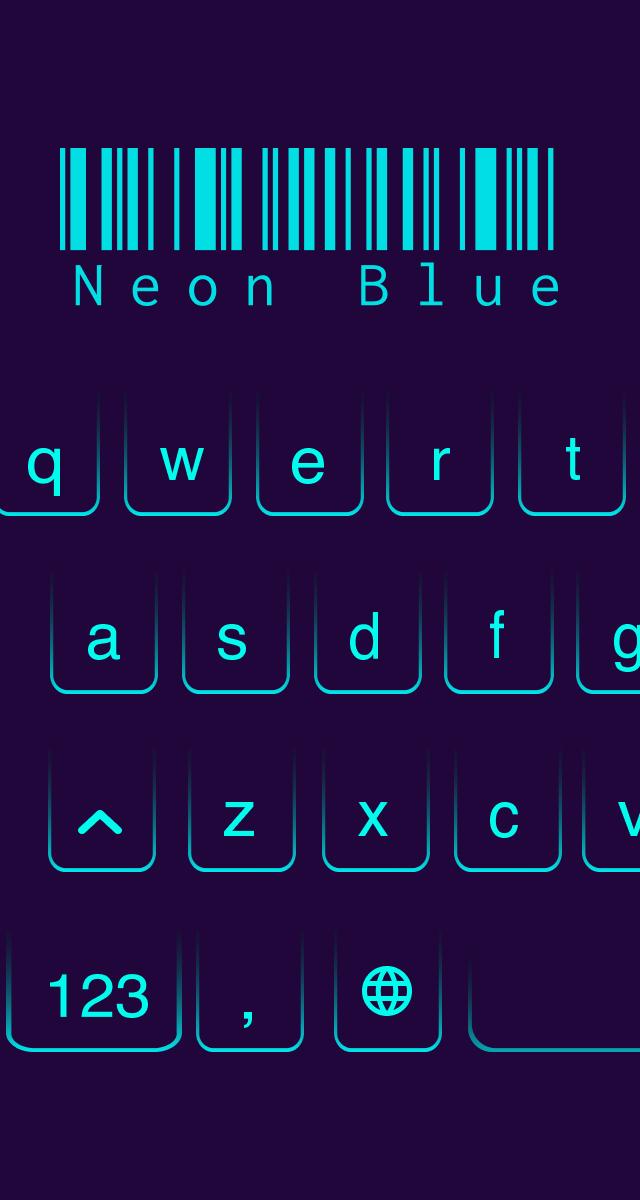
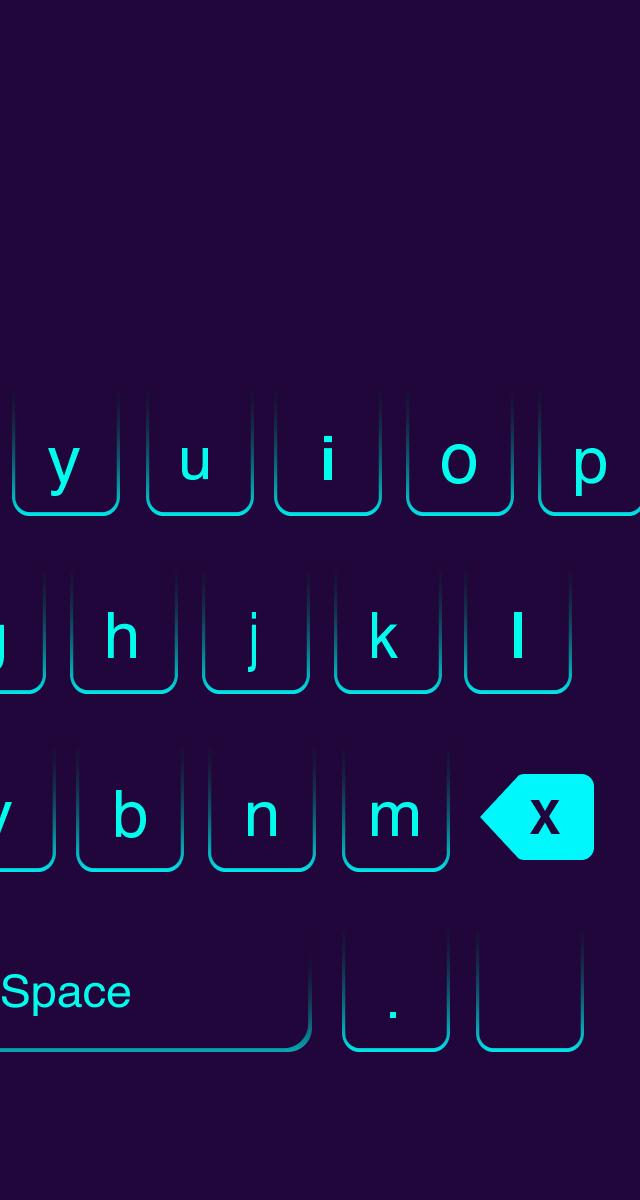
Neon Led Keyboard – Blue Led lighting is our New Design, created just for you!
New Distinguish Keyboard theme – Blue Led Color lighting
Main Features
- Simple-to-use keyboard app
- Neon LED lighting Keyboard, led.
- Colorful keyboard skins
- Amazing effects light
- Emoji funny
- Fast typing: Fluent and fast when you type with LED Keyboard Theme.
Resize the keyboard layout.
Multi language typing
[Disclaimers]
- All copyrights reserved to their respective owners.
- If you notice that any content in our app violates copyrights than please inform us so that we remove that content.
ดูตัวอย่าง
แท็ก
การปรับเปลี่ยนในแบบของคุณข้อมูล
นักพัฒนา
BTech Mobile Team
เวอร์ชั่นล่าสุด
1.3.8
อัพเดทล่าสุด
2021-04-14
หมวดหมู่
การปรับเปลี่ยนในแบบของคุณ
มีจำหน่ายที่
Google Play
แสดงมากขึ้น
วิธีเล่น Neon Led Keyboard - blue LED light 1 ด้วย GameLoop บน PC
1. ดาวน์โหลด GameLoop จากเว็บไซต์ทางการ จากนั้นเรียกใช้ไฟล์ exe เพื่อติดตั้ง GameLoop
2. เปิด GameLoop และค้นหา "Neon Led Keyboard - blue LED light 1" ค้นหา Neon Led Keyboard - blue LED light 1 ในผลการค้นหาแล้วคลิก "ติดตั้ง"
3. สนุกกับการเล่น Neon Led Keyboard - blue LED light 1 บน GameLoop
Minimum requirements
OS
Windows 8.1 64-bit or Windows 10 64-bit
GPU
GTX 1050
CPU
i3-8300
Memory
8GB RAM
Storage
1GB available space
Recommended requirements
OS
Windows 8.1 64-bit or Windows 10 64-bit
GPU
GTX 1050
CPU
i3-9320
Memory
16GB RAM
Storage
1GB available space