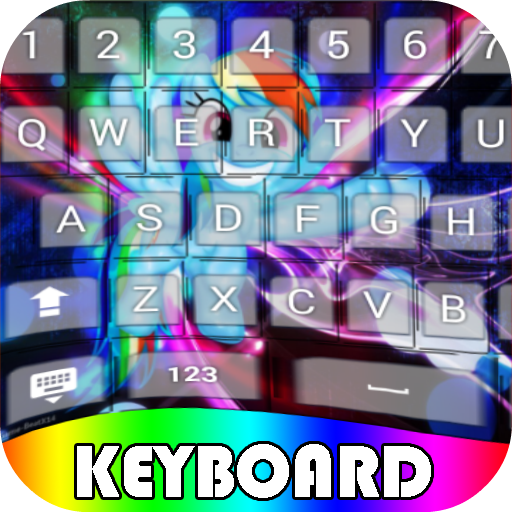
My Little Pony Keyboard Themes PC
Pro Keyboard Themes
ดาวน์โหลด My Little Pony Keyboard Themes บนพีซีด้วย GameLoop Emulator
My Little Pony Keyboard Themes บน PC
My Little Pony Keyboard Themes มาจากผู้พัฒนา Pro Keyboard Themes ที่เคยรันบนระบบปฏิบัติการ Android มาก่อน
ตอนนี้คุณสามารถเล่น My Little Pony Keyboard Themes บนพีซีด้วย GameLoop ได้อย่างราบรื่น
ดาวน์โหลดในไลบรารี GameLoop หรือผลการค้นหา ไม่ต้องสนใจแบตเตอรี่หรือโทรผิดเวลาอีกต่อไป
เพียงเพลิดเพลินกับ My Little Pony Keyboard Themes PC บนหน้าจอขนาดใหญ่ฟรี!
My Little Pony Keyboard Themes บทนำ
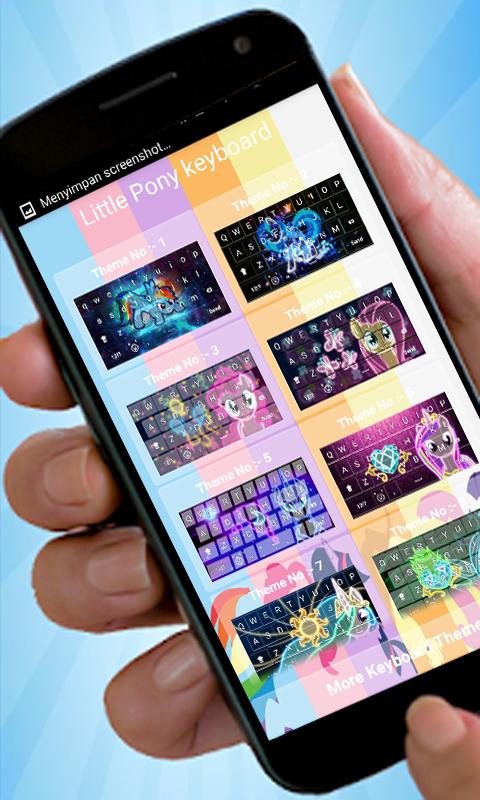
Download My Little Pony: Keyboard Themesfor free, and join your favorite friends in an exciting and fun Keyboard Design in the magical realm of Equestria.
For use this keyboard
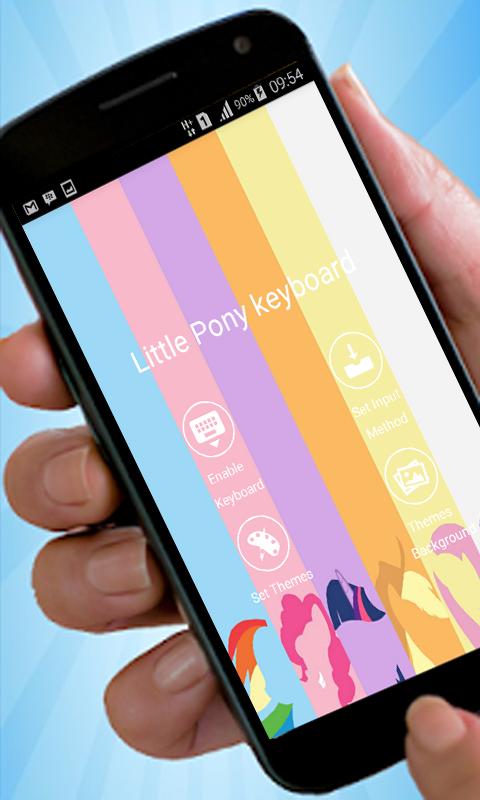
1. install the keyboard application
2. after you install, and pair applications.
3. The entry into language and input settings application, select Little Pony keyboard
4. The next entry to set the input method settings, select his language english
5. The Little Pony image settings you want to make the cover of the keyboard. after that you can use the application keyboard and My Pony cute smile.
This application can also display the best photos yourselves. Her way is very easy, if you want to show your photo on the cover on the phone follow this way.
1. find themes in the application Baground keyboard,
2. (Baground) select the button style keyboard.
3. (set Baground) select the images in the gallery that you think is good.
4. (set themes) for displaying your photos in Baground keyboard. congratulations use.
ดูตัวอย่าง
ข้อมูล
นักพัฒนา
Pro Keyboard Themes
เวอร์ชั่นล่าสุด
1.1
อัพเดทล่าสุด
2017-02-04
หมวดหมู่
การปรับเปลี่ยนในแบบของคุณ
มีจำหน่ายที่
Google Play
แสดงมากขึ้น
วิธีเล่น My Little Pony Keyboard Themes ด้วย GameLoop บน PC
1. ดาวน์โหลด GameLoop จากเว็บไซต์ทางการ จากนั้นเรียกใช้ไฟล์ exe เพื่อติดตั้ง GameLoop
2. เปิด GameLoop และค้นหา "My Little Pony Keyboard Themes" ค้นหา My Little Pony Keyboard Themes ในผลการค้นหาแล้วคลิก "ติดตั้ง"
3. สนุกกับการเล่น My Little Pony Keyboard Themes บน GameLoop
Minimum requirements
OS
Windows 8.1 64-bit or Windows 10 64-bit
GPU
GTX 1050
CPU
i3-8300
Memory
8GB RAM
Storage
1GB available space
Recommended requirements
OS
Windows 8.1 64-bit or Windows 10 64-bit
GPU
GTX 1050
CPU
i3-9320
Memory
16GB RAM
Storage
1GB available space