
KawaiiWidget『Happy Sweets』 PC
SAICRAFT,Inc.
ดาวน์โหลด KawaiiWidget『Happy Sweets』 บนพีซีด้วย GameLoop Emulator
KawaiiWidget『Happy Sweets』 บน PC
KawaiiWidget『Happy Sweets』 มาจากผู้พัฒนา SAICRAFT,Inc. ที่เคยรันบนระบบปฏิบัติการ Android มาก่อน
ตอนนี้คุณสามารถเล่น KawaiiWidget『Happy Sweets』 บนพีซีด้วย GameLoop ได้อย่างราบรื่น
ดาวน์โหลดในไลบรารี GameLoop หรือผลการค้นหา ไม่ต้องสนใจแบตเตอรี่หรือโทรผิดเวลาอีกต่อไป
เพียงเพลิดเพลินกับ KawaiiWidget『Happy Sweets』 PC บนหน้าจอขนาดใหญ่ฟรี!
KawaiiWidget『Happy Sweets』 บทนำ
Free application.
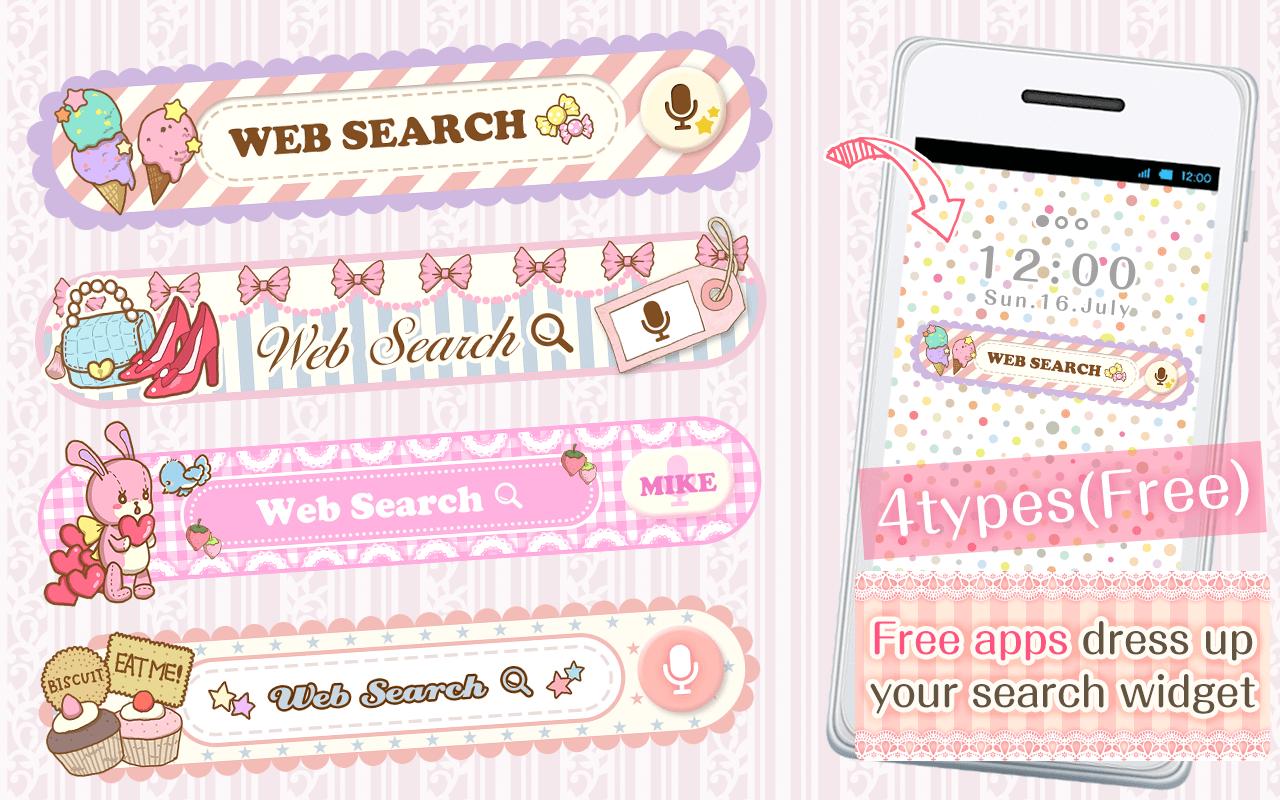
You can custumize your home screen with the cute Search Widget
Once downloaded onto your home screen,
this search widget allows you to access the internet easily.
You can enjoy many thpes of design,when you download the theme apps.
■For inquiries
info@aswidget.com
■Reasons to download
Easy to search once downloaded onto your home screen
Easy to delete and organize history
Supports voice input
■How to use
This application is used through downloading the search widget onto the home screen.
To use this application, please download the ""DRESSAPPS""application.
https://play.google.com/store/apps/details?id=com.aswidget.android.themewidget
■Set up method for search widget
Set up method is differs depending on the smart phone's brand.
Please check here
https://dressapps.jp/web/widget_setting
・Basic method1
1. Press down on an open space on your home screen.
2. Select "widget" once the menu is shown.
3. Select the widget of your choice. (for the old version: click on icon )
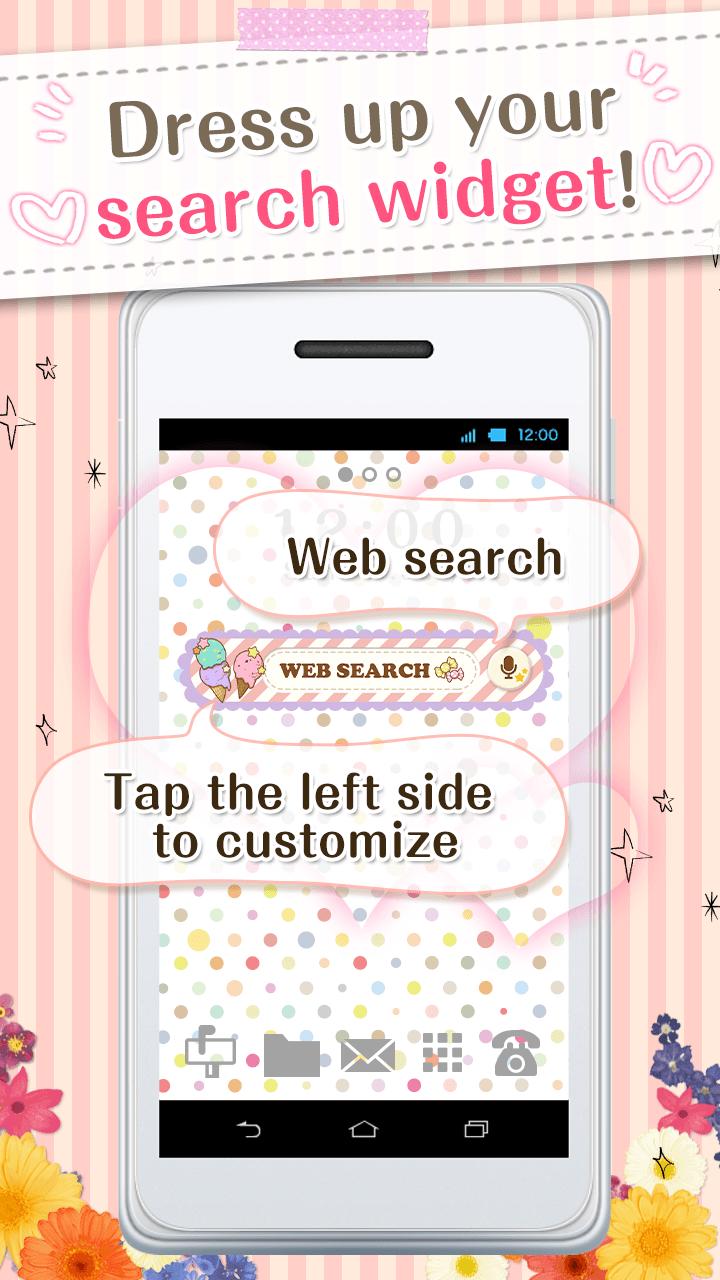
4. Clicking on the left area of the widget lets you change designs!
・Basic method2
1. Open your home screen and click on your application icon.
Although depending on device, the application button is formed of many ■ and ●
2. Tap on the widget button on the upper side of the screen and select the downloaded widget.
3. When the home screen pops up, drag the widget to the place of your choice.
4. Clicking on the left area of the widget lets you change designs!
■How to customize
(This search widget can be customized to your preference)
1. Click on the character on the left side of the search widget. The setup screen will pop up.
2. Choose a design of your choice from the ""more dressup""
■Comptible model
Android OS 2.3.3and later
■For inquiries
info@aswidget.com
ดูตัวอย่าง
ข้อมูล
นักพัฒนา
SAICRAFT,Inc.
เวอร์ชั่นล่าสุด
1.0.0
อัพเดทล่าสุด
2015-03-17
หมวดหมู่
การปรับเปลี่ยนในแบบของคุณ
มีจำหน่ายที่
Google Play
แสดงมากขึ้น
วิธีเล่น KawaiiWidget『Happy Sweets』 ด้วย GameLoop บน PC
1. ดาวน์โหลด GameLoop จากเว็บไซต์ทางการ จากนั้นเรียกใช้ไฟล์ exe เพื่อติดตั้ง GameLoop
2. เปิด GameLoop และค้นหา "KawaiiWidget『Happy Sweets』" ค้นหา KawaiiWidget『Happy Sweets』 ในผลการค้นหาแล้วคลิก "ติดตั้ง"
3. สนุกกับการเล่น KawaiiWidget『Happy Sweets』 บน GameLoop
Minimum requirements
OS
Windows 8.1 64-bit or Windows 10 64-bit
GPU
GTX 1050
CPU
i3-8300
Memory
8GB RAM
Storage
1GB available space
Recommended requirements
OS
Windows 8.1 64-bit or Windows 10 64-bit
GPU
GTX 1050
CPU
i3-9320
Memory
16GB RAM
Storage
1GB available space