Indonesian Keyboard: Indonesian Language Typing PC
Multi Themes Keyboard & Emoji Keyboard
ดาวน์โหลด Indonesian Keyboard: Indonesian Language Typing บนพีซีด้วย GameLoop Emulator
Indonesian Keyboard: Indonesian Language Typing บน PC
Indonesian Keyboard: Indonesian Language Typing มาจากผู้พัฒนา Multi Themes Keyboard & Emoji Keyboard ที่เคยรันบนระบบปฏิบัติการ Android มาก่อน
ตอนนี้คุณสามารถเล่น Indonesian Keyboard: Indonesian Language Typing บนพีซีด้วย GameLoop ได้อย่างราบรื่น
ดาวน์โหลดในไลบรารี GameLoop หรือผลการค้นหา ไม่ต้องสนใจแบตเตอรี่หรือโทรผิดเวลาอีกต่อไป
เพียงเพลิดเพลินกับ Indonesian Keyboard: Indonesian Language Typing PC บนหน้าจอขนาดใหญ่ฟรี!
Indonesian Keyboard: Indonesian Language Typing บทนำ
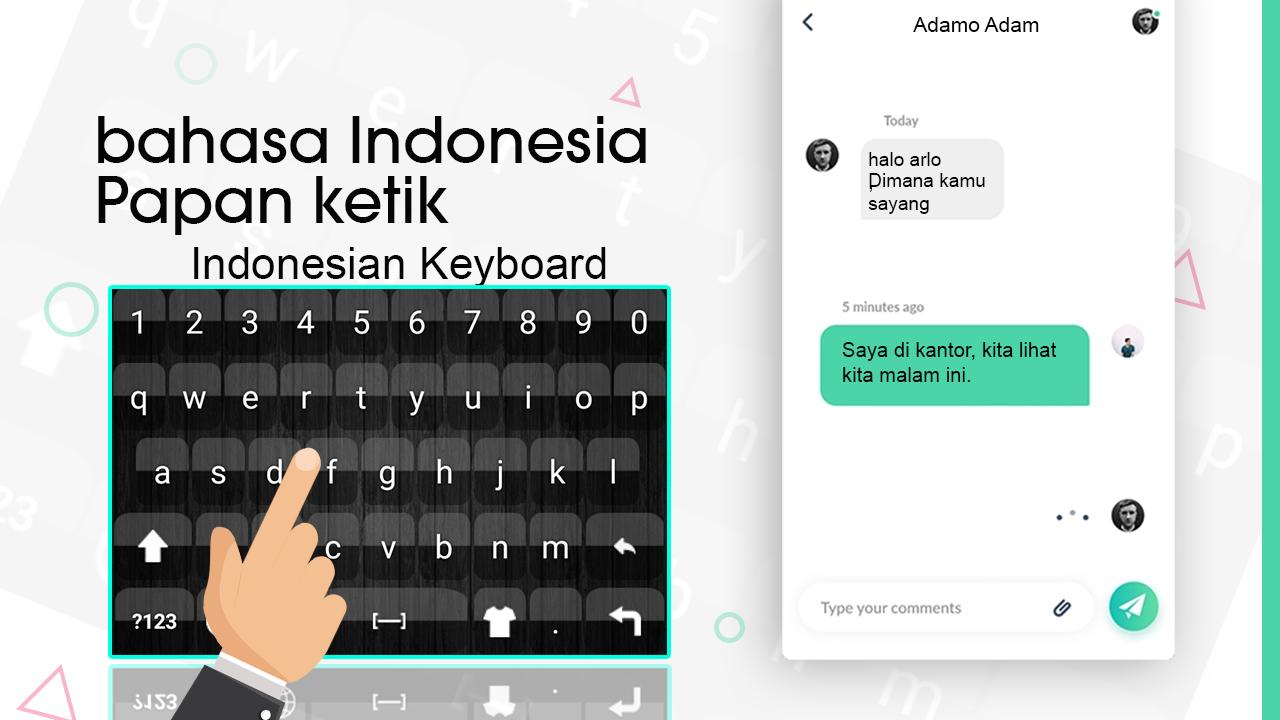
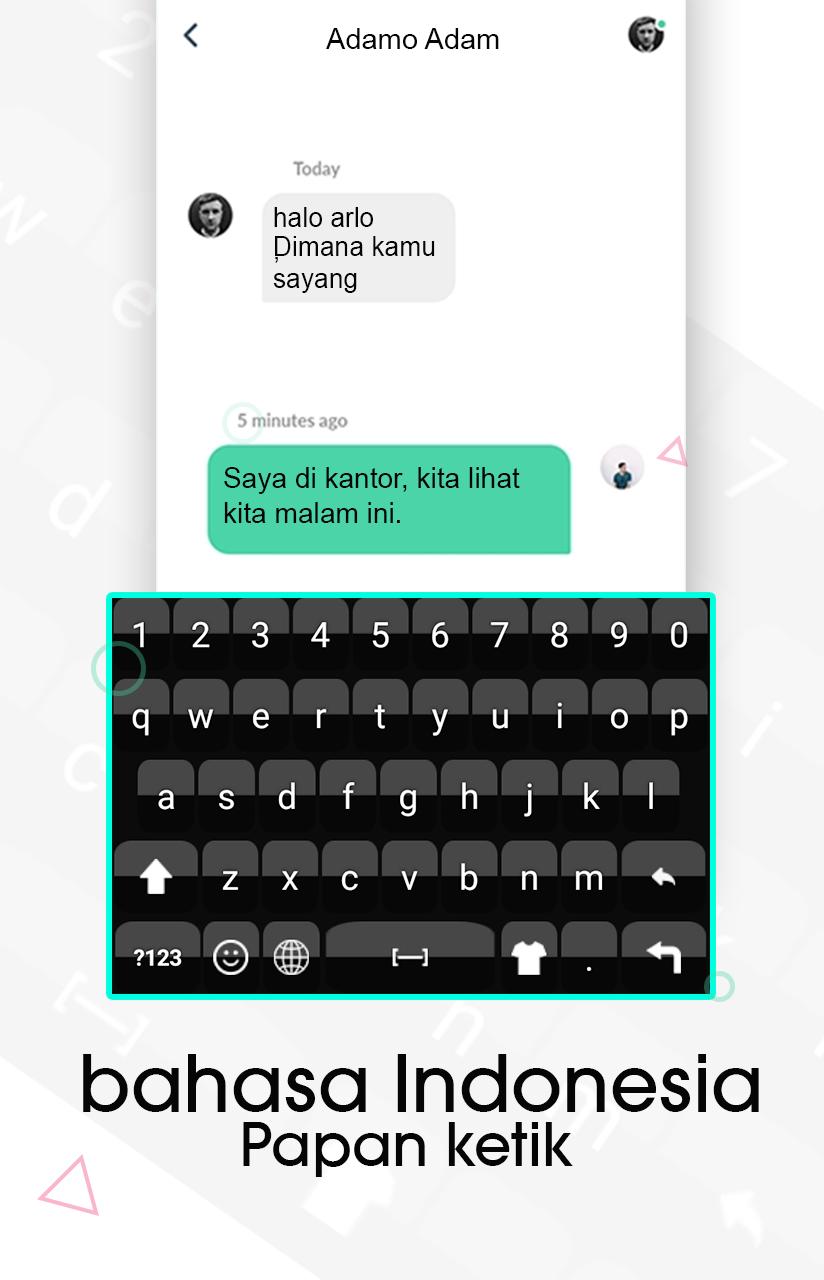
Indonesian Keyboard: Indonesian Language Typing Keyboard is used to write Indonesian language characters quickly and easily. Beautiful and multiple background themes are also included that will decorate your keyboard. Cute emoji and smiley are included that will make your message more clear and joyful. Word suggestions will also appear while typing, this feature is used to write more characters in less time. Indonesian Typing & themes is used to write message, email, post, blog and you can easily and quickly chat with your family and friends in Indonesian language. Indonesian Keyboard - Indonesian Typing & themes app is useful if you are from Indonesia and your native language is Indonesian or not. You can write Indonesian text easily and quickly without any delay by fast input feature. Indonesian Keyboard: Language Keyboard is used to write Indonesian word and sentences easily.
Indonesian Typing Language is fully customization which means you can easily change keyboard’s background. You can select your favorite background from multiple. Unique background are included with attractive color scheme by which you can give style to your Indonesian keyboard by these background themes. You can try this Indonesian Keyboard for new looks. You can choose different emoji with different styles and you can choose emoji according to your mode. keyboards qwerty allows you to write all Indonesian characters and words. keyboards Indonesia and English Typing has different multiple themes help you write yours messages more effective and looks good in Indonesian words or any social media app. This keyboards emoji is specially designed for numeric fields. Indonesian has also contained numeric, which will automatically open when cursor is found in these specific fields.
You can insert happy emoji in beautiful pictures for keyboard background and different sound. Indonesian Keyboard app helps you to input Indonesian characters with word suggest support that will give you suggested words. Indonesian Keyboard is an android app and you need android device to use this app. Indonesian language keyboard app has user-friendly interface. Indonesian Keyboard - Indonesian Typing & themes app is an easy Indonesian app will appear instead of your default after you set this as default keyboard.
KEYBOARD TYPING WITH USEFUL FEATURES:
1. Write Indonesian language characters or alphabets
2. Multiple background
3. Emoji and smiley, Word suggestions
4. Easy Indonesian keyboard
5. Indonesian language
6. User friendly and very easy to use and soft to use with
multiple themes and emoji
7. Very reliable for users and unable and disable Indonesian
and English language for keyboard
8. Indonesian alphabets and English alphabets are auto
adjusting on keyboards
9. Number’s available both inside alphabet keyboards and
traditional way by tapping number button on Indonesian
keypad
How to Use Indonesian Typing & themes app:
1. Install Indonesian Keyboard - Indonesian Typing & themes
an app
2. Enable Indonesian to start using it and enable the
Indonesian or English keyboard from language and input
menu of android setting or from inside the app
3. Turn on suggestions from settings.
4. Allow permissions and accept policies before using this
app.
5. Fully customize your keyboard style as you like.
6. Turn intelligent auto text capitalization on
ดูตัวอย่าง
ข้อมูล
นักพัฒนา
Multi Themes Keyboard & Emoji Keyboard
เวอร์ชั่นล่าสุด
1.0.3
อัพเดทล่าสุด
2021-07-29
หมวดหมู่
การปรับเปลี่ยนในแบบของคุณ
มีจำหน่ายที่
Google Play
แสดงมากขึ้น
วิธีเล่น Indonesian Keyboard: Indonesian Language Typing ด้วย GameLoop บน PC
1. ดาวน์โหลด GameLoop จากเว็บไซต์ทางการ จากนั้นเรียกใช้ไฟล์ exe เพื่อติดตั้ง GameLoop
2. เปิด GameLoop และค้นหา "Indonesian Keyboard: Indonesian Language Typing" ค้นหา Indonesian Keyboard: Indonesian Language Typing ในผลการค้นหาแล้วคลิก "ติดตั้ง"
3. สนุกกับการเล่น Indonesian Keyboard: Indonesian Language Typing บน GameLoop
Minimum requirements
OS
Windows 8.1 64-bit or Windows 10 64-bit
GPU
GTX 1050
CPU
i3-8300
Memory
8GB RAM
Storage
1GB available space
Recommended requirements
OS
Windows 8.1 64-bit or Windows 10 64-bit
GPU
GTX 1050
CPU
i3-9320
Memory
16GB RAM
Storage
1GB available space