
Hello Launcher PC
Launcher lab
ดาวน์โหลด Hello Launcher บนพีซีด้วย GameLoop Emulator
Hello Launcher บน PC
Hello Launcher มาจากผู้พัฒนา Launcher lab ที่เคยรันบนระบบปฏิบัติการ Android มาก่อน
ตอนนี้คุณสามารถเล่น Hello Launcher บนพีซีด้วย GameLoop ได้อย่างราบรื่น
ดาวน์โหลดในไลบรารี GameLoop หรือผลการค้นหา ไม่ต้องสนใจแบตเตอรี่หรือโทรผิดเวลาอีกต่อไป
เพียงเพลิดเพลินกับ Hello Launcher PC บนหน้าจอขนาดใหญ่ฟรี!
Hello Launcher บทนำ
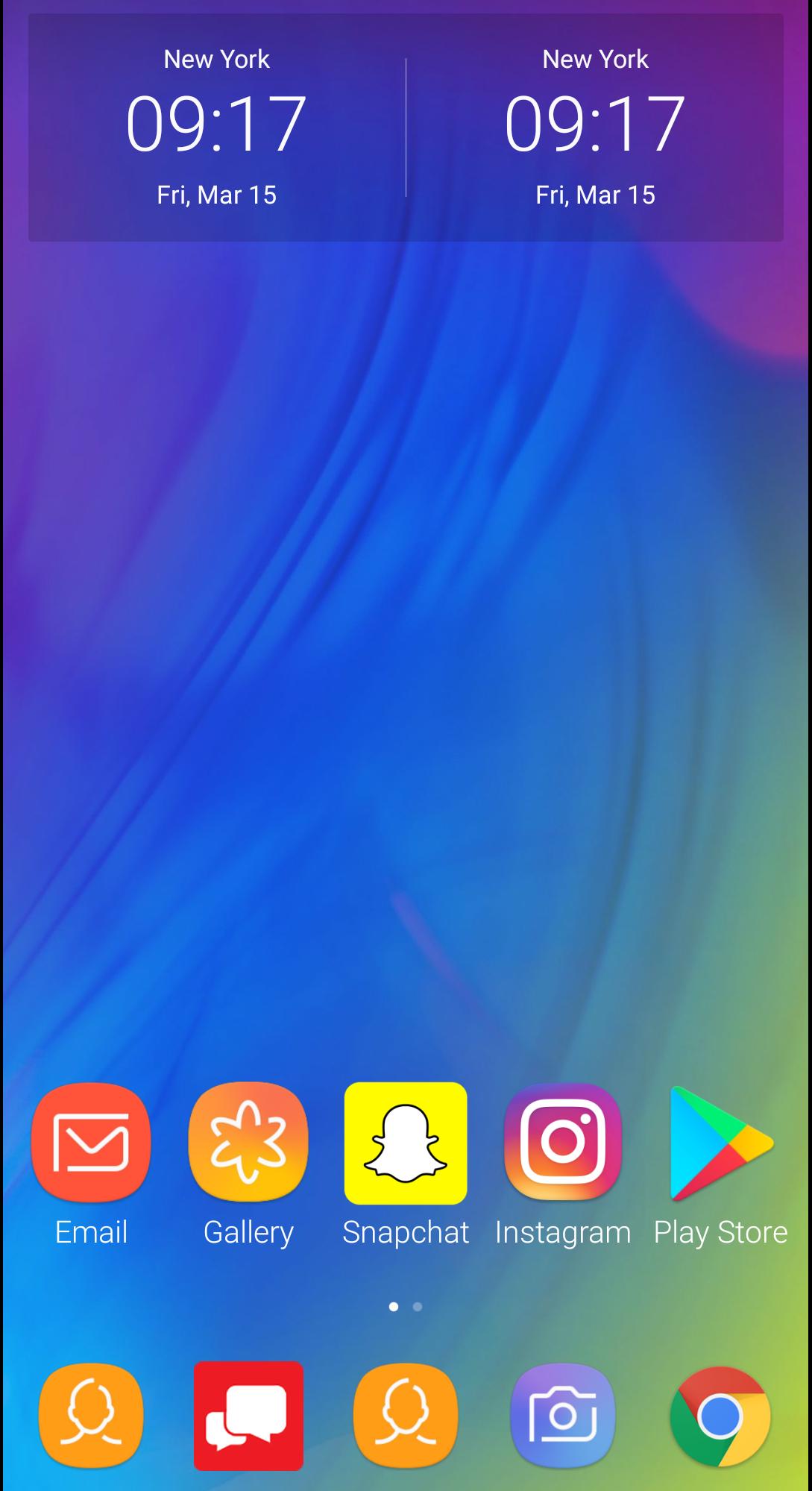
Hello Launcher - is a fast and lightweight launcher designed especially for Android phones. High performance and gorgeous design will give your device a boost of confidence. Play with Home screen wallpapers, themes, and animations; personalize your device to make it truly unique.
🏆 Best Android Launchers — Android Central & Tom’s Guide
👍 Key features
🏠 Minimalist design - Following in footsteps of Material Design, Hello Launcher puts all your apps in the App drawer, keeping the Home screen neat and clean.
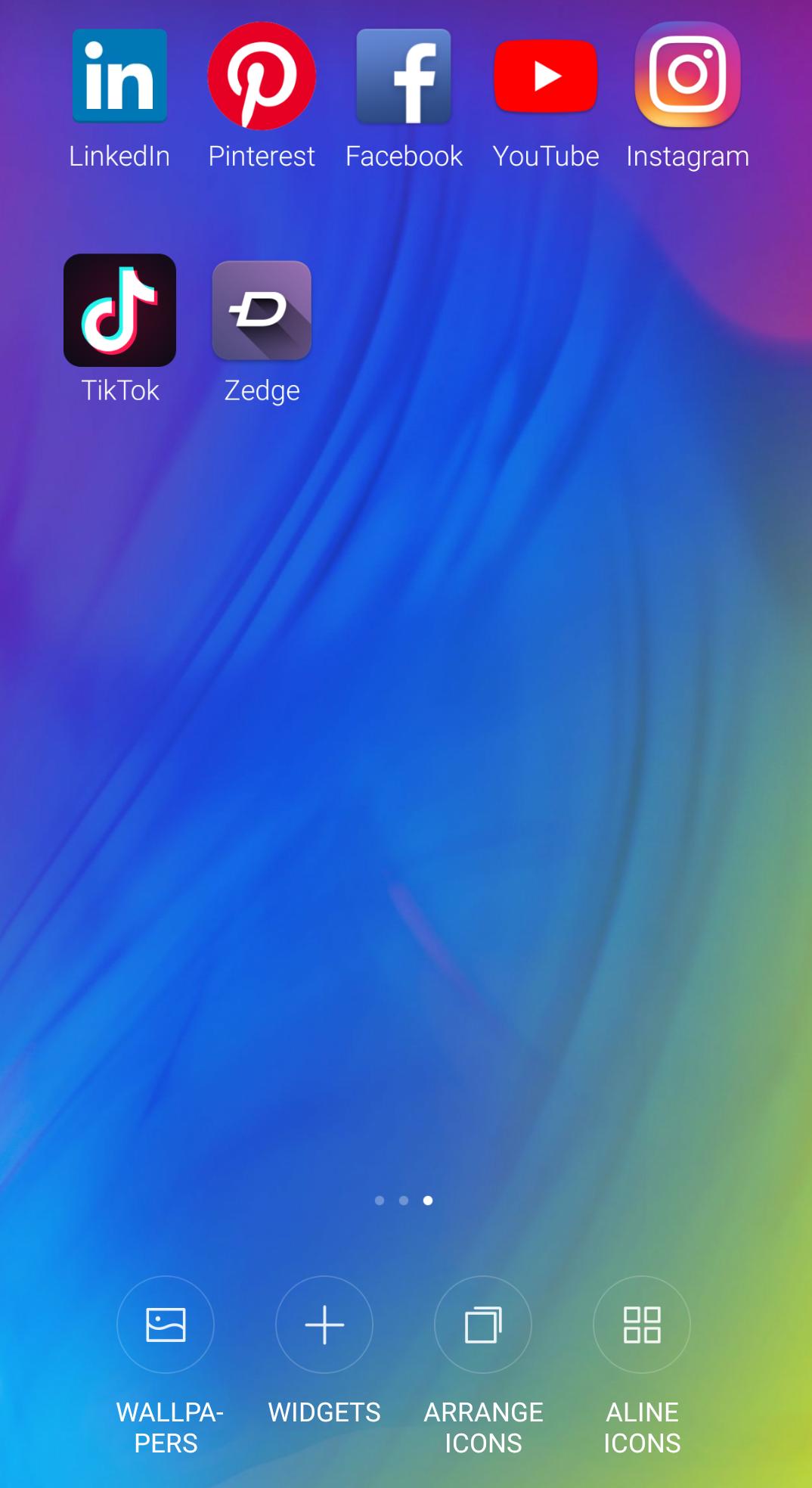
🌟 Personalization - Import and resize the Home screen layout and app icons. Apply customized wallpapers, themes, and animations. Use third party icon packs to give your device a new look.
🏳️🌈 Ambient theme - Smart Launcher automatically changes the theme colors to match your wallpaper.
🔎 Convenient search - App suggestions, icon color categories, and lots of other customizable features allow you to find what you need much faster.
🎯 Manage apps - Group apps by category automatically or create custom groups to always keep important things just a tap away.
🔐 Privacy - Keep your apps private by hiding their icons.Swipe up with two fingers to hide private apps from home-screen.
🚀 Fast and smooth - Hello Launcher is optimized for breakneck speeds! Simple and fast, it works like a charm. Forget about slow system animations!
🔰 Clean and Boost Intelligently stops background apps to clear up memory and boost the speed effectively in one tap.
Helpful Tips:
💡Access Settings: long press on an empty space on the home screen
💡Create Folders: long press an icon and drag it over another icon.
💡App Options: long press on icons to access icon customization and other options.
💡Create Shortcuts: long press on a search result to create a custom shortcut.
💡 Remove apps from homescreen: long press on an icon, drag and drop the icon over the “Remove” button at the top of the screen.
💡 Add a homescreen: Long press an icon and drag to the far right of the screen. Empty homescreens are not currently supported.
💡 Uninstall: Make sure “Double Tap to Unlock” gesture is disabled before uninstalling.
💕💕💕 Thank you for choosing Hello Launcher! Don't forget to leave us a review if you like our app.Let us know with a rating ⭐️⭐️⭐️⭐️⭐️.We love you, and want to hear your feedback on how we can improve your experience! : andevui@gmail.com
ดูตัวอย่าง
ข้อมูล
นักพัฒนา
Launcher lab
เวอร์ชั่นล่าสุด
v1.1.0
อัพเดทล่าสุด
2019-12-02
หมวดหมู่
การปรับเปลี่ยนในแบบของคุณ
มีจำหน่ายที่
Google Play
แสดงมากขึ้น
วิธีเล่น Hello Launcher ด้วย GameLoop บน PC
1. ดาวน์โหลด GameLoop จากเว็บไซต์ทางการ จากนั้นเรียกใช้ไฟล์ exe เพื่อติดตั้ง GameLoop
2. เปิด GameLoop และค้นหา "Hello Launcher" ค้นหา Hello Launcher ในผลการค้นหาแล้วคลิก "ติดตั้ง"
3. สนุกกับการเล่น Hello Launcher บน GameLoop
Minimum requirements
OS
Windows 8.1 64-bit or Windows 10 64-bit
GPU
GTX 1050
CPU
i3-8300
Memory
8GB RAM
Storage
1GB available space
Recommended requirements
OS
Windows 8.1 64-bit or Windows 10 64-bit
GPU
GTX 1050
CPU
i3-9320
Memory
16GB RAM
Storage
1GB available space