DashClock Widget PC
Roman Nurik and Ian Lake
ดาวน์โหลด DashClock Widget บนพีซีด้วย GameLoop Emulator
DashClock Widget บน PC
DashClock Widget มาจากผู้พัฒนา Roman Nurik and Ian Lake ที่เคยรันบนระบบปฏิบัติการ Android มาก่อน
ตอนนี้คุณสามารถเล่น DashClock Widget บนพีซีด้วย GameLoop ได้อย่างราบรื่น
ดาวน์โหลดในไลบรารี GameLoop หรือผลการค้นหา ไม่ต้องสนใจแบตเตอรี่หรือโทรผิดเวลาอีกต่อไป
เพียงเพลิดเพลินกับ DashClock Widget PC บนหน้าจอขนาดใหญ่ฟรี!
DashClock Widget บทนำ
** NOTE: this app is no longer being maintained. **
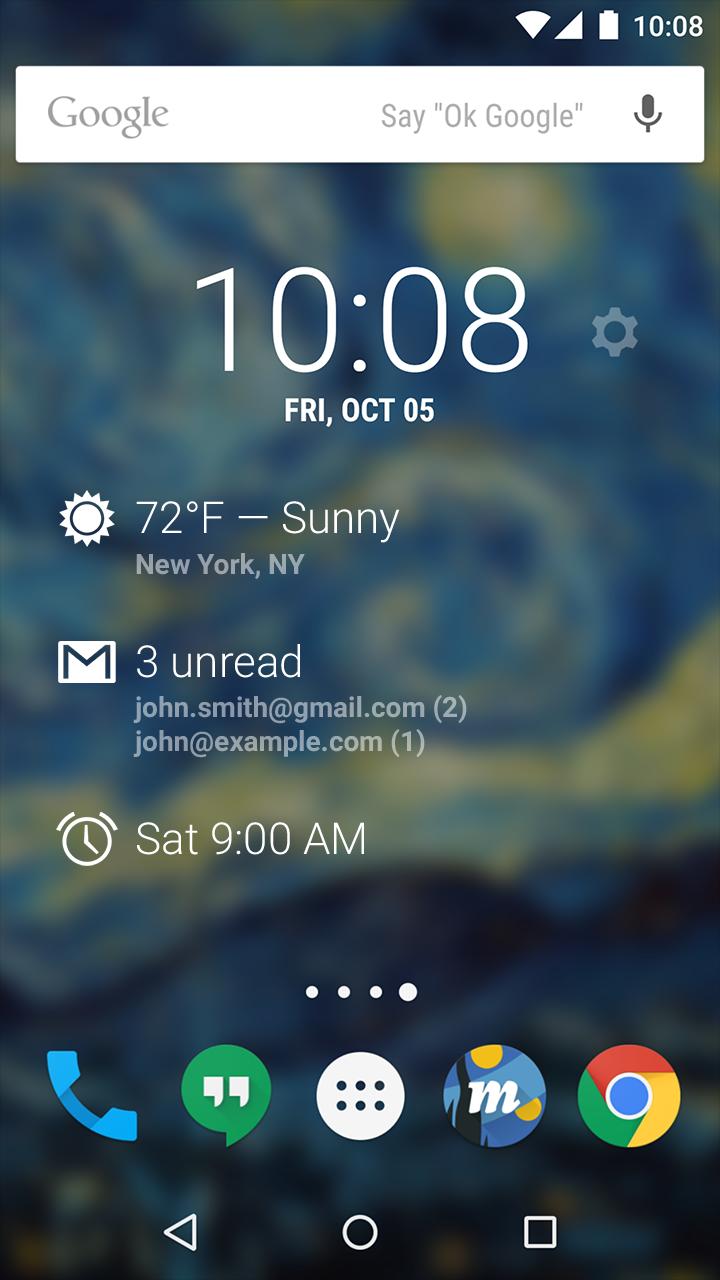
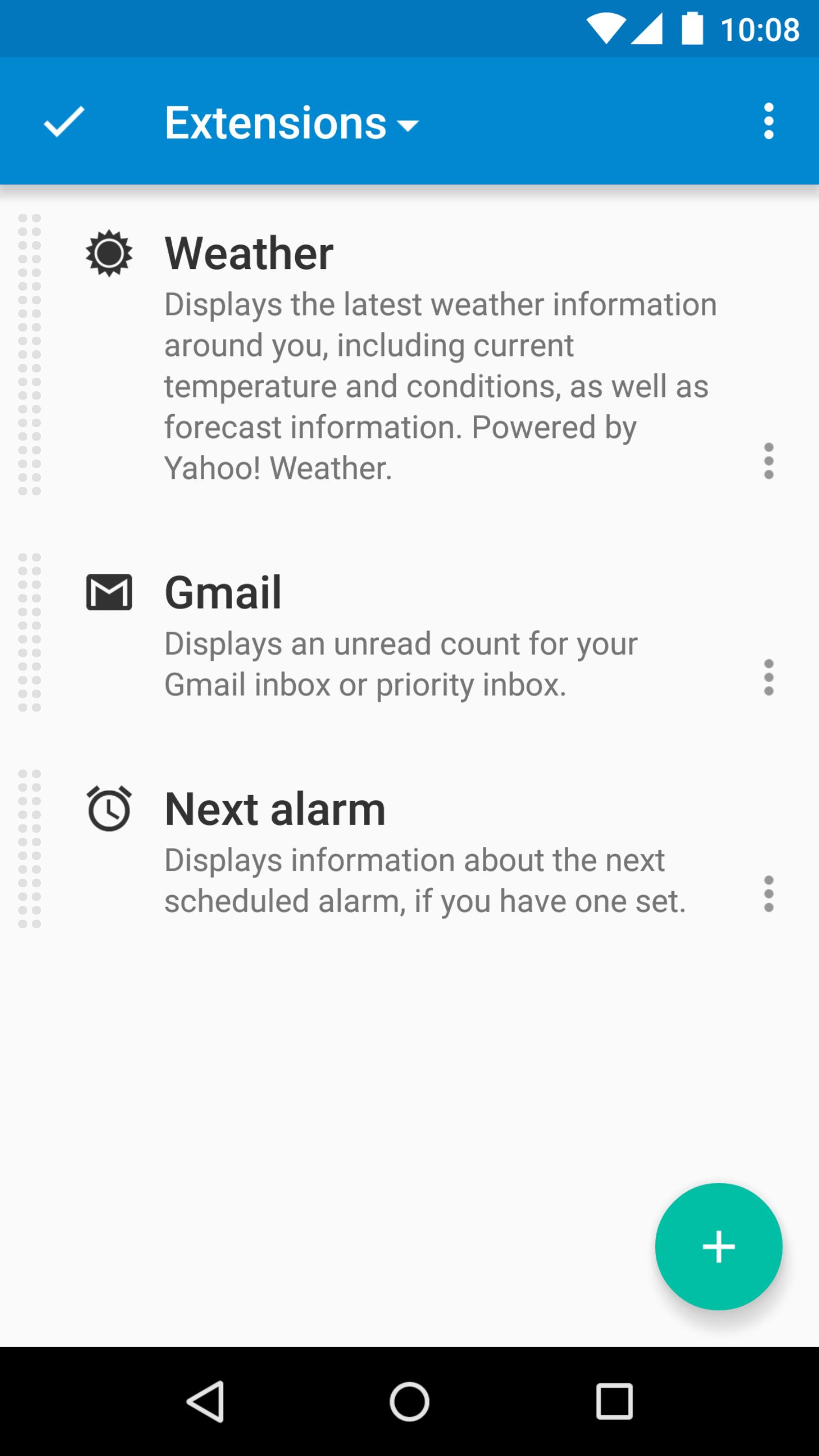
DashClock is a home screen clock widget for Android 4.2+ phones and tablets, with lock screen support for Android 4.2-4.4. It also exposes additional status items called extensions. The widget comes bundled with extensions that give you instant access to:
• Your current local weather
• Missed calls and unread text messages
• Your next calendar appointment
• Unread Gmail inbox or priority inbox conversations
• Your next scheduled alarm
To add the widget to your Android 4.2 device's lock screen, first make sure that "Enable widgets" is turned on in your security settings. Then, simply swipe to the left-most page of your lock screen and touch the "+" icon. Finally, select "DashClock" to customize and add the widget. You can make this the primary lock screen widget, replacing the default clock, by first touching-and-holding it and then dragging it horizontally to the very rightmost position.
Developers: DashClock is extensible! Visit the open source project at https://github.com/romannurik/dashclock to learn more or just check out the source.
ดูตัวอย่าง
ข้อมูล
นักพัฒนา
Roman Nurik and Ian Lake
เวอร์ชั่นล่าสุด
1.7.2
อัพเดทล่าสุด
2016-05-11
หมวดหมู่
การปรับเปลี่ยนในแบบของคุณ
มีจำหน่ายที่
Google Play
แสดงมากขึ้น
วิธีเล่น DashClock Widget ด้วย GameLoop บน PC
1. ดาวน์โหลด GameLoop จากเว็บไซต์ทางการ จากนั้นเรียกใช้ไฟล์ exe เพื่อติดตั้ง GameLoop
2. เปิด GameLoop และค้นหา "DashClock Widget" ค้นหา DashClock Widget ในผลการค้นหาแล้วคลิก "ติดตั้ง"
3. สนุกกับการเล่น DashClock Widget บน GameLoop
Minimum requirements
OS
Windows 8.1 64-bit or Windows 10 64-bit
GPU
GTX 1050
CPU
i3-8300
Memory
8GB RAM
Storage
1GB available space
Recommended requirements
OS
Windows 8.1 64-bit or Windows 10 64-bit
GPU
GTX 1050
CPU
i3-9320
Memory
16GB RAM
Storage
1GB available space