Intelligent keyboard PC
Digital Awesome Themes
ดาวน์โหลด Intelligent keyboard บนพีซีด้วย GameLoop Emulator
Intelligent keyboard บน PC
Intelligent keyboard มาจากผู้พัฒนา Digital Awesome Themes ที่เคยรันบนระบบปฏิบัติการ Android มาก่อน
ตอนนี้คุณสามารถเล่น Intelligent keyboard บนพีซีด้วย GameLoop ได้อย่างราบรื่น
ดาวน์โหลดในไลบรารี GameLoop หรือผลการค้นหา ไม่ต้องสนใจแบตเตอรี่หรือโทรผิดเวลาอีกต่อไป
เพียงเพลิดเพลินกับ Intelligent keyboard PC บนหน้าจอขนาดใหญ่ฟรี!
Intelligent keyboard บทนำ
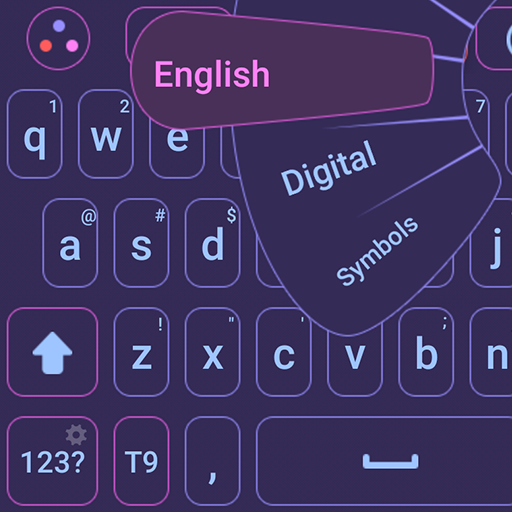
🧠 Intelligent Keyboard – Type Smarter, Faster, and Easier
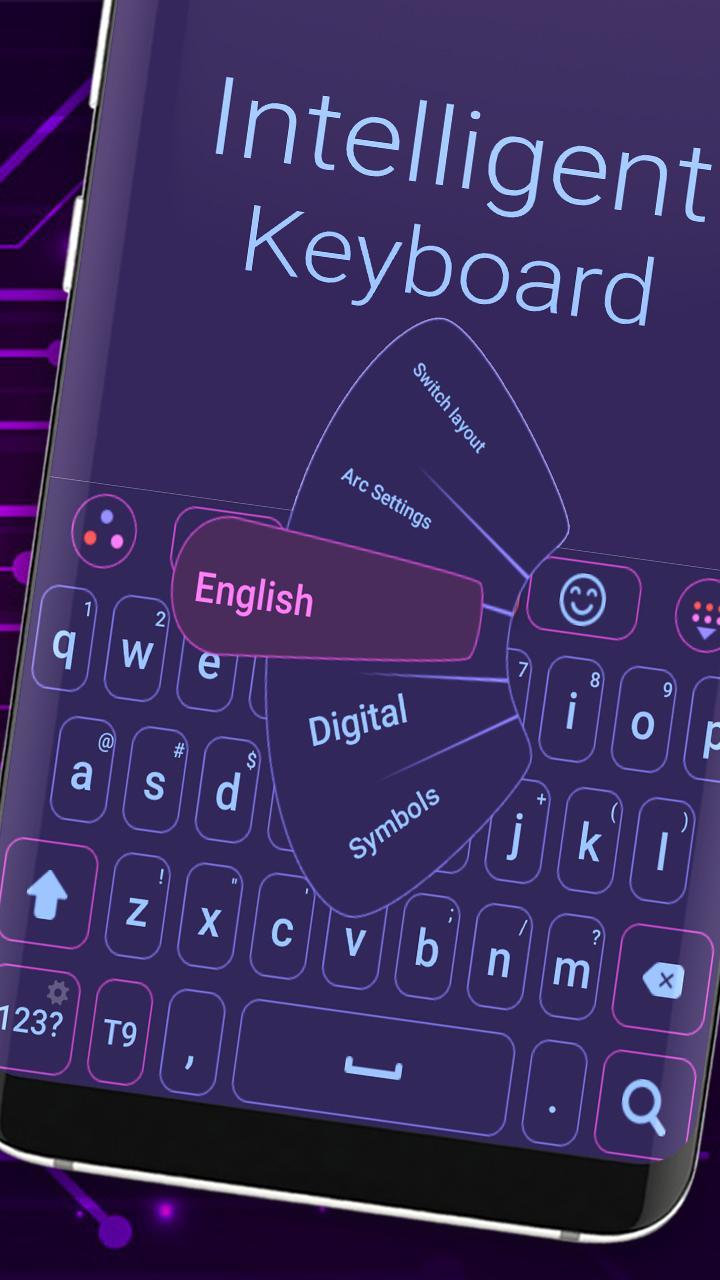
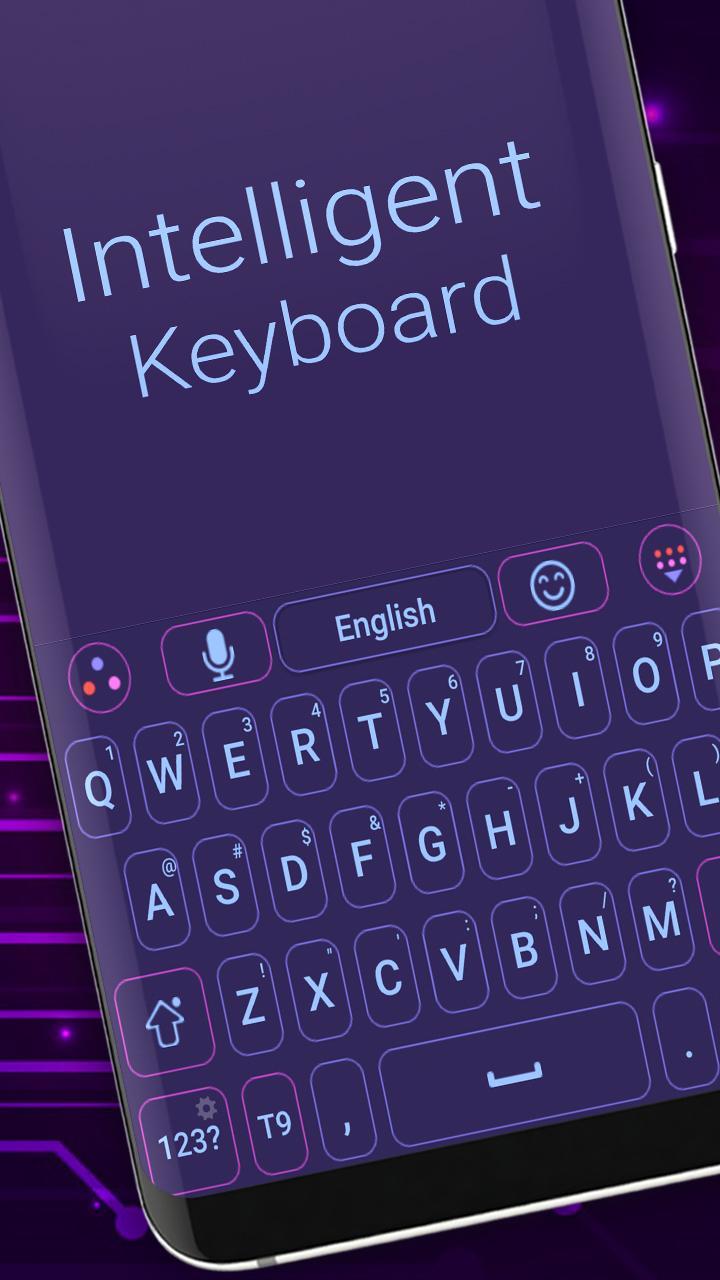
Meet Intelligent Keyboard, your smart typing assistant designed to make every word flow naturally. With powerful AI suggestions, accurate auto-correction, and support for over 150 languages, it transforms the way you write — whether you're chatting, emailing, or posting on social media.
This keyboard learns how you type and adapts to your style, helping you write faster and with fewer mistakes. Plus, it’s loaded with everything you'd expect from a next-gen keyboard: voice typing, emoji and GIF support, swipe input, and beautiful themes.
You can personalize everything — from the color of your keys to the font and layout — all while keeping your typing experience smooth, responsive, and private. Intelligent Keyboard is lightweight, battery-friendly, and built for speed and accuracy on any Android device.
No matter what phone you’re using — Samsung, Xiaomi, Huawei, Pixel, or any other — Intelligent Keyboard is designed to fit perfectly and work flawlessly.
Download now and discover how good typing can feel when it’s truly intelligent.
Why you’ll love it:
Smart auto-correct and word predictions
Voice typing, swipe gestures, and emoji support
Fast performance and low battery use
100% private — no personal data collected
Full customization: fonts, themes, colors
Works in 150+ languages and dialects
Download Intelligent Keyboard now and take your typing to the next level — for free!
ดูตัวอย่าง
แท็ก
การปรับเปลี่ยนในแบบของคุณข้อมูล
นักพัฒนา
Digital Awesome Themes
เวอร์ชั่นล่าสุด
3.0.1
อัพเดทล่าสุด
2025-06-11
หมวดหมู่
การปรับเปลี่ยนในแบบของคุณ
มีจำหน่ายที่
Google Play
แสดงมากขึ้น
วิธีเล่น Intelligent keyboard ด้วย GameLoop บน PC
1. ดาวน์โหลด GameLoop จากเว็บไซต์ทางการ จากนั้นเรียกใช้ไฟล์ exe เพื่อติดตั้ง GameLoop
2. เปิด GameLoop และค้นหา "Intelligent keyboard" ค้นหา Intelligent keyboard ในผลการค้นหาแล้วคลิก "ติดตั้ง"
3. สนุกกับการเล่น Intelligent keyboard บน GameLoop
Minimum requirements
OS
Windows 8.1 64-bit or Windows 10 64-bit
GPU
GTX 1050
CPU
i3-8300
Memory
8GB RAM
Storage
1GB available space
Recommended requirements
OS
Windows 8.1 64-bit or Windows 10 64-bit
GPU
GTX 1050
CPU
i3-9320
Memory
16GB RAM
Storage
1GB available space