MatPop for Kustom KLWP/KWGT PC
BaconBits
ดาวน์โหลด MatPop for Kustom KLWP/KWGT บนพีซีด้วย GameLoop Emulator
MatPop for Kustom KLWP/KWGT บน PC
MatPop for Kustom KLWP/KWGT มาจากผู้พัฒนา BaconBits ที่เคยรันบนระบบปฏิบัติการ Android มาก่อน
ตอนนี้คุณสามารถเล่น MatPop for Kustom KLWP/KWGT บนพีซีด้วย GameLoop ได้อย่างราบรื่น
ดาวน์โหลดในไลบรารี GameLoop หรือผลการค้นหา ไม่ต้องสนใจแบตเตอรี่หรือโทรผิดเวลาอีกต่อไป
เพียงเพลิดเพลินกับ MatPop for Kustom KLWP/KWGT PC บนหน้าจอขนาดใหญ่ฟรี!
MatPop for Kustom KLWP/KWGT บทนำ
YOU NEED TO HAVE THE PRO VERSION OF KUSTOM KLWP INSTALLED ON YOUR PHONE TO USE THE WALLPAPERS/KOMPONENTS - https://goo.gl/UkHJ99
YOU NEED TO HAVE THE PRO VERSION OF KUSTOM KWGT INSTALLED ON YOUR PHONE TO USE THE WIDGETS - https://goo.gl/ABJVXq
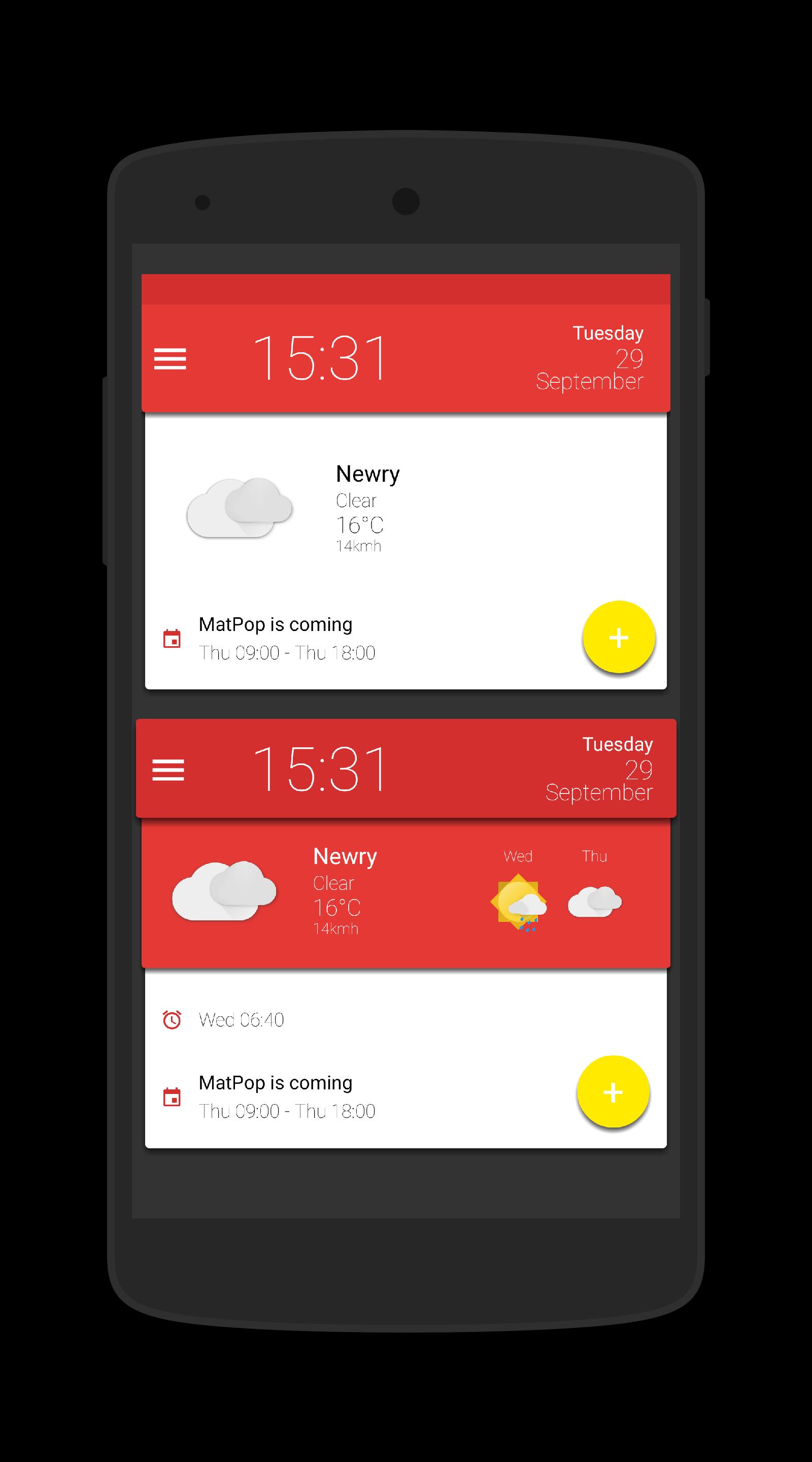
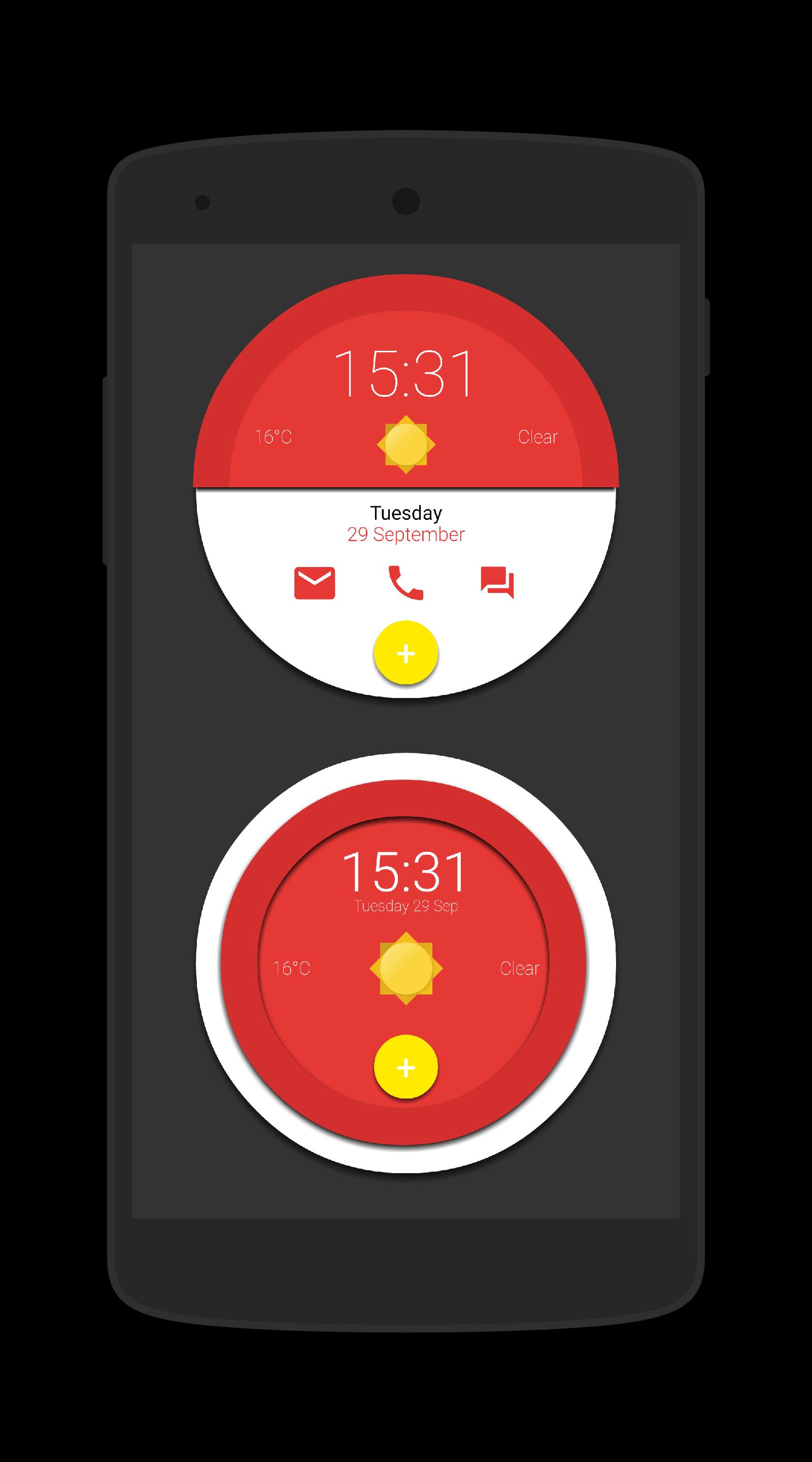
This is a collection of 15 Komponents and a Wallpaper for Kustom KLWP & 15 Widgets for use with Kustom KWGT, all in glorious Material Design
Instructions - Video - https://www.youtube.com/watch?v=dVlmgFTAsa4&feature=youtu.be
Using the Wallpaper (3 page setup)
- Open Kustom KLWP app
- Tap on menu icon
- Select Load Presenmt
- Tap on Installed tab and select Matpop for Kustom
- Select the Matpop Wallpaper
- Tap on save icon
- Make Kustom the Live Wallpaper
- Return to homescreen
- Colours can be changed via the Globals menu in the editor
Using a komponent
- Open the Kustom KWLP app
- Tap the + icon
- Select Matpop for Kustom
- Select the komponent(s) you wish to use
- Tap on save icon
- Make Kustom the Live Wallpaper
- Return to homescreen
- Colours can be changed via the Globals menu in the editor
Using a Wiget
- Longpress on homescreen and select Widget
- Scroll down and select a KWGT widget
- Rersize widget and tap on it
- KWGT app will open
- Select load preset from menu
- Tap on Installed and select Matpop for Kustom
- Select the widget you which to use and press save
- Return to the homescreen
- Colours can be changed via the Globals menu in the editor
Please watch the video as it shows how to use this app
If you have any queries, please email me instead of leaving 1* reviews
Enjoy & Thankyou
Find me on Reddit - https://www.reddit.com/user/BaconBitsNI/
or Twitter - https://twitter.com/baconbitskustom
for more Bacon
ดูตัวอย่าง
แท็ก
การปรับเปลี่ยนในแบบของคุณข้อมูล
นักพัฒนา
BaconBits
เวอร์ชั่นล่าสุด
2.1
อัพเดทล่าสุด
2020-09-01
หมวดหมู่
การปรับเปลี่ยนในแบบของคุณ
มีจำหน่ายที่
Google Play
แสดงมากขึ้น
วิธีเล่น MatPop for Kustom KLWP/KWGT ด้วย GameLoop บน PC
1. ดาวน์โหลด GameLoop จากเว็บไซต์ทางการ จากนั้นเรียกใช้ไฟล์ exe เพื่อติดตั้ง GameLoop
2. เปิด GameLoop และค้นหา "MatPop for Kustom KLWP/KWGT" ค้นหา MatPop for Kustom KLWP/KWGT ในผลการค้นหาแล้วคลิก "ติดตั้ง"
3. สนุกกับการเล่น MatPop for Kustom KLWP/KWGT บน GameLoop
Minimum requirements
OS
Windows 8.1 64-bit or Windows 10 64-bit
GPU
GTX 1050
CPU
i3-8300
Memory
8GB RAM
Storage
1GB available space
Recommended requirements
OS
Windows 8.1 64-bit or Windows 10 64-bit
GPU
GTX 1050
CPU
i3-9320
Memory
16GB RAM
Storage
1GB available space