Classic Emoji Keyboard PC
Home_apps
ดาวน์โหลด Classic Emoji Keyboard บนพีซีด้วย GameLoop Emulator
Classic Emoji Keyboard บน PC
Classic Emoji Keyboard มาจากผู้พัฒนา Home_apps ที่เคยรันบนระบบปฏิบัติการ Android มาก่อน
ตอนนี้คุณสามารถเล่น Classic Emoji Keyboard บนพีซีด้วย GameLoop ได้อย่างราบรื่น
ดาวน์โหลดในไลบรารี GameLoop หรือผลการค้นหา ไม่ต้องสนใจแบตเตอรี่หรือโทรผิดเวลาอีกต่อไป
เพียงเพลิดเพลินกับ Classic Emoji Keyboard PC บนหน้าจอขนาดใหญ่ฟรี!
Classic Emoji Keyboard บทนำ
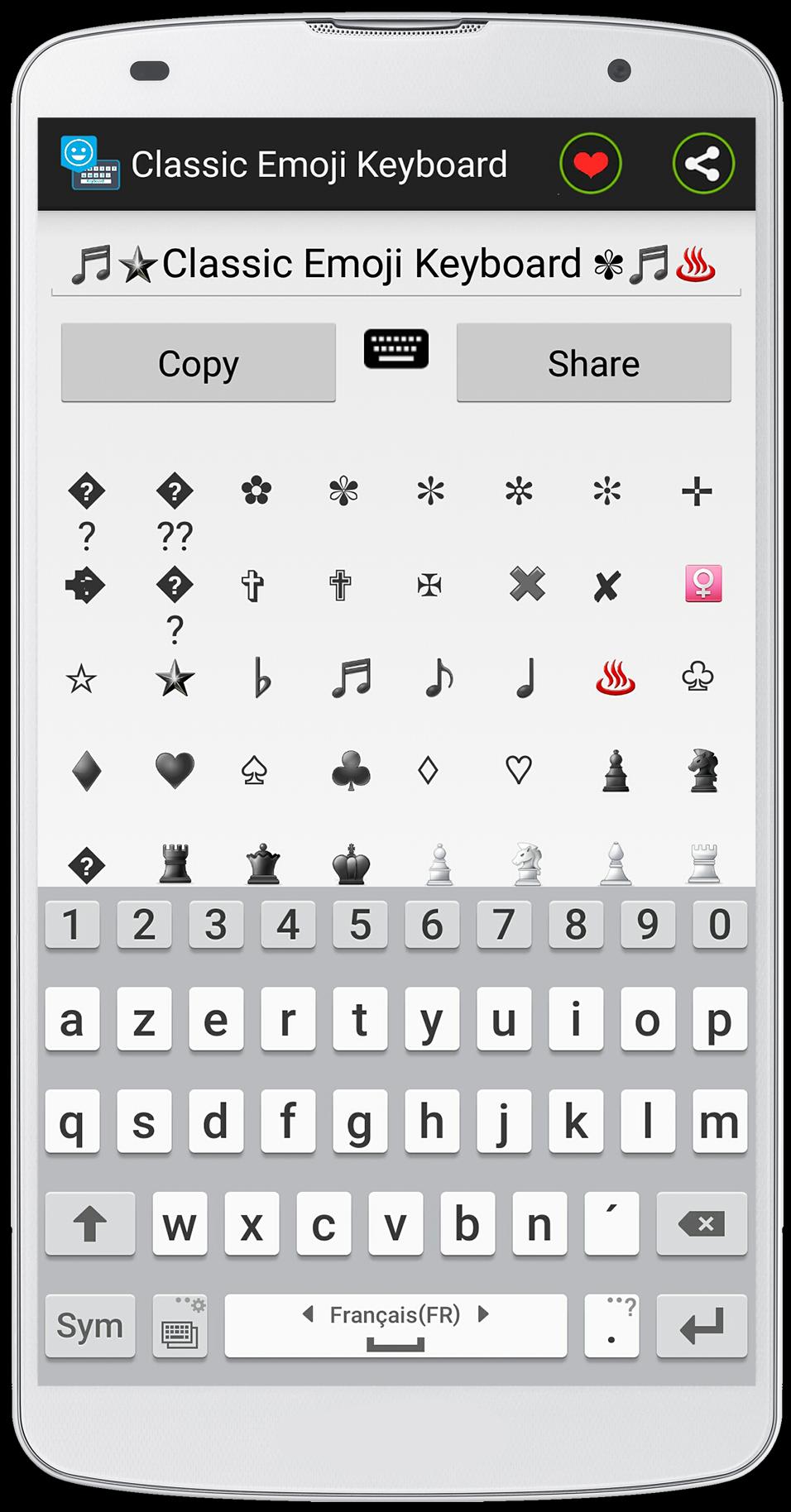
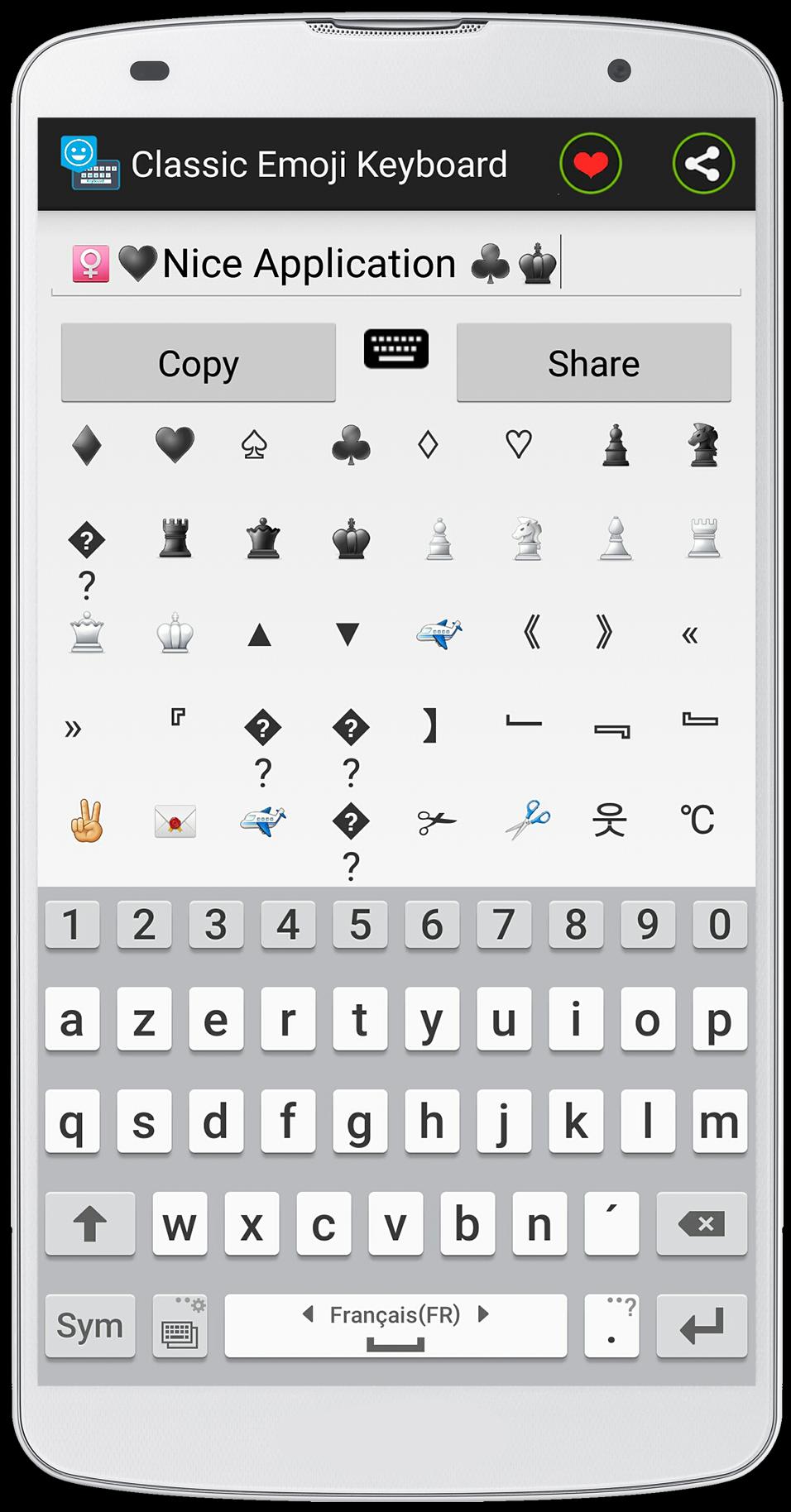
This application is developed in an exclusive way, this method uses the ASCII table to create the Emoji, Emoticons and also the symbols .
as you see the size of this application is very small "2,2Mo", it is because of used ASCII method .
Classic Emoji Keyboard is easy to use .
how to use :
- Open the " Classic Emoji Go Keyboard " application and write your text eg "I like Emoji Keyboard Symbols" and used the Emoji and symbols to give a nice style to your text .
- click "copy" to copy text and paste it into your conversation .
feature of the app :
- the size of the application is very small .
- the application uses less RAM against by other application uses more RAM .
- easy to use .
- you can share with your text Emojis with your friends by facebook or whatsapp ...
Je espère que vous aimez cette application, si vous avez une question, contactez-moi par e-mail!(topapp169@gmail.com)
Enfin, si vous aimez cette application, assurez-vous de laisser un gentil commentaire pour cette application
ดูตัวอย่าง
ข้อมูล
นักพัฒนา
Home_apps
เวอร์ชั่นล่าสุด
1.0
อัพเดทล่าสุด
2015-07-28
หมวดหมู่
การปรับเปลี่ยนในแบบของคุณ
มีจำหน่ายที่
Google Play
แสดงมากขึ้น
วิธีเล่น Classic Emoji Keyboard ด้วย GameLoop บน PC
1. ดาวน์โหลด GameLoop จากเว็บไซต์ทางการ จากนั้นเรียกใช้ไฟล์ exe เพื่อติดตั้ง GameLoop
2. เปิด GameLoop และค้นหา "Classic Emoji Keyboard" ค้นหา Classic Emoji Keyboard ในผลการค้นหาแล้วคลิก "ติดตั้ง"
3. สนุกกับการเล่น Classic Emoji Keyboard บน GameLoop
Minimum requirements
OS
Windows 8.1 64-bit or Windows 10 64-bit
GPU
GTX 1050
CPU
i3-8300
Memory
8GB RAM
Storage
1GB available space
Recommended requirements
OS
Windows 8.1 64-bit or Windows 10 64-bit
GPU
GTX 1050
CPU
i3-9320
Memory
16GB RAM
Storage
1GB available space