Dual Music Player : Play Two S PC
Miled Apps Studio
ดาวน์โหลด Dual Music Player : Play Two S บนพีซีด้วย GameLoop Emulator
Dual Music Player : Play Two S บน PC
Dual Music Player : Play Two S มาจากผู้พัฒนา Miled Apps Studio ที่เคยรันบนระบบปฏิบัติการ Android มาก่อน
ตอนนี้คุณสามารถเล่น Dual Music Player : Play Two S บนพีซีด้วย GameLoop ได้อย่างราบรื่น
ดาวน์โหลดในไลบรารี GameLoop หรือผลการค้นหา ไม่ต้องสนใจแบตเตอรี่หรือโทรผิดเวลาอีกต่อไป
เพียงเพลิดเพลินกับ Dual Music Player : Play Two S PC บนหน้าจอขนาดใหญ่ฟรี!
Dual Music Player : Play Two S บทนำ
Dual Music Player : Play Two Songs At Once
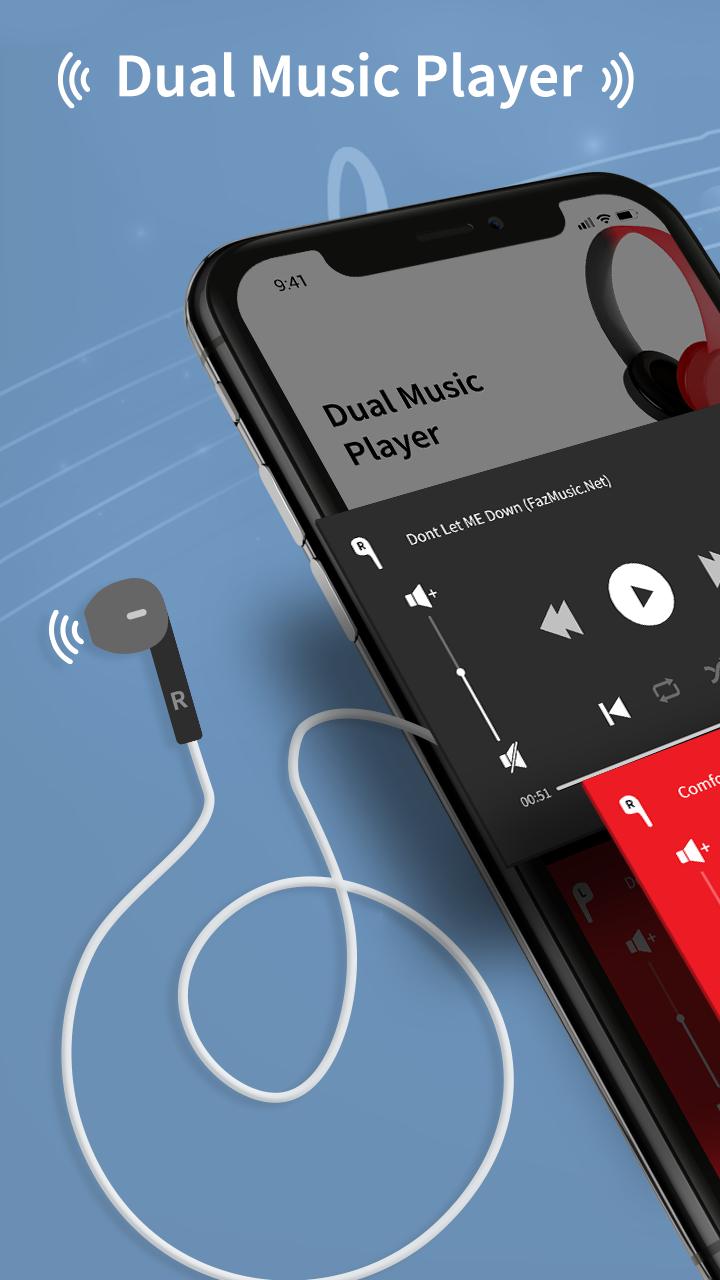
Dual Music Player or Split your Headphone with Two Different Songs at Once.
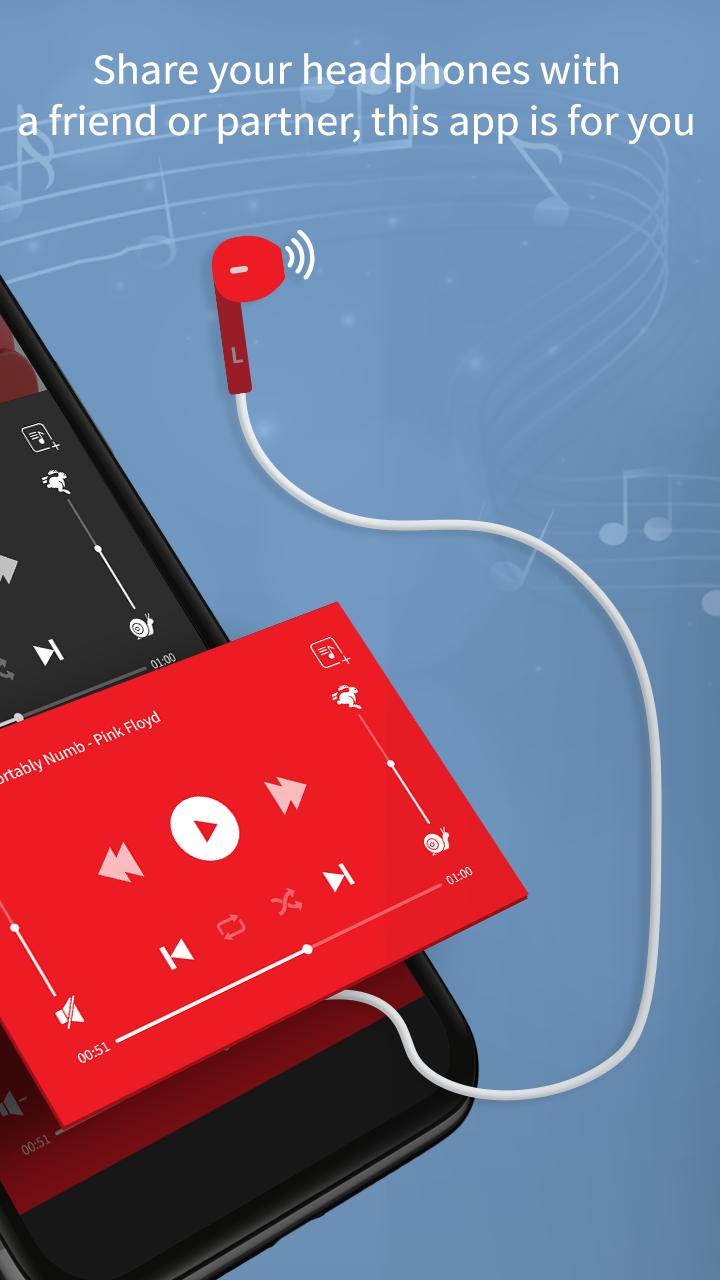
Dual Music Player is the only streaming music player that lets you share your headphones and listen to two different songs at once! If you ever had to share headphones with a friend or partner, listen different song in each ear-peace with this app. Dual Music Player access all the songs saved on your device Music Library.
With Dual Music Player you can also Compare your recording Memo on the dual player. Unlike other music players, Dual Music Player is a free app and not a trial version. With Dual Music Player you can play Double Music at once and also play music in a Lock Screen mode.
FEATURES OF DUAL MUSIC PLAYER :-
1. Split Music Track :
With Dual Music Player app you can play two different music by splitting single headphone. Splitting headphone means you can set one music track to left side headphone and set second music track to right side headphone.
2. Control Music :
With Dual Music Player app you can also control both music track. You can change volume level, change music track, shuffle your songs. This all you can do in lock Mode.
3. Sync Device Playlist :
Dual Music Player app Sync your device music library and you don't need to sync single music manually to play from Dual Music player.
So, Get All New Dual Music Player app for FREE!!!. A better way to Play & listen two songs at once on the device.
ดูตัวอย่าง
แท็ก
Music-&ข้อมูล
นักพัฒนา
Miled Apps Studio
เวอร์ชั่นล่าสุด
1.2
อัพเดทล่าสุด
2021-09-21
หมวดหมู่
Music-audio
มีจำหน่ายที่
Google Play
แสดงมากขึ้น
วิธีเล่น Dual Music Player : Play Two S ด้วย GameLoop บน PC
1. ดาวน์โหลด GameLoop จากเว็บไซต์ทางการ จากนั้นเรียกใช้ไฟล์ exe เพื่อติดตั้ง GameLoop
2. เปิด GameLoop และค้นหา "Dual Music Player : Play Two S" ค้นหา Dual Music Player : Play Two S ในผลการค้นหาแล้วคลิก "ติดตั้ง"
3. สนุกกับการเล่น Dual Music Player : Play Two S บน GameLoop
Minimum requirements
OS
Windows 8.1 64-bit or Windows 10 64-bit
GPU
GTX 1050
CPU
i3-8300
Memory
8GB RAM
Storage
1GB available space
Recommended requirements
OS
Windows 8.1 64-bit or Windows 10 64-bit
GPU
GTX 1050
CPU
i3-9320
Memory
16GB RAM
Storage
1GB available space