
วิทยุคริสมาส PC
MyIndieApp.com
ดาวน์โหลด วิทยุคริสมาส บนพีซีด้วย GameLoop Emulator
วิทยุคริสมาส บน PC
วิทยุคริสมาส มาจากผู้พัฒนา MyIndieApp.com ที่เคยรันบนระบบปฏิบัติการ Android มาก่อน
ตอนนี้คุณสามารถเล่น วิทยุคริสมาส บนพีซีด้วย GameLoop ได้อย่างราบรื่น
ดาวน์โหลดในไลบรารี GameLoop หรือผลการค้นหา ไม่ต้องสนใจแบตเตอรี่หรือโทรผิดเวลาอีกต่อไป
เพียงเพลิดเพลินกับ วิทยุคริสมาส PC บนหน้าจอขนาดใหญ่ฟรี!
วิทยุคริสมาส บทนำ
วิทยุคริสมาส - กำลังเล่นเพลงอเมริกัน
กำลังออนแอร์ :
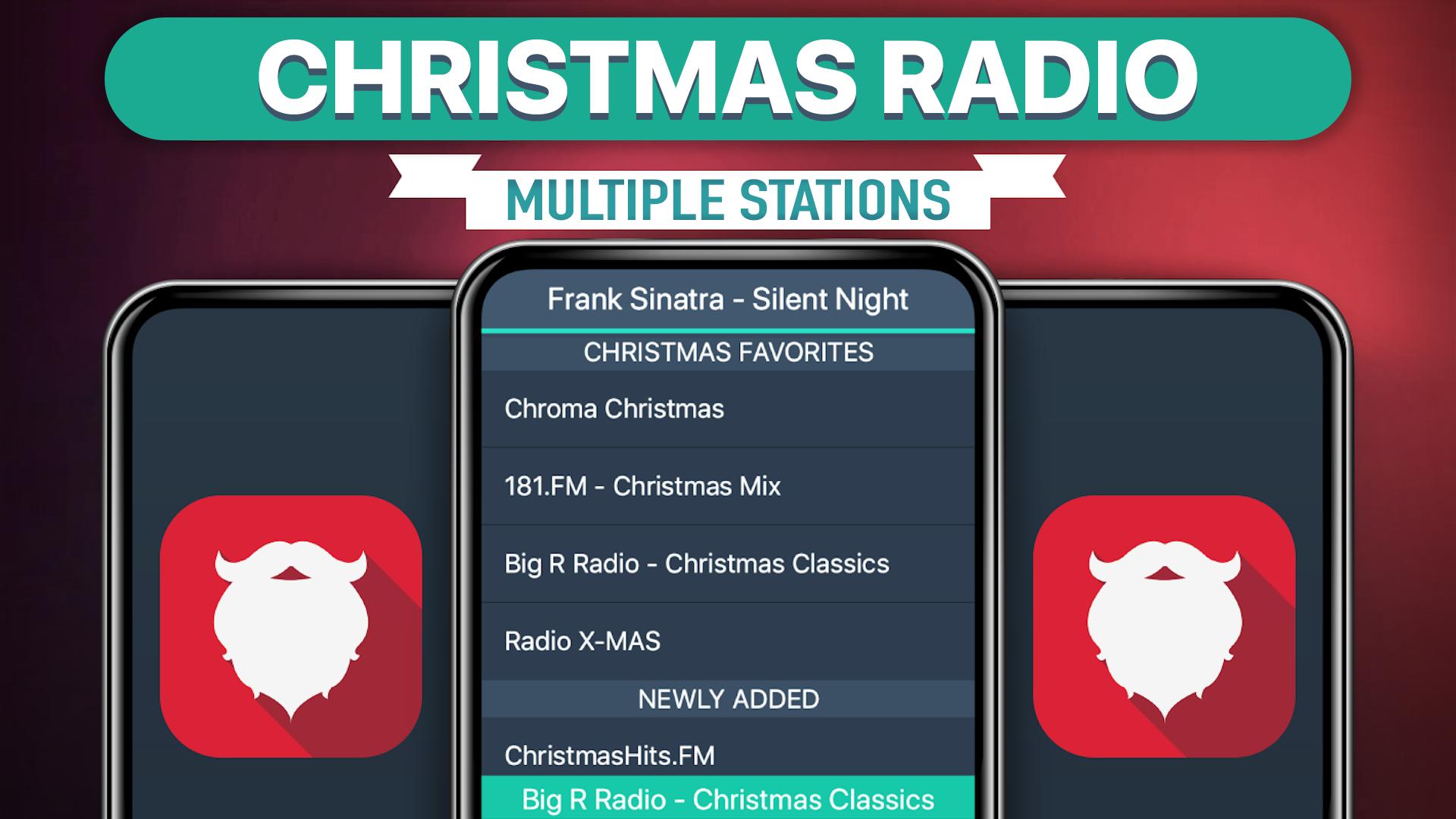
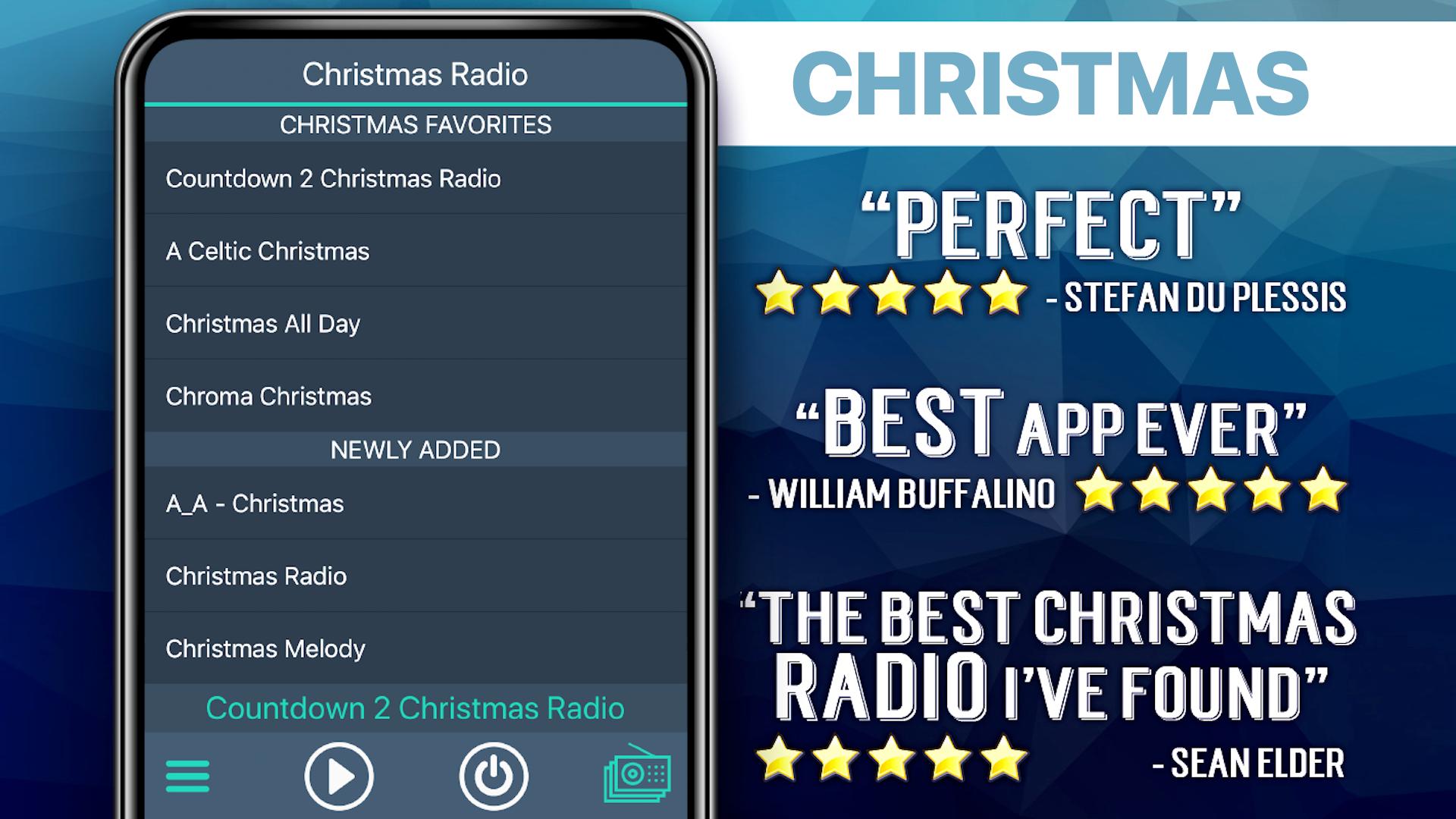
**** Christmas Favorites ****
181.FM - Christmas Mix
Xmas in Frisko: SomaFM
181.FM - Christmas Standards
CALMRADIO.COM - CHRISTMAS
The Christmas Lounge
New Age Christmas Radio
Christmas Rocks!
**** Classic Christmas ****
181.FM - Christmas Oldies
181.FM - Christmas Traditional Classics
The Christmas Lite!
**** Smooth Christmas ****
181.FM - Christmas RnB
181.FM - Christmas Smooth Jazz
Xmas Lounge
**** Country Christmas ****
181.FM - Christmas Country
181.FM - Kristmas Kountry
**** Stocking Stuffers ****
181.FM - Christmas Fun
radiochristmas.co.uk
smoothchristmasradio.com
christmasradio.co.uk
181.FM - Christmas Power
Christmas Melody
Forever Christmas Radio
Olione Radio - Christmas Collection
Christmas 365 - Santas Radio
1.FM - ALWAYS CHRISTMAS RADIO
181.FM - Christmas Kids
181.FM - Christmas Soundtracks
MUSIK.CHRISTMAS
Christmas at Stream
FAQs
Q: Why does the music stop playing when the screen goes dark?
A: There are several possible explanations for why this is happening. Many devices have built-in power saving settings (ex. Doze mode) that can cause disruptions in online streaming. Additionally, wifi settings need to be set to stay on when the device falls asleep. Please follow the link to our FAQ to find detailed instructions for how to adjust your settings to ensure seamless streaming: http://myindieapp.com/faq
Q: Why is the music skipping?
A: When songs are skipping, it is often because 1) that station's server has recently been reset or 2) the internet isn't filling the audio buffer fast enough. Usually these issues are resolved with faster internet, changing the wifi settings on your device, or they resolve on their own after the server resets.
Q: Where can I find these stations online?
A: Follow the link to the MadCalfApps.blogspot.com page in the app.
Q: Why is the app not working on my device?
A: Unfortunately, the app doesn't support all devices and operating systems. This is the main reason we have decided to bring this app to you totally FREE! Try it out to see if we are coming in loud and clear, "Nothing ventured nothing gained." We are adding support for new devices all the time.
Q: Why are some stations blank at times?
A: Some of these stations are controlled by real DJs and if they aren't playing anything at the time or their site is down no music will play. Fortunately we have a variety of channels so you will always have a lot to choose from.
สนุกกันได้เลย!
ดูตัวอย่าง
แท็ก
Music-&ข้อมูล
นักพัฒนา
MyIndieApp.com
เวอร์ชั่นล่าสุด
7.2
อัพเดทล่าสุด
2023-10-12
หมวดหมู่
Music-audio
มีจำหน่ายที่
Google Play
แสดงมากขึ้น
วิธีเล่น วิทยุคริสมาส ด้วย GameLoop บน PC
1. ดาวน์โหลด GameLoop จากเว็บไซต์ทางการ จากนั้นเรียกใช้ไฟล์ exe เพื่อติดตั้ง GameLoop
2. เปิด GameLoop และค้นหา "วิทยุคริสมาส" ค้นหา วิทยุคริสมาส ในผลการค้นหาแล้วคลิก "ติดตั้ง"
3. สนุกกับการเล่น วิทยุคริสมาส บน GameLoop
Minimum requirements
OS
Windows 8.1 64-bit or Windows 10 64-bit
GPU
GTX 1050
CPU
i3-8300
Memory
8GB RAM
Storage
1GB available space
Recommended requirements
OS
Windows 8.1 64-bit or Windows 10 64-bit
GPU
GTX 1050
CPU
i3-9320
Memory
16GB RAM
Storage
1GB available space