Change voice tone (Voice changer) prank PC
SmileTools
ดาวน์โหลด Change voice tone (Voice changer) prank บนพีซีด้วย GameLoop Emulator
Change voice tone (Voice changer) prank บน PC
Change voice tone (Voice changer) prank มาจากผู้พัฒนา SmileTools ที่เคยรันบนระบบปฏิบัติการ Android มาก่อน
ตอนนี้คุณสามารถเล่น Change voice tone (Voice changer) prank บนพีซีด้วย GameLoop ได้อย่างราบรื่น
ดาวน์โหลดในไลบรารี GameLoop หรือผลการค้นหา ไม่ต้องสนใจแบตเตอรี่หรือโทรผิดเวลาอีกต่อไป
เพียงเพลิดเพลินกับ Change voice tone (Voice changer) prank PC บนหน้าจอขนาดใหญ่ฟรี!
Change voice tone (Voice changer) prank บทนำ
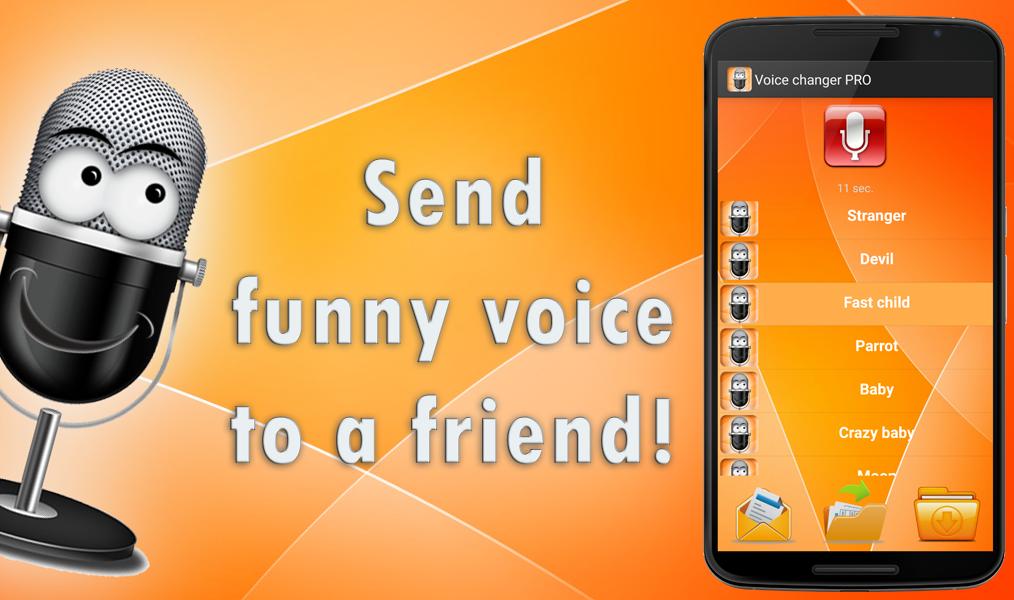
'Change voice effects' allows you to modify your voice tone! Make a revision of your natural voice! Now you can sound like an old women or like a robot. Change sound effects and select the most funny or scary! You can choose mutation effect and pretend that you are a child!
Voice changer contains more than 15 different voice effects. When you will choose the funniest sound effect - you can send created mp3 to a friend or publish it! Fool your friends! Make a funny joke!
ดูตัวอย่าง

ข้อมูล
นักพัฒนา
SmileTools
เวอร์ชั่นล่าสุด
93.0
อัพเดทล่าสุด
2019-03-08
หมวดหมู่
Music-audio
มีจำหน่ายที่
Google Play
แสดงมากขึ้น
วิธีเล่น Change voice tone (Voice changer) prank ด้วย GameLoop บน PC
1. ดาวน์โหลด GameLoop จากเว็บไซต์ทางการ จากนั้นเรียกใช้ไฟล์ exe เพื่อติดตั้ง GameLoop
2. เปิด GameLoop และค้นหา "Change voice tone (Voice changer) prank" ค้นหา Change voice tone (Voice changer) prank ในผลการค้นหาแล้วคลิก "ติดตั้ง"
3. สนุกกับการเล่น Change voice tone (Voice changer) prank บน GameLoop
Minimum requirements
OS
Windows 8.1 64-bit or Windows 10 64-bit
GPU
GTX 1050
CPU
i3-8300
Memory
8GB RAM
Storage
1GB available space
Recommended requirements
OS
Windows 8.1 64-bit or Windows 10 64-bit
GPU
GTX 1050
CPU
i3-9320
Memory
16GB RAM
Storage
1GB available space