Rad Onc Tables PC
Matthew Culbert
ดาวน์โหลด Rad Onc Tables บนพีซีด้วย GameLoop Emulator
Rad Onc Tables บน PC
Rad Onc Tables มาจากผู้พัฒนา Matthew Culbert ที่เคยรันบนระบบปฏิบัติการ Android มาก่อน
ตอนนี้คุณสามารถเล่น Rad Onc Tables บนพีซีด้วย GameLoop ได้อย่างราบรื่น
ดาวน์โหลดในไลบรารี GameLoop หรือผลการค้นหา ไม่ต้องสนใจแบตเตอรี่หรือโทรผิดเวลาอีกต่อไป
เพียงเพลิดเพลินกับ Rad Onc Tables PC บนหน้าจอขนาดใหญ่ฟรี!
Rad Onc Tables บทนำ
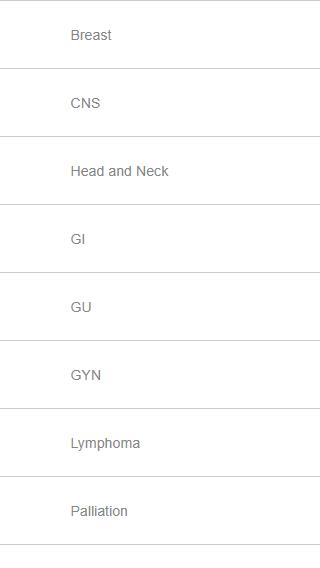
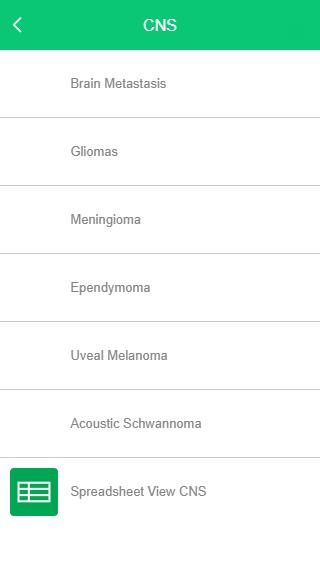
A useful tool for quickly finding, summarizing, and linking to research relevant in radiation oncology.
Disclaimer
==========
Last updated: January 30, 2019
The information contained on Rad Onc Tables mobile app (the "Service") is for
general information purposes only.
Rad Onc Tables assumes no responsibility for errors or omissions in the contents on the
Service.
In no event shall be liable for any special, direct, indirect, consequential,
or incidental damages or any damages whatsoever, whether in an action of
contract, negligence or other tort, arising out of or in connection with the
use of the Service or the contents of the Service. reserves the right to make
additions, deletions, or modification to the contents on the Service at any
time without prior notice.
External links disclaimer
-------------------------
Rad Onc Tables mobile app may contain links to external websites that are not
provided or maintained by or in any way affiliated with
Please note that the does not guarantee the accuracy, relevance, timeliness,
or completeness of any information on these external websites.
ดูตัวอย่าง
ข้อมูล
นักพัฒนา
Matthew Culbert
เวอร์ชั่นล่าสุด
1.0.7
อัพเดทล่าสุด
2018-09-19
หมวดหมู่
การแพทย์
มีจำหน่ายที่
Google Play
แสดงมากขึ้น
วิธีเล่น Rad Onc Tables ด้วย GameLoop บน PC
1. ดาวน์โหลด GameLoop จากเว็บไซต์ทางการ จากนั้นเรียกใช้ไฟล์ exe เพื่อติดตั้ง GameLoop
2. เปิด GameLoop และค้นหา "Rad Onc Tables" ค้นหา Rad Onc Tables ในผลการค้นหาแล้วคลิก "ติดตั้ง"
3. สนุกกับการเล่น Rad Onc Tables บน GameLoop
Minimum requirements
OS
Windows 8.1 64-bit or Windows 10 64-bit
GPU
GTX 1050
CPU
i3-8300
Memory
8GB RAM
Storage
1GB available space
Recommended requirements
OS
Windows 8.1 64-bit or Windows 10 64-bit
GPU
GTX 1050
CPU
i3-9320
Memory
16GB RAM
Storage
1GB available space