How To Draw Hands PC
WhiteStore
ดาวน์โหลด How To Draw Hands บนพีซีด้วย GameLoop Emulator
How To Draw Hands บน PC
How To Draw Hands มาจากผู้พัฒนา WhiteStore ที่เคยรันบนระบบปฏิบัติการ Android มาก่อน
ตอนนี้คุณสามารถเล่น How To Draw Hands บนพีซีด้วย GameLoop ได้อย่างราบรื่น
ดาวน์โหลดในไลบรารี GameLoop หรือผลการค้นหา ไม่ต้องสนใจแบตเตอรี่หรือโทรผิดเวลาอีกต่อไป
เพียงเพลิดเพลินกับ How To Draw Hands PC บนหน้าจอขนาดใหญ่ฟรี!
How To Draw Hands บทนำ
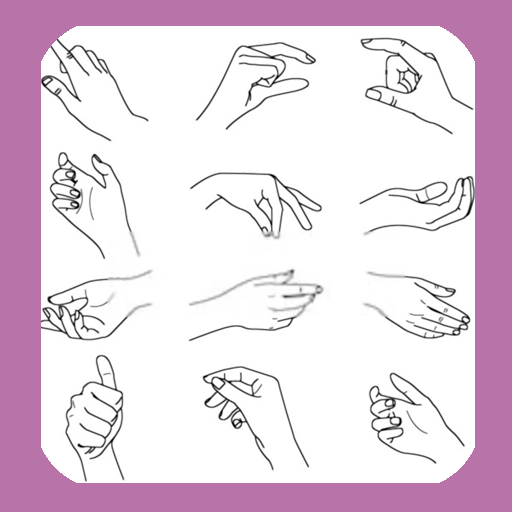
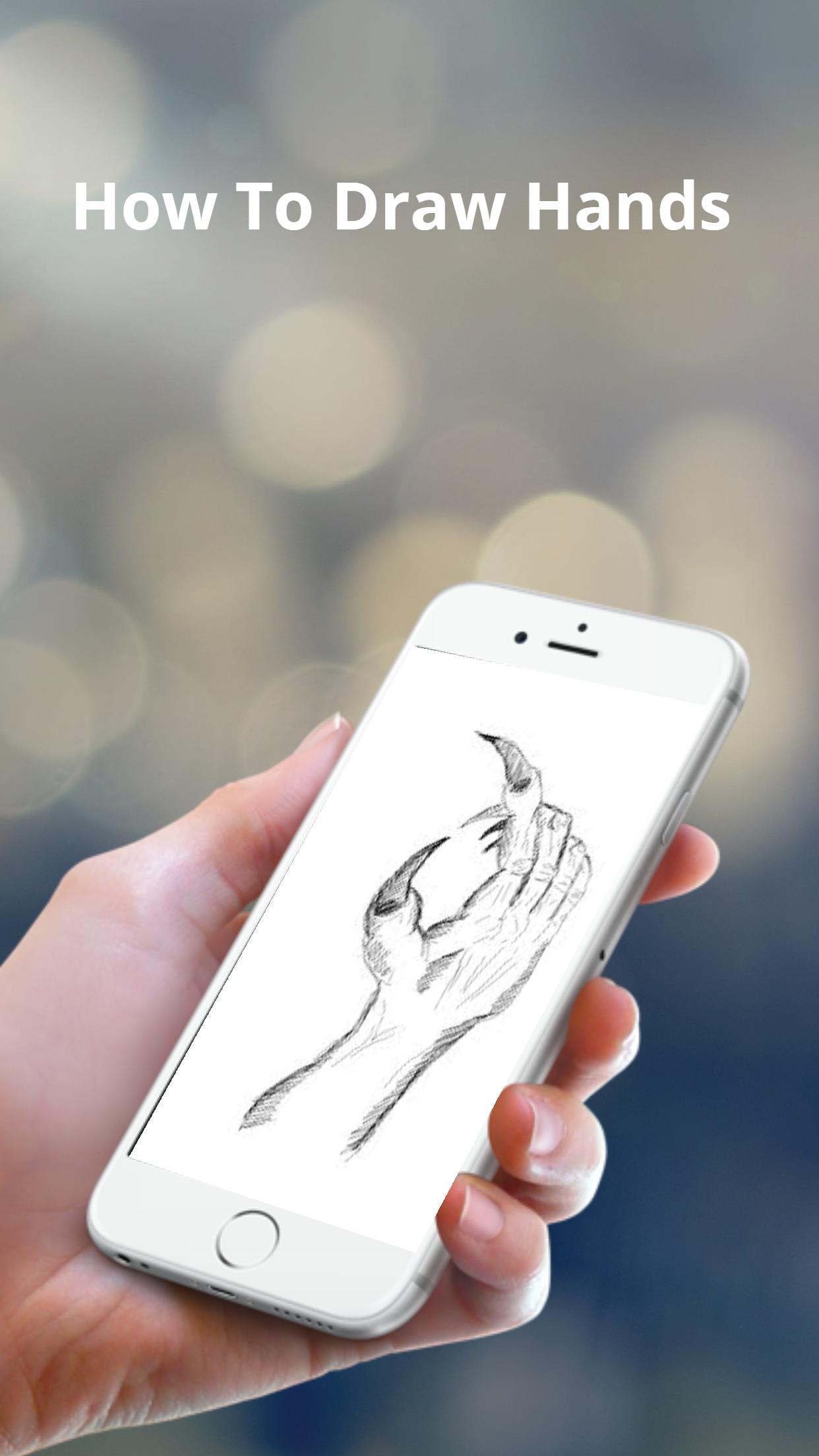
The basic shapes of a hand are not perfectly square or parallel so it is easy to get them wrong. When spread, the fingers all point in different directions.
Because the fingers’ points of origin and lengths are different, the joints do not line up in a straight line.
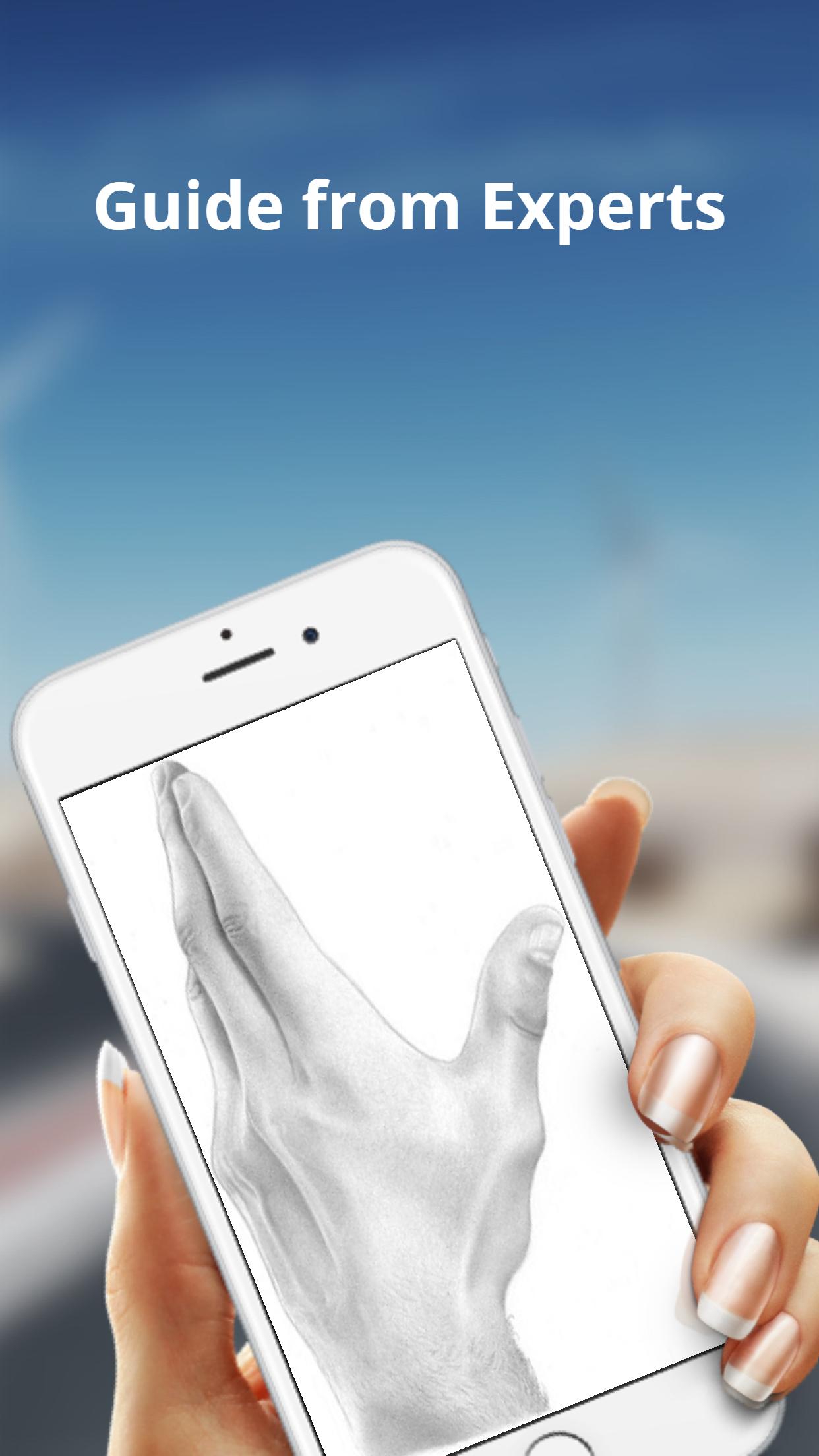
Note that the thumb moves in a different direction than the rest of the fingers.
To make bending possible, the skin is relatively loose and thin at the joints.
The bending marks on the palm side do not necessarily line up with the joints.
These lines might not be visible in simple drawing styles, but knowing where they are and where the skin overlaps can help when drawing the fingers bent.
ดูตัวอย่าง
แท็ก
ไลฟ์สไตล์ข้อมูล
นักพัฒนา
WhiteStore
เวอร์ชั่นล่าสุด
1.0.4
อัพเดทล่าสุด
2022-07-26
หมวดหมู่
ไลฟ์สไตล์
มีจำหน่ายที่
Google Play
แสดงมากขึ้น
วิธีเล่น How To Draw Hands ด้วย GameLoop บน PC
1. ดาวน์โหลด GameLoop จากเว็บไซต์ทางการ จากนั้นเรียกใช้ไฟล์ exe เพื่อติดตั้ง GameLoop
2. เปิด GameLoop และค้นหา "How To Draw Hands" ค้นหา How To Draw Hands ในผลการค้นหาแล้วคลิก "ติดตั้ง"
3. สนุกกับการเล่น How To Draw Hands บน GameLoop
Minimum requirements
OS
Windows 8.1 64-bit or Windows 10 64-bit
GPU
GTX 1050
CPU
i3-8300
Memory
8GB RAM
Storage
1GB available space
Recommended requirements
OS
Windows 8.1 64-bit or Windows 10 64-bit
GPU
GTX 1050
CPU
i3-9320
Memory
16GB RAM
Storage
1GB available space