
iTOUCH Home Automation PC
Connected Switchgear
ดาวน์โหลด iTOUCH Home Automation บนพีซีด้วย GameLoop Emulator
iTOUCH Home Automation บน PC
iTOUCH Home Automation มาจากผู้พัฒนา Connected Switchgear ที่เคยรันบนระบบปฏิบัติการ Android มาก่อน
ตอนนี้คุณสามารถเล่น iTOUCH Home Automation บนพีซีด้วย GameLoop ได้อย่างราบรื่น
ดาวน์โหลดในไลบรารี GameLoop หรือผลการค้นหา ไม่ต้องสนใจแบตเตอรี่หรือโทรผิดเวลาอีกต่อไป
เพียงเพลิดเพลินกับ iTOUCH Home Automation PC บนหน้าจอขนาดใหญ่ฟรี!
iTOUCH Home Automation บทนำ
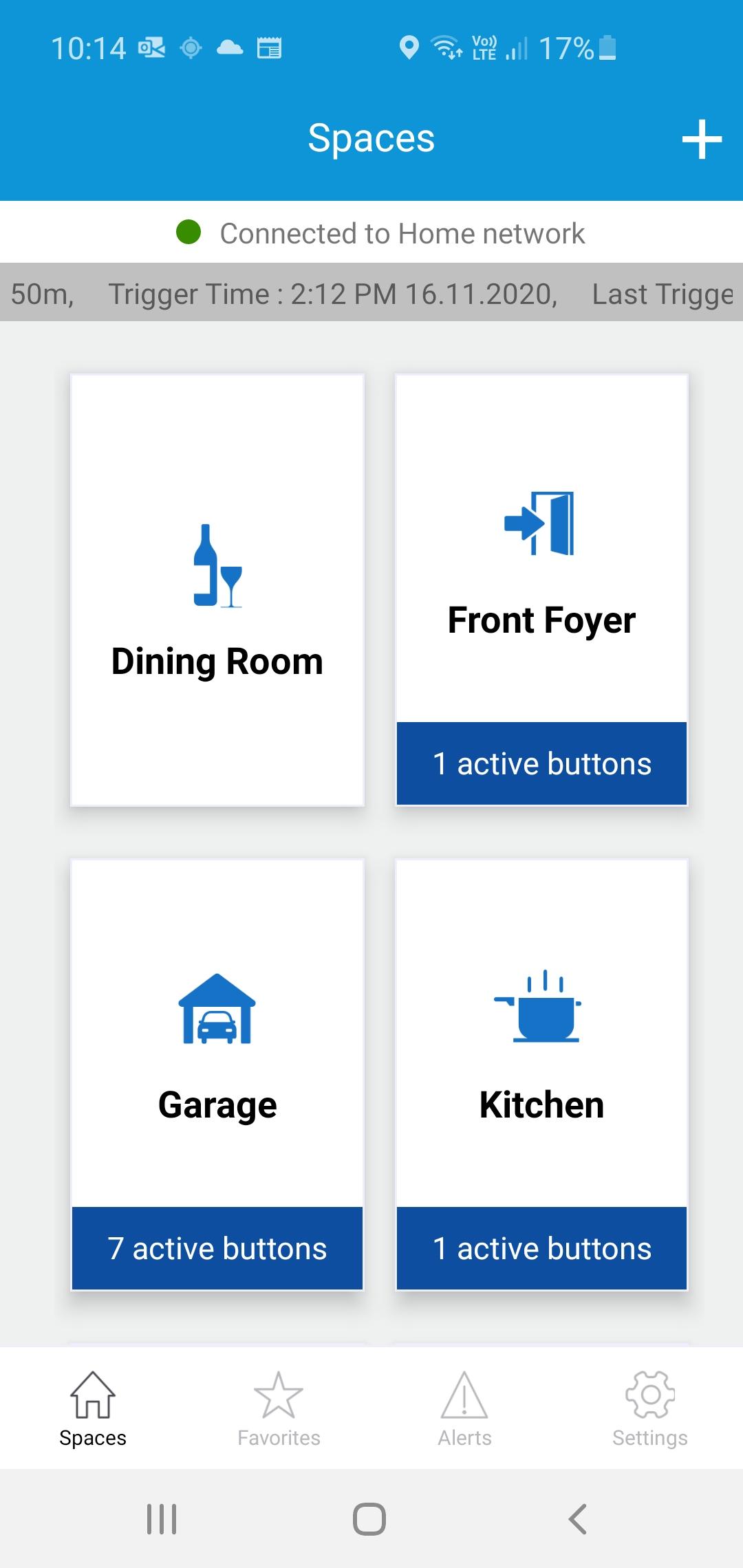
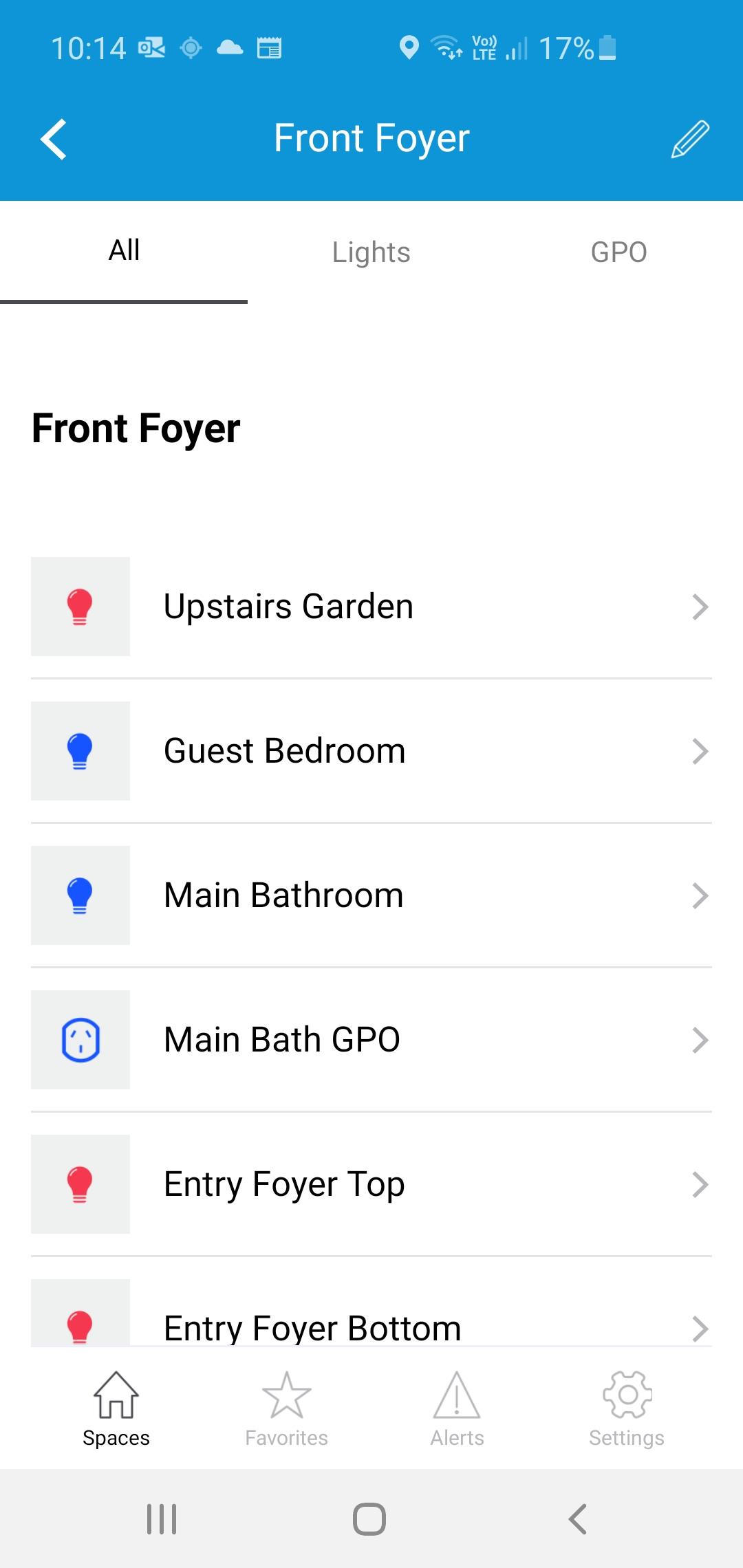
The iTOUCH Home Automation App places configuration and control of your iTOUCH Home Automation System onto your mobile device. Personalize your system by creating spaces and naming individual panels and buttons. Set up timers, ambient light triggers and group control multiple buttons using a buttons double tap feature. Issue global commands such as Home, Away, Goodnight or Good Morning. Check the state of your whole home. Assign users, access levels and passwords. Turn on or off global timers and synchronize time across the whole system. Set up Geo-Fence feature to trigger global commands using the devices GPS proximately to the installation.
ดูตัวอย่าง
แท็ก
House-&ข้อมูล
นักพัฒนา
Connected Switchgear
เวอร์ชั่นล่าสุด
2.0.1
อัพเดทล่าสุด
2021-11-19
หมวดหมู่
House-home
มีจำหน่ายที่
Google Play
แสดงมากขึ้น
วิธีเล่น iTOUCH Home Automation ด้วย GameLoop บน PC
1. ดาวน์โหลด GameLoop จากเว็บไซต์ทางการ จากนั้นเรียกใช้ไฟล์ exe เพื่อติดตั้ง GameLoop
2. เปิด GameLoop และค้นหา "iTOUCH Home Automation" ค้นหา iTOUCH Home Automation ในผลการค้นหาแล้วคลิก "ติดตั้ง"
3. สนุกกับการเล่น iTOUCH Home Automation บน GameLoop
Minimum requirements
OS
Windows 8.1 64-bit or Windows 10 64-bit
GPU
GTX 1050
CPU
i3-8300
Memory
8GB RAM
Storage
1GB available space
Recommended requirements
OS
Windows 8.1 64-bit or Windows 10 64-bit
GPU
GTX 1050
CPU
i3-9320
Memory
16GB RAM
Storage
1GB available space