
Grinch Video Call PC
Calls Apps
ดาวน์โหลด Grinch Video Call บนพีซีด้วย GameLoop Emulator
Grinch Video Call บน PC
Grinch Video Call มาจากผู้พัฒนา Calls Apps ที่เคยรันบนระบบปฏิบัติการ Android มาก่อน
ตอนนี้คุณสามารถเล่น Grinch Video Call บนพีซีด้วย GameLoop ได้อย่างราบรื่น
ดาวน์โหลดในไลบรารี GameLoop หรือผลการค้นหา ไม่ต้องสนใจแบตเตอรี่หรือโทรผิดเวลาอีกต่อไป
เพียงเพลิดเพลินกับ Grinch Video Call PC บนหน้าจอขนาดใหญ่ฟรี!
Grinch Video Call บทนำ
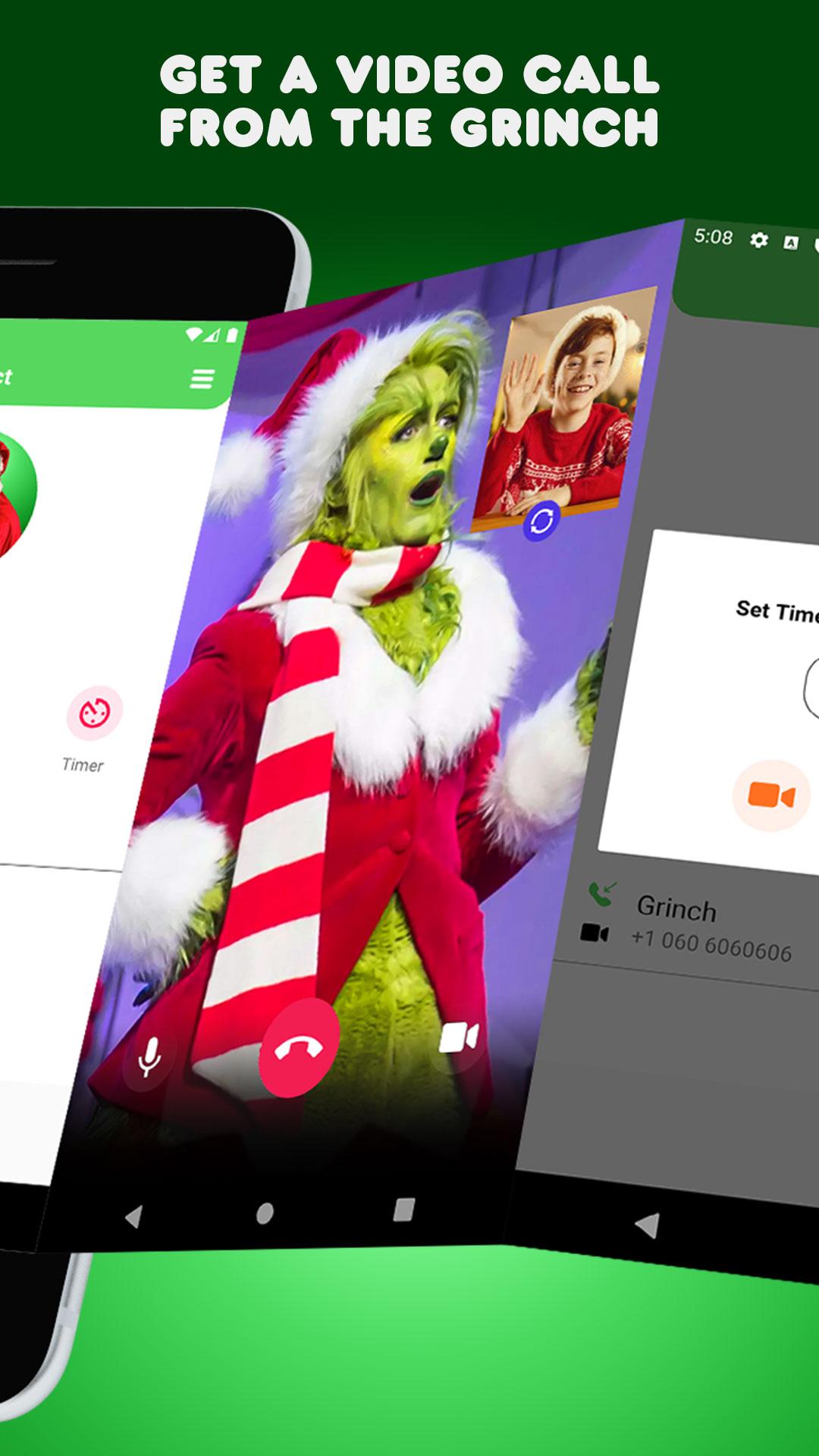
Receive a call from Grinch give happiness to your children
Get call from from Grinch , and hear her voice and prank your friends .
Amaze your children on Christmas by requesting a free personalized video call and chat from Grinch or phone call from Grinch!
Parents can use this Grinch app together with your children to encourage good behavior all year long!
This Christmas Grinch Call Simulation app helps you make a fake video call to your friend or family members who still believe you can speak with Grinch.
Prank your siblings, friends or coworkers, or warm children hearts with this Elf on the shelf call app. Let them speak to The Christmas Grinch over a prank call Christmas Grinch ID.
Features:
- Choose Your Favorite Holiday Character.
- Get Live Video Call From Most Iconic Christmas Characters.
- Children can record a voicemail message.
- Live Chat with Your Favorite Character.
- Sit Time To Start Call With Your FAV Character.
* Disclaimer: app intended for entertainment purposes only. Calls and text messages are simulated. App does not provide actual calling or texting functionality.
ดูตัวอย่าง

แท็ก
บันเทิงข้อมูล
นักพัฒนา
Calls Apps
เวอร์ชั่นล่าสุด
4.0
อัพเดทล่าสุด
2022-10-24
หมวดหมู่
บันเทิง
มีจำหน่ายที่
Google Play
แสดงมากขึ้น
วิธีเล่น Grinch Video Call ด้วย GameLoop บน PC
1. ดาวน์โหลด GameLoop จากเว็บไซต์ทางการ จากนั้นเรียกใช้ไฟล์ exe เพื่อติดตั้ง GameLoop
2. เปิด GameLoop และค้นหา "Grinch Video Call" ค้นหา Grinch Video Call ในผลการค้นหาแล้วคลิก "ติดตั้ง"
3. สนุกกับการเล่น Grinch Video Call บน GameLoop
Minimum requirements
OS
Windows 8.1 64-bit or Windows 10 64-bit
GPU
GTX 1050
CPU
i3-8300
Memory
8GB RAM
Storage
1GB available space
Recommended requirements
OS
Windows 8.1 64-bit or Windows 10 64-bit
GPU
GTX 1050
CPU
i3-9320
Memory
16GB RAM
Storage
1GB available space