Background eraser photo editor PC
Educa Kids
ดาวน์โหลด Background eraser photo editor บนพีซีด้วย GameLoop Emulator
Background eraser photo editor บน PC
Background eraser photo editor มาจากผู้พัฒนา Educa Kids ที่เคยรันบนระบบปฏิบัติการ Android มาก่อน
ตอนนี้คุณสามารถเล่น Background eraser photo editor บนพีซีด้วย GameLoop ได้อย่างราบรื่น
ดาวน์โหลดในไลบรารี GameLoop หรือผลการค้นหา ไม่ต้องสนใจแบตเตอรี่หรือโทรผิดเวลาอีกต่อไป
เพียงเพลิดเพลินกับ Background eraser photo editor PC บนหน้าจอขนาดใหญ่ฟรี!
Background eraser photo editor บทนำ
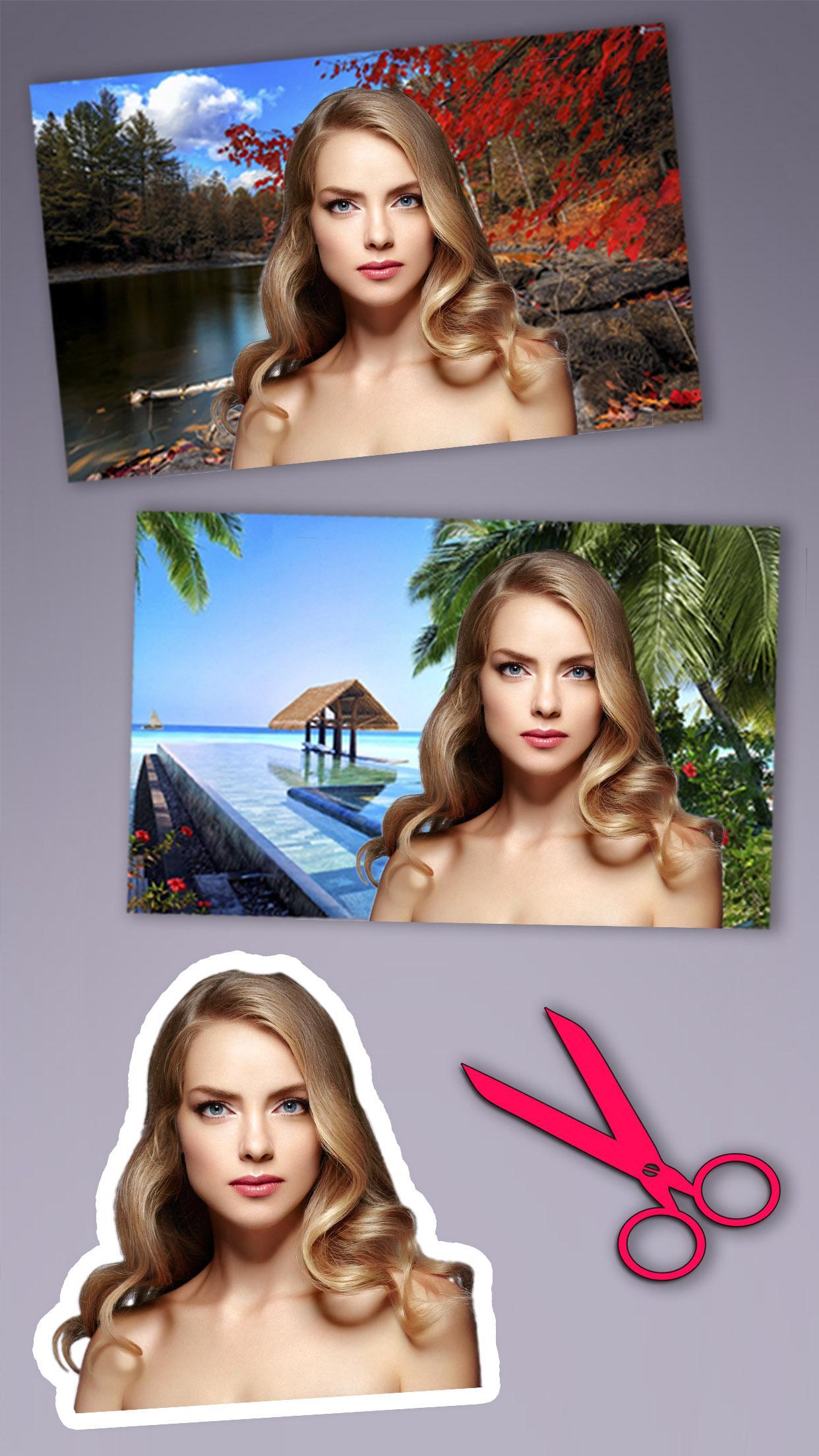
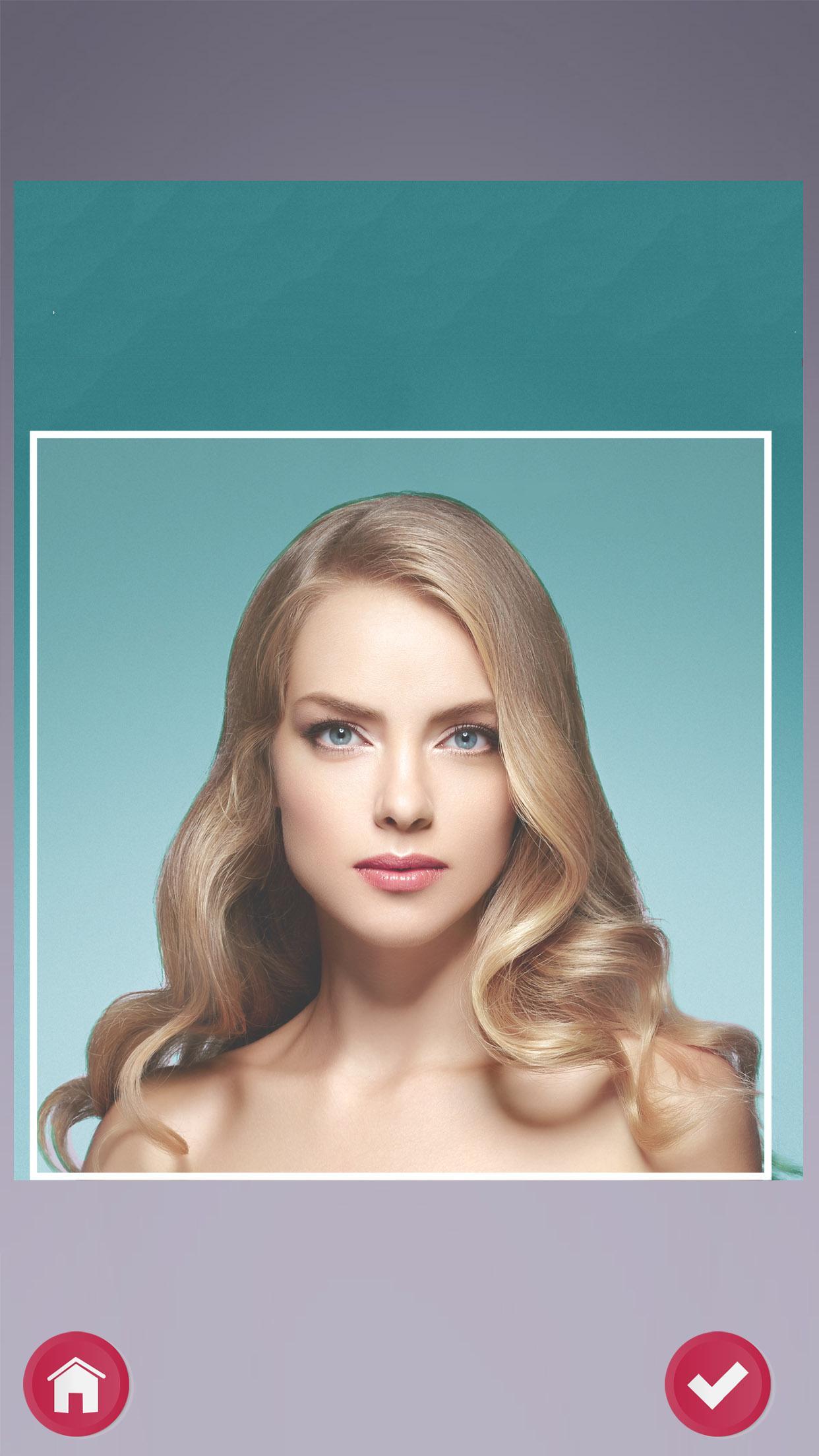
Are you looking for simple photo tricks and photo montages to edit your photos in a quick and easy way? Background eraser – Cut and paste photo editor will let you delete the objects and change the background of your photos. It is easy to erase and remove unwanted parts in a photo, make it transparent and even put in a new background. Background can be quickly removed with our photo editor tools.
Background eraser – Cut and paste photo editor is not just an simple photo editor app, it will also let you create your own personalized or customized fun photo stickers to decorate your pictures. Background remover provides an option to change background, make it transparent or create stickers. With this fun app, simply swap sides, cut and paste into another photo. Remove or change background image and add background photo quickly.
If you like our app, please rate and comment to help us improve!
ดูตัวอย่าง
ข้อมูล
นักพัฒนา
Educa Kids
เวอร์ชั่นล่าสุด
4708 v1
อัพเดทล่าสุด
2017-05-04
หมวดหมู่
บันเทิง
มีจำหน่ายที่
Google Play
แสดงมากขึ้น
วิธีเล่น Background eraser photo editor ด้วย GameLoop บน PC
1. ดาวน์โหลด GameLoop จากเว็บไซต์ทางการ จากนั้นเรียกใช้ไฟล์ exe เพื่อติดตั้ง GameLoop
2. เปิด GameLoop และค้นหา "Background eraser photo editor" ค้นหา Background eraser photo editor ในผลการค้นหาแล้วคลิก "ติดตั้ง"
3. สนุกกับการเล่น Background eraser photo editor บน GameLoop
Minimum requirements
OS
Windows 8.1 64-bit or Windows 10 64-bit
GPU
GTX 1050
CPU
i3-8300
Memory
8GB RAM
Storage
1GB available space
Recommended requirements
OS
Windows 8.1 64-bit or Windows 10 64-bit
GPU
GTX 1050
CPU
i3-9320
Memory
16GB RAM
Storage
1GB available space