Voice Changer PC
Creative Photo Tools
ดาวน์โหลด Voice Changer บนพีซีด้วย GameLoop Emulator
Voice Changer บน PC
Voice Changer มาจากผู้พัฒนา Creative Photo Tools ที่เคยรันบนระบบปฏิบัติการ Android มาก่อน
ตอนนี้คุณสามารถเล่น Voice Changer บนพีซีด้วย GameLoop ได้อย่างราบรื่น
ดาวน์โหลดในไลบรารี GameLoop หรือผลการค้นหา ไม่ต้องสนใจแบตเตอรี่หรือโทรผิดเวลาอีกต่อไป
เพียงเพลิดเพลินกับ Voice Changer PC บนหน้าจอขนาดใหญ่ฟรี!
Voice Changer บทนำ
Voice Changer
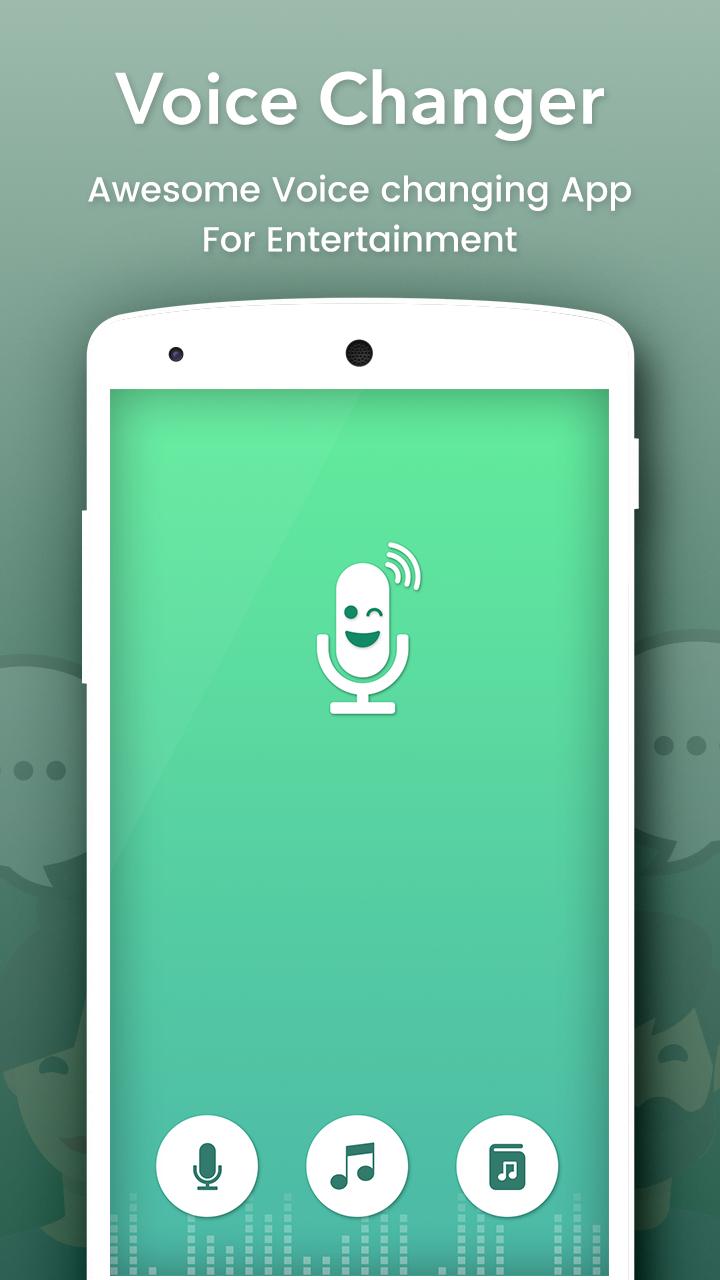
Change your voice and have fun listening to your modified voice. Record your voice, apply effects, and share them with your friends.
This is the best app for changing your voice by applying effects on the audios. It is very simple to use and can generate fantastic and funny effects.
INCLUDES FOLLOWING EFFECTS:
• Normal
• Helium
• Hexafluoride
• Robot
• Space mutant
• Backwards
• Monster
• Small creature
• Telephone
• Dragon
• Nervous
• Extraterrestrial
• Cathedral
• Cyborg
• Android
• Drunk
• Giant
• Squirrel
• Grand Canyon
• Fly
• Zombie
• Child
• Underwater
• Evil puppet
• Battery low
• Shrinking
• Devil
• Fan
• Ghost
• Alien
• Small alien
• Villain
• Death
• Everything is spinning
• Poltergeist
• Skull mask
FEATURES :
- Amazing effects: normal, helium, hexafluoride, fast, slow, cave, chipmunk, monster, alien, big sound, small sound, bee, death…
- Custom sound with effects: echo, reverb, pitch, tempo, volume, bass, mid, treble
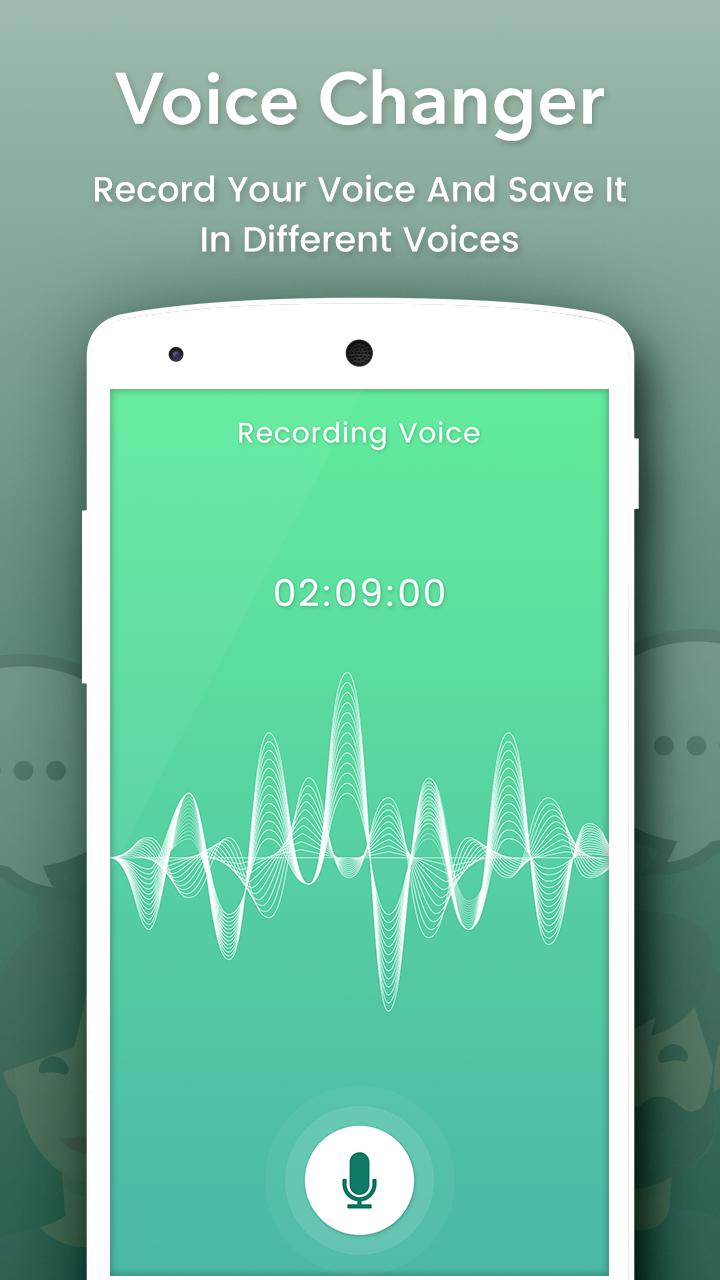
- Record and change your voice Directly.
- Import sound, song, audio files, add effects and change them
- Save, share, set as ringtone by your records
- Amazing quality.
- Nice User Interface and Easy to Use.
- View in Album.
- View, edit the saved audios.
- Share the saved audios to your friends via bluetooth, or social networks.
ดูตัวอย่าง
ข้อมูล
นักพัฒนา
Creative Photo Tools
เวอร์ชั่นล่าสุด
1.4
อัพเดทล่าสุด
2018-07-11
หมวดหมู่
บันเทิง
มีจำหน่ายที่
Google Play
แสดงมากขึ้น
วิธีเล่น Voice Changer ด้วย GameLoop บน PC
1. ดาวน์โหลด GameLoop จากเว็บไซต์ทางการ จากนั้นเรียกใช้ไฟล์ exe เพื่อติดตั้ง GameLoop
2. เปิด GameLoop และค้นหา "Voice Changer" ค้นหา Voice Changer ในผลการค้นหาแล้วคลิก "ติดตั้ง"
3. สนุกกับการเล่น Voice Changer บน GameLoop
Minimum requirements
OS
Windows 8.1 64-bit or Windows 10 64-bit
GPU
GTX 1050
CPU
i3-8300
Memory
8GB RAM
Storage
1GB available space
Recommended requirements
OS
Windows 8.1 64-bit or Windows 10 64-bit
GPU
GTX 1050
CPU
i3-9320
Memory
16GB RAM
Storage
1GB available space