
CheerOjisan (Uncle cheers together) PC
株式会社アドバンスト・ネット
ดาวน์โหลด CheerOjisan (Uncle cheers together) บนพีซีด้วย GameLoop Emulator
CheerOjisan (Uncle cheers together) บน PC
CheerOjisan (Uncle cheers together) มาจากผู้พัฒนา 株式会社アドバンスト・ネット ที่เคยรันบนระบบปฏิบัติการ Android มาก่อน
ตอนนี้คุณสามารถเล่น CheerOjisan (Uncle cheers together) บนพีซีด้วย GameLoop ได้อย่างราบรื่น
ดาวน์โหลดในไลบรารี GameLoop หรือผลการค้นหา ไม่ต้องสนใจแบตเตอรี่หรือโทรผิดเวลาอีกต่อไป
เพียงเพลิดเพลินกับ CheerOjisan (Uncle cheers together) PC บนหน้าจอขนาดใหญ่ฟรี!
CheerOjisan (Uncle cheers together) บทนำ
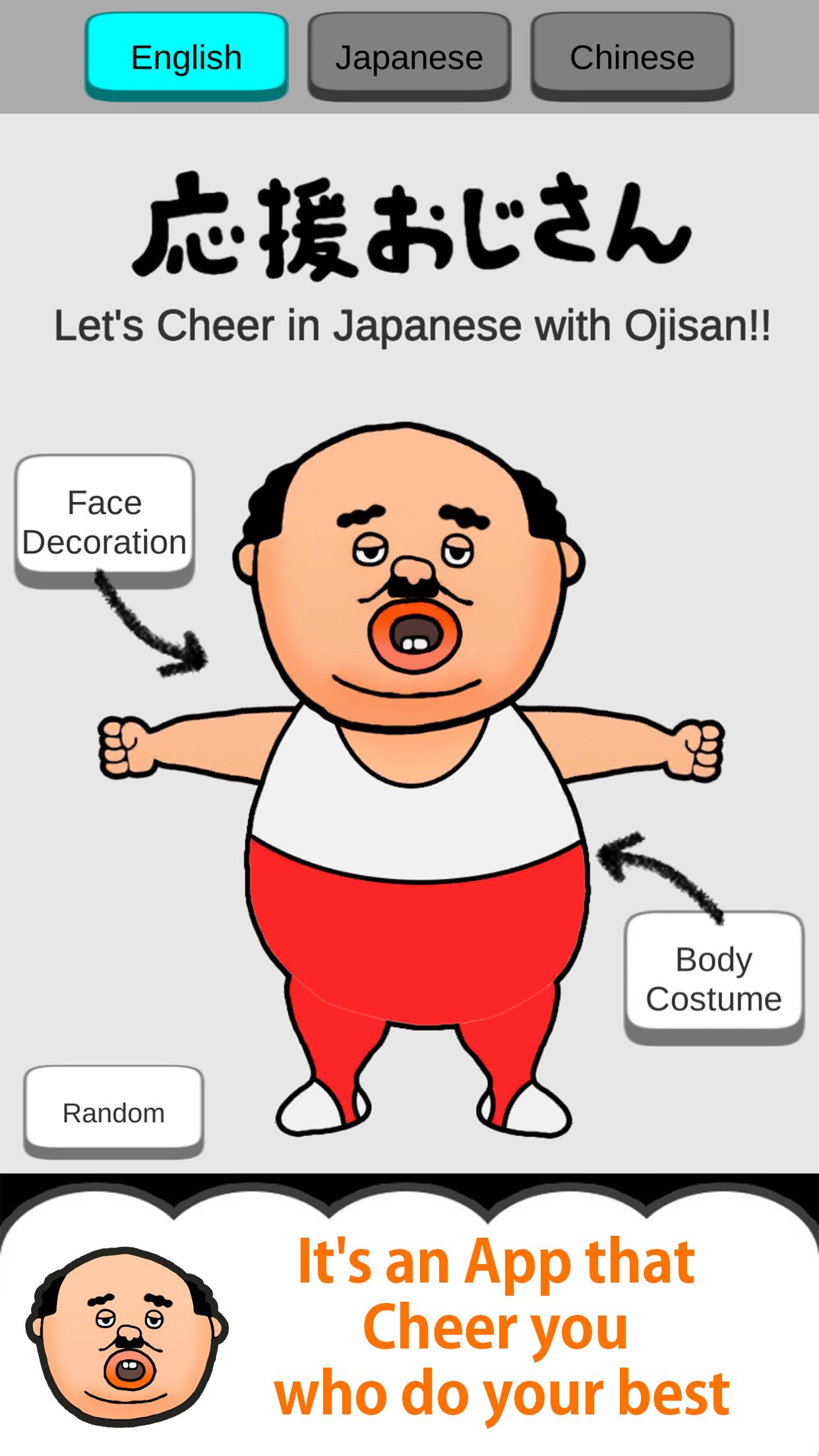
This is the Japanese uncle character "Ojisan" Apllication.
Uncle Cheers with you.
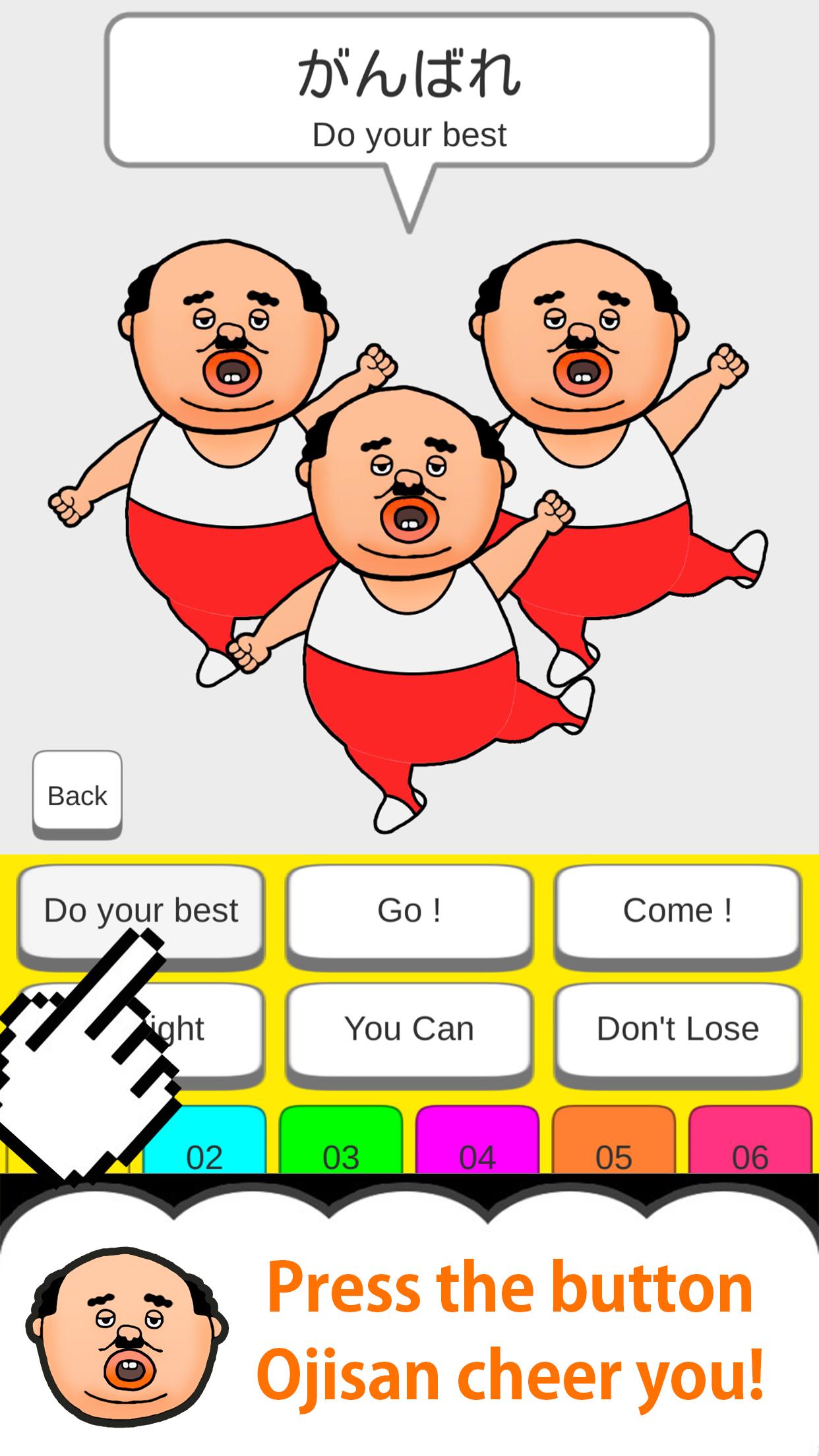
Every time you press the button with your finger,
Ojisan will move limbs and cheer you!
Let's press the button you care about!
So addictive!
-12 kinds of Ojisan's clothes
-12 types of Ojisan's face items
Have fun in combination!
Cute! Smile! lol!
please enjoy it !!
[Secret Button] ... If you release all your uncle's clothes and face items, the secret button will appear somewhere.
When you press the secret button, the number of cheering uncles ...
* Please release the silent mode and use it!
* Some English and Chinese translations may differ from Japanese nuances.
m (_ _) m
ดูตัวอย่าง
แท็ก
บันเทิงข้อมูล
นักพัฒนา
株式会社アドバンスト・ネット
เวอร์ชั่นล่าสุด
1.2.0
อัพเดทล่าสุด
2020-03-24
หมวดหมู่
บันเทิง
มีจำหน่ายที่
Google Play
แสดงมากขึ้น
วิธีเล่น CheerOjisan (Uncle cheers together) ด้วย GameLoop บน PC
1. ดาวน์โหลด GameLoop จากเว็บไซต์ทางการ จากนั้นเรียกใช้ไฟล์ exe เพื่อติดตั้ง GameLoop
2. เปิด GameLoop และค้นหา "CheerOjisan (Uncle cheers together)" ค้นหา CheerOjisan (Uncle cheers together) ในผลการค้นหาแล้วคลิก "ติดตั้ง"
3. สนุกกับการเล่น CheerOjisan (Uncle cheers together) บน GameLoop
Minimum requirements
OS
Windows 8.1 64-bit or Windows 10 64-bit
GPU
GTX 1050
CPU
i3-8300
Memory
8GB RAM
Storage
1GB available space
Recommended requirements
OS
Windows 8.1 64-bit or Windows 10 64-bit
GPU
GTX 1050
CPU
i3-9320
Memory
16GB RAM
Storage
1GB available space