
Zeraki Analytics - O-Levels PC
Litemore
ดาวน์โหลด Zeraki Analytics - O-Levels บนพีซีด้วย GameLoop Emulator
Zeraki Analytics - O-Levels บน PC
Zeraki Analytics - O-Levels มาจากผู้พัฒนา Litemore ที่เคยรันบนระบบปฏิบัติการ Android มาก่อน
ตอนนี้คุณสามารถเล่น Zeraki Analytics - O-Levels บนพีซีด้วย GameLoop ได้อย่างราบรื่น
ดาวน์โหลดในไลบรารี GameLoop หรือผลการค้นหา ไม่ต้องสนใจแบตเตอรี่หรือโทรผิดเวลาอีกต่อไป
เพียงเพลิดเพลินกับ Zeraki Analytics - O-Levels PC บนหน้าจอขนาดใหญ่ฟรี!
Zeraki Analytics - O-Levels บทนำ
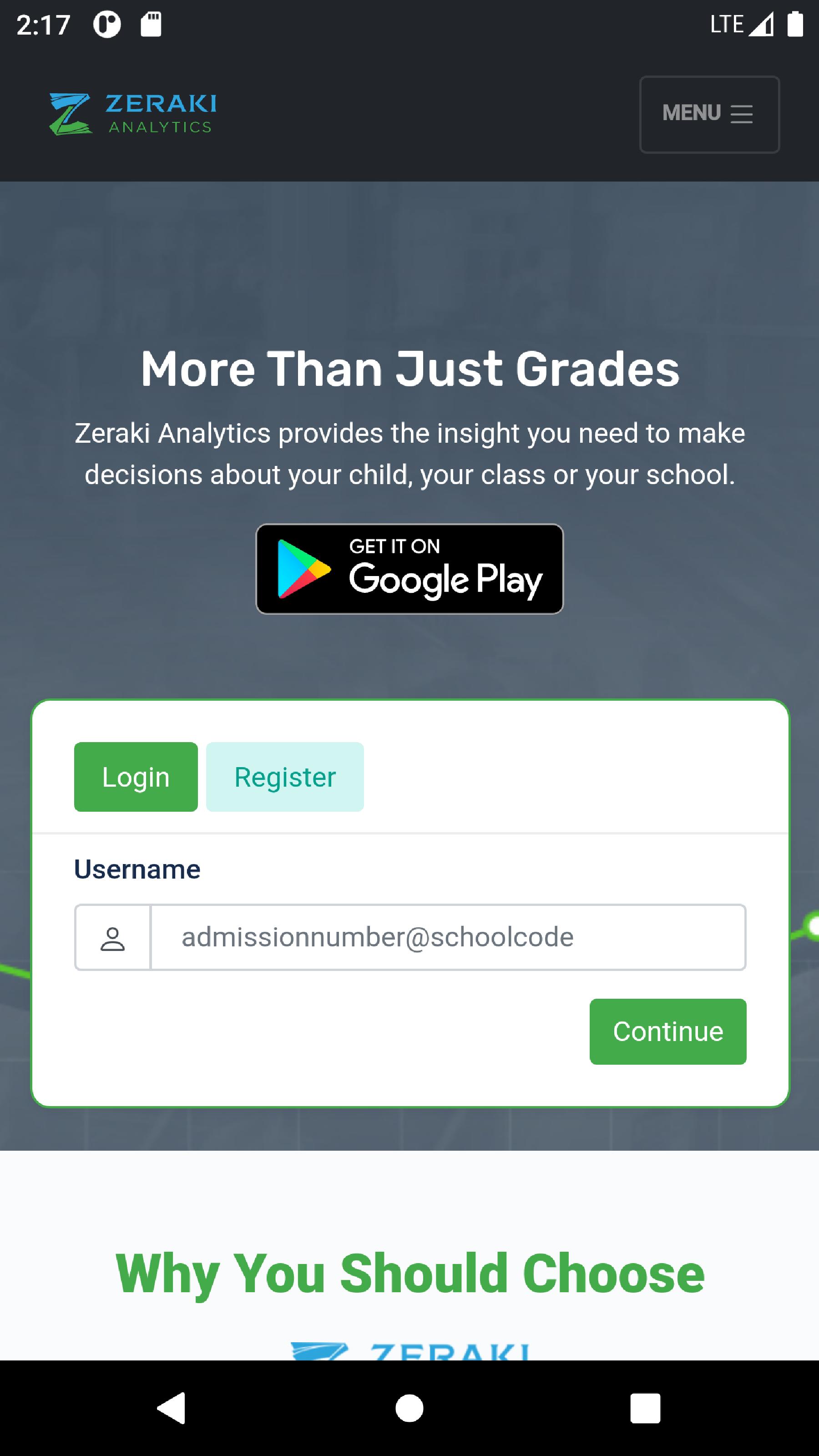
Zeraki Analytics helps schools analyze academic performance, generate informative report forms and share analyses of academic performance with students and parents. Zeraki Analytics helps schools make sense of academic data faster and observe interesting patterns that wouldn’t be apparent from looking at tabular data. Because you spend a lot of time preparing students for exams, administering and grading exams, Zeraki Analytics gives you a new and easy way to analyze and visualize exam results. From a mark sheet to a variety of graphs and pre-formatted tables, Zeraki Analytics makes it easy for teachers to focus on their work.
ดูตัวอย่าง

แท็ก
การศึกษาข้อมูล
นักพัฒนา
Litemore
เวอร์ชั่นล่าสุด
0.0.1
อัพเดทล่าสุด
2022-05-12
หมวดหมู่
การศึกษา
มีจำหน่ายที่
Google Play
แสดงมากขึ้น
วิธีเล่น Zeraki Analytics - O-Levels ด้วย GameLoop บน PC
1. ดาวน์โหลด GameLoop จากเว็บไซต์ทางการ จากนั้นเรียกใช้ไฟล์ exe เพื่อติดตั้ง GameLoop
2. เปิด GameLoop และค้นหา "Zeraki Analytics - O-Levels" ค้นหา Zeraki Analytics - O-Levels ในผลการค้นหาแล้วคลิก "ติดตั้ง"
3. สนุกกับการเล่น Zeraki Analytics - O-Levels บน GameLoop
Minimum requirements
OS
Windows 8.1 64-bit or Windows 10 64-bit
GPU
GTX 1050
CPU
i3-8300
Memory
8GB RAM
Storage
1GB available space
Recommended requirements
OS
Windows 8.1 64-bit or Windows 10 64-bit
GPU
GTX 1050
CPU
i3-9320
Memory
16GB RAM
Storage
1GB available space