
WBBSE Books - West Bengal Board eBooks/e-Textbooks PC
Billions Ideas
ดาวน์โหลด WBBSE Books - West Bengal Board eBooks/e-Textbooks บนพีซีด้วย GameLoop Emulator
WBBSE Books - West Bengal Board eBooks/e-Textbooks บน PC
WBBSE Books - West Bengal Board eBooks/e-Textbooks มาจากผู้พัฒนา Billions Ideas ที่เคยรันบนระบบปฏิบัติการ Android มาก่อน
ตอนนี้คุณสามารถเล่น WBBSE Books - West Bengal Board eBooks/e-Textbooks บนพีซีด้วย GameLoop ได้อย่างราบรื่น
ดาวน์โหลดในไลบรารี GameLoop หรือผลการค้นหา ไม่ต้องสนใจแบตเตอรี่หรือโทรผิดเวลาอีกต่อไป
เพียงเพลิดเพลินกับ WBBSE Books - West Bengal Board eBooks/e-Textbooks PC บนหน้าจอขนาดใหญ่ฟรี!
WBBSE Books - West Bengal Board eBooks/e-Textbooks บทนำ
WbbseBooks.Com website provides West Bengal Board eTextBooks in Bengali and Hindi by WBBSE and WBCHSE. All eTextbooks from Pre-Primary to Class 12 available to read, download or offline use.
WBBSE Books Apps provides WBBSE eTextBooks, WBCHSE eTextBooks Pre-Primary class to Class 12 in Bengali, Hindi and English languages. Free & Paid both options are available in the app.
Features:
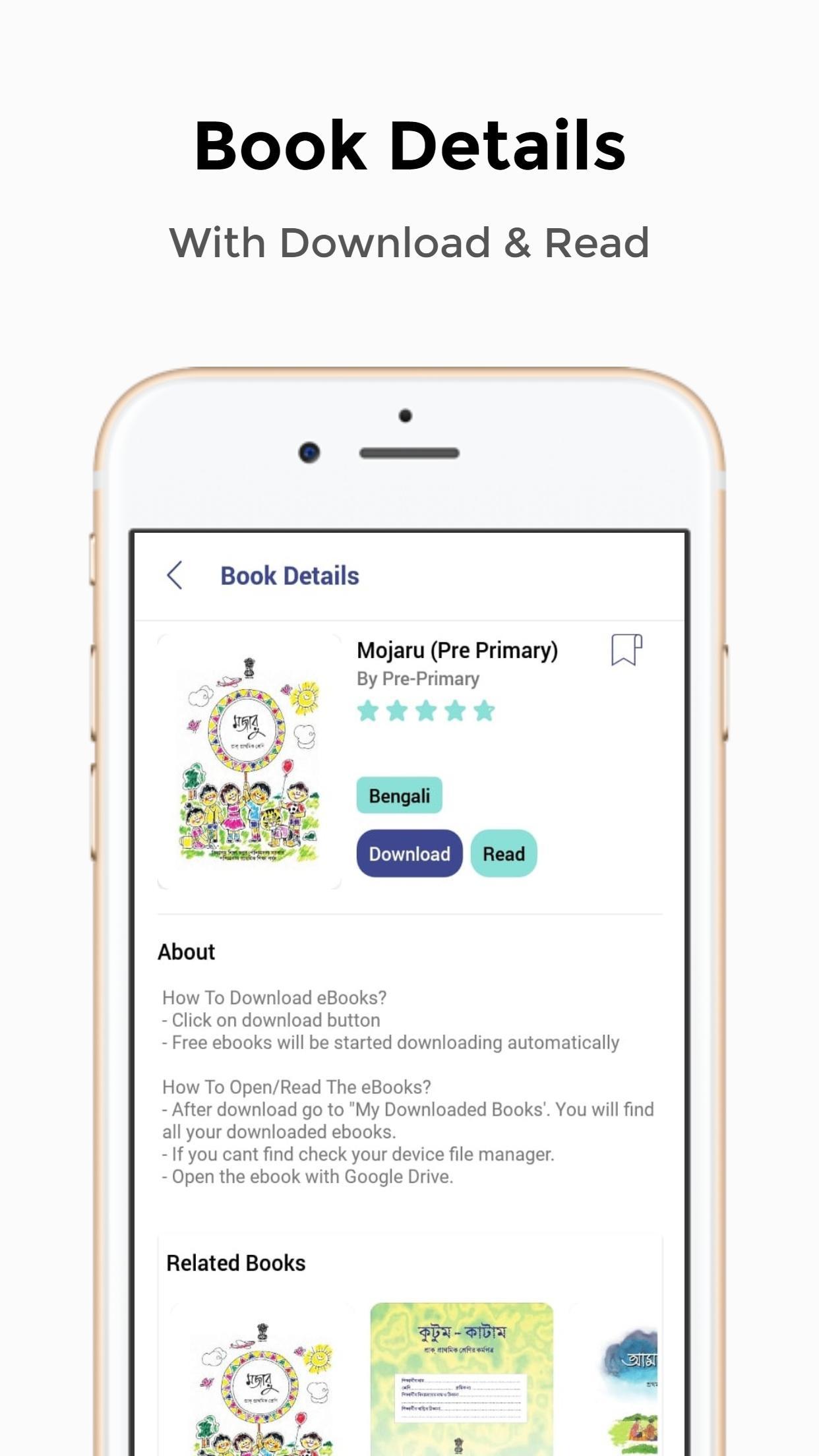
- 1-Click Download
- View/Read Before Download
- Minimal & Clean UI
- Pre-Primary To Class 12 e-Textbooks Available
- Purchase Suggestions/Question Papers At Low Cost
- Bookmark Your Favorite Books
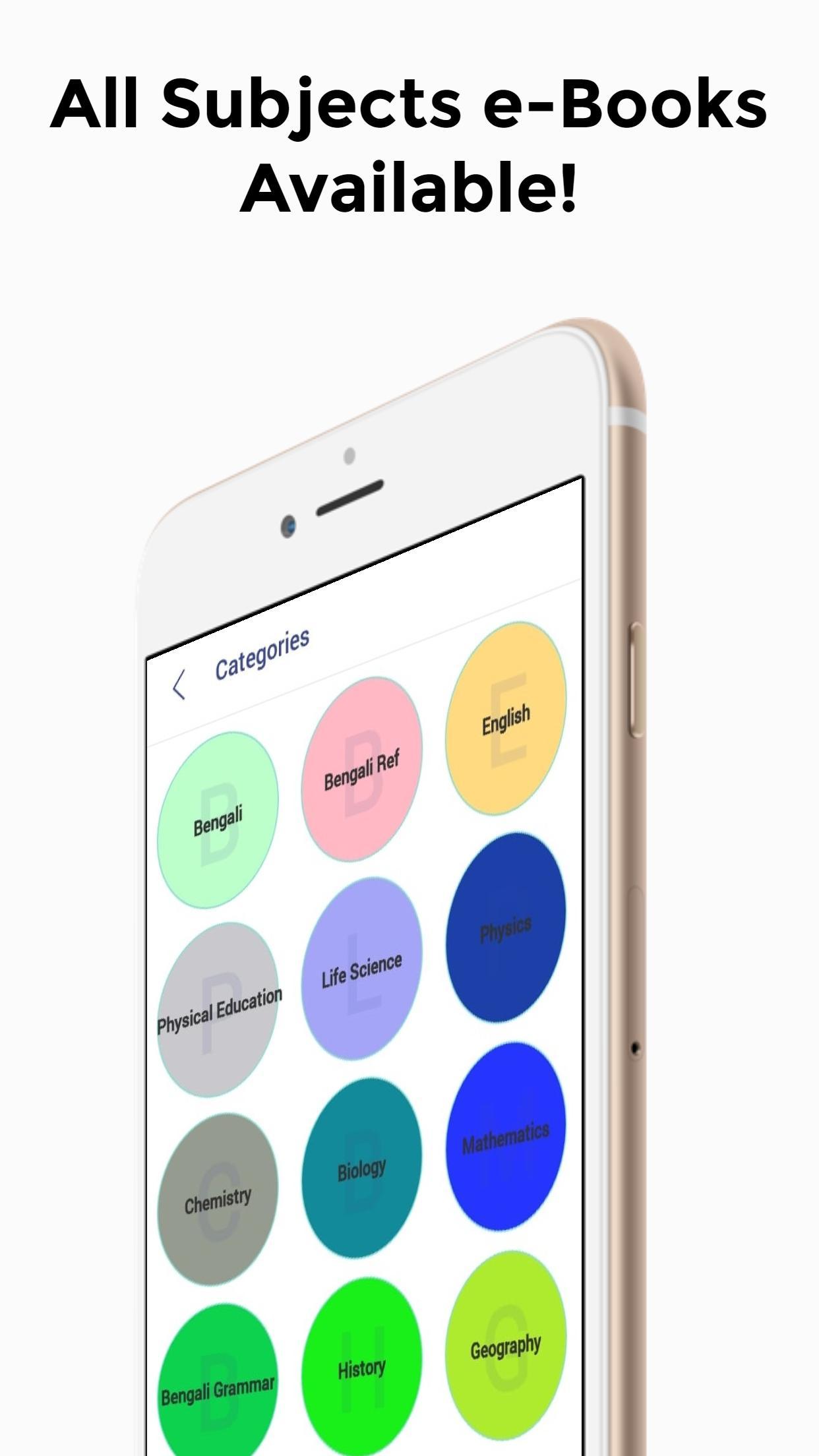
- e-Textbooks Are Well Categorized
*How To Download eTextBooks From WBBSE Books App?*
- Click on download button
- Free eBooks will be started downloading automatically
- For paid eBooks, you need to purchase the book. After payment, you can download the book
*How To Open/Read The e-Textbooks?*
- After download go to "My Downloaded Books'. You will find all your downloaded books.
- If you cant find the eBooks in my download section, find the books on your device file manager.
- Open the eBook with Google Drive.
*How To Download The Main Ebooks?*
- After downloading the book from this app you will get a small pdf.
- Click the book image on the pdf and open it with Google Drive.
- The main eBooks will be loaded on your Google Drive.
*For storage issues, we have provided Google Drive links, so you won't have to store the files on your device.*
ดูตัวอย่าง
แท็ก
การศึกษาข้อมูล
นักพัฒนา
Billions Ideas
เวอร์ชั่นล่าสุด
1.0
อัพเดทล่าสุด
2020-02-24
หมวดหมู่
การศึกษา
มีจำหน่ายที่
Google Play
แสดงมากขึ้น
วิธีเล่น WBBSE Books - West Bengal Board eBooks/e-Textbooks ด้วย GameLoop บน PC
1. ดาวน์โหลด GameLoop จากเว็บไซต์ทางการ จากนั้นเรียกใช้ไฟล์ exe เพื่อติดตั้ง GameLoop
2. เปิด GameLoop และค้นหา "WBBSE Books - West Bengal Board eBooks/e-Textbooks" ค้นหา WBBSE Books - West Bengal Board eBooks/e-Textbooks ในผลการค้นหาแล้วคลิก "ติดตั้ง"
3. สนุกกับการเล่น WBBSE Books - West Bengal Board eBooks/e-Textbooks บน GameLoop
Minimum requirements
OS
Windows 8.1 64-bit or Windows 10 64-bit
GPU
GTX 1050
CPU
i3-8300
Memory
8GB RAM
Storage
1GB available space
Recommended requirements
OS
Windows 8.1 64-bit or Windows 10 64-bit
GPU
GTX 1050
CPU
i3-9320
Memory
16GB RAM
Storage
1GB available space