
Virtual ClassEdge PC
Tata ClassEdge
ดาวน์โหลด Virtual ClassEdge บนพีซีด้วย GameLoop Emulator
Virtual ClassEdge บน PC
Virtual ClassEdge มาจากผู้พัฒนา Tata ClassEdge ที่เคยรันบนระบบปฏิบัติการ Android มาก่อน
ตอนนี้คุณสามารถเล่น Virtual ClassEdge บนพีซีด้วย GameLoop ได้อย่างราบรื่น
ดาวน์โหลดในไลบรารี GameLoop หรือผลการค้นหา ไม่ต้องสนใจแบตเตอรี่หรือโทรผิดเวลาอีกต่อไป
เพียงเพลิดเพลินกับ Virtual ClassEdge PC บนหน้าจอขนาดใหญ่ฟรี!
Virtual ClassEdge บทนำ
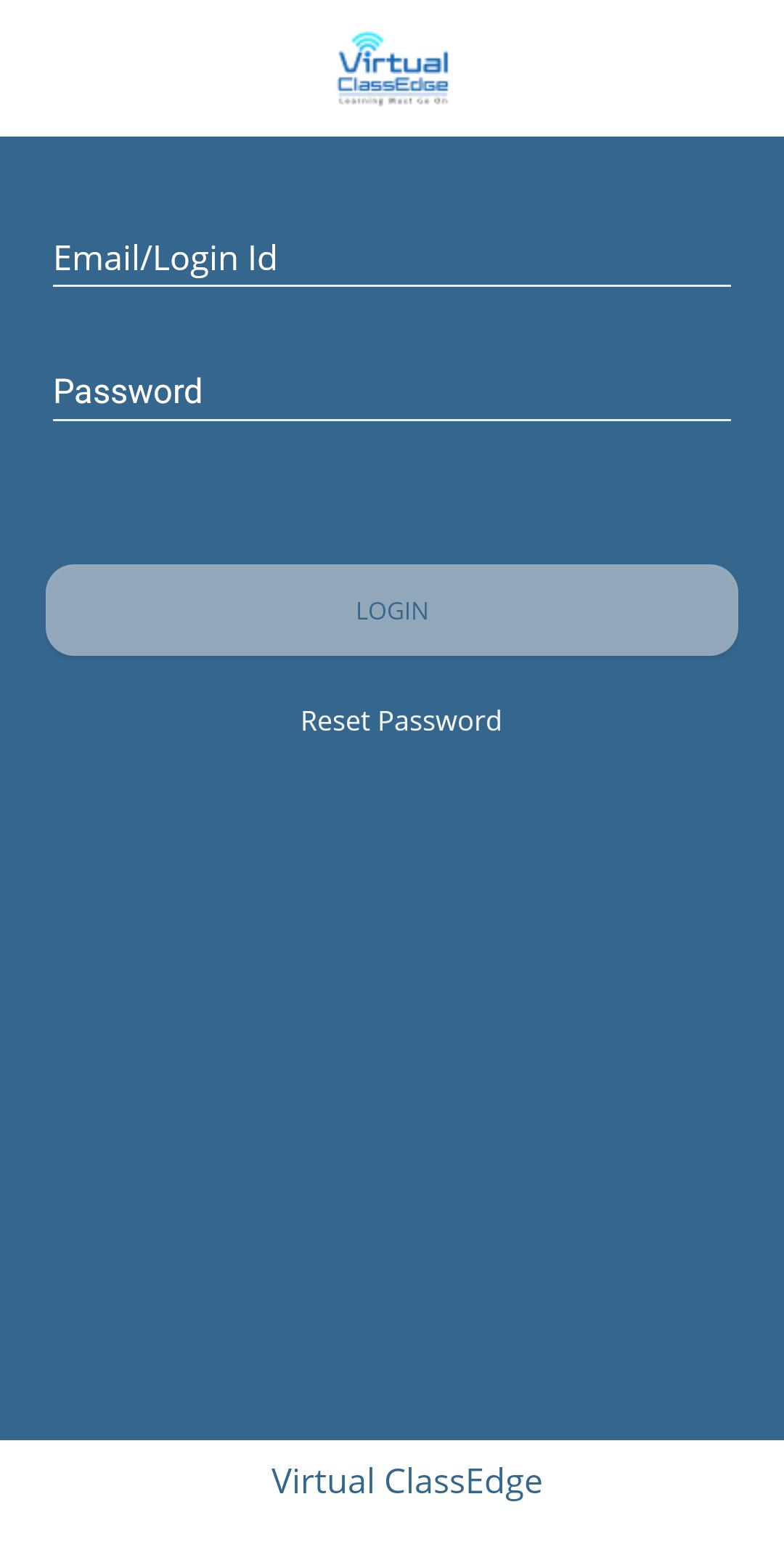
At Tata ClassEdge, we believe that learning must go on despite all challenges. And when regular schooling is disrupted, there is no better alternative than the virtual medium.
Therefore, we bring you Virtual ClassEdge – the best-in-class tool for virtual teaching and learning.
A comprehensive tool for virtual teaching-learning.
It includes:
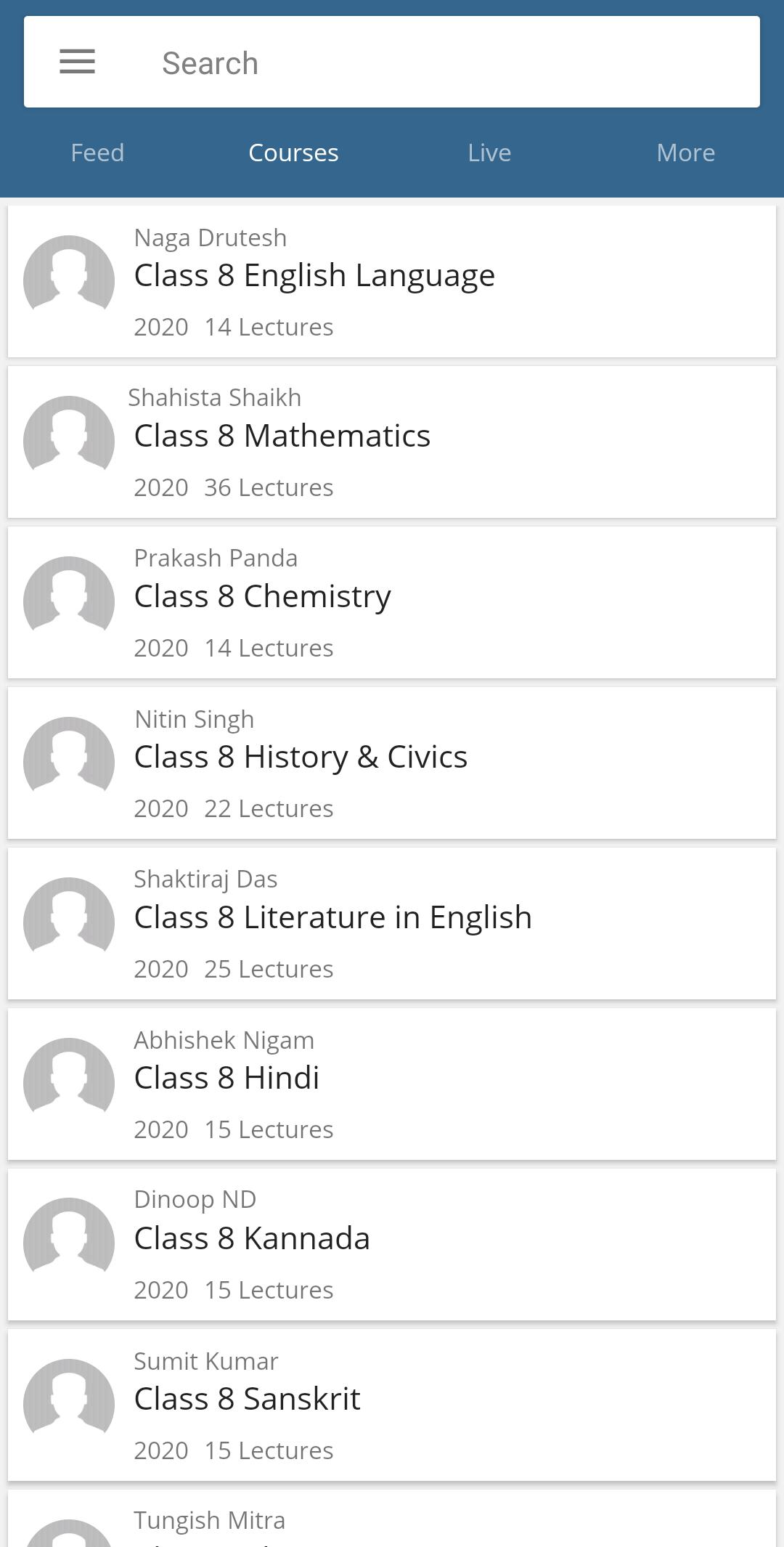
• A video conferencing platform that allows teachers to conduct interactive online classes using mapped ClassEdge digital content
• Student access to ClassEdge digital content for learning to continue even after classes
• Integrated Digital Pedagogy (IDP) training to make teachers ready for virtual teaching
KEY FEATURES
• Mapped ClassEdge content for teachers & students
• Secured and authorized access
• Remote access, anytime and anywhere
• Digital whiteboard with virtual connect
• Engagement indicator
• Attendance marking
• Session recording
• Online assessment
• Personalized experience
ดูตัวอย่าง
ข้อมูล
นักพัฒนา
Tata ClassEdge
เวอร์ชั่นล่าสุด
2.2
อัพเดทล่าสุด
2021-08-30
หมวดหมู่
การศึกษา
มีจำหน่ายที่
Google Play
แสดงมากขึ้น
วิธีเล่น Virtual ClassEdge ด้วย GameLoop บน PC
1. ดาวน์โหลด GameLoop จากเว็บไซต์ทางการ จากนั้นเรียกใช้ไฟล์ exe เพื่อติดตั้ง GameLoop
2. เปิด GameLoop และค้นหา "Virtual ClassEdge" ค้นหา Virtual ClassEdge ในผลการค้นหาแล้วคลิก "ติดตั้ง"
3. สนุกกับการเล่น Virtual ClassEdge บน GameLoop
Minimum requirements
OS
Windows 8.1 64-bit or Windows 10 64-bit
GPU
GTX 1050
CPU
i3-8300
Memory
8GB RAM
Storage
1GB available space
Recommended requirements
OS
Windows 8.1 64-bit or Windows 10 64-bit
GPU
GTX 1050
CPU
i3-9320
Memory
16GB RAM
Storage
1GB available space