Timer chess PC
abigfluffyyak
ดาวน์โหลด Timer chess บนพีซีด้วย GameLoop Emulator
Timer chess บน PC
Timer chess มาจากผู้พัฒนา abigfluffyyak ที่เคยรันบนระบบปฏิบัติการ Android มาก่อน
ตอนนี้คุณสามารถเล่น Timer chess บนพีซีด้วย GameLoop ได้อย่างราบรื่น
ดาวน์โหลดในไลบรารี GameLoop หรือผลการค้นหา ไม่ต้องสนใจแบตเตอรี่หรือโทรผิดเวลาอีกต่อไป
เพียงเพลิดเพลินกับ Timer chess PC บนหน้าจอขนาดใหญ่ฟรี!
Timer chess บทนำ
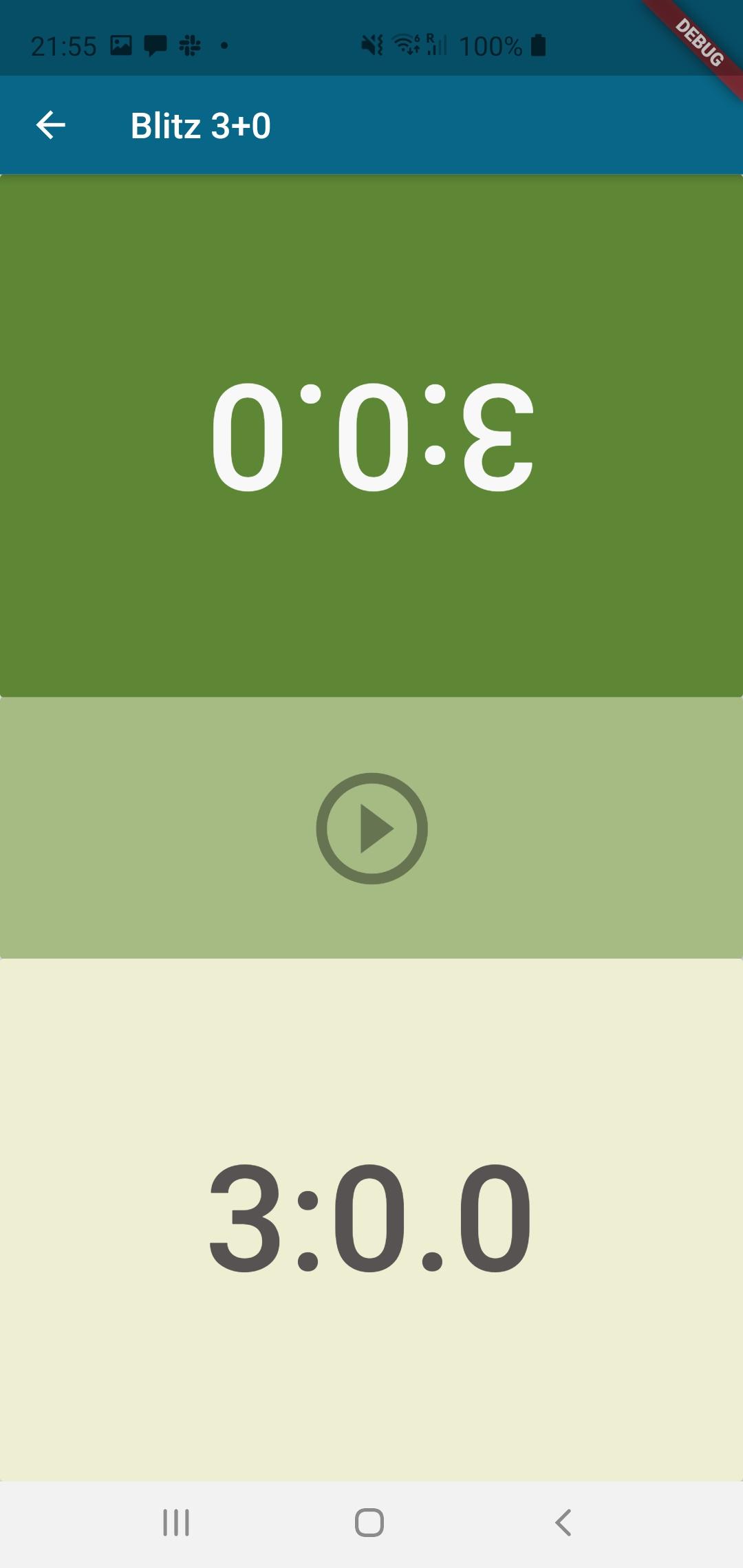
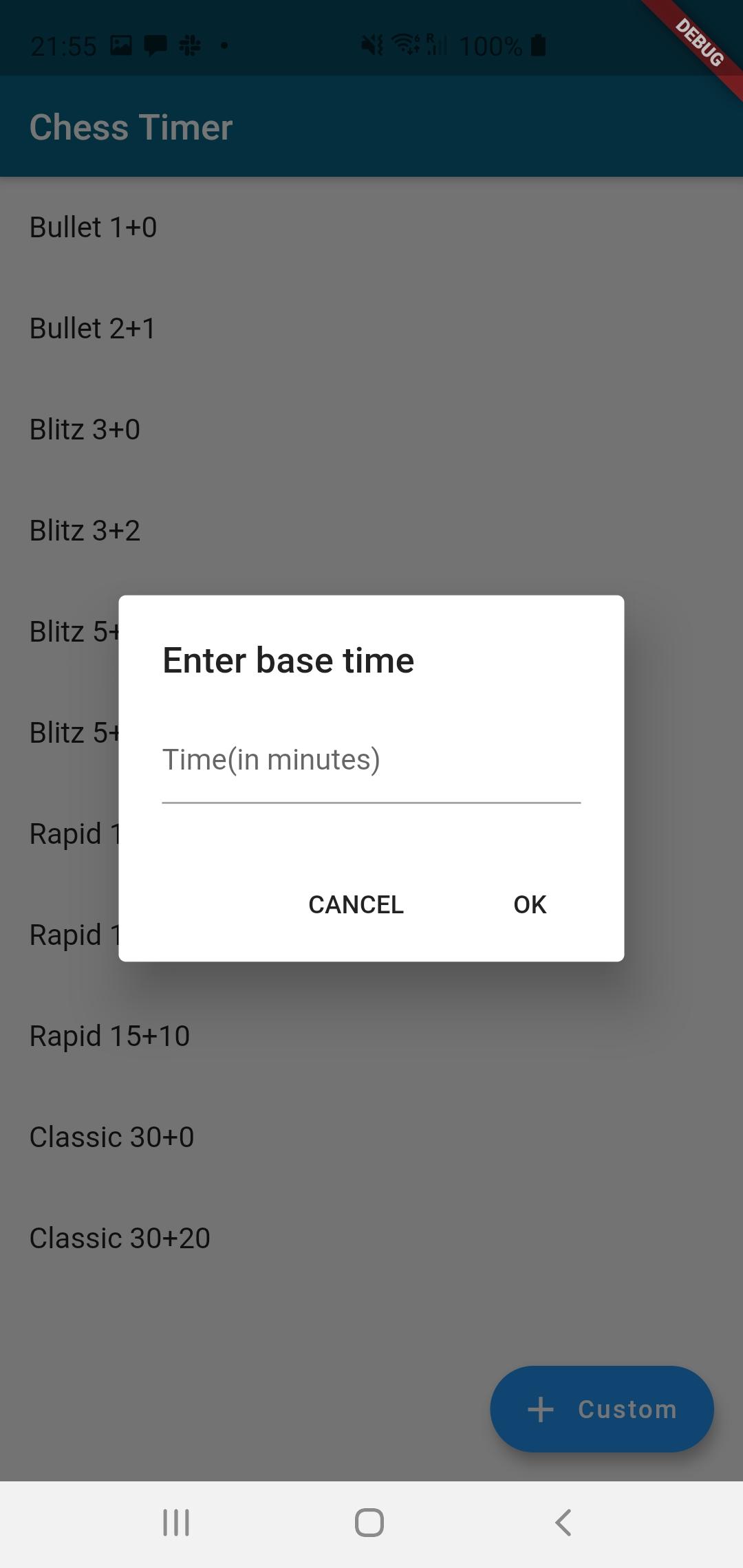
improve your chess skills with this chess timer many different settings to use and play chess with.
Desire to be your game manage expert as our vision
we are devoating ourselves chess game to following generation and are also the biggest fan of chess competition game
Its also the reason why we stickly require the premium quality of every units in LEAP including chess baord, pieces,clock timer
Learning is the way we grow and the core we found joyness
ดูตัวอย่าง
แท็ก
การศึกษาข้อมูล
นักพัฒนา
abigfluffyyak
เวอร์ชั่นล่าสุด
2.0.7
อัพเดทล่าสุด
2021-10-18
หมวดหมู่
การศึกษา
มีจำหน่ายที่
Google Play
แสดงมากขึ้น
วิธีเล่น Timer chess ด้วย GameLoop บน PC
1. ดาวน์โหลด GameLoop จากเว็บไซต์ทางการ จากนั้นเรียกใช้ไฟล์ exe เพื่อติดตั้ง GameLoop
2. เปิด GameLoop และค้นหา "Timer chess" ค้นหา Timer chess ในผลการค้นหาแล้วคลิก "ติดตั้ง"
3. สนุกกับการเล่น Timer chess บน GameLoop
Minimum requirements
OS
Windows 8.1 64-bit or Windows 10 64-bit
GPU
GTX 1050
CPU
i3-8300
Memory
8GB RAM
Storage
1GB available space
Recommended requirements
OS
Windows 8.1 64-bit or Windows 10 64-bit
GPU
GTX 1050
CPU
i3-9320
Memory
16GB RAM
Storage
1GB available space