
Sensory Room PC
Inclusive Technology HelpKidzLearn
ดาวน์โหลด Sensory Room บนพีซีด้วย GameLoop Emulator
Sensory Room บน PC
Sensory Room มาจากผู้พัฒนา Inclusive Technology HelpKidzLearn ที่เคยรันบนระบบปฏิบัติการ Android มาก่อน
ตอนนี้คุณสามารถเล่น Sensory Room บนพีซีด้วย GameLoop ได้อย่างราบรื่น
ดาวน์โหลดในไลบรารี GameLoop หรือผลการค้นหา ไม่ต้องสนใจแบตเตอรี่หรือโทรผิดเวลาอีกต่อไป
เพียงเพลิดเพลินกับ Sensory Room PC บนหน้าจอขนาดใหญ่ฟรี!
Sensory Room บทนำ
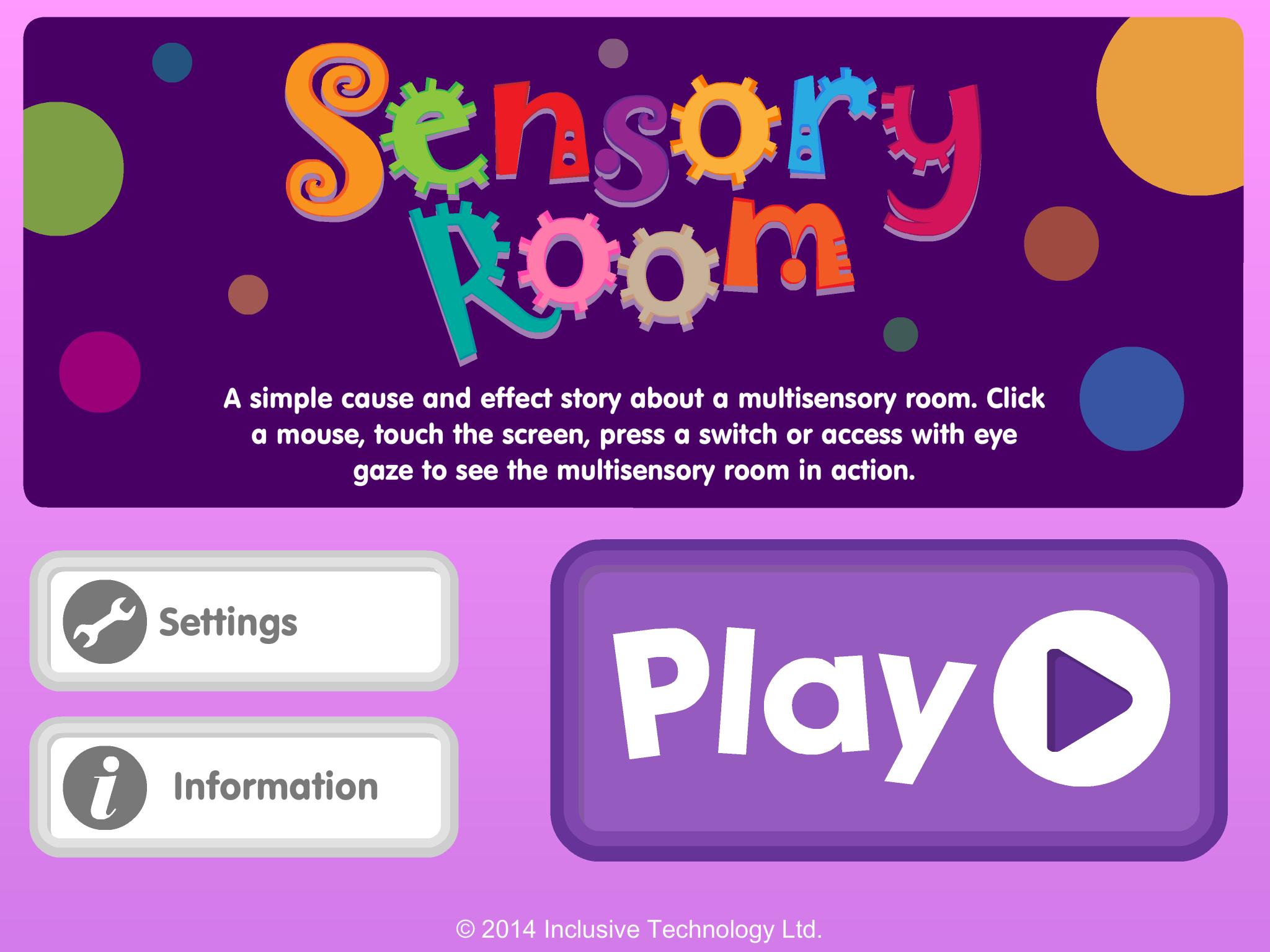
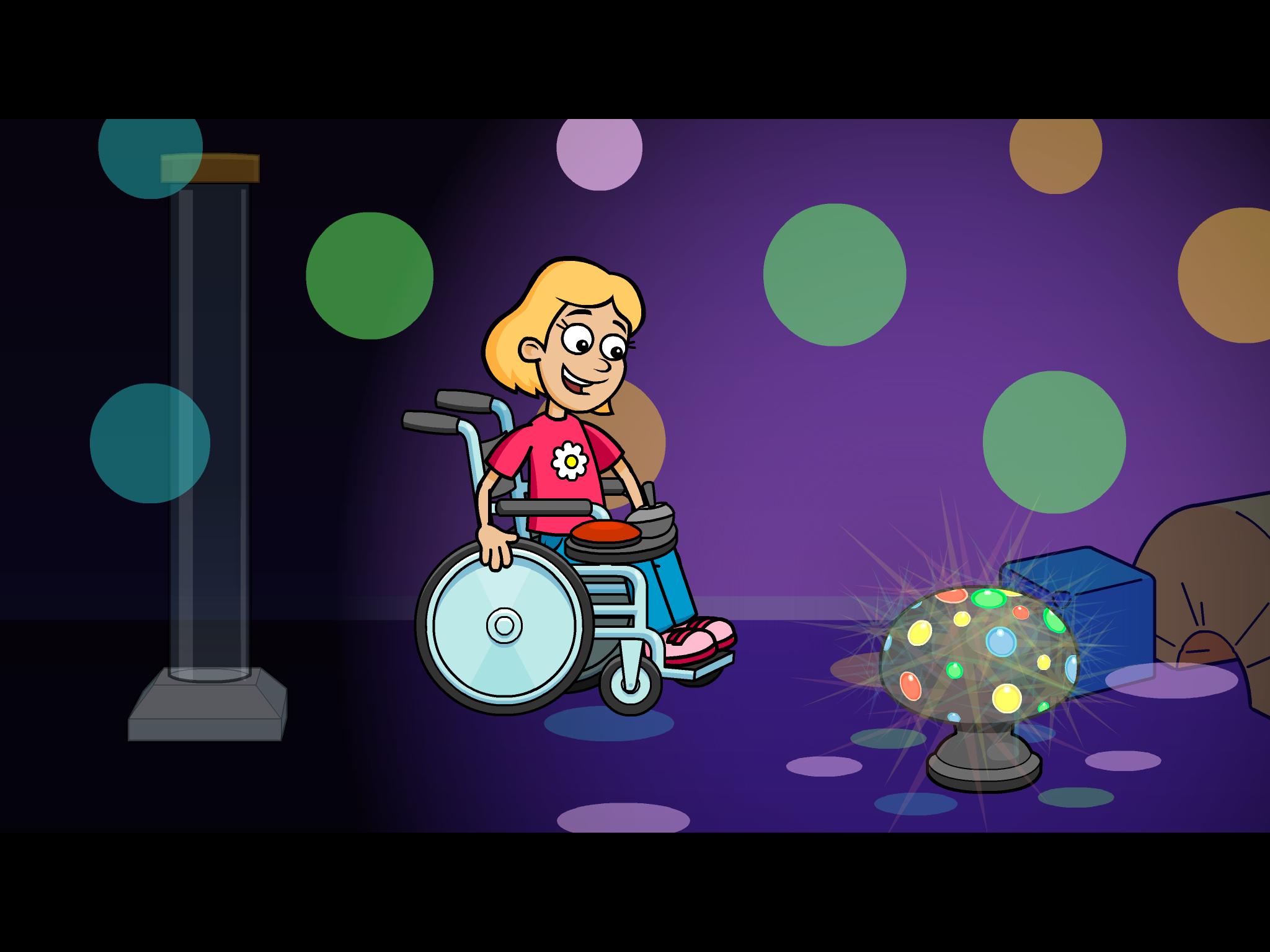
A fun cause and effect activity - look at the pictures and talk about the story in your own words: What can you see in the multi-sensory room? Do you like the bubble tube or disco lights best?
Touch the screen to see what happens next. Switch access for one or two switches is included for users with motor difficulties who need switch input (Switches can be connected via a Bluetooth switch interface). Clutter free, bright, clear graphics make it easier for students with visual impairment to see the screen.
Key features
• Bright clear graphics with bold outlines
• Lots of opportunity for discussion and language development
• Simple touch access
• Switch access options included (using available Bluetooth switch interfaces)
• Fun bright animated reward
ดูตัวอย่าง
ข้อมูล
นักพัฒนา
Inclusive Technology HelpKidzLearn
เวอร์ชั่นล่าสุด
1.0.1
อัพเดทล่าสุด
2014-02-24
หมวดหมู่
การศึกษา
มีจำหน่ายที่
Google Play
แสดงมากขึ้น
วิธีเล่น Sensory Room ด้วย GameLoop บน PC
1. ดาวน์โหลด GameLoop จากเว็บไซต์ทางการ จากนั้นเรียกใช้ไฟล์ exe เพื่อติดตั้ง GameLoop
2. เปิด GameLoop และค้นหา "Sensory Room" ค้นหา Sensory Room ในผลการค้นหาแล้วคลิก "ติดตั้ง"
3. สนุกกับการเล่น Sensory Room บน GameLoop
Minimum requirements
OS
Windows 8.1 64-bit or Windows 10 64-bit
GPU
GTX 1050
CPU
i3-8300
Memory
8GB RAM
Storage
1GB available space
Recommended requirements
OS
Windows 8.1 64-bit or Windows 10 64-bit
GPU
GTX 1050
CPU
i3-9320
Memory
16GB RAM
Storage
1GB available space