
GRE Math Practice by PrepScholar PC
PrepScholar
ดาวน์โหลด GRE Math Practice by PrepScholar บนพีซีด้วย GameLoop Emulator
GRE Math Practice by PrepScholar บน PC
GRE Math Practice by PrepScholar มาจากผู้พัฒนา PrepScholar ที่เคยรันบนระบบปฏิบัติการ Android มาก่อน
ตอนนี้คุณสามารถเล่น GRE Math Practice by PrepScholar บนพีซีด้วย GameLoop ได้อย่างราบรื่น
ดาวน์โหลดในไลบรารี GameLoop หรือผลการค้นหา ไม่ต้องสนใจแบตเตอรี่หรือโทรผิดเวลาอีกต่อไป
เพียงเพลิดเพลินกับ GRE Math Practice by PrepScholar PC บนหน้าจอขนาดใหญ่ฟรี!
GRE Math Practice by PrepScholar บทนำ
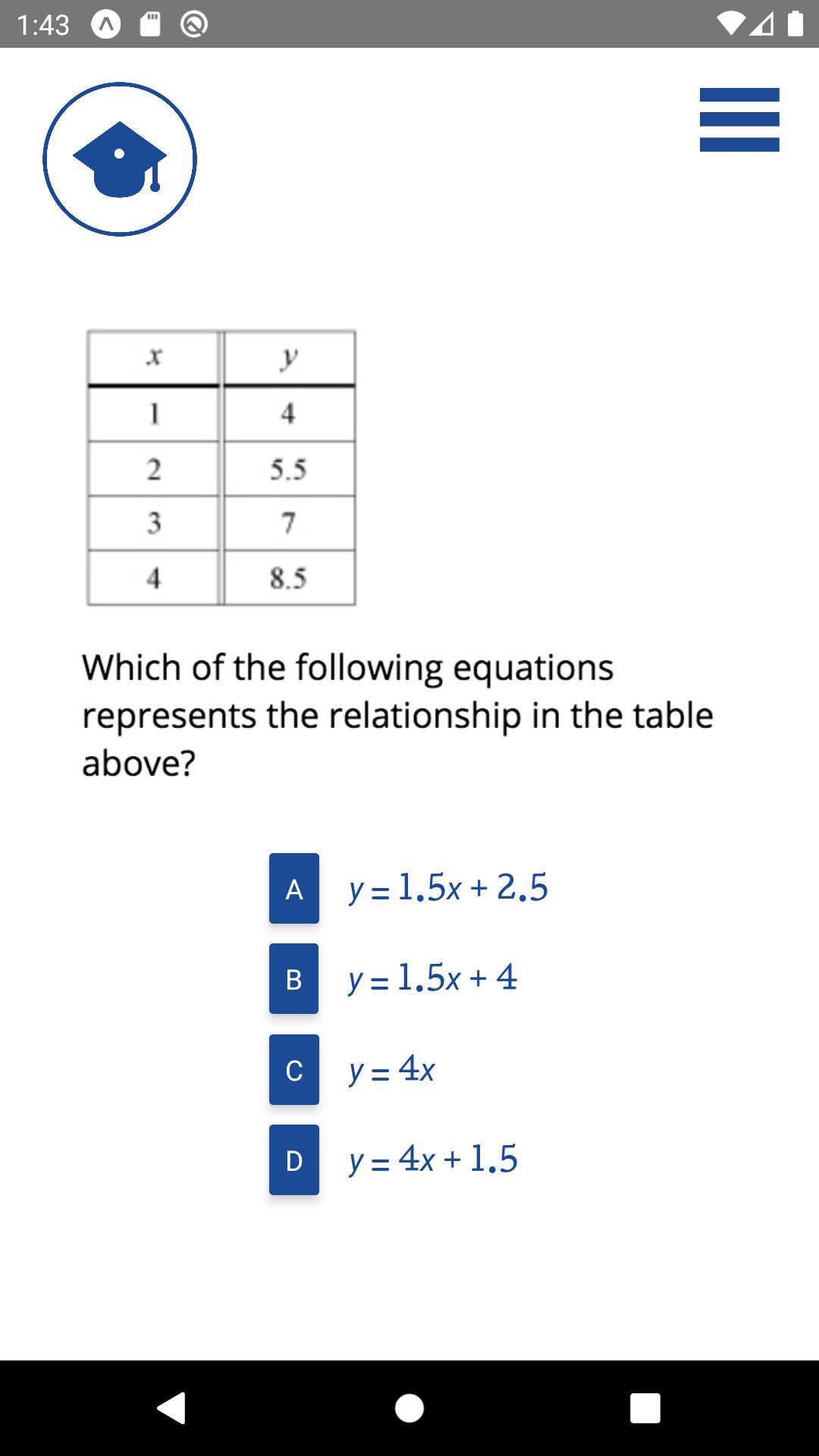
The PrepScholar GRE Math app contains 500 sample GRE math problems. You can attempt the questions in groups of 5. After each question, and each group, your responses will be graded. You will get immediate feedback as to which questions you have gotten right and which you have gotten wrong.
PrepScholar's GRE Math app does not require registration or an account on PrepScholar. For in-depth GRE lessons and practice quizzes, you can register for our full online GRE course at PrepScholar.com.
About PrepScholar.com
PrepScholar is committed to helping students reach their potential. In addition to offering free apps and free resources for students on our blog, PrepScholar offers comprehensive online on-demand test prep solutions for the SAT, ACT, PSAT, GRE, GMAT, and TOEFL exams. PrepScholar also offers 1:1 tutoring for the SAT and ACT, and full service college admissions counseling.
ดูตัวอย่าง

แท็ก
การศึกษาข้อมูล
นักพัฒนา
PrepScholar
เวอร์ชั่นล่าสุด
1.0.0
อัพเดทล่าสุด
2020-04-24
หมวดหมู่
การศึกษา
มีจำหน่ายที่
Google Play
แสดงมากขึ้น
วิธีเล่น GRE Math Practice by PrepScholar ด้วย GameLoop บน PC
1. ดาวน์โหลด GameLoop จากเว็บไซต์ทางการ จากนั้นเรียกใช้ไฟล์ exe เพื่อติดตั้ง GameLoop
2. เปิด GameLoop และค้นหา "GRE Math Practice by PrepScholar" ค้นหา GRE Math Practice by PrepScholar ในผลการค้นหาแล้วคลิก "ติดตั้ง"
3. สนุกกับการเล่น GRE Math Practice by PrepScholar บน GameLoop
Minimum requirements
OS
Windows 8.1 64-bit or Windows 10 64-bit
GPU
GTX 1050
CPU
i3-8300
Memory
8GB RAM
Storage
1GB available space
Recommended requirements
OS
Windows 8.1 64-bit or Windows 10 64-bit
GPU
GTX 1050
CPU
i3-9320
Memory
16GB RAM
Storage
1GB available space