
ABRSM Music Case PC
ABRSM Publishing Ltd
ดาวน์โหลด ABRSM Music Case บนพีซีด้วย GameLoop Emulator
ABRSM Music Case บน PC
ABRSM Music Case มาจากผู้พัฒนา ABRSM Publishing Ltd ที่เคยรันบนระบบปฏิบัติการ Android มาก่อน
ตอนนี้คุณสามารถเล่น ABRSM Music Case บนพีซีด้วย GameLoop ได้อย่างราบรื่น
ดาวน์โหลดในไลบรารี GameLoop หรือผลการค้นหา ไม่ต้องสนใจแบตเตอรี่หรือโทรผิดเวลาอีกต่อไป
เพียงเพลิดเพลินกับ ABRSM Music Case PC บนหน้าจอขนาดใหญ่ฟรี!
ABRSM Music Case บทนำ
The official ABRSM Music Case app helps anyone learning a musical instrument make the most of their music practice time.
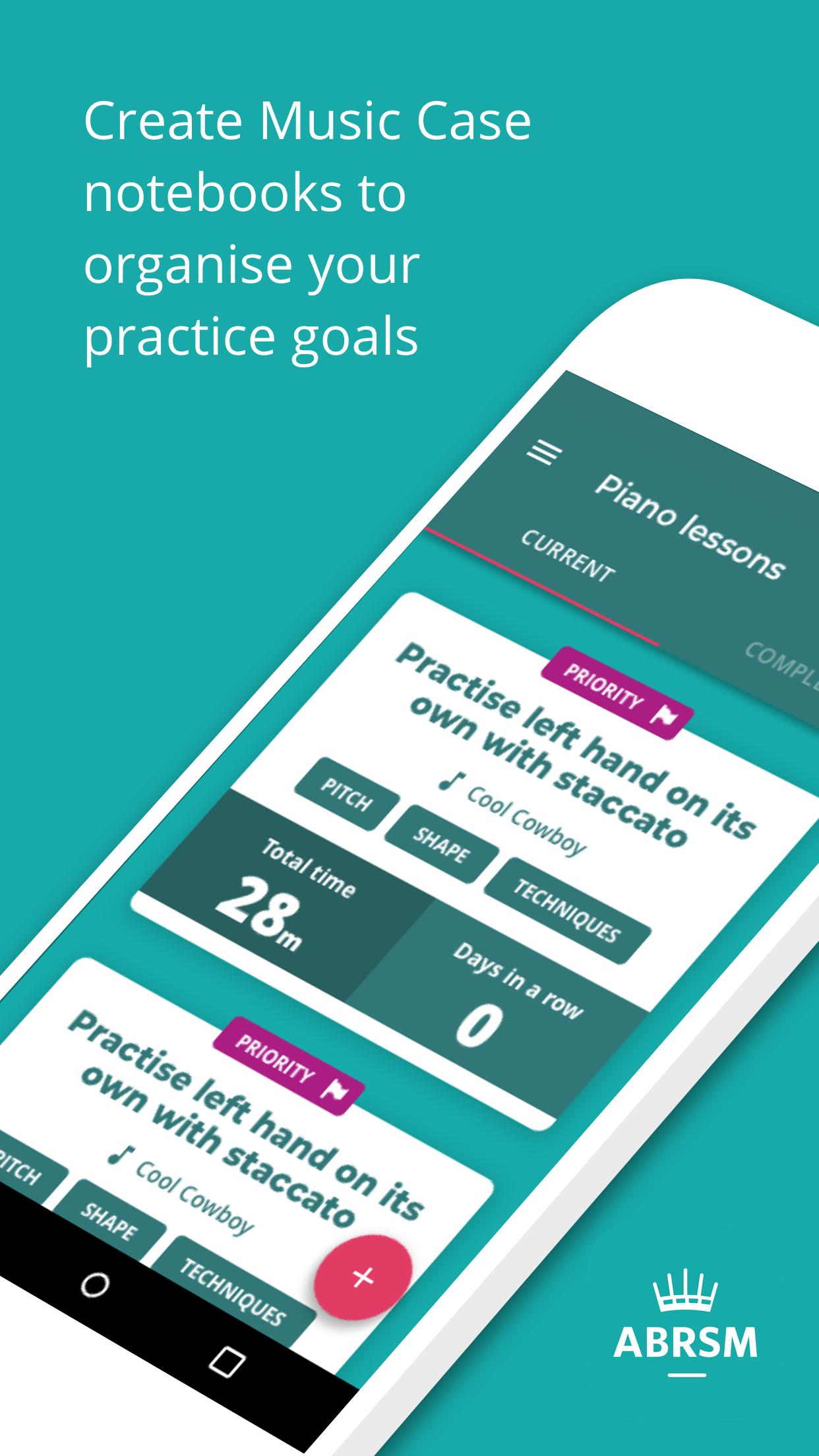
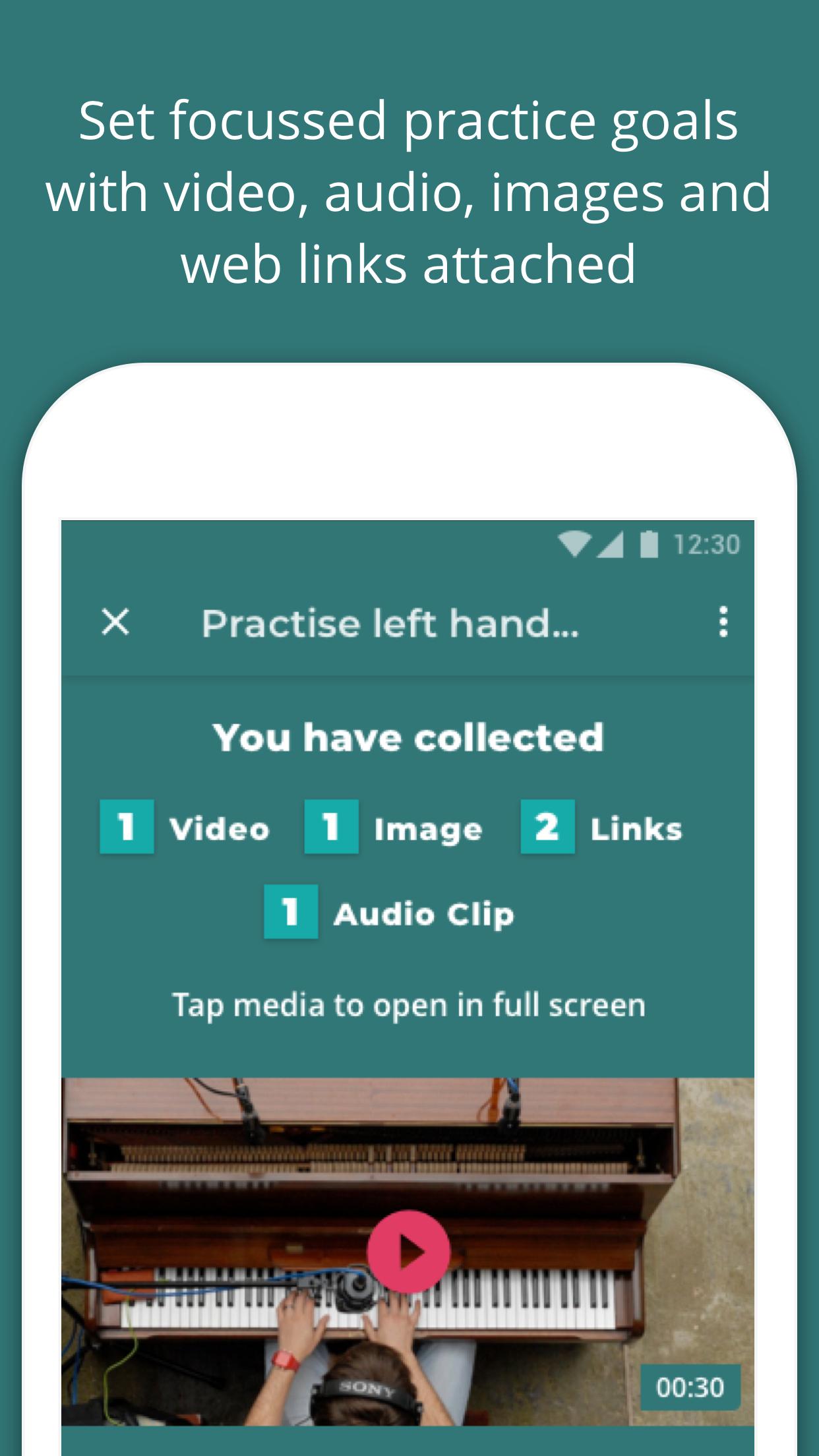
With ABRSM Music Case you can set clear, focussed practice goals and with the ability to add example videos, images or audio you can quickly understand what you need to do in your music practice sessions. It’s also easy to prioritise your practice goals so when it comes to your music practice session you know exactly where to start. We’ve simplified notebook and goal creation for all - get that goal created in record time with the new lightweight setup process.
As you practise your musical instrument using ABRSM Music Case, the app tracks your practice time, with our improved timers that you can start, pause and resume, recording it so that you can see how much time has been spent practising each practice goal. Understanding how much time is tracked against each practice goal will help you make sure your practice sessions are balanced.
In a practice session it’s easy to quickly record a segment of your music practice so that you can listen back to it. This can help you learn to identify improvements in your playing and allow you to progress more quickly.
Group your practice goals in music notebooks by musical instrument or even create multiple notebooks per musical instrument by giving your music notebooks names.
Once you’ve completed a practice session you can see your music practice statistics and if you’ve won any badges to mark your achievements. Keep practising to collect more!
If you have music lessons to learn your instrument then you can share your ABRSM Music Case notebook with your music teacher so that they can see what you are practising and the time you are logging against each goal. As a music teacher all you need to do is scan the share code of your student’s notebook to start seeing what they are working on and track how much time they have spent practising.
ดูตัวอย่าง
ข้อมูล
นักพัฒนา
ABRSM Publishing Ltd
เวอร์ชั่นล่าสุด
1.0.4
อัพเดทล่าสุด
2021-04-07
หมวดหมู่
การศึกษา
มีจำหน่ายที่
Google Play
แสดงมากขึ้น
วิธีเล่น ABRSM Music Case ด้วย GameLoop บน PC
1. ดาวน์โหลด GameLoop จากเว็บไซต์ทางการ จากนั้นเรียกใช้ไฟล์ exe เพื่อติดตั้ง GameLoop
2. เปิด GameLoop และค้นหา "ABRSM Music Case" ค้นหา ABRSM Music Case ในผลการค้นหาแล้วคลิก "ติดตั้ง"
3. สนุกกับการเล่น ABRSM Music Case บน GameLoop
Minimum requirements
OS
Windows 8.1 64-bit or Windows 10 64-bit
GPU
GTX 1050
CPU
i3-8300
Memory
8GB RAM
Storage
1GB available space
Recommended requirements
OS
Windows 8.1 64-bit or Windows 10 64-bit
GPU
GTX 1050
CPU
i3-9320
Memory
16GB RAM
Storage
1GB available space