
Video Chat with Stranger PC
ThinkHobaFox
ดาวน์โหลด Video Chat with Stranger บนพีซีด้วย GameLoop Emulator
Video Chat with Stranger บน PC
Video Chat with Stranger มาจากผู้พัฒนา ThinkHobaFox ที่เคยรันบนระบบปฏิบัติการ Android มาก่อน
ตอนนี้คุณสามารถเล่น Video Chat with Stranger บนพีซีด้วย GameLoop ได้อย่างราบรื่น
ดาวน์โหลดในไลบรารี GameLoop หรือผลการค้นหา ไม่ต้องสนใจแบตเตอรี่หรือโทรผิดเวลาอีกต่อไป
เพียงเพลิดเพลินกับ Video Chat with Stranger PC บนหน้าจอขนาดใหญ่ฟรี!
Video Chat with Stranger บทนำ
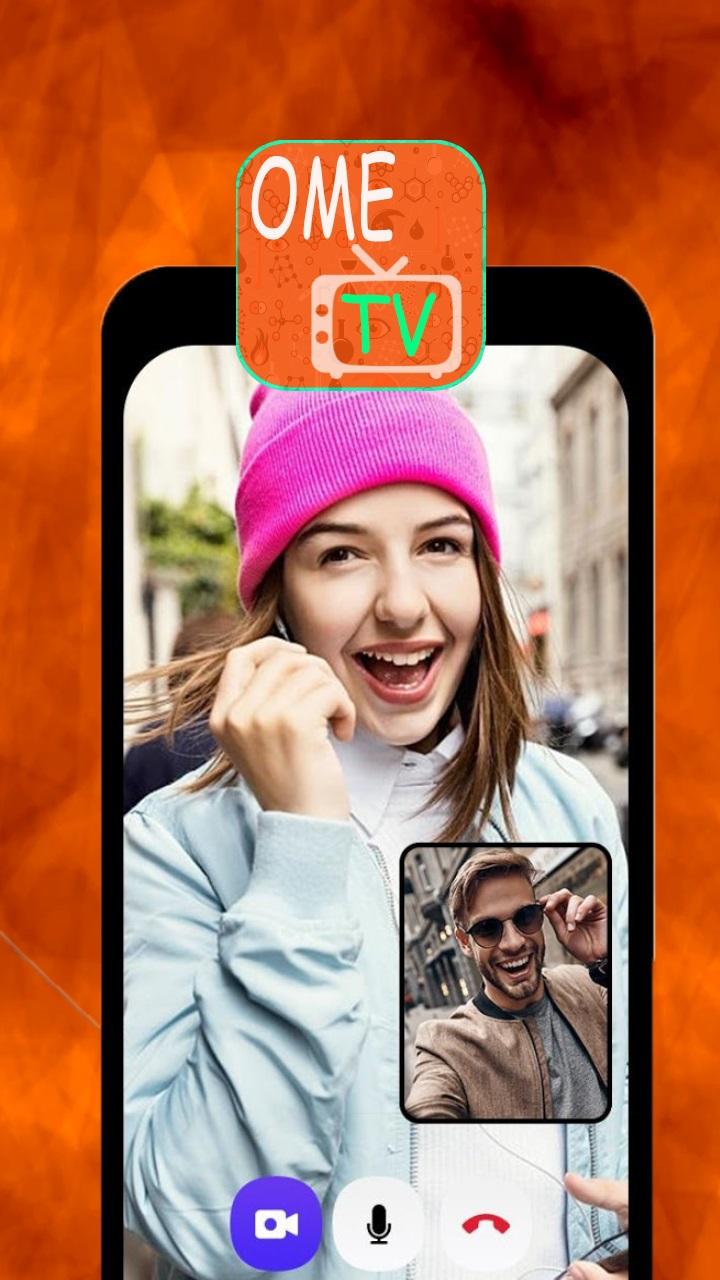
Chat with strangers with ometv and omegle and become friends!
Anytime day or night, Ome-TV video chat brings together thousands of cool people from all around the world. And you're one of them!
Start a conversation with anyone, enjoy the thrill of meet-ups or chance encounters all from the convenience of your home.
Just click a button or swipe and we connect you to a random stranger instantly.
The fastest Omegle alternative app!
For an easy, take-anywhere experience we recommend downloading our free OmeTV Video Chat Alternative app.
We've got a huge crowd waiting for you there — over 10 million people have been using the chat on their phones and tablets!
ดูตัวอย่าง

ข้อมูล
นักพัฒนา
ThinkHobaFox
เวอร์ชั่นล่าสุด
1.0
อัพเดทล่าสุด
2023-02-19
หมวดหมู่
การสื่อสาร
มีจำหน่ายที่
Google Play
แสดงมากขึ้น
วิธีเล่น Video Chat with Stranger ด้วย GameLoop บน PC
1. ดาวน์โหลด GameLoop จากเว็บไซต์ทางการ จากนั้นเรียกใช้ไฟล์ exe เพื่อติดตั้ง GameLoop
2. เปิด GameLoop และค้นหา "Video Chat with Stranger" ค้นหา Video Chat with Stranger ในผลการค้นหาแล้วคลิก "ติดตั้ง"
3. สนุกกับการเล่น Video Chat with Stranger บน GameLoop
Minimum requirements
OS
Windows 8.1 64-bit or Windows 10 64-bit
GPU
GTX 1050
CPU
i3-8300
Memory
8GB RAM
Storage
1GB available space
Recommended requirements
OS
Windows 8.1 64-bit or Windows 10 64-bit
GPU
GTX 1050
CPU
i3-9320
Memory
16GB RAM
Storage
1GB available space