
Sticker Maker - WASticker PC
Trusted Tools
ดาวน์โหลด Sticker Maker - WASticker บนพีซีด้วย GameLoop Emulator
Sticker Maker - WASticker บน PC
Sticker Maker - WASticker มาจากผู้พัฒนา Trusted Tools ที่เคยรันบนระบบปฏิบัติการ Android มาก่อน
ตอนนี้คุณสามารถเล่น Sticker Maker - WASticker บนพีซีด้วย GameLoop ได้อย่างราบรื่น
ดาวน์โหลดในไลบรารี GameLoop หรือผลการค้นหา ไม่ต้องสนใจแบตเตอรี่หรือโทรผิดเวลาอีกต่อไป
เพียงเพลิดเพลินกับ Sticker Maker - WASticker PC บนหน้าจอขนาดใหญ่ฟรี!
Sticker Maker - WASticker บทนำ
Send any images in any format (jpg, webp, png, etc.) from your phone as WhatsApp stickers. Create and customize your own stickers and sticker packs, and share them with everyone you want. No more switching apps: our all-in-one sticker studio has everything you need.
It's simple and easy to use; you can easily add pictures in any format to your sticker packs, such as personal photos, downloaded pictures and saved stickers.
There's no need to download a bunch of apps for different sticker packs, this all-in-one sticker maker meets all your needs!
Done with your sticker? One tap is all it takes to send it to WhatsApp—no saving or exporting needed!
How to create stickers for WhatsApp?
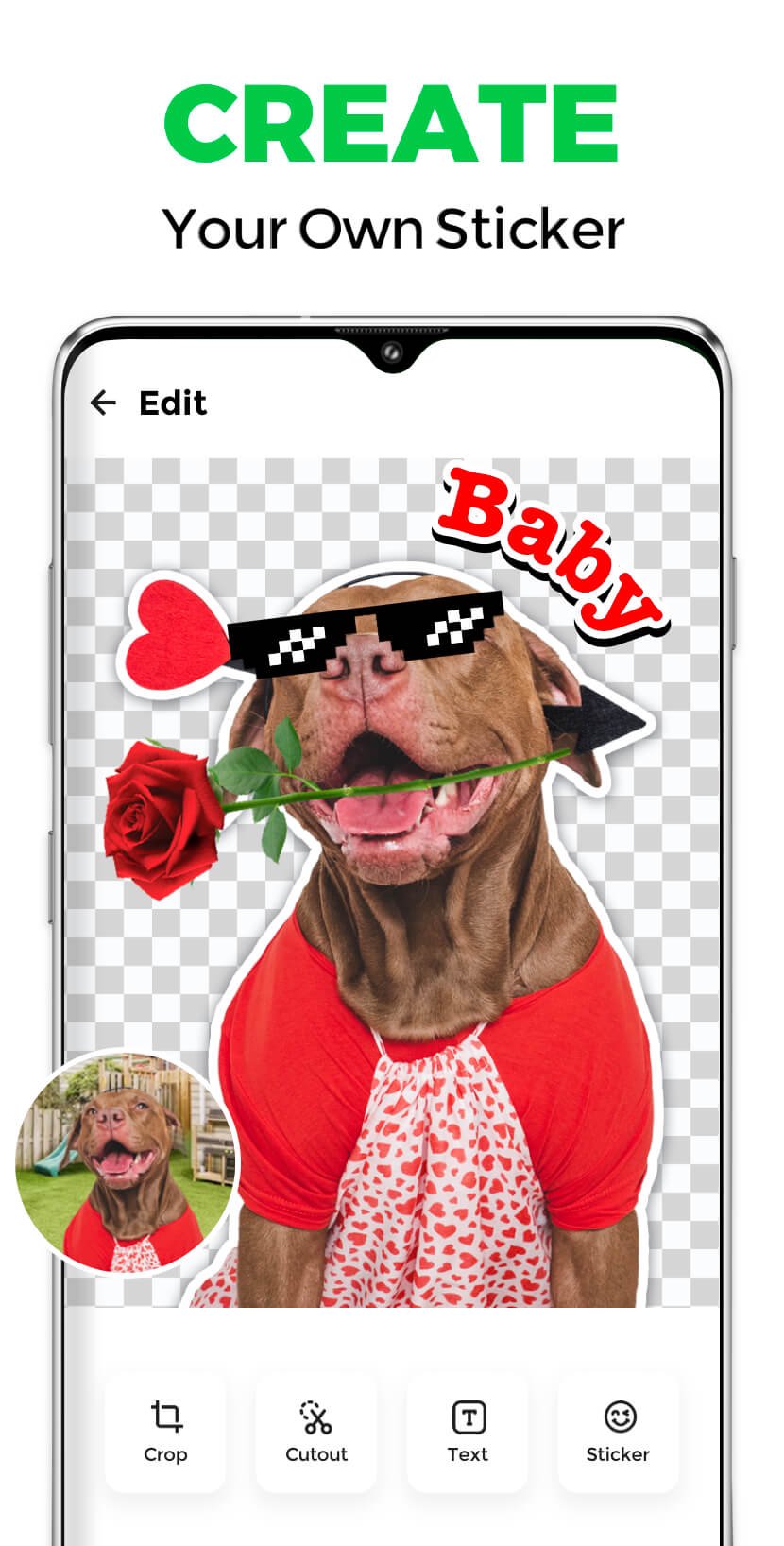
1. Select your photos and cut out stickers
2. Add text or decorations for your stickers
3. Name your sticker pack
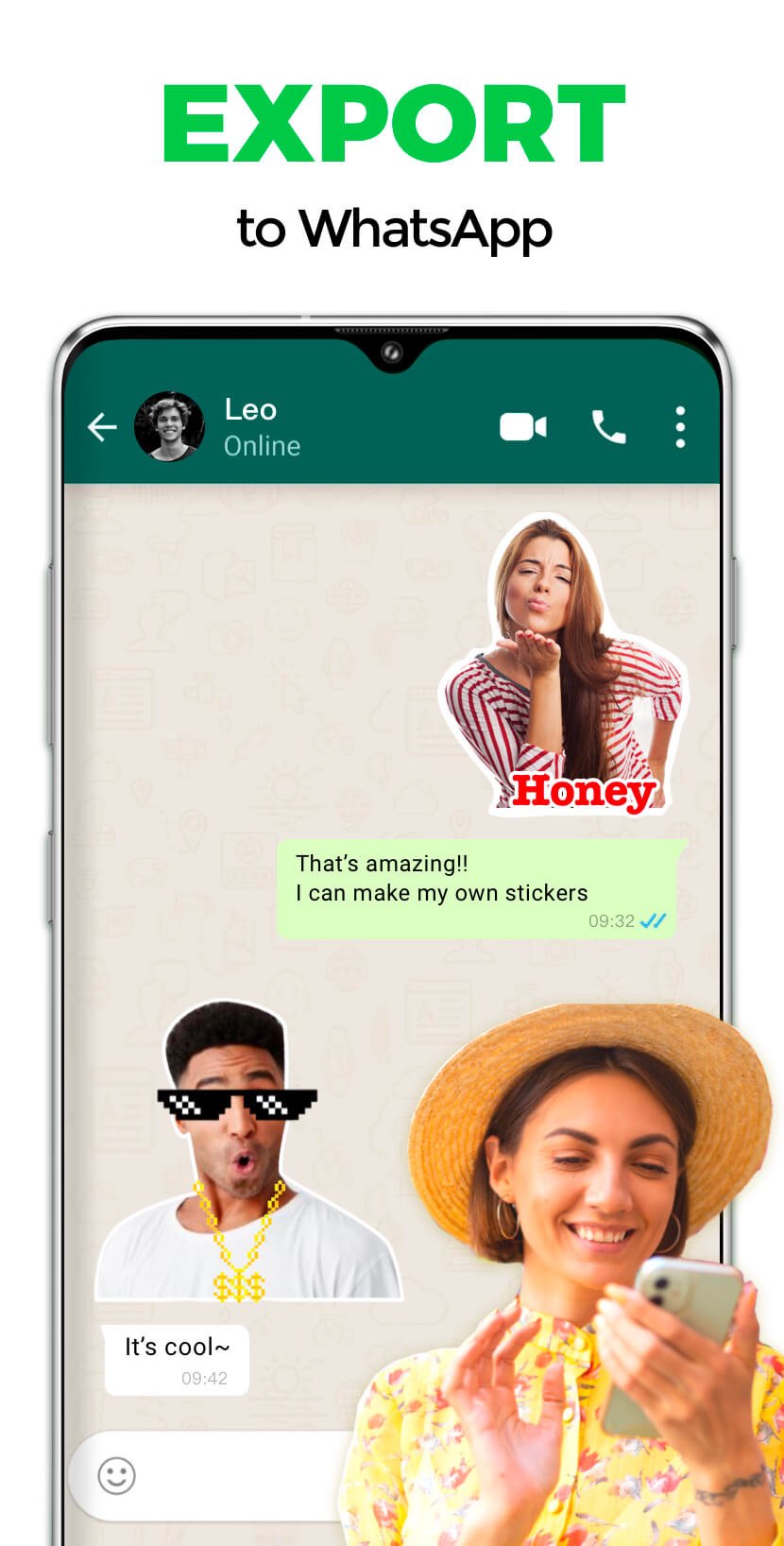
4. Tap "Add" to export stickers to WhatsApp
Now you can send your unique stickers to your friends!
Features:
🌟 Supports all picture formats, jpg, webp, png, etc
🌟 Easily crop your stickers
🌟 Add text, emoji & funny decorations to your stickers
🌟 Click to preview sticker in the sticker pack
🌟 Share your customized sticker packs with friends
🌟 Backup and restore data
🌟 Automatically convert image formats
🌟 Customize HD quality stickers
Send your photos as personal stickers to friends in WhatsApp, making the chat more interesting!
😎 Make Personal Stickers with Sticker Maker for WhatsApp
This free sticker maker for WhatsApp allows you to create and customize personal stickers for WhatsApp. Make your personal stickers for WhatsApp with the best sticker maker for WhatsApp.
🎊 Create Stickers for WhatsApp with WhatsApp sticker maker
Wanna create stickers for WhatsApp? Try this WhatsApp sticker maker! The all-featured WhatsApp sticker maker makes it easy to create stickers for WhatsApp.
📝 Next-Level Text Sticker Editor
Choose from a wide selection of trendy fonts to match your style, and make every sticker stand out. Add special effects like outline, background, and shadow to give your text extra depth and flair. Explore creative formats—from fun bubble text to unique artistic fonts—to make each sticker truly yours.
Disclaimer:
Sticker Maker is not affiliated, associated, sponsored, endorsed by, or in any way officially connected with WhatsApp.
ดูตัวอย่าง
แท็ก
การสื่อสารข้อมูล
นักพัฒนา
Trusted Tools
เวอร์ชั่นล่าสุด
1.163.40
อัพเดทล่าสุด
2026-02-12
หมวดหมู่
การสื่อสาร
มีจำหน่ายที่
Google Play
แสดงมากขึ้น
วิธีเล่น Sticker Maker - WASticker ด้วย GameLoop บน PC
1. ดาวน์โหลด GameLoop จากเว็บไซต์ทางการ จากนั้นเรียกใช้ไฟล์ exe เพื่อติดตั้ง GameLoop
2. เปิด GameLoop และค้นหา "Sticker Maker - WASticker" ค้นหา Sticker Maker - WASticker ในผลการค้นหาแล้วคลิก "ติดตั้ง"
3. สนุกกับการเล่น Sticker Maker - WASticker บน GameLoop
Minimum requirements
OS
Windows 8.1 64-bit or Windows 10 64-bit
GPU
GTX 1050
CPU
i3-8300
Memory
8GB RAM
Storage
1GB available space
Recommended requirements
OS
Windows 8.1 64-bit or Windows 10 64-bit
GPU
GTX 1050
CPU
i3-9320
Memory
16GB RAM
Storage
1GB available space