
ntel VOXHD PC
NatCom Development and Investment Limited
ดาวน์โหลด ntel VOXHD บนพีซีด้วย GameLoop Emulator
ntel VOXHD บน PC
ntel VOXHD มาจากผู้พัฒนา NatCom Development and Investment Limited ที่เคยรันบนระบบปฏิบัติการ Android มาก่อน
ตอนนี้คุณสามารถเล่น ntel VOXHD บนพีซีด้วย GameLoop ได้อย่างราบรื่น
ดาวน์โหลดในไลบรารี GameLoop หรือผลการค้นหา ไม่ต้องสนใจแบตเตอรี่หรือโทรผิดเวลาอีกต่อไป
เพียงเพลิดเพลินกับ ntel VOXHD PC บนหน้าจอขนาดใหญ่ฟรี!
ntel VOXHD บทนำ
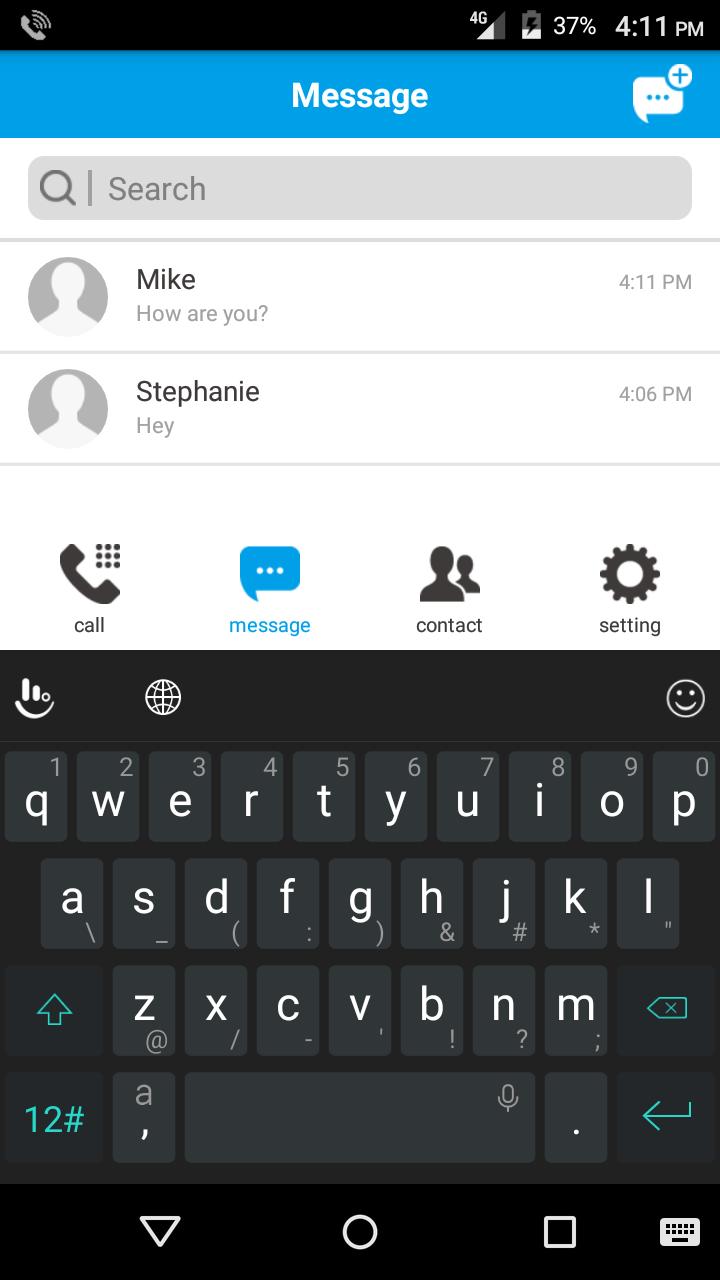
VoXHD is an IMS client/VoLTE calling application from ntel. The app was designed to allow ntel subscribers who have 4G/LTE devices that are supported on the ntel network, but do not own an ntel VoLTE phone, to experience the unique voice feature on cellular 4G. The app provides our customers with our crystal clear high definition Voice over LTE (VoLTE) service, Short Message Service (SMS over LTE) as well as other traditional features expected from a cellular voice service. With this app, our customers can make and receive HD voice calls, send and receive SMS on their ntel number, from any supported 4G device, everywhere within our coverage.
Compatibility
The ntel VoXHD app is currently compatible with devices running Android operating systems and supports versions from Android 4.x KitKat, Android 5.X and Android 6.X.
The ntel VoXHD is only compatible with ntel SIM cards and will not work on any other SIM cards.
Main Features
- User Friendly Interface
- Text Messaging
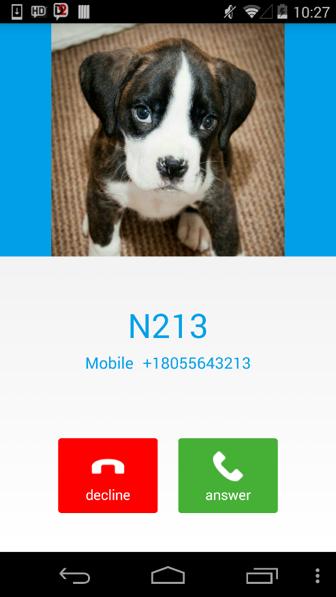
- HD Voice calls
- Contacts integration
ดูตัวอย่าง
ข้อมูล
นักพัฒนา
NatCom Development and Investment Limited
เวอร์ชั่นล่าสุด
1.0.0.132 Date: 2017-05-12
อัพเดทล่าสุด
2017-05-18
หมวดหมู่
การสื่อสาร
มีจำหน่ายที่
Google Play
แสดงมากขึ้น
วิธีเล่น ntel VOXHD ด้วย GameLoop บน PC
1. ดาวน์โหลด GameLoop จากเว็บไซต์ทางการ จากนั้นเรียกใช้ไฟล์ exe เพื่อติดตั้ง GameLoop
2. เปิด GameLoop และค้นหา "ntel VOXHD" ค้นหา ntel VOXHD ในผลการค้นหาแล้วคลิก "ติดตั้ง"
3. สนุกกับการเล่น ntel VOXHD บน GameLoop
Minimum requirements
OS
Windows 8.1 64-bit or Windows 10 64-bit
GPU
GTX 1050
CPU
i3-8300
Memory
8GB RAM
Storage
1GB available space
Recommended requirements
OS
Windows 8.1 64-bit or Windows 10 64-bit
GPU
GTX 1050
CPU
i3-9320
Memory
16GB RAM
Storage
1GB available space