
Anonymuch - The Private Messenger PC
MatchSticky.com
ดาวน์โหลด Anonymuch - The Private Messenger บนพีซีด้วย GameLoop Emulator
Anonymuch - The Private Messenger บน PC
Anonymuch - The Private Messenger มาจากผู้พัฒนา MatchSticky.com ที่เคยรันบนระบบปฏิบัติการ Android มาก่อน
ตอนนี้คุณสามารถเล่น Anonymuch - The Private Messenger บนพีซีด้วย GameLoop ได้อย่างราบรื่น
ดาวน์โหลดในไลบรารี GameLoop หรือผลการค้นหา ไม่ต้องสนใจแบตเตอรี่หรือโทรผิดเวลาอีกต่อไป
เพียงเพลิดเพลินกับ Anonymuch - The Private Messenger PC บนหน้าจอขนาดใหญ่ฟรี!
Anonymuch - The Private Messenger บทนำ
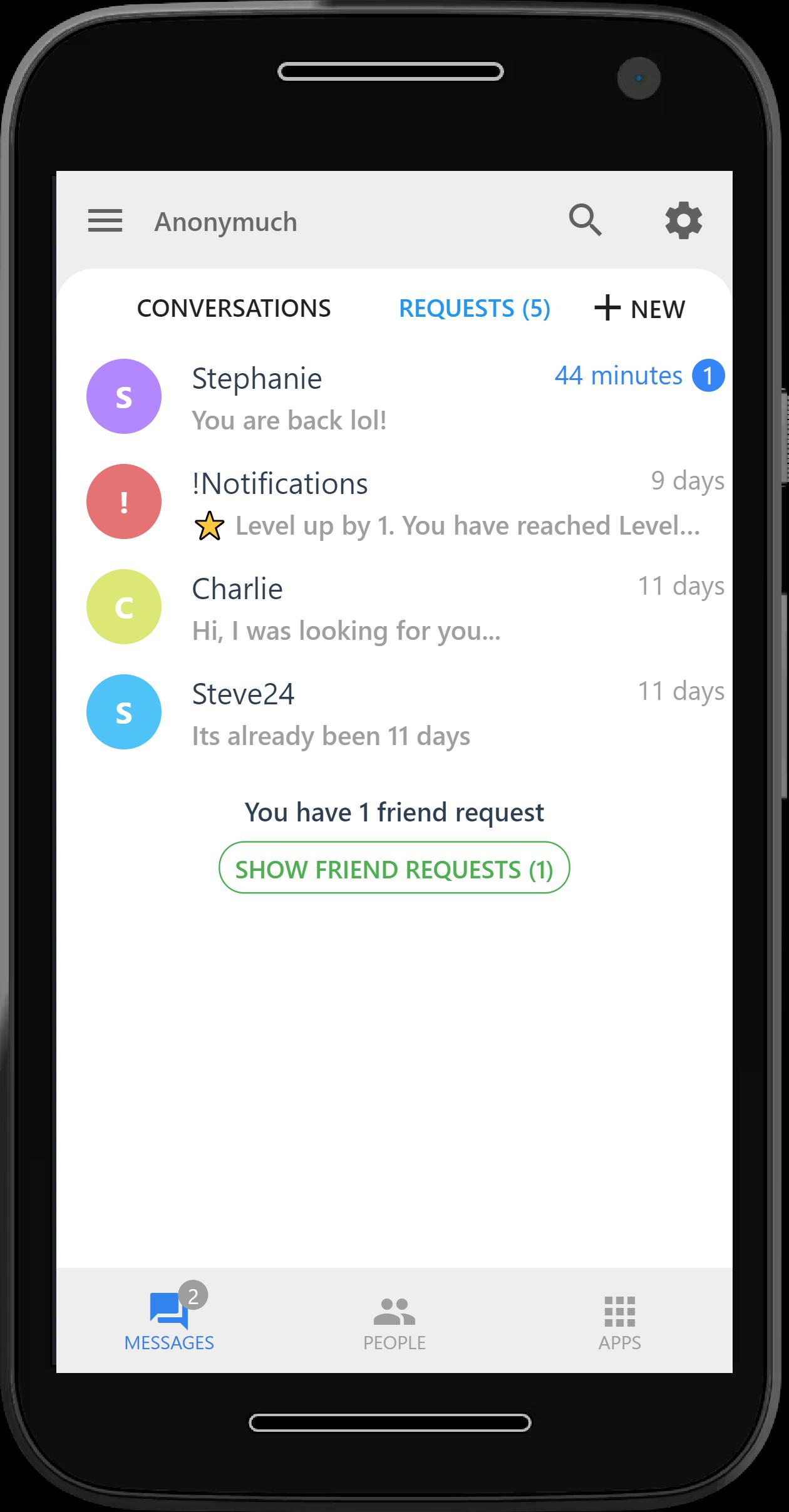
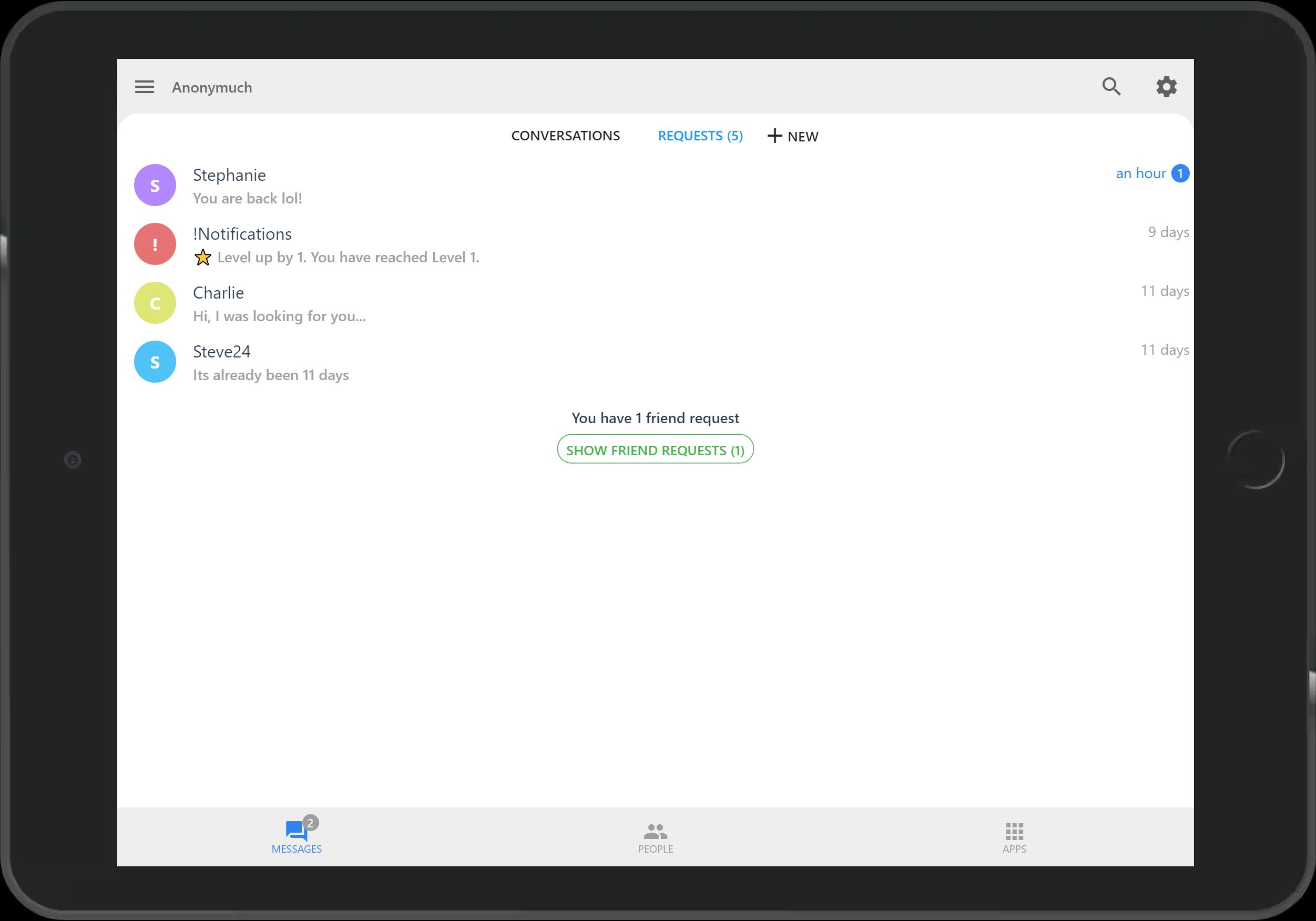
Easy to use private messaging app with video, voice calls and images.
EASE OF ACCESS
•Trying out this app is extremely easy. Easily begin by just choosing a username.
•Very easy to use navigation and familiar layout that you see on most messaging apps.
• Very easy to find someone by their username by clicking +New and type their username.
• Messages requests lets you know that you have messages pending.
• Friend requests lets you know that there are people looking for you.
• Finely tuned alert systems to let you know what's wrong and what can be done.
CHAT
• The chat has everything you need from regular messaging to video and voice calling to sharing images.
• Live messaging and notifications lets you keep in touch with your people(friends, family, groups) in the easiest way possible.
ดูตัวอย่าง
แท็ก
การสื่อสารข้อมูล
นักพัฒนา
MatchSticky.com
เวอร์ชั่นล่าสุด
2.1.5
อัพเดทล่าสุด
2021-07-04
หมวดหมู่
การสื่อสาร
มีจำหน่ายที่
Google Play
แสดงมากขึ้น
วิธีเล่น Anonymuch - The Private Messenger ด้วย GameLoop บน PC
1. ดาวน์โหลด GameLoop จากเว็บไซต์ทางการ จากนั้นเรียกใช้ไฟล์ exe เพื่อติดตั้ง GameLoop
2. เปิด GameLoop และค้นหา "Anonymuch - The Private Messenger" ค้นหา Anonymuch - The Private Messenger ในผลการค้นหาแล้วคลิก "ติดตั้ง"
3. สนุกกับการเล่น Anonymuch - The Private Messenger บน GameLoop
Minimum requirements
OS
Windows 8.1 64-bit or Windows 10 64-bit
GPU
GTX 1050
CPU
i3-8300
Memory
8GB RAM
Storage
1GB available space
Recommended requirements
OS
Windows 8.1 64-bit or Windows 10 64-bit
GPU
GTX 1050
CPU
i3-9320
Memory
16GB RAM
Storage
1GB available space