TimeTracker365 PC
Time Tracker 365
ดาวน์โหลด TimeTracker365 บนพีซีด้วย GameLoop Emulator
TimeTracker365 บน PC
TimeTracker365 มาจากผู้พัฒนา Time Tracker 365 ที่เคยรันบนระบบปฏิบัติการ Android มาก่อน
ตอนนี้คุณสามารถเล่น TimeTracker365 บนพีซีด้วย GameLoop ได้อย่างราบรื่น
ดาวน์โหลดในไลบรารี GameLoop หรือผลการค้นหา ไม่ต้องสนใจแบตเตอรี่หรือโทรผิดเวลาอีกต่อไป
เพียงเพลิดเพลินกับ TimeTracker365 PC บนหน้าจอขนาดใหญ่ฟรี!
TimeTracker365 บทนำ
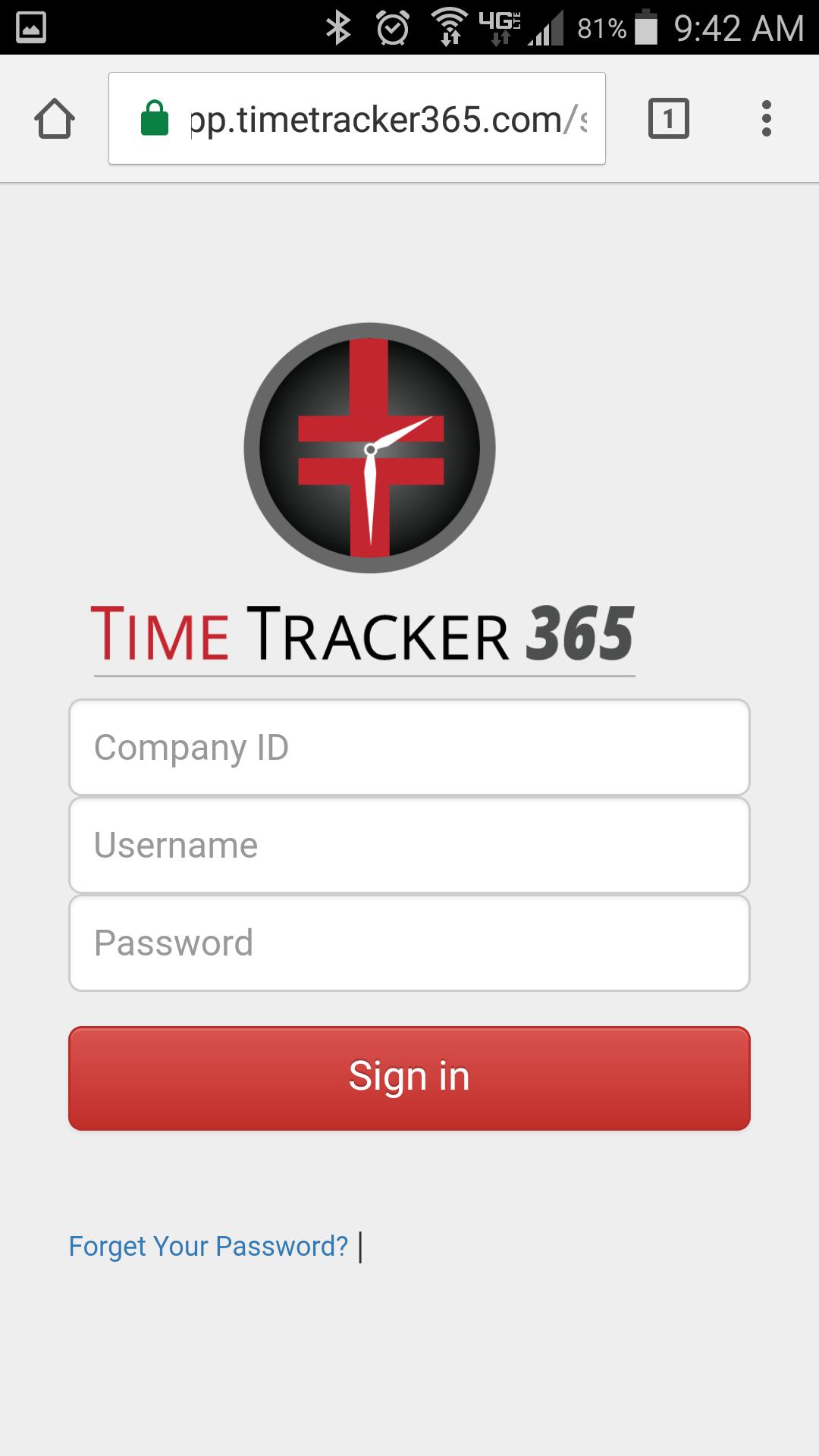
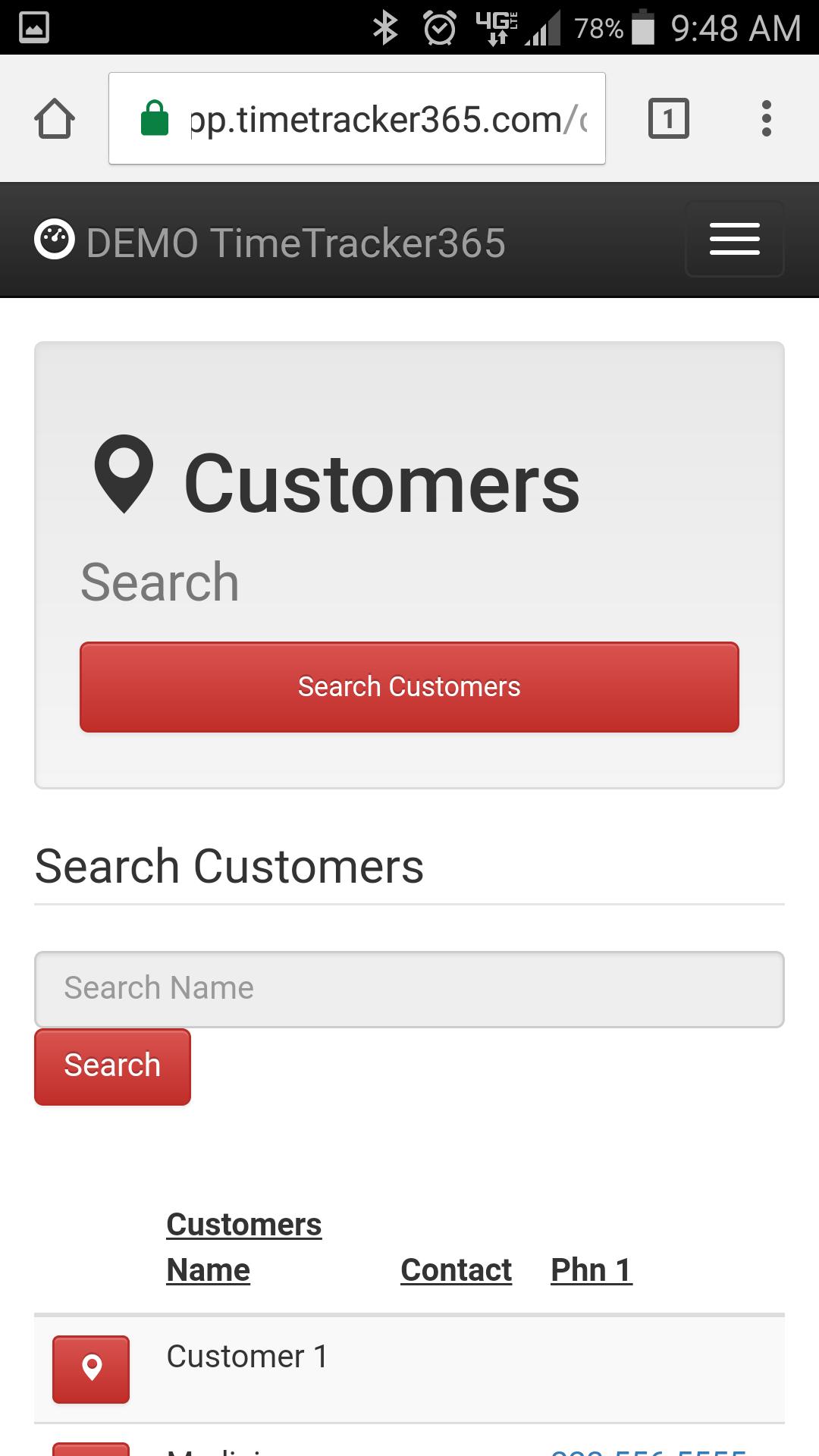
It All Starts With Time Keeping. Our online software will help you track employees times and so much more. Employees can clock in and out via a land line telephone or mobile app (GPS). You can create online schedules, collect applications, on boarding of new hire paperwork, data logging, event management, tickets and work orders, messaging systems and much more. You must have an existing TimeTracker365 account before you can use the app. Please go to www.timetracker365.com to signup for a business account. If you are an employee and your company uses time tracker you will need your company ID along with your use name and password assigned by your employer.
ดูตัวอย่าง
แท็ก
ธุรกิจข้อมูล
นักพัฒนา
Time Tracker 365
เวอร์ชั่นล่าสุด
1.0.0
อัพเดทล่าสุด
2017-03-02
หมวดหมู่
ธุรกิจ
มีจำหน่ายที่
Google Play
แสดงมากขึ้น
วิธีเล่น TimeTracker365 ด้วย GameLoop บน PC
1. ดาวน์โหลด GameLoop จากเว็บไซต์ทางการ จากนั้นเรียกใช้ไฟล์ exe เพื่อติดตั้ง GameLoop
2. เปิด GameLoop และค้นหา "TimeTracker365" ค้นหา TimeTracker365 ในผลการค้นหาแล้วคลิก "ติดตั้ง"
3. สนุกกับการเล่น TimeTracker365 บน GameLoop
Minimum requirements
OS
Windows 8.1 64-bit or Windows 10 64-bit
GPU
GTX 1050
CPU
i3-8300
Memory
8GB RAM
Storage
1GB available space
Recommended requirements
OS
Windows 8.1 64-bit or Windows 10 64-bit
GPU
GTX 1050
CPU
i3-9320
Memory
16GB RAM
Storage
1GB available space