
Streamon PC
Streamon Technologies
ดาวน์โหลด Streamon บนพีซีด้วย GameLoop Emulator
Streamon บน PC
Streamon มาจากผู้พัฒนา Streamon Technologies ที่เคยรันบนระบบปฏิบัติการ Android มาก่อน
ตอนนี้คุณสามารถเล่น Streamon บนพีซีด้วย GameLoop ได้อย่างราบรื่น
ดาวน์โหลดในไลบรารี GameLoop หรือผลการค้นหา ไม่ต้องสนใจแบตเตอรี่หรือโทรผิดเวลาอีกต่อไป
เพียงเพลิดเพลินกับ Streamon PC บนหน้าจอขนาดใหญ่ฟรี!
Streamon บทนำ
FEATURES:
• Advance slides and animations (capability available to both Presenters and Hosts) (B)
• Start and end meetings (B)
• Converse via telephone conference (if available) or VoIP (B)
• Invite others to the meeting
• Start, stop and manage meeting audio (B)
• Start and stop recordings
• Accept or deny guests from entering meetings (B)
• Enable or disable participant’s ability to broadcast their cameras and audio (VoIP) (B)
• Multi-point video conferencing; 2 live cameras, and unlimited cameras cycled through live / paused feeds (B)
• Promote or demote user roles to and from Host, Presenter, and Participant (B)
• Remove users from meetings (B)
• Control all active pods (B)
• Switch between layouts in the meeting room
• Share content from share history (B)
• Share content from Adobe Connect content library
• Share content from local device photo library
• Start and stop content and screen sharing (B)
• Use drawing tools (pencil, highlighter, shapes) on whiteboard and on top of shared files
• Create and edit content in the Notes pod (B)
• View all activity happening in the meeting at once (B)
• View meeting background imagery, enabling personalization and branding (B)
• Focus on an activity to enter input in Public Chat, Private Chat, and Polls (B)
• Use emoticons: Raise Hand, Agree / Disagree (B)
• Use additional emoticons: Speak Louder / Speak Softer, Speed Up / Slow Down, Laughter, Applause
• Stepped away indication appears when multi-tasking away from app
• Device phone number detected and populated when joining audio (N America phone prefixes only)
• Participate in breakout rooms
• Share, control, and interact with Adobe Presenter presentations ('Content') and quizzes within Meetings, Virtual Classrooms, and Seminars (B)
• Control and interact with Adobe Presenter Courses ('Courses') and quizzes, including interaction tracking and quiz scoring to the Training system, from Virtual Classrooms (B)
• Connect via WiFi, 3G or 4G connection (B)
ดูตัวอย่าง
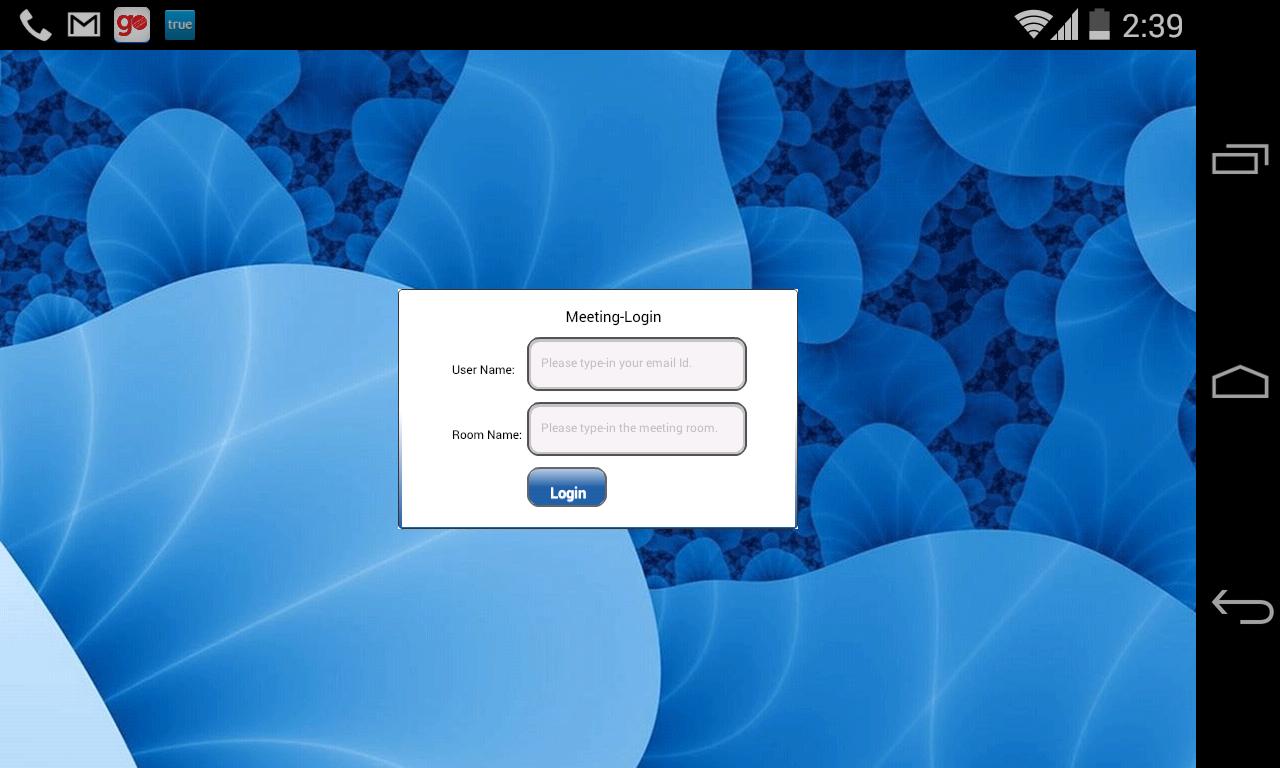
ข้อมูล
นักพัฒนา
Streamon Technologies
เวอร์ชั่นล่าสุด
1.0.0
อัพเดทล่าสุด
2014-08-09
หมวดหมู่
ธุรกิจ
มีจำหน่ายที่
Google Play
แสดงมากขึ้น
วิธีเล่น Streamon ด้วย GameLoop บน PC
1. ดาวน์โหลด GameLoop จากเว็บไซต์ทางการ จากนั้นเรียกใช้ไฟล์ exe เพื่อติดตั้ง GameLoop
2. เปิด GameLoop และค้นหา "Streamon" ค้นหา Streamon ในผลการค้นหาแล้วคลิก "ติดตั้ง"
3. สนุกกับการเล่น Streamon บน GameLoop
Minimum requirements
OS
Windows 8.1 64-bit or Windows 10 64-bit
GPU
GTX 1050
CPU
i3-8300
Memory
8GB RAM
Storage
1GB available space
Recommended requirements
OS
Windows 8.1 64-bit or Windows 10 64-bit
GPU
GTX 1050
CPU
i3-9320
Memory
16GB RAM
Storage
1GB available space